Windows.
Windows guides, troubleshooting solutions, useful settings and practical PC tips.
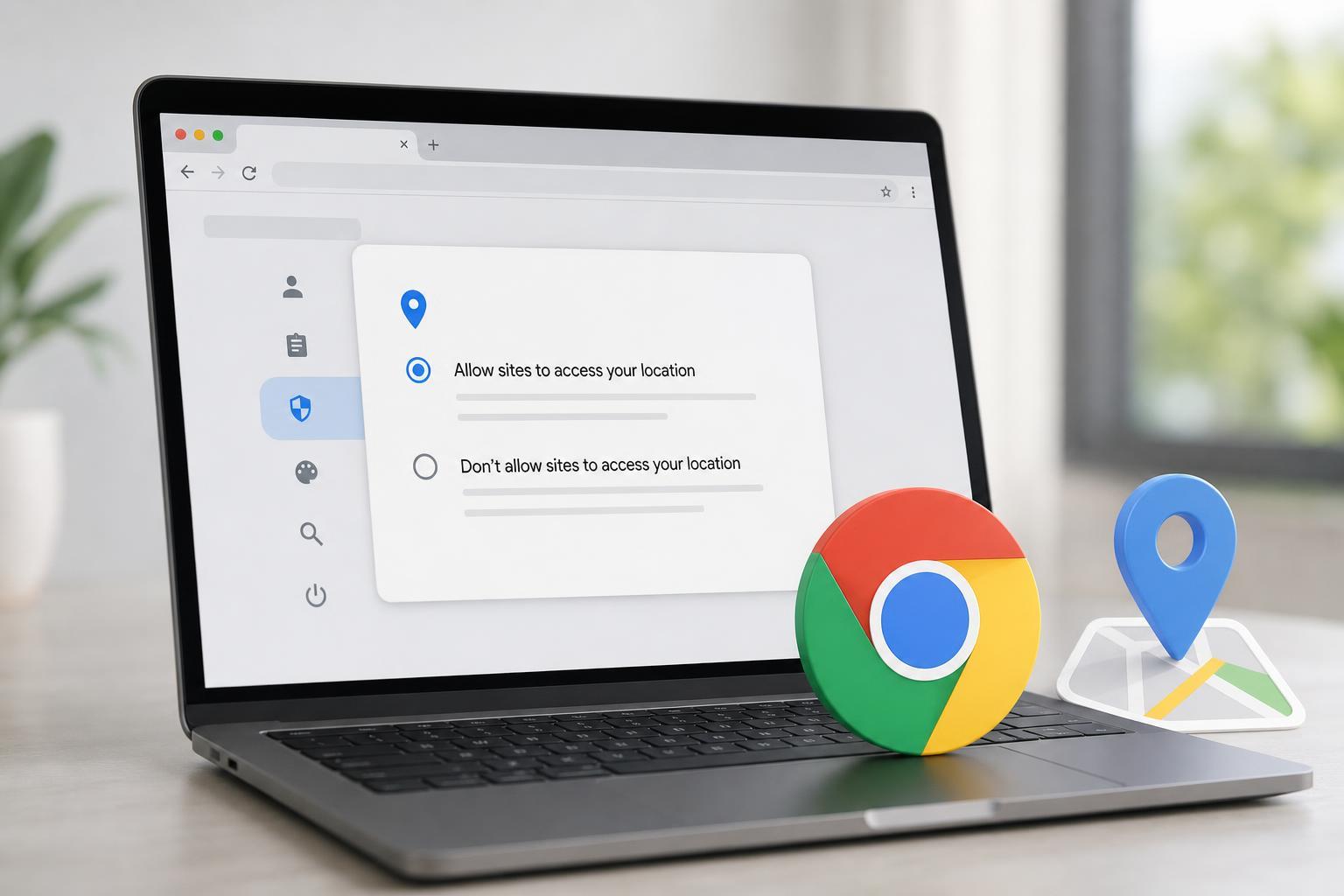
How to Turn Location Access On or Off for Google Chrome
Learn how to enable or disable location permission for Google Chrome on Windows, Mac, Android, and iPhone, plus how to manage site-specific location access.
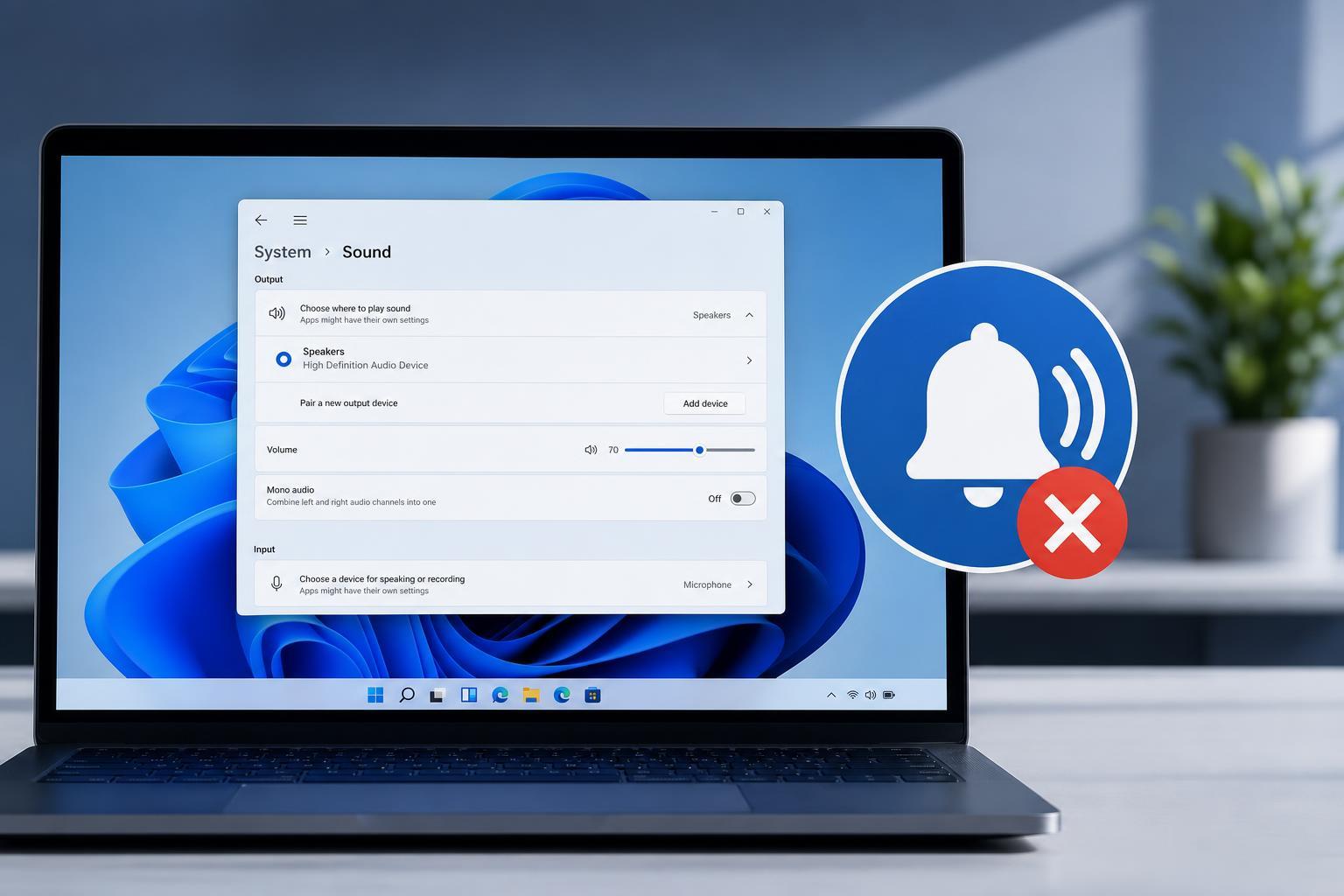
3 Fixes for Notification Sounds Not Working in Windows 11
Learn three practical ways to fix missing notification sounds in Windows 11, including sound settings, app notifications, and device output checks.
Fixing the “Try Connecting Your Device” Bluetooth Error in Windows 11
Learn how to fix the Windows 11 Bluetooth error that says “Try connecting your device,” including common causes, practical troubleshooting steps, and when to reinstall drivers or re-pair devices.
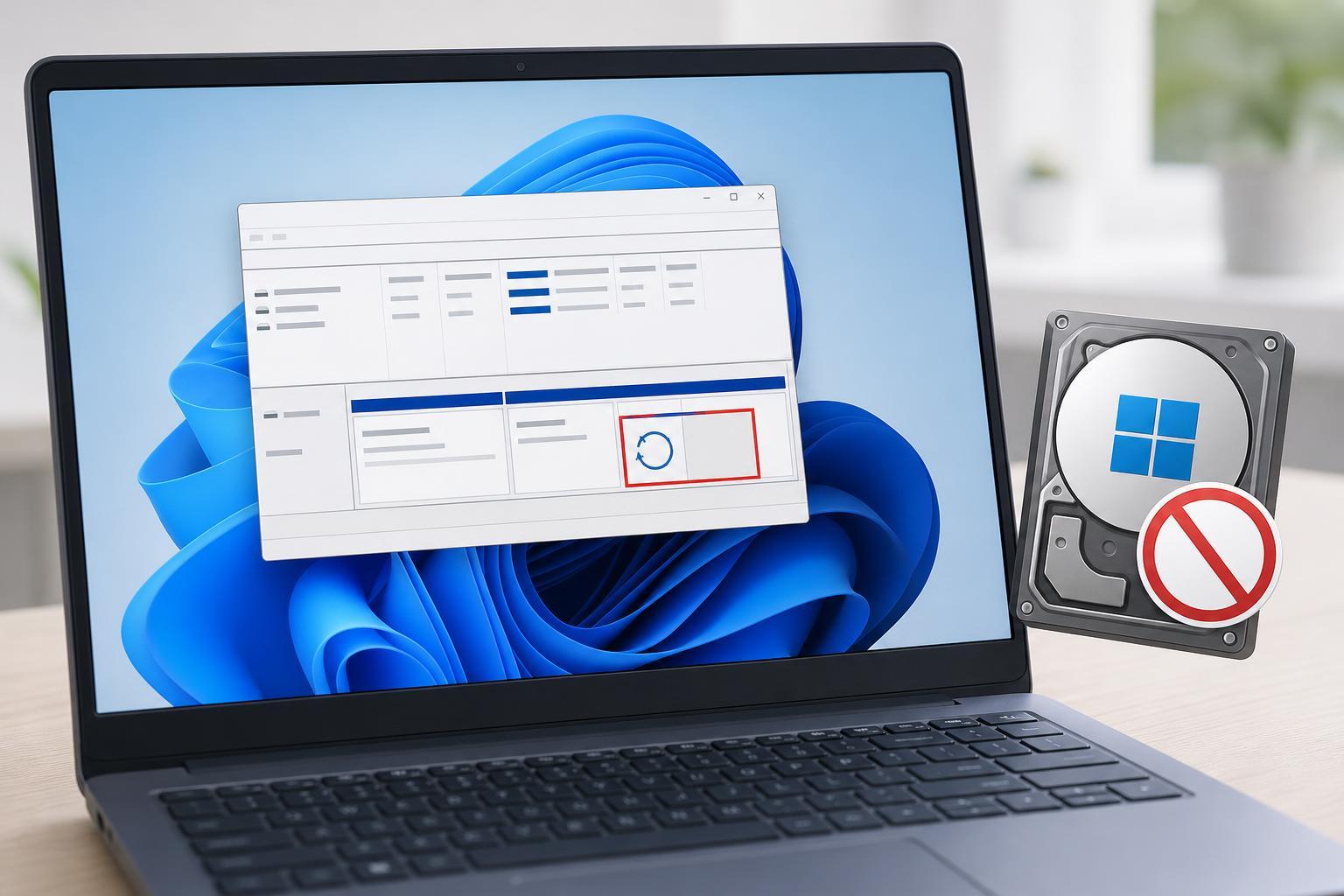
How to Stop Windows 11 from Assigning a Drive Letter to the Recovery Partition
Learn why Windows 11 may give a drive letter to the Recovery partition and how to remove it safely using Disk Management, DiskPart, and partition protection settings.
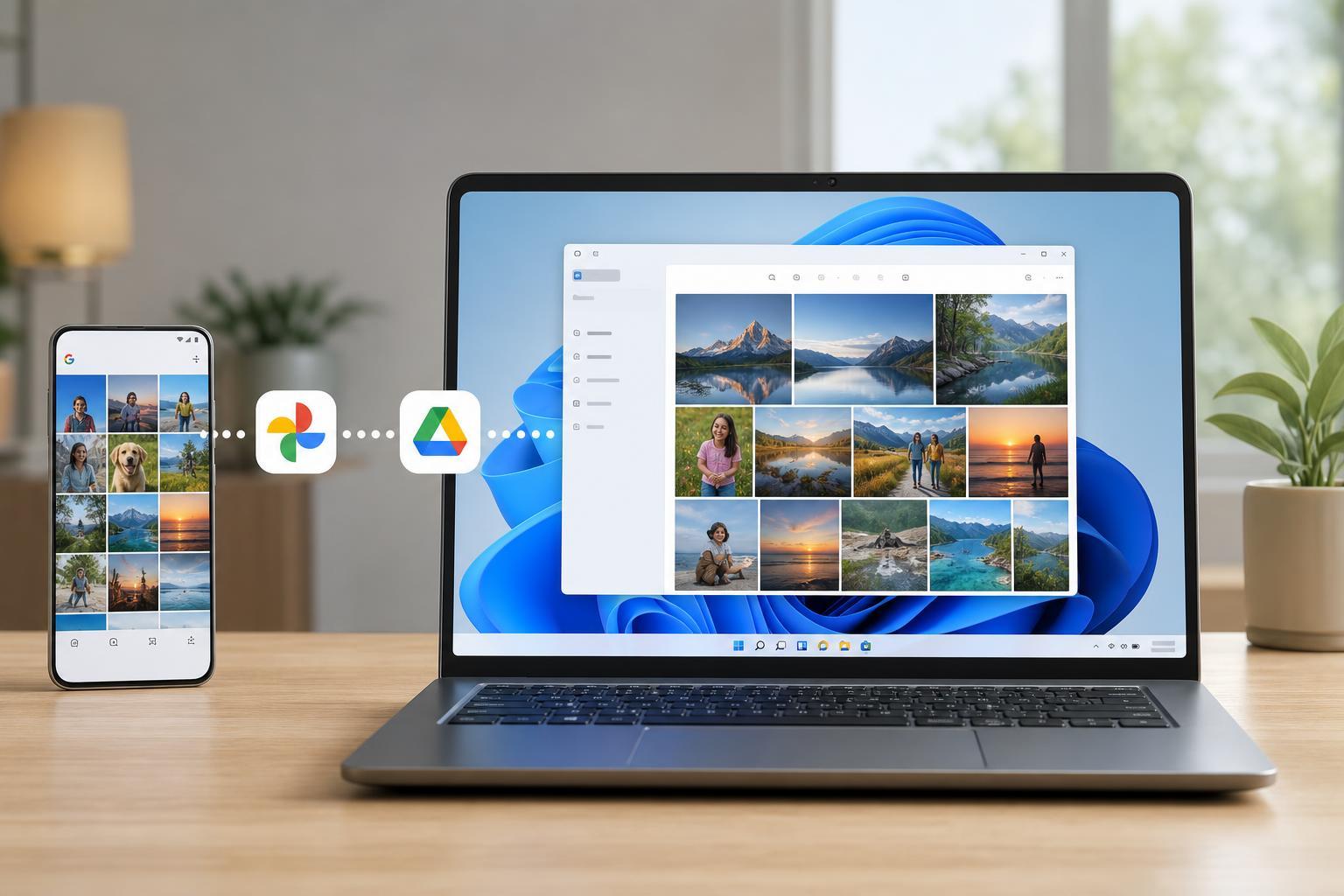
Sync Google Photos to the Windows 11 Photos App Using Google Drive
Learn how to connect Google Photos with the Windows 11 Photos app through Google Drive, what the setup can and cannot do, and how to manage syncing and photo access on your PC.
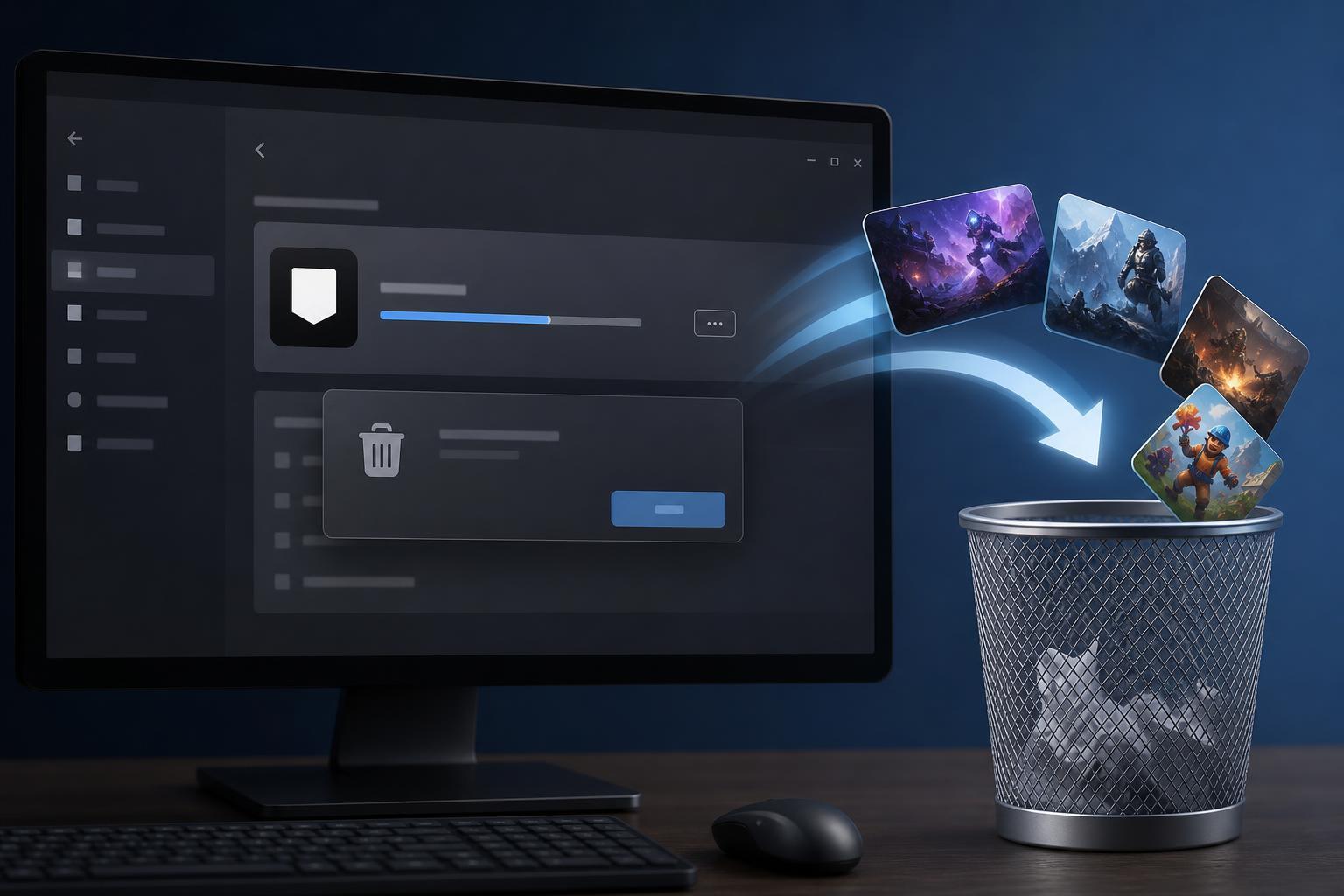
Removing Epic Games Launcher and Your Installed Epic Games
Learn how to uninstall Epic Games Launcher on Windows and remove games installed through it, including the safest ways to free up space and clean up leftover files.
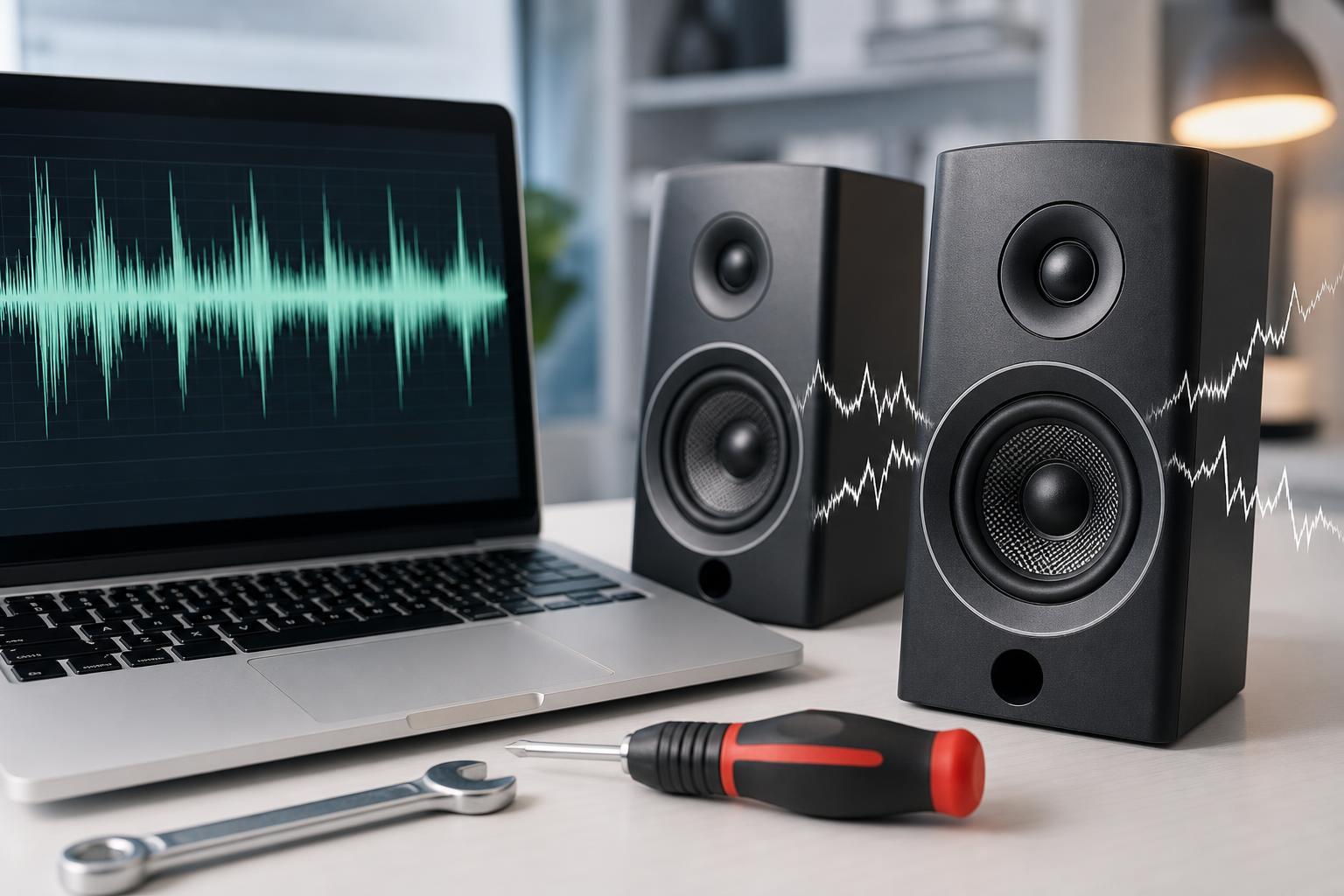
How to Fix Buzzing Sounds Coming From Computer or Laptop Speakers
Learn the most common reasons computer or laptop speakers buzz and the practical fixes to try, from cable checks and sound settings to driver and hardware troubleshooting.
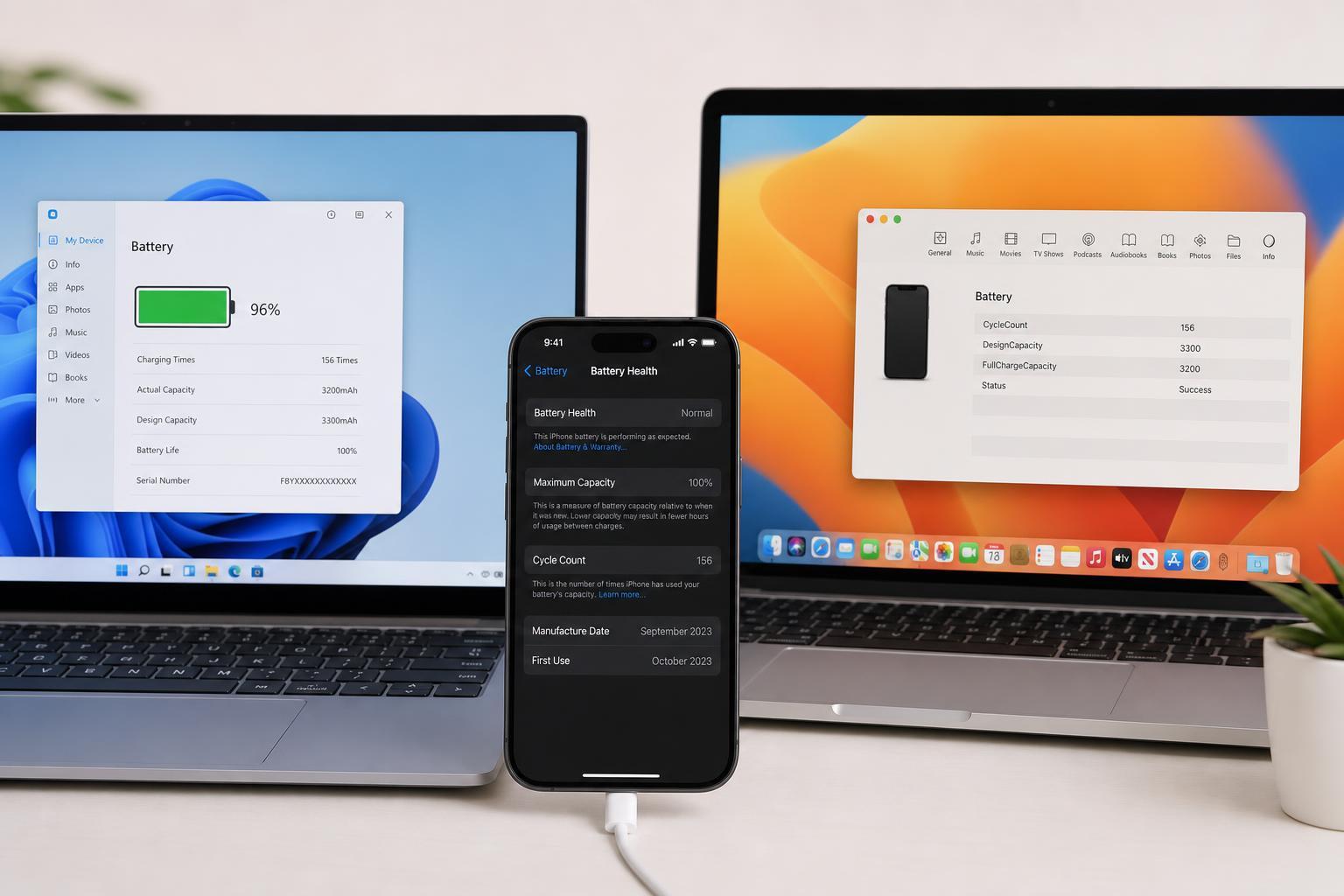
3 Easy Ways to Check iPhone Battery Cycle Count on Windows and Mac
Learn three practical ways to check your iPhone battery cycle count using Windows or Mac, including built-in tools, device reports, and third-party apps.
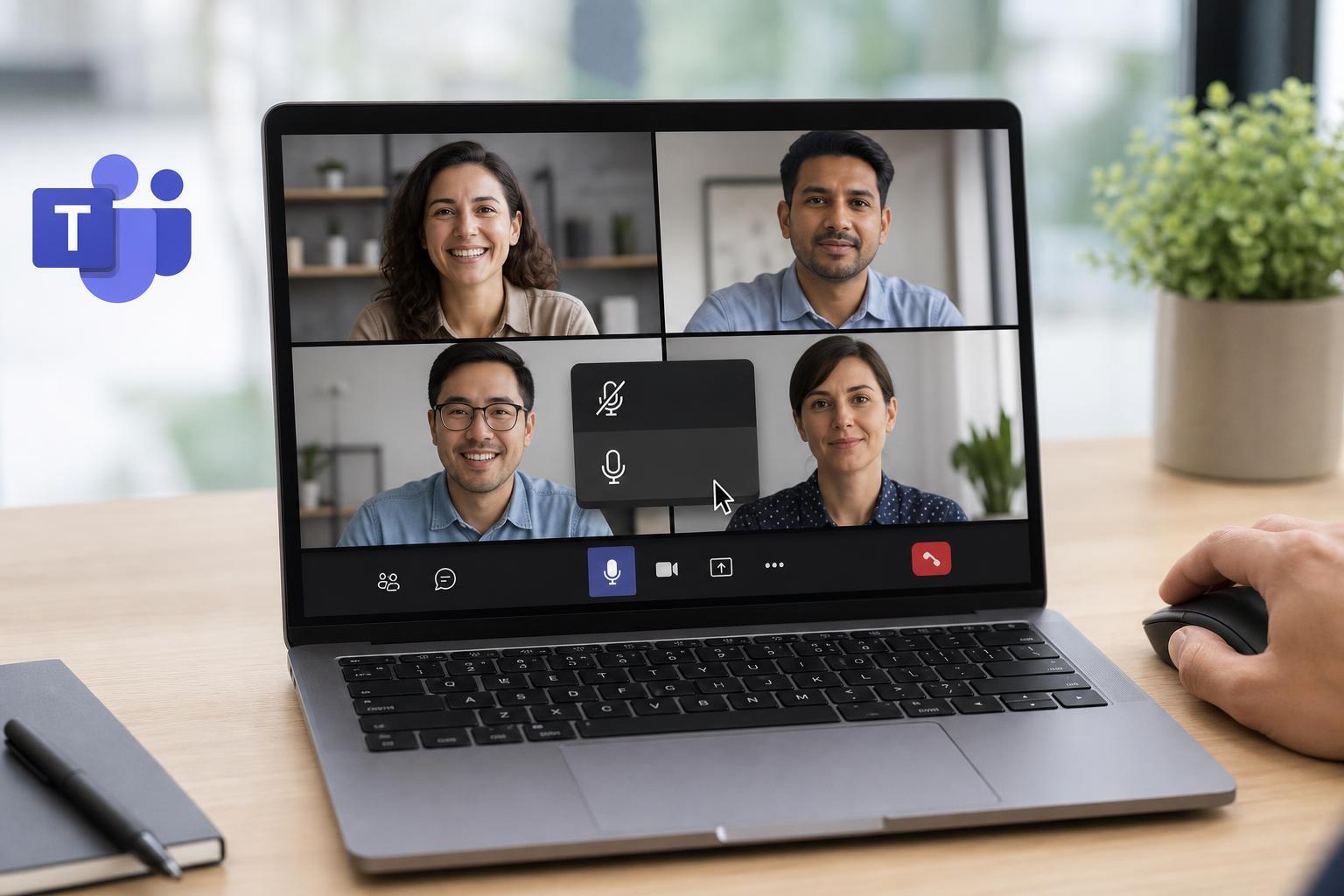
Muting and Unmuting Participants in Microsoft Teams: A Step-by-Step Guide
Learn how to mute and unmute participants in Microsoft Teams meetings, when you can use each option, and what to do if the controls are not available.
5 Fixes for Slow Download Speeds in Windows 11
Learn five practical ways to improve slow download speeds on Windows 11, from checking network issues and settings to updating drivers and adjusting bandwidth limits.
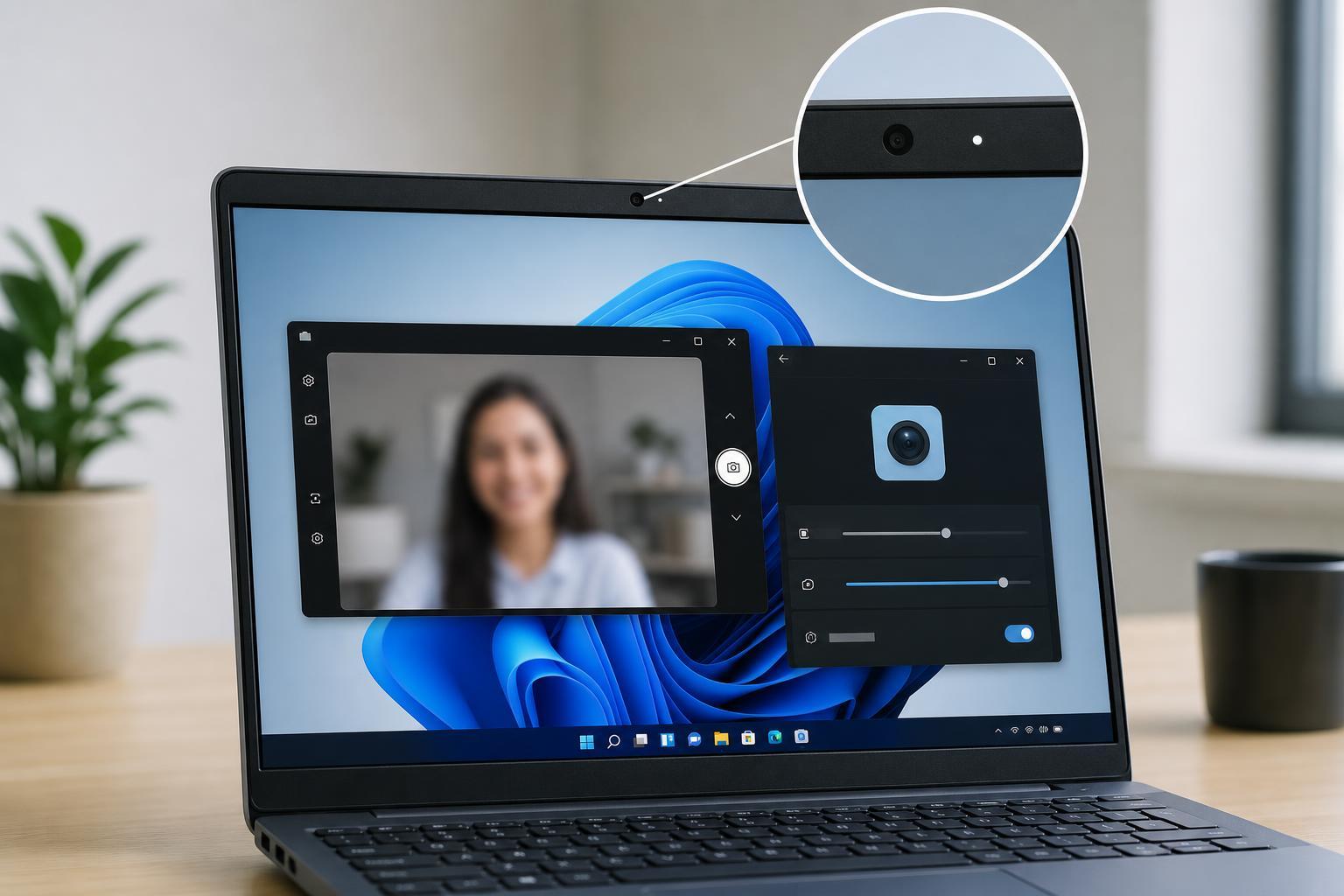
Fixing a Blurry Webcam or Laptop Camera in Windows 11
Learn how to troubleshoot a blurry webcam or laptop camera in Windows 11, including focus issues, dirty lenses, app settings, driver problems, lighting, and hardware checks.
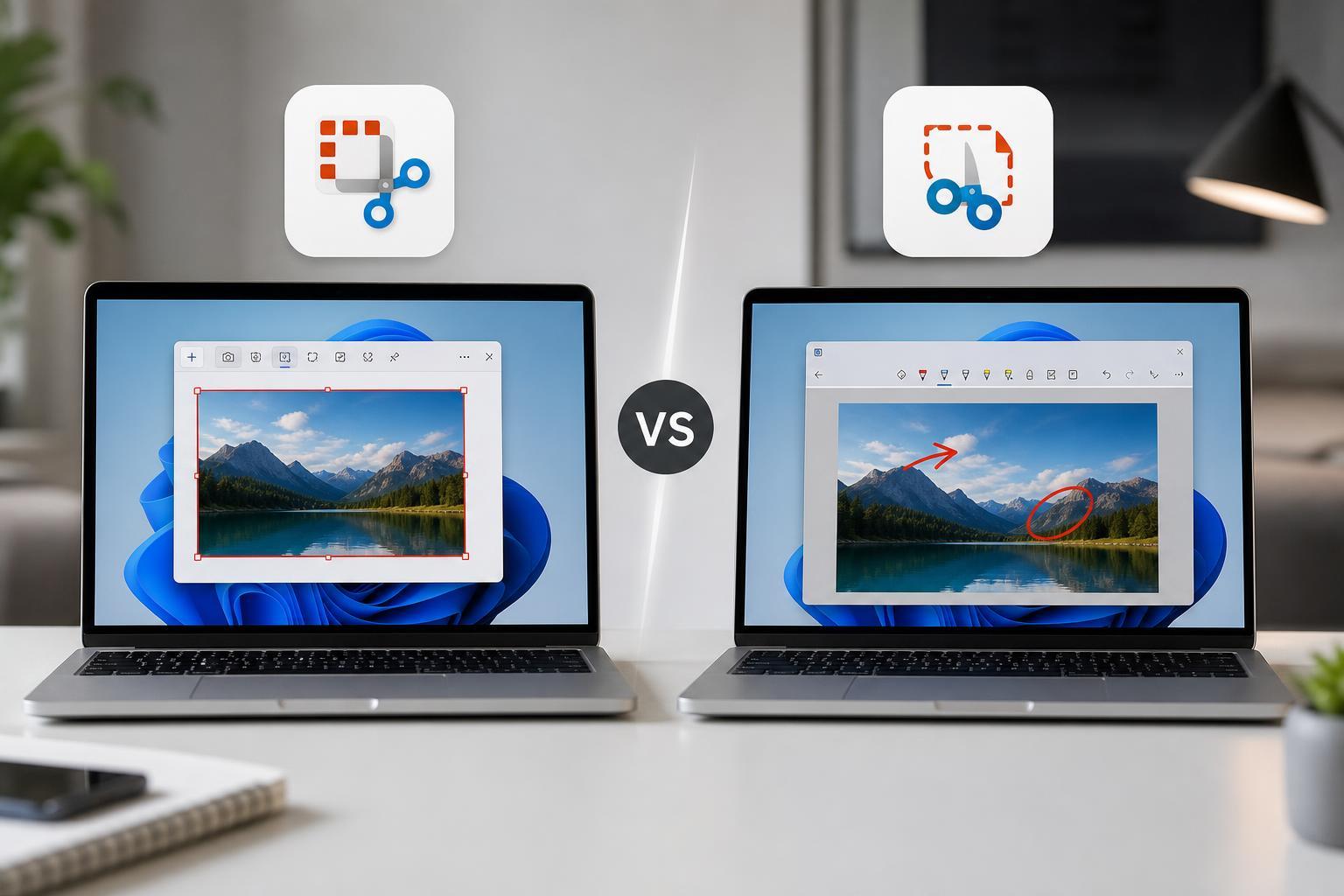
Snipping Tool vs Snip & Sketch: What’s the Difference?
Learn how Snipping Tool and Snip & Sketch differ in Windows, including features, shortcuts, editing tools, and which app to use for screenshots and screen annotations.