Windows.
Windows guides, troubleshooting solutions, useful settings and practical PC tips.
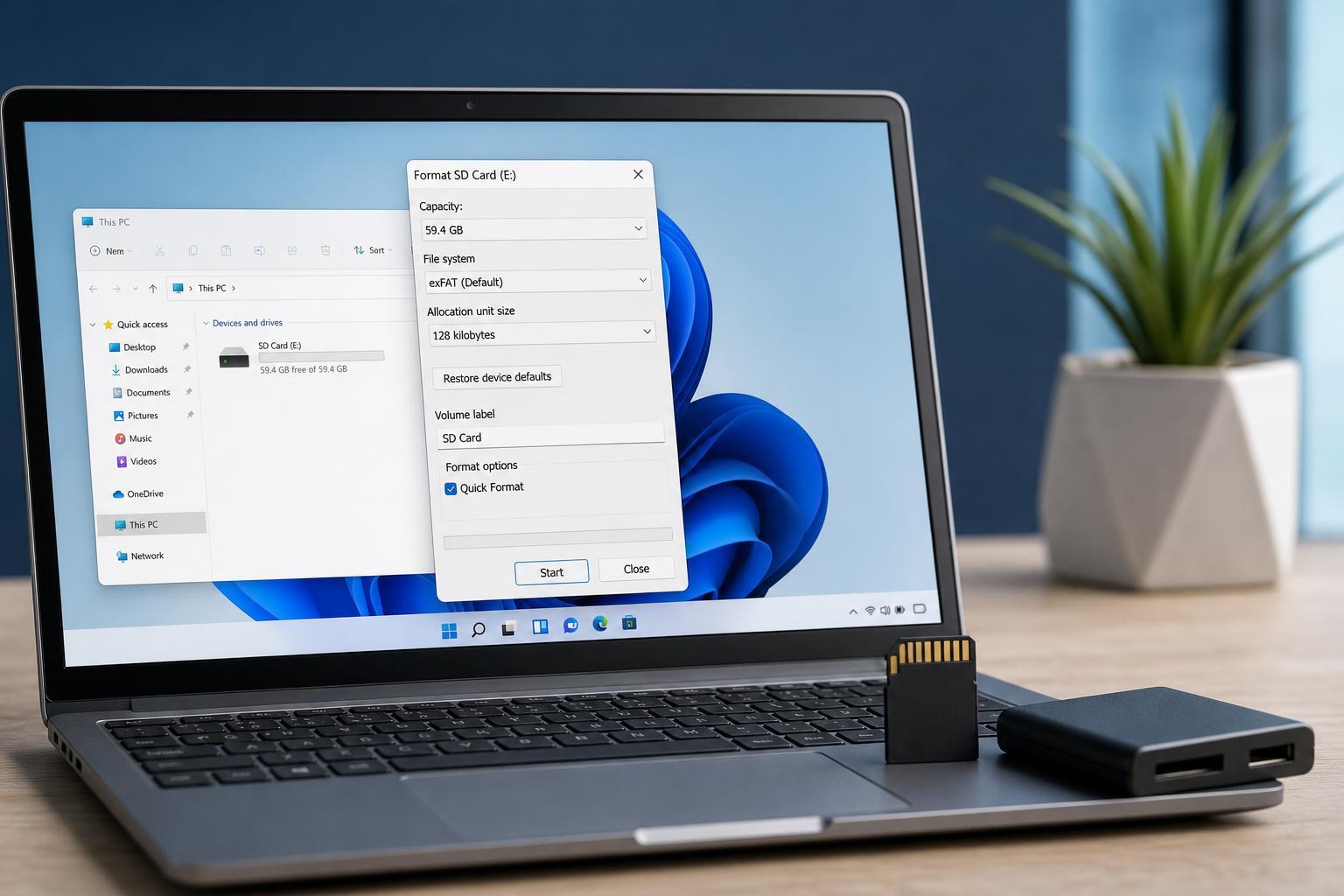
5 Simple Ways to Format an SD Card in Windows 11
Learn five reliable ways to format an SD card on Windows 11, including File Explorer, Disk Management, Settings, Diskpart, and third-party tools, plus when each method is best.
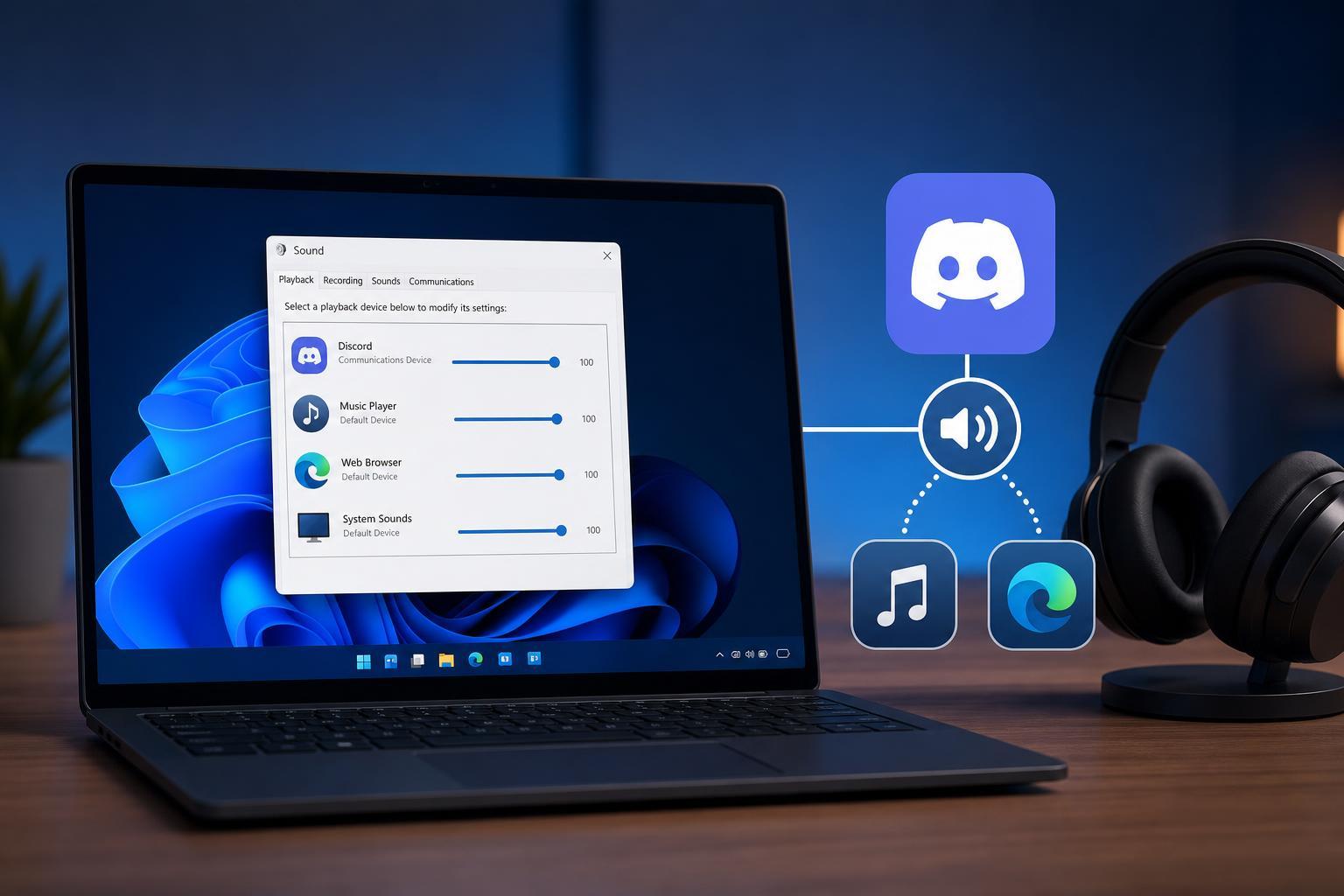
How to Prevent Discord From Turning Down Other Apps’ Volume on Windows
Learn why Discord lowers the volume of other apps on Windows and how to stop it by changing Windows communication settings, Discord audio options, and related system settings.
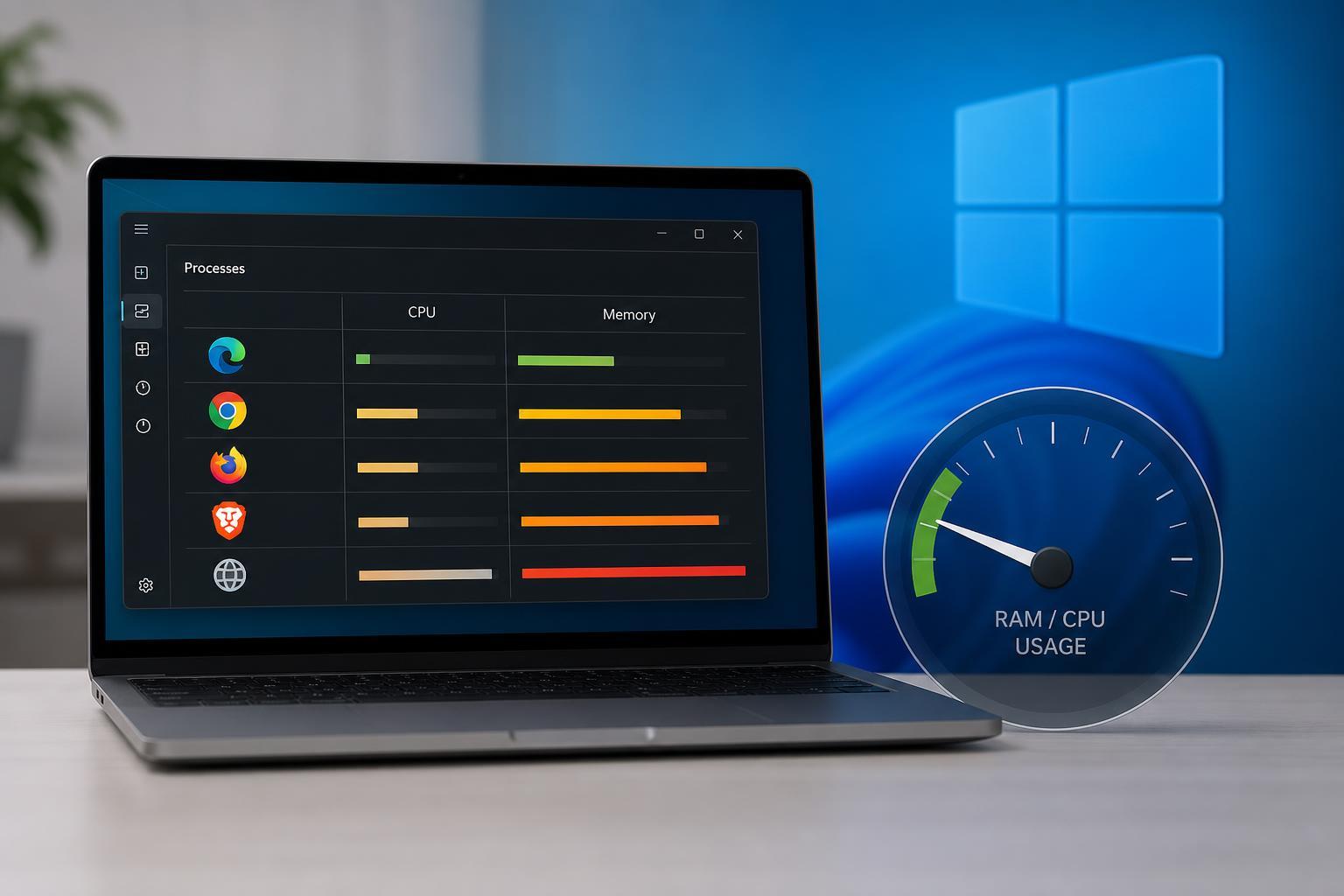
Which Windows Browser Uses the Least RAM and CPU?
Learn which browsers usually use the least RAM and CPU on Windows, what affects browser resource usage, and how to choose the best option for your PC.
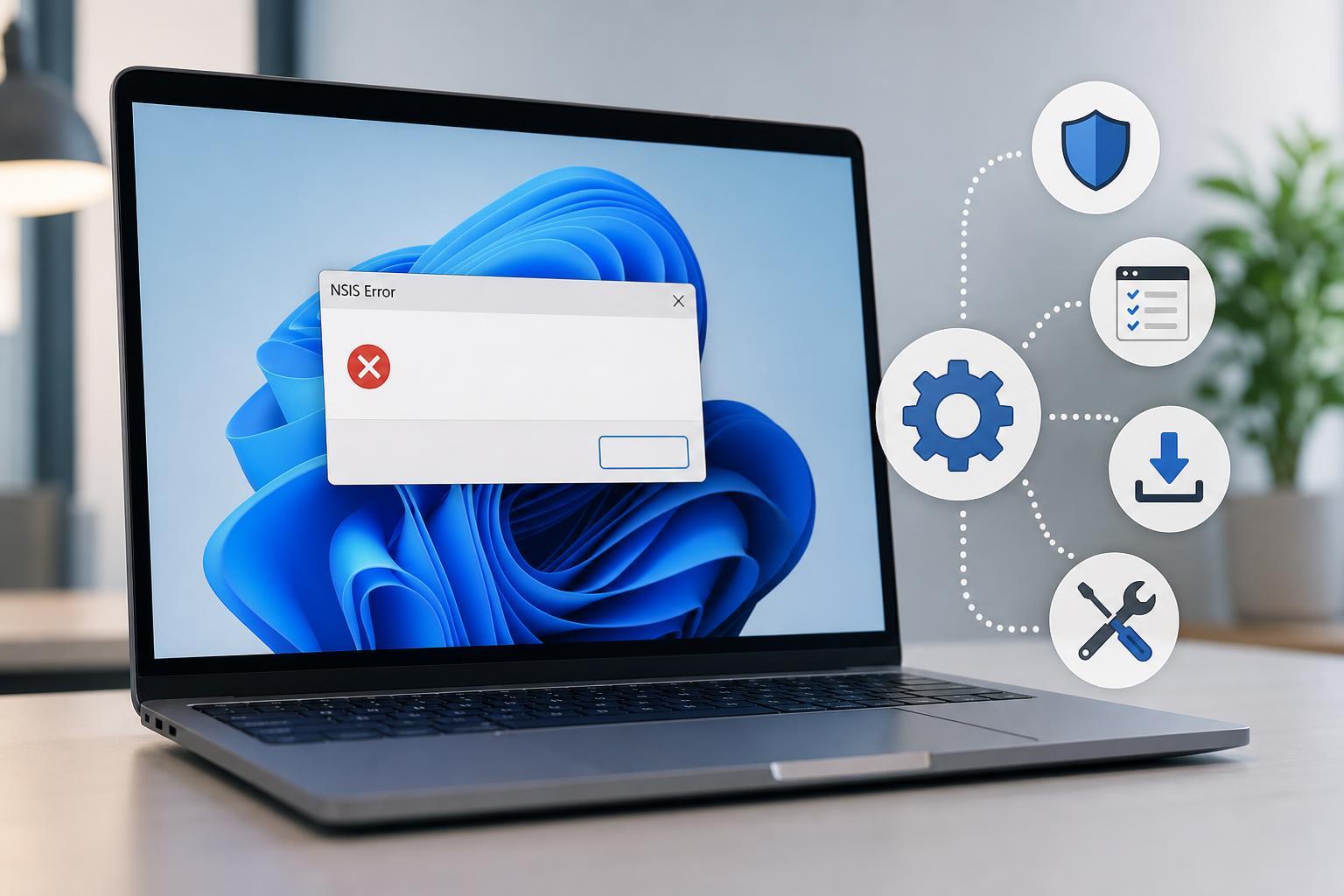
4 Ways to Fix the NSIS “Error Launching Installer” in Windows
Learn four practical ways to fix the NSIS “Error Launching Installer” problem in Windows, including download issues, path problems, antivirus interference, and file corruption.
How to Fix a Mouse Left Click That Stops Working in Windows
Learn how to troubleshoot and fix a mouse left click that does not work in Windows, including software settings, driver issues, hardware problems, and quick checks to isolate the cause.
5 Ways to Fix Microsoft Word When It Gets Stuck Saving
Learn five practical ways to fix Microsoft Word when it freezes or hangs on Saving, including document checks, add-in issues, file location problems, and repair steps.
How to Fix Microsoft Account Sign-In Problems in Windows 11
Learn three practical fixes for when Windows 11 won’t let you sign in with a Microsoft account, including password checks, network troubleshooting, and local account recovery options.
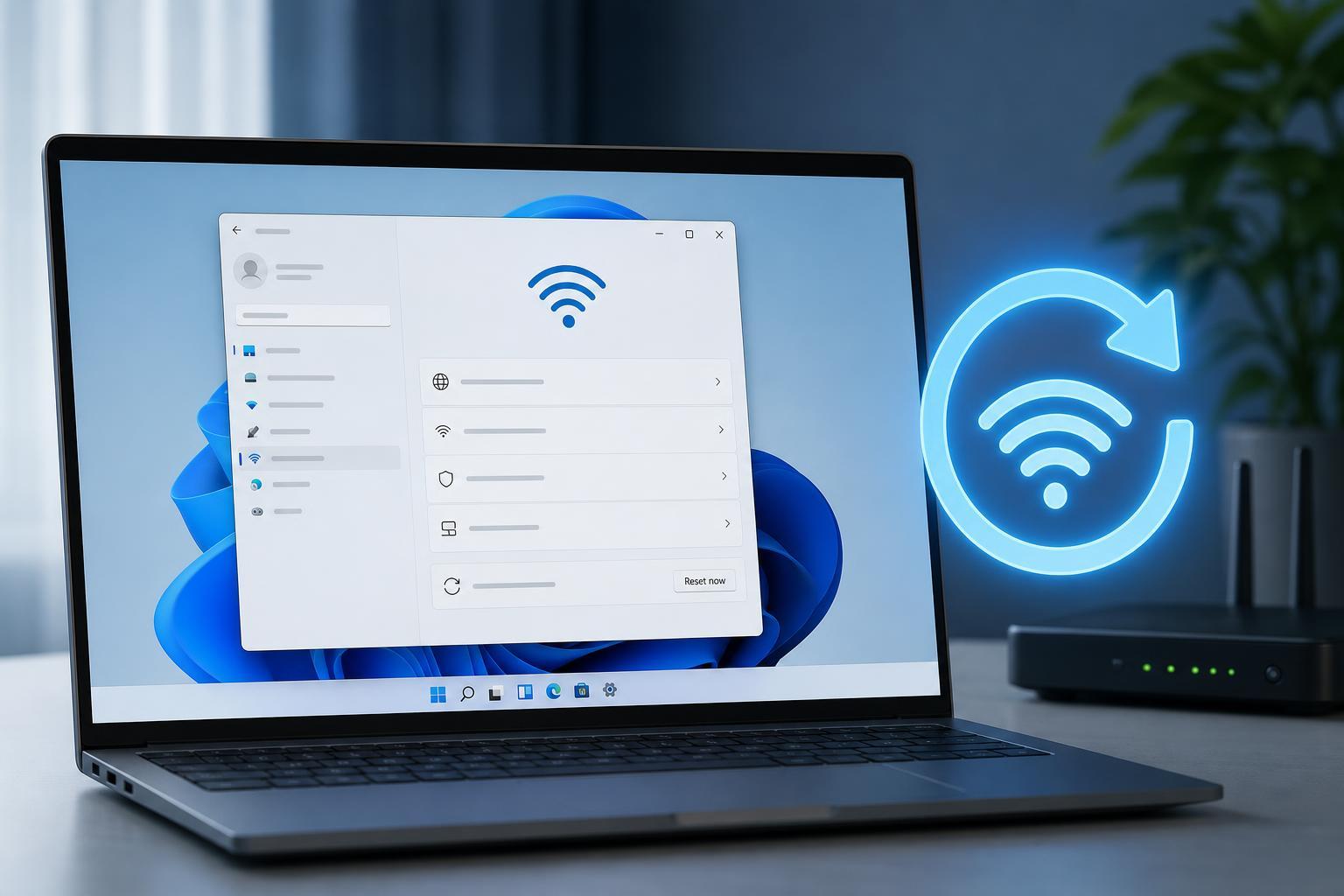
Resetting Network Settings in Windows 11: What It Does and How to Do It
Learn how to reset network settings in Windows 11, what the reset removes, when to use it, and what to do after the reset so you can reconnect to Wi‑Fi or Ethernet.
5 Practical Fixes for the ‘We Can’t Create a Recovery Drive’ Error in Windows 11
Learn why Windows 11 may show the ‘We can’t create a recovery drive’ error and how to fix it with practical steps, including USB checks, system file repairs, and recovery partition workarounds.
4 Ways to Fix the “Location Is Not Available” Error in Windows 11
Learn four practical ways to fix the “Location Is Not Available” error in Windows 11, including drive checks, folder path fixes, and file system repair steps.
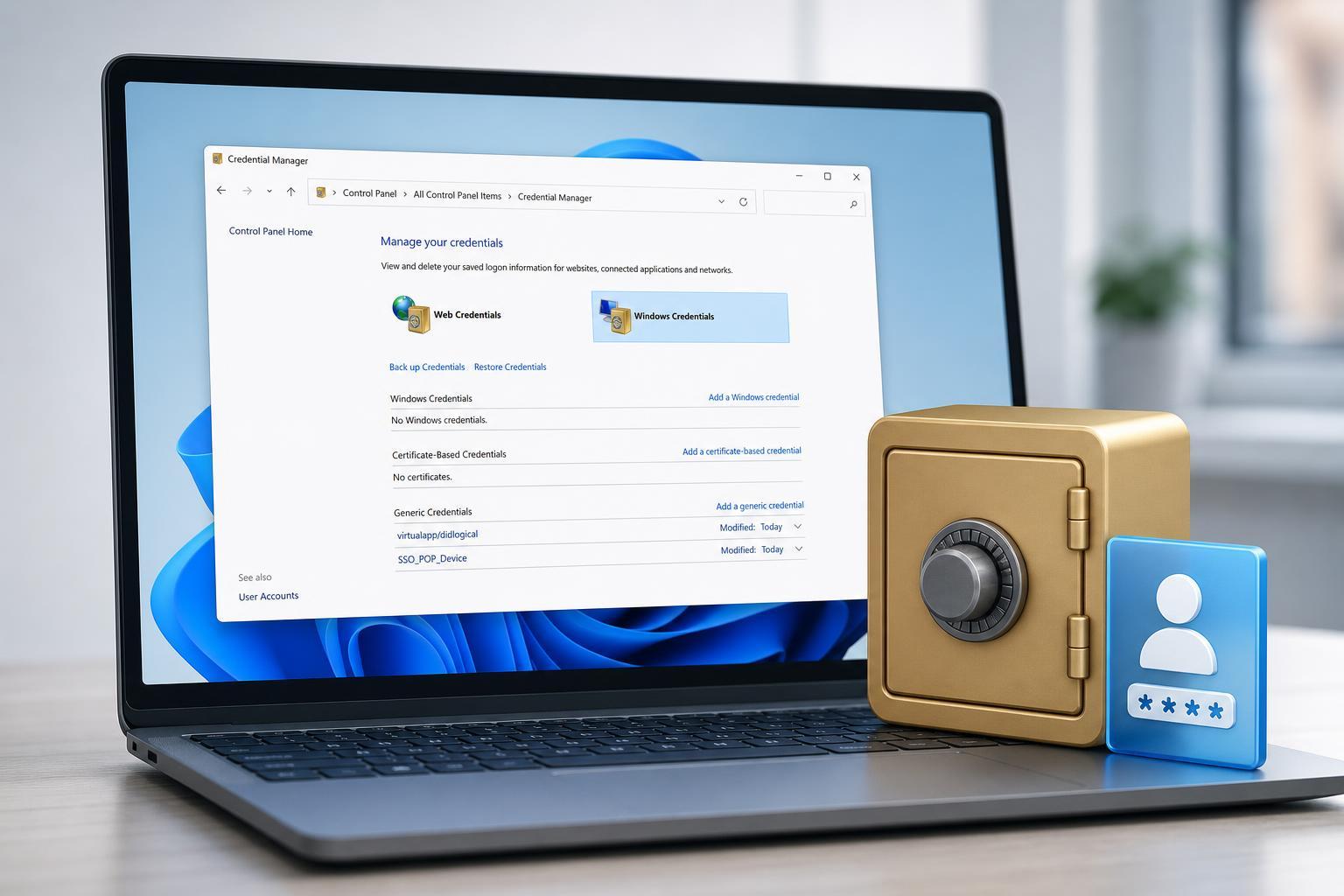
How to Open and Use Credential Manager in Windows 10 and 11
Learn how to find Credential Manager in Windows 10 and Windows 11, what it stores, and how to add, view, edit, and remove saved Windows and web credentials.
3 Ways to Fix a USB Drive That Shows No Files or Folders in Windows 11
Learn three practical ways to fix a USB drive that appears empty in Windows 11, including visibility settings, file system checks, and command-line repair steps.