Windows.
Windows guides, troubleshooting solutions, useful settings and practical PC tips.
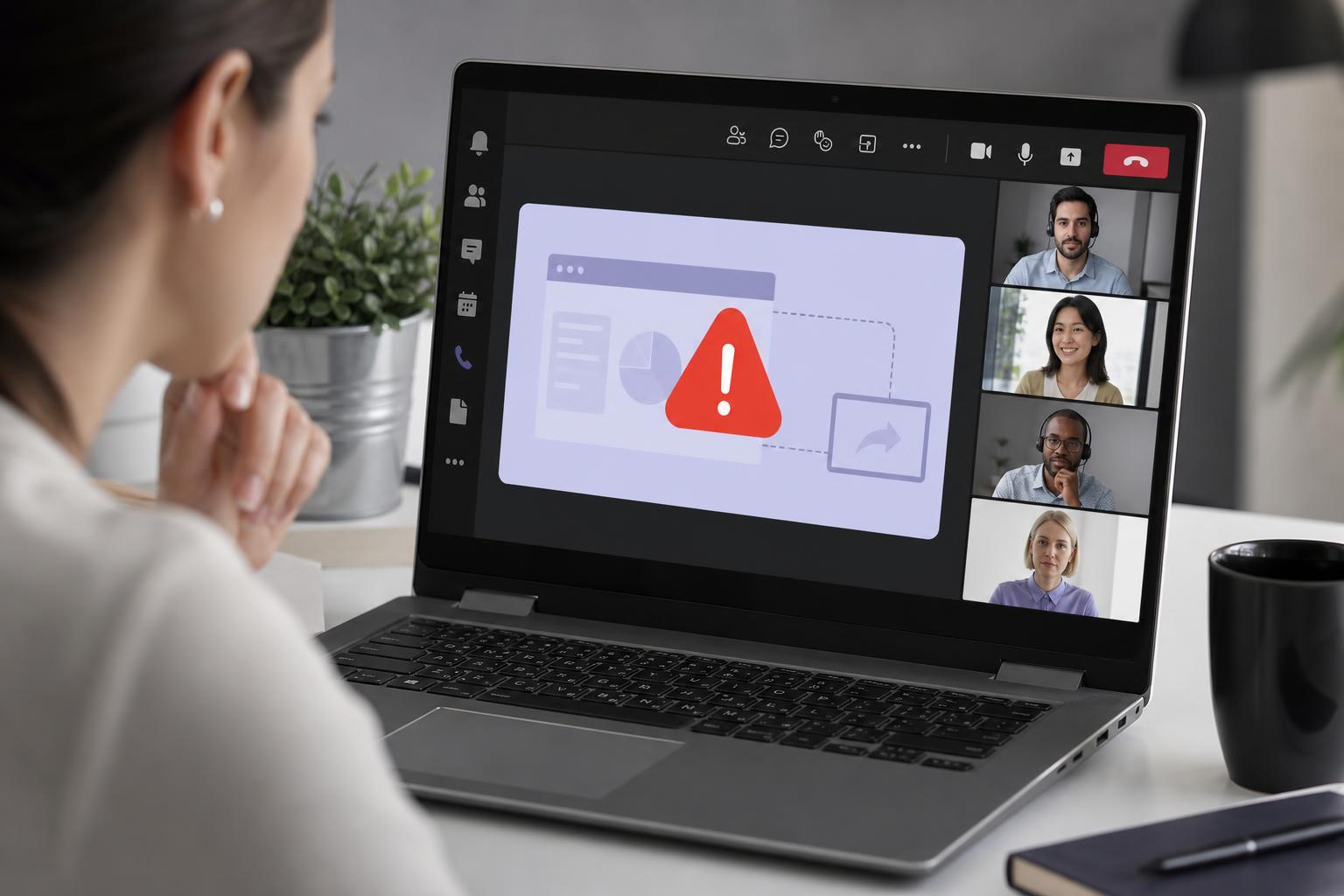
7 Best Ways to Fix Microsoft Teams Screen Sharing Problems
Learn seven practical ways to fix Microsoft Teams when screen sharing does not work, including permission checks, app settings, driver issues, and common Windows fixes.
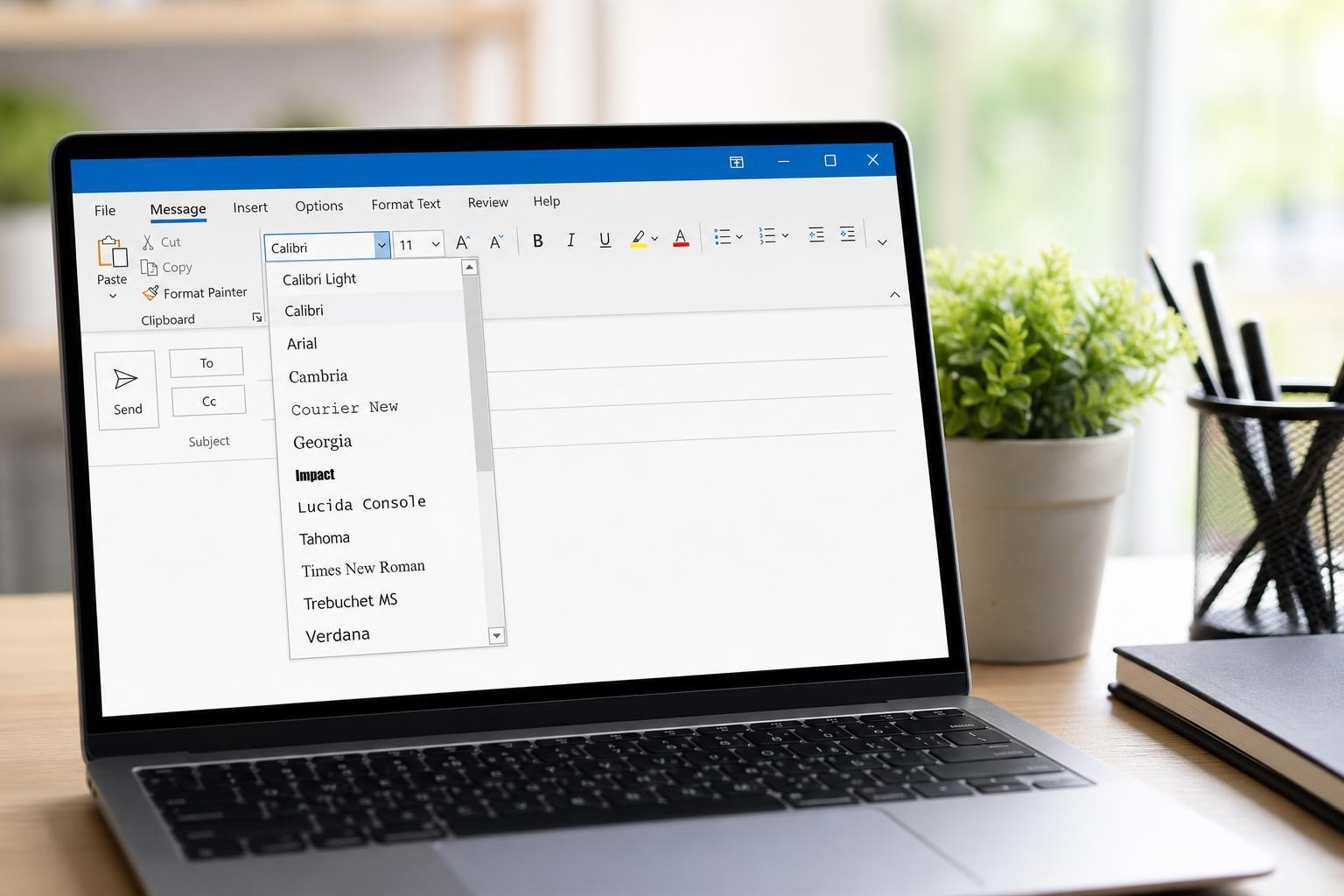
How to Change the Font Style in Microsoft Outlook
Learn how to change the default font style in Microsoft Outlook for new emails, replies, and forwarded messages on desktop and web versions.
Fixing the “Unhandled Exception Has Occurred” Error in Windows 10
Learn how to troubleshoot the “Unhandled Exception Has Occurred” error in Windows 10 with practical fixes for damaged app files, compatibility issues, .NET problems, and other common causes.
5 Practical Ways to Speed Up Slow Startup Times on Windows 10 and 11
Learn five effective ways to reduce slow startup times in Windows 10 and Windows 11, from checking startup apps to fixing system issues that delay boot-up.
7 Ways to Fix Gmail Notifications Not Working in Chrome on Windows 10
Learn how to troubleshoot Gmail notifications in Chrome on Windows 10, including browser permissions, Windows notification settings, site settings, and sync issues.
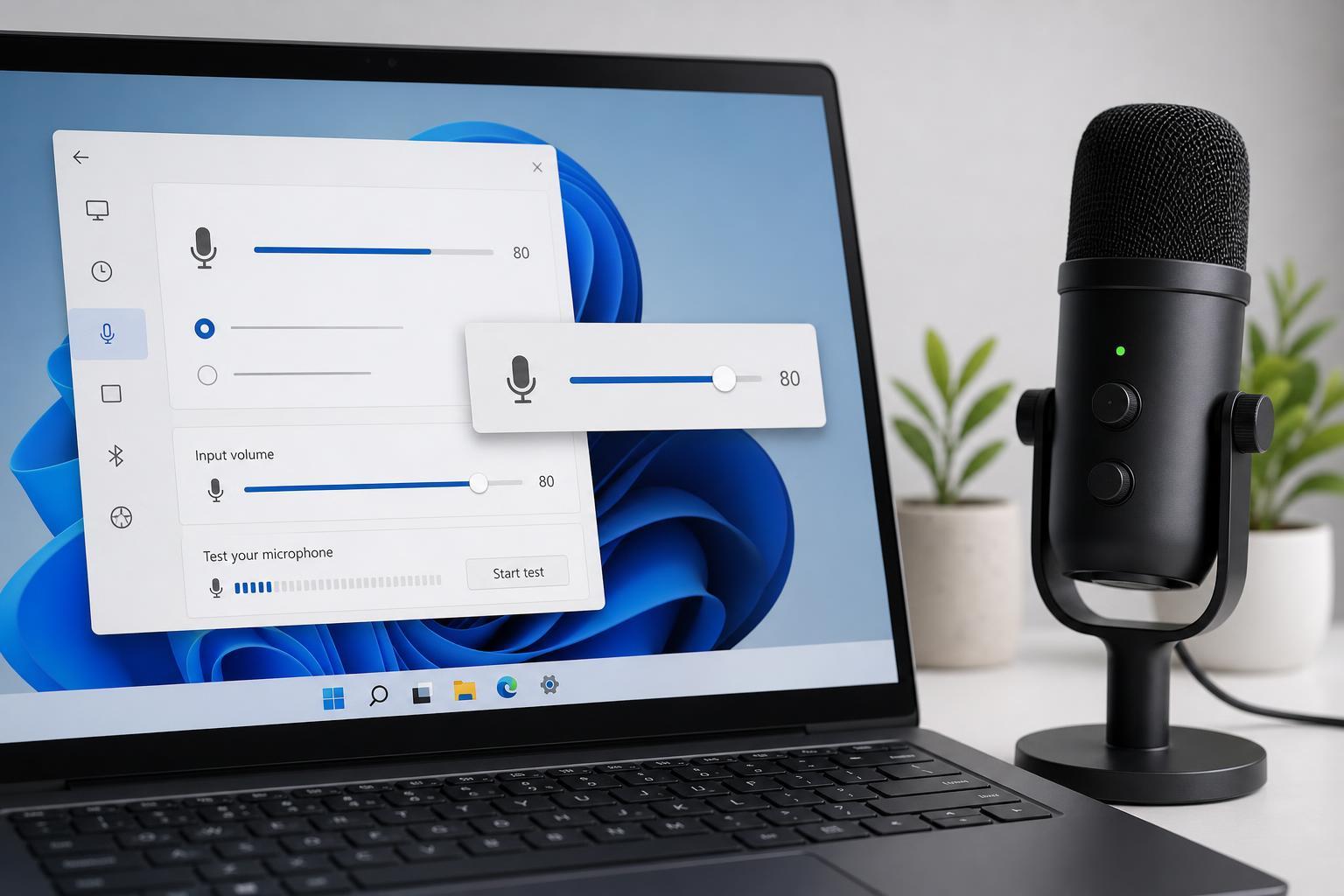
3 Simple Ways to Change Microphone Volume in Windows
Learn three practical ways to adjust microphone volume in Windows, whether you need to use Settings, Control Panel, or your app’s built-in audio controls.
5 Best Internet Speed Meter Apps for Windows 10 PCs
Discover five useful internet speed meter apps for Windows 10 PCs, what each one does best, and how to choose the right tool for monitoring your network speed and data usage.
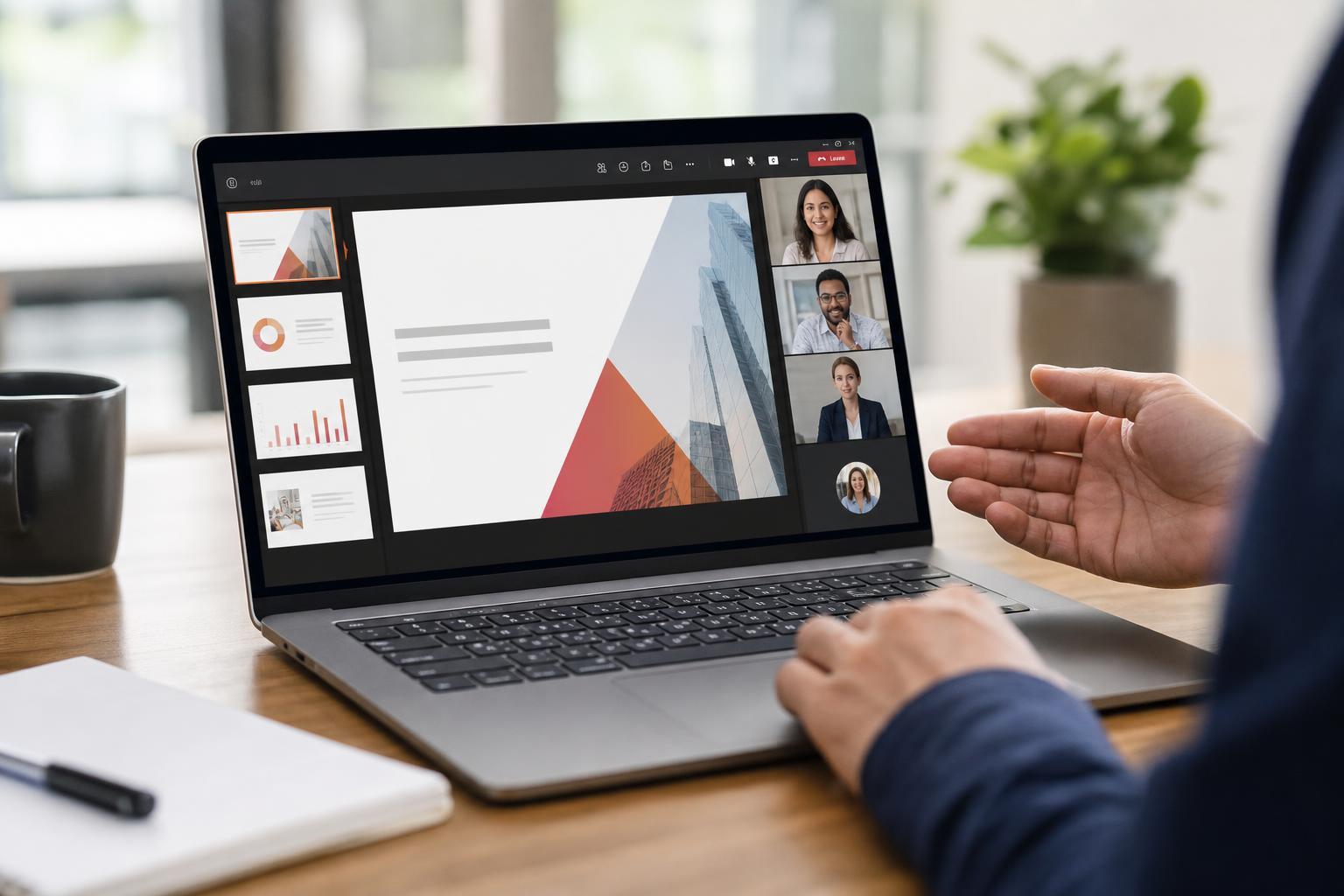
How to Share a PowerPoint Presentation in Microsoft Teams
Learn how to present a PowerPoint in Microsoft Teams using PowerPoint Live, screen sharing, or uploaded files, plus tips for avoiding common presentation issues.
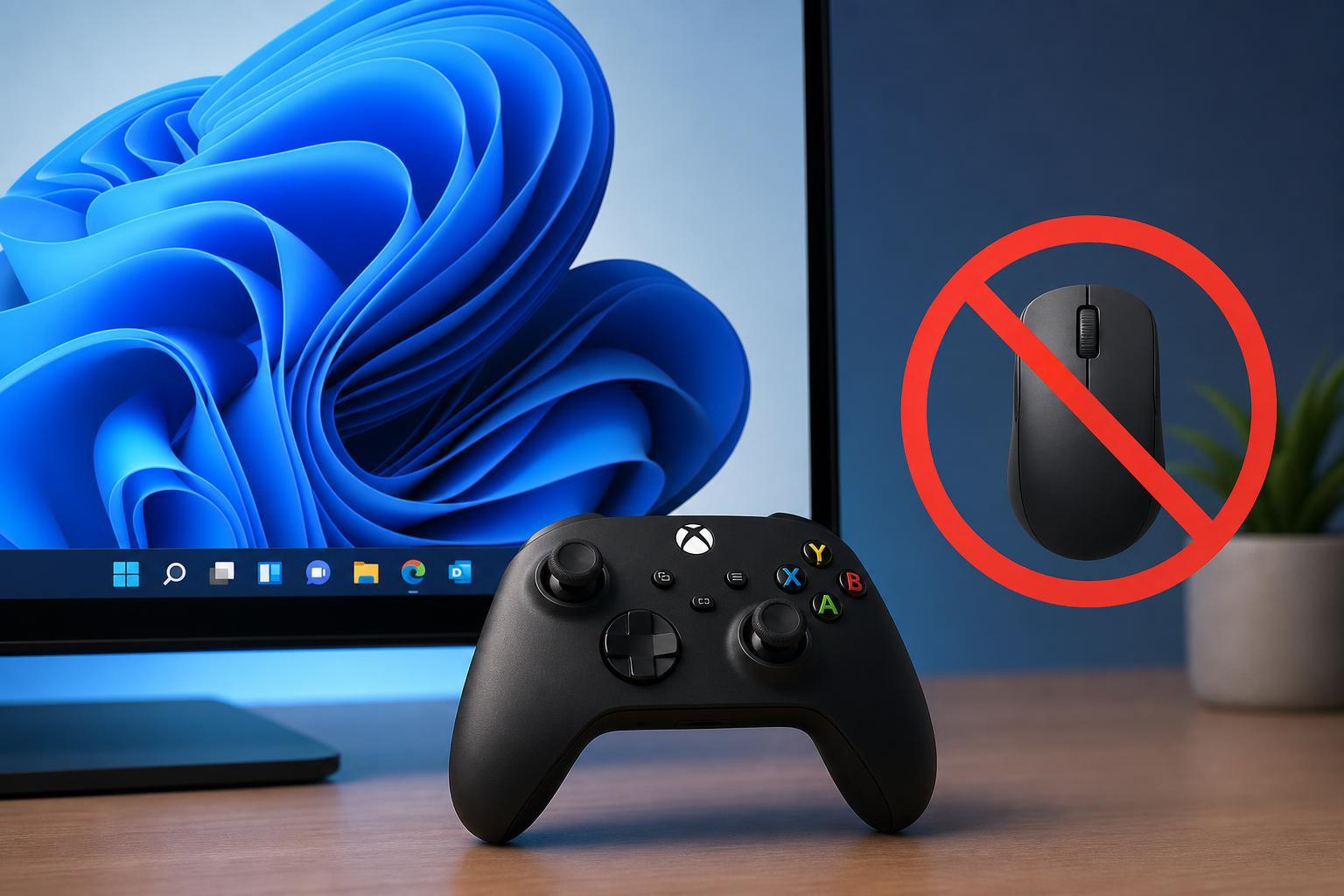
7 Ways to Stop a Game Controller from Acting Like a Mouse on Windows 11
Learn the most effective fixes for a game controller that moves the mouse, scrolls pages, or behaves like a keyboard on Windows 11, including Steam, drivers, and Windows settings.
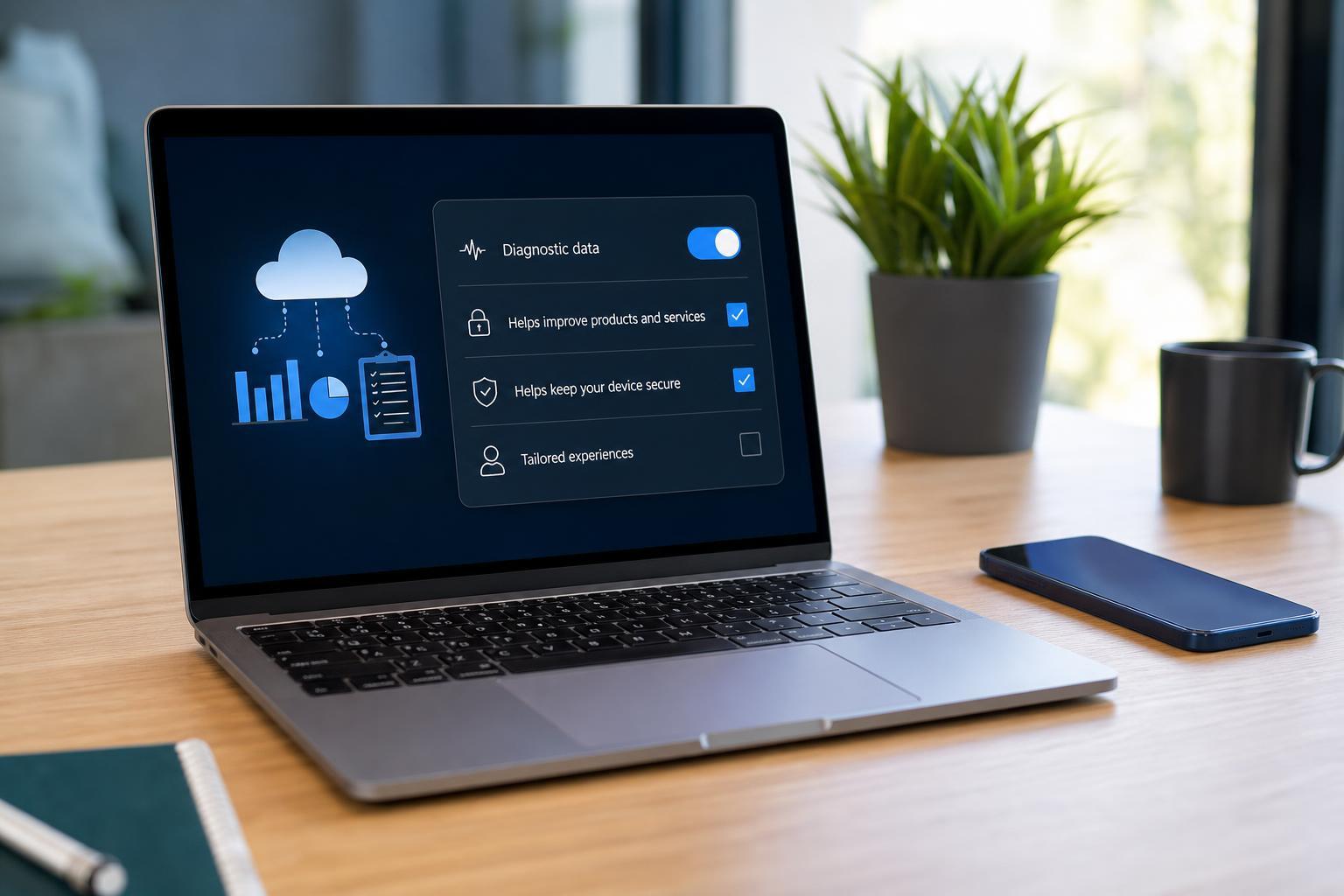
Optional Diagnostic Data: What It Is and Whether You Need It Running
Learn what optional diagnostic data is in Windows, what information it can collect, how it differs from required data, and whether you need it turned on or running.
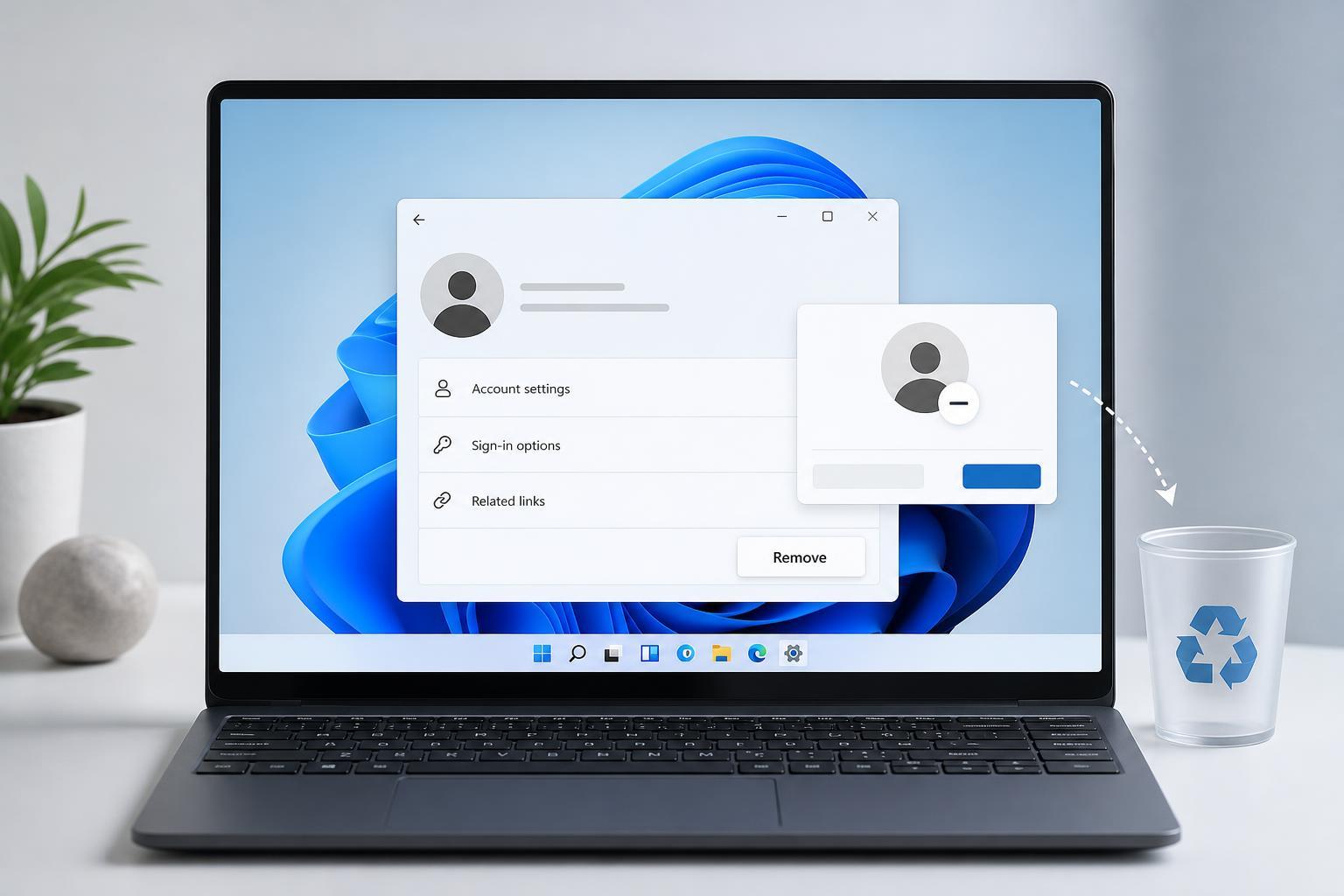
Removing a Microsoft Account from Windows 11: Step-by-Step Guide
Learn how to remove a Microsoft account from Windows 11, switch to a local account if needed, and avoid common problems that can prevent the account from being deleted.
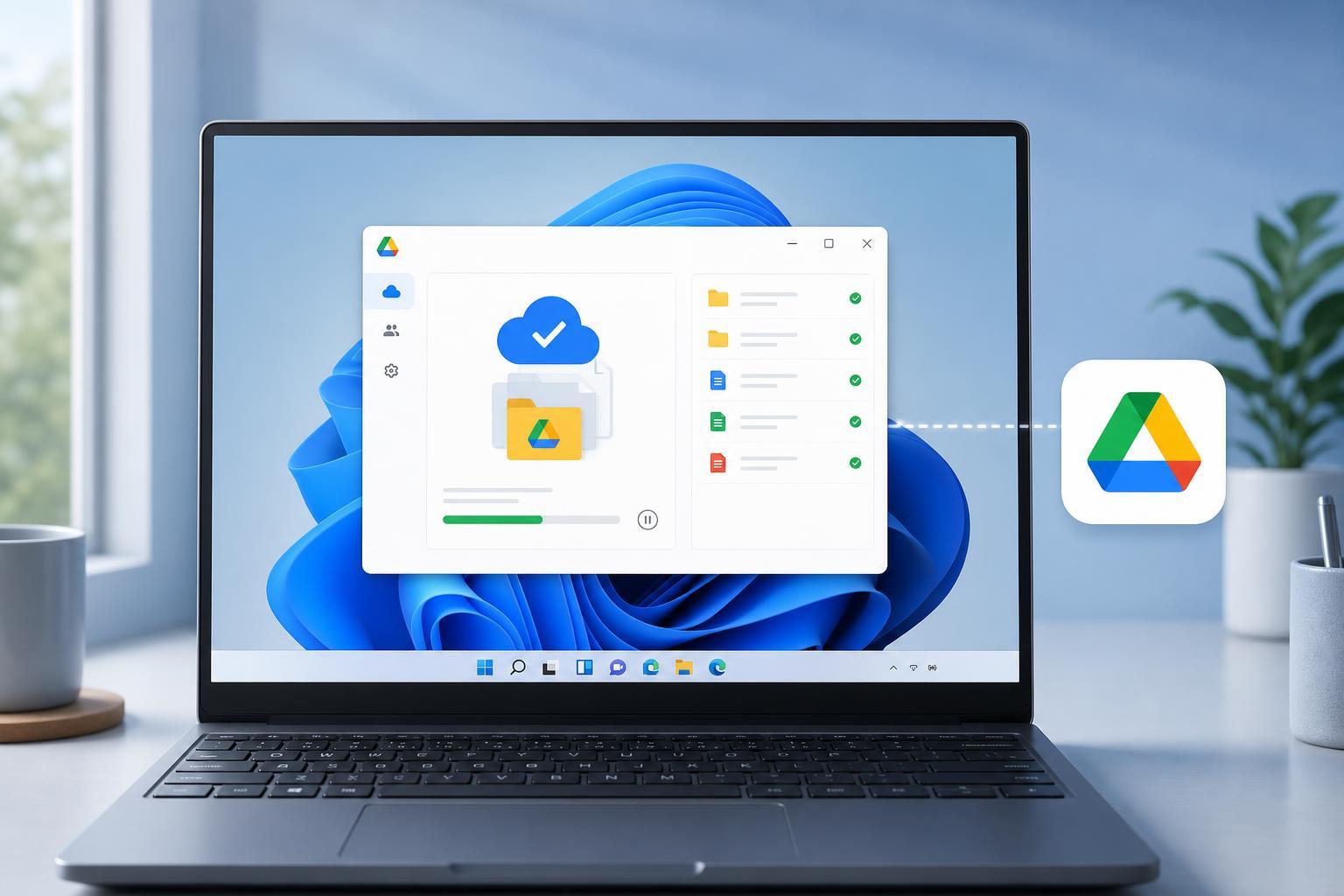
Setting Up Google Drive for Desktop on Windows 11
Learn how to install and configure Google Drive for desktop on Windows 11, choose sync options, access your files in File Explorer, and troubleshoot common setup issues.