Windows.
Windows guides, troubleshooting solutions, useful settings and practical PC tips.
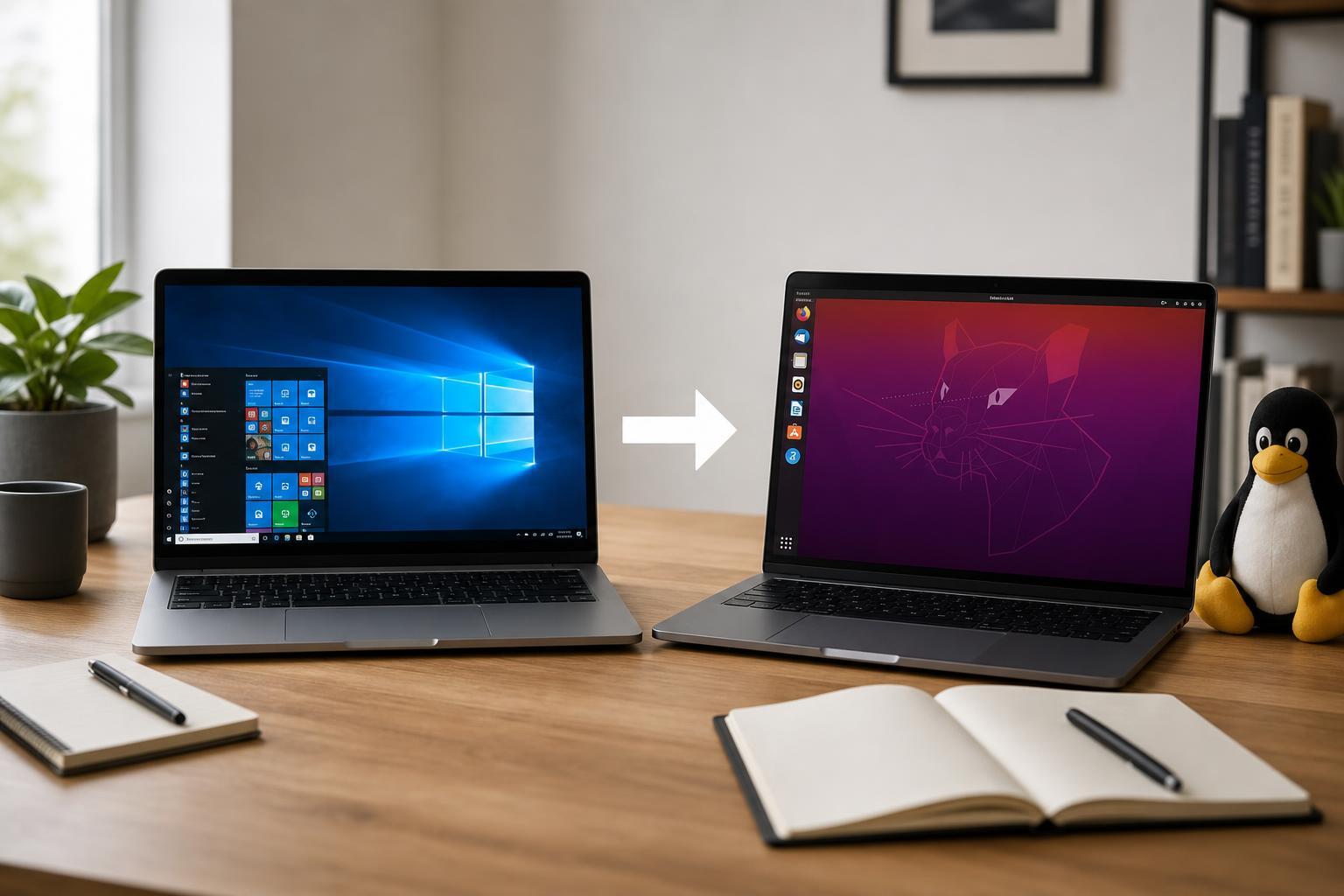
Thinking About Switching From Windows to Linux? Benefits, Drawbacks, and a Practical Guide
Learn the main pros and cons of moving from Windows to Linux, what to expect before switching, and how to decide whether Linux is the right fit for your PC and workflow.
4 Ways to Fix Microsoft Teams Notifications That Won’t Disappear on Windows
Learn four practical fixes for Microsoft Teams notifications that stay stuck on Windows, including app settings, cache issues, and Windows notification problems.
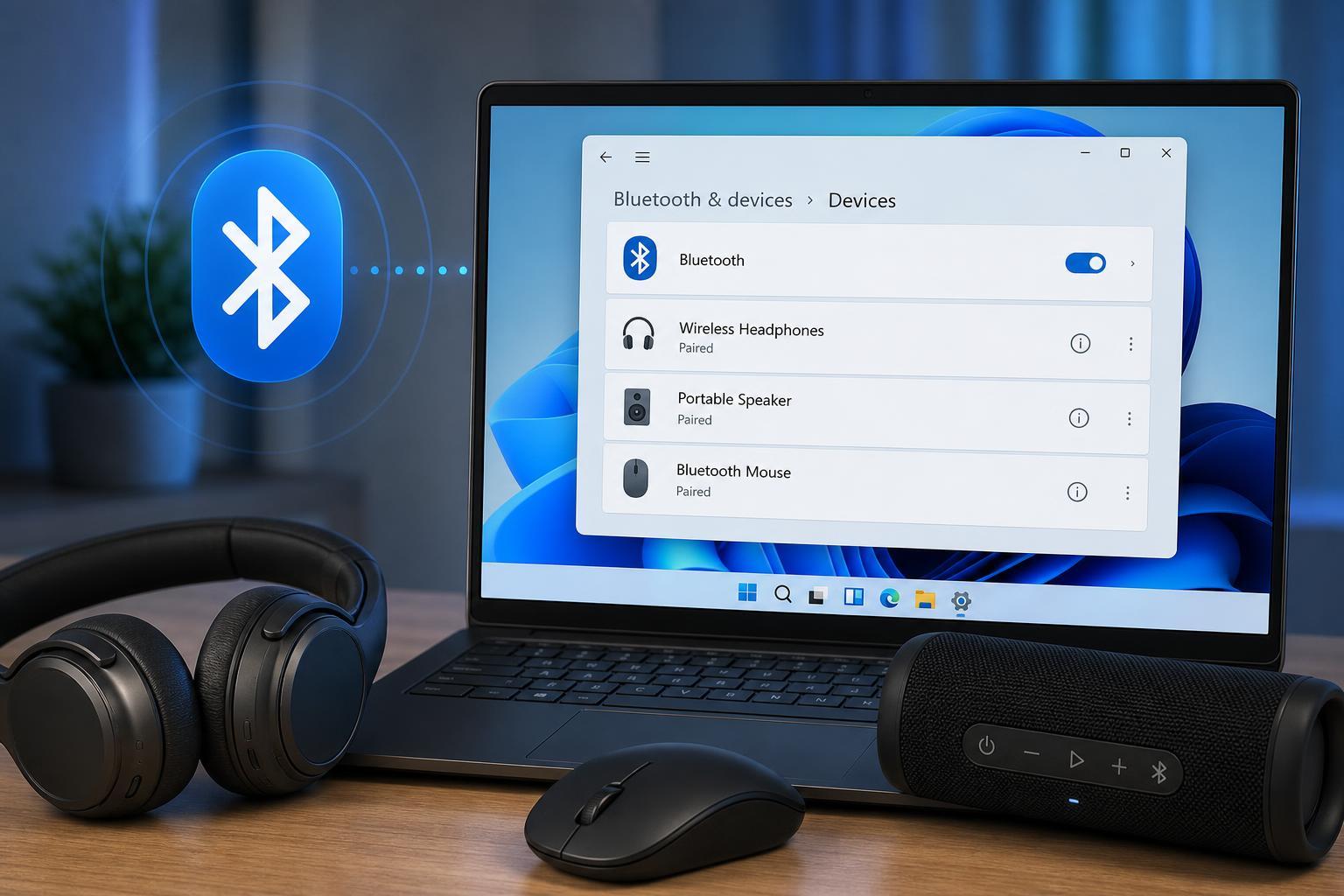
4 Ways to Fix a Bluetooth Device That Shows as Paired but Not Connected in Windows 11
Learn four practical ways to fix a Bluetooth device that is paired in Windows 11 but won’t connect, including common settings checks, device removal, driver fixes, and Windows troubleshooting steps.
11 Practical Ways to Fix Dropbox Connection and Sync Problems on Windows 10
Learn 11 effective ways to fix Dropbox when it will not connect or sync on Windows 10, including network checks, app settings, permissions, and account-related fixes.
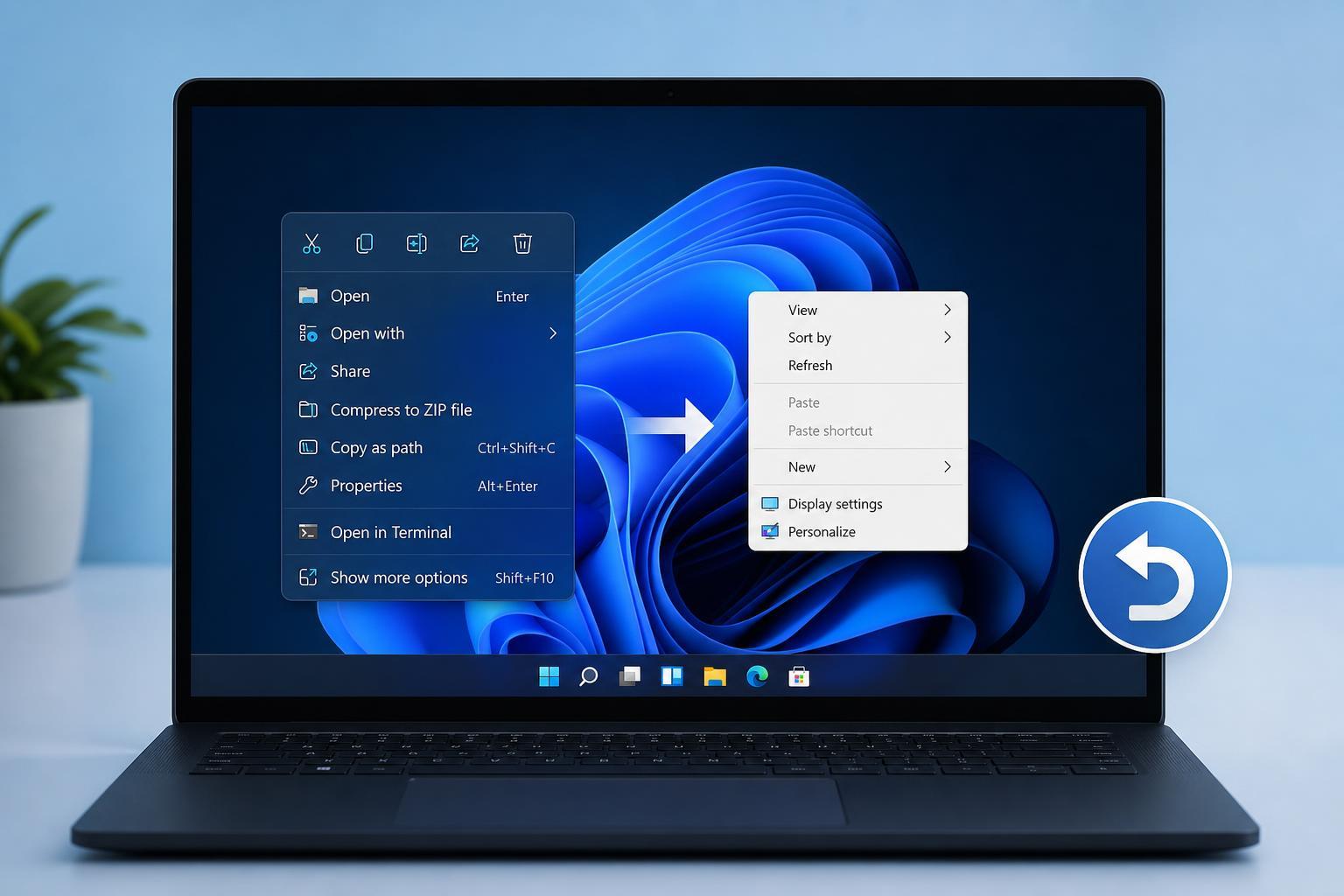
How to Bring Back the Classic Context Menu in Windows 11: 11 Steps and a Temporary Workaround
Learn how to restore the Windows 11 classic context menu with clear steps, plus a temporary workaround if you only need the old menu for a while.
3 Reliable Ways to Fix the “Your Clock Is Ahead/Behind” Error in Google Chrome
Learn how to fix the Google Chrome error that says your clock is ahead or behind, including checking Windows date and time settings, syncing the clock, and troubleshooting certificate or browser issues.
How to Fix Windows Backup and Restore When It Gets Stuck
Learn what to do when Windows Backup and Restore hangs or stops responding, including the most likely causes, practical fixes, and how to check whether the backup can be saved.
How to Find and Restore Archived Emails in Outlook
Learn how to recover archived emails in Outlook, including where archived messages are stored, how to search for them, and how to move them back to your inbox or another folder.
Reinstalling Windows 11 While Keeping Your Files and Apps
Learn how to repair or reinstall Windows 11 without losing your personal files and installed apps, plus when to use Reset this PC, repair install, or a clean install.
4 Ways to Fix a Corrupted Recycle Bin Error in Windows 11
Learn four practical ways to fix a corrupted Recycle Bin error in Windows 11, including repair commands, folder resets, and checks that help prevent the problem from coming back.
How to Turn Off OneDrive Memories Notifications on Windows and Mobile
Learn five practical ways to disable OneDrive Memories notifications on Windows and mobile devices, including app settings, account controls, and notification permissions.
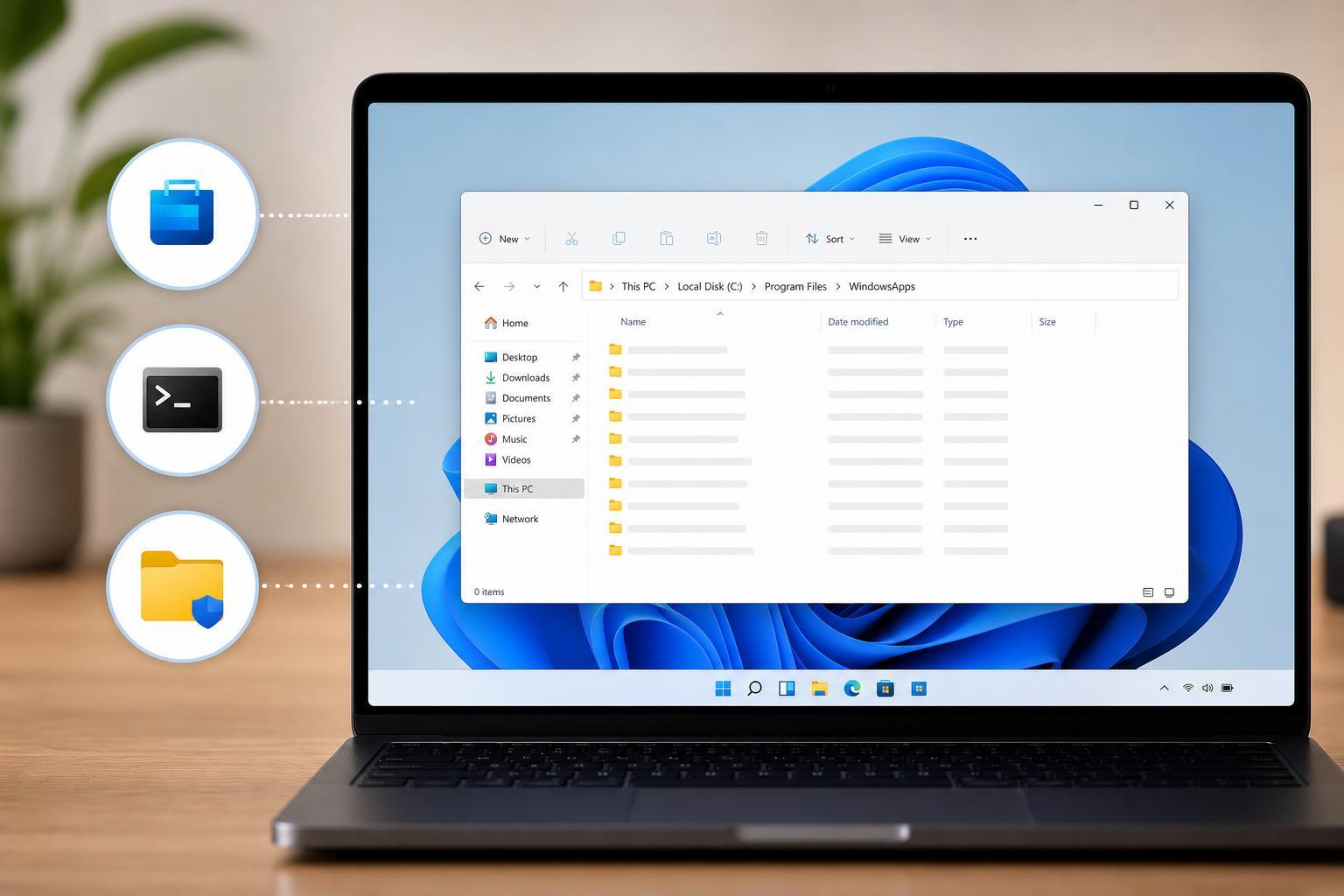
3 Ways to Open the WindowsApps Folder in Windows
Learn three practical ways to access the protected WindowsApps folder on Windows, including File Explorer, Settings, and command-line methods, plus the permissions you need to know.