Windows.
Windows guides, troubleshooting solutions, useful settings and practical PC tips.
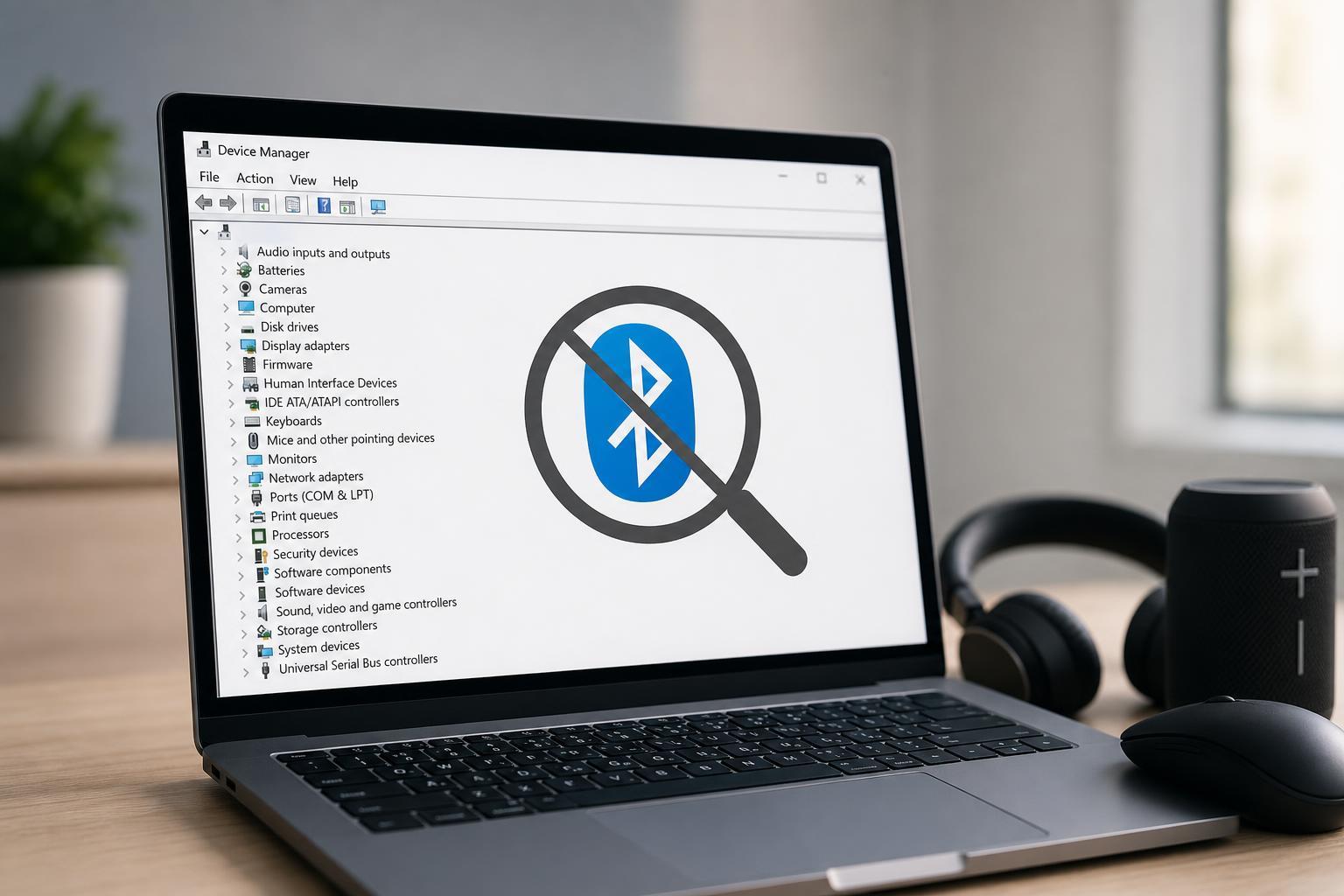
Fixing Bluetooth Missing from Device Manager in Windows 10
Learn how to restore a missing Bluetooth entry in Device Manager on Windows 10 by checking hardware, services, drivers, BIOS settings, and Windows updates.
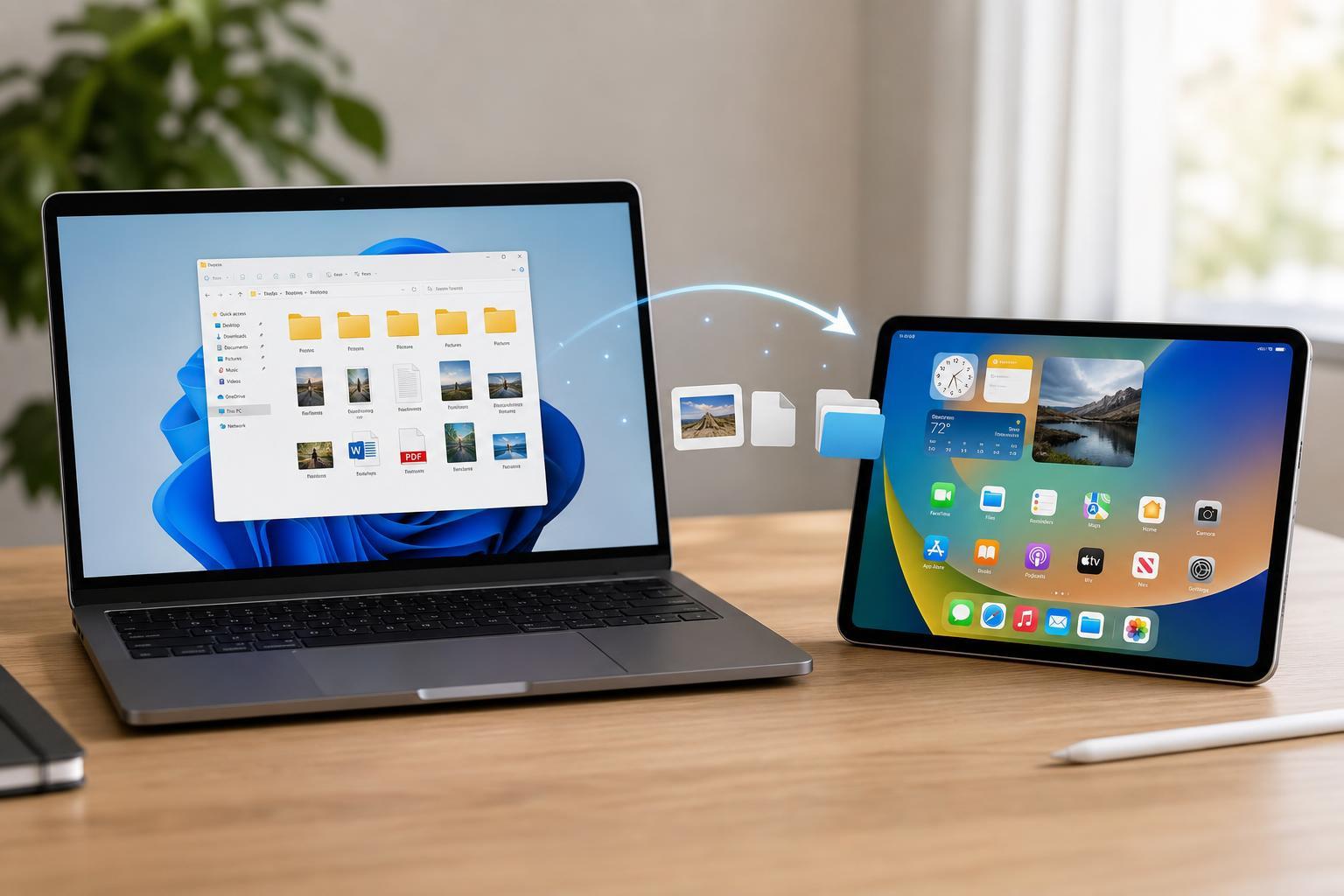
4 Easy Ways to Move Files from a Windows PC to an iPad
Learn four practical ways to transfer files from a Windows PC to an iPad, including iTunes, iCloud Drive, cloud storage, and USB transfer options.

6 Reliable Ways to Fix Zoom Freezing or Not Responding on Windows 10
Learn practical fixes for Zoom not responding on Windows 10, including app repairs, cache cleanup, driver checks, and compatibility settings.
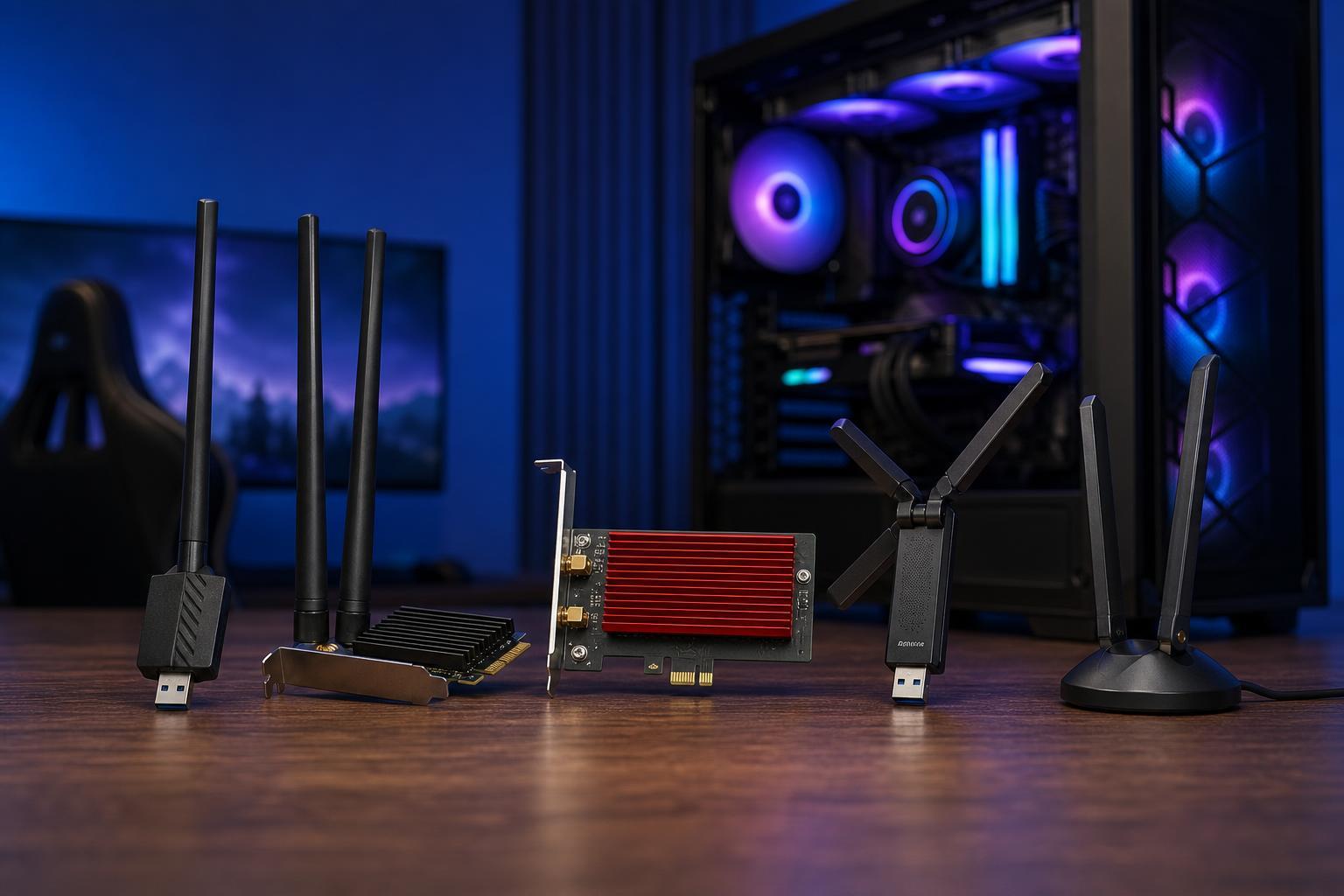
The 5 Best Wi-Fi Adapters for Gaming PCs
Discover five strong Wi-Fi adapter options for gaming PCs and learn what to look for so you can choose a fast, stable wireless connection with lower lag and fewer dropouts.
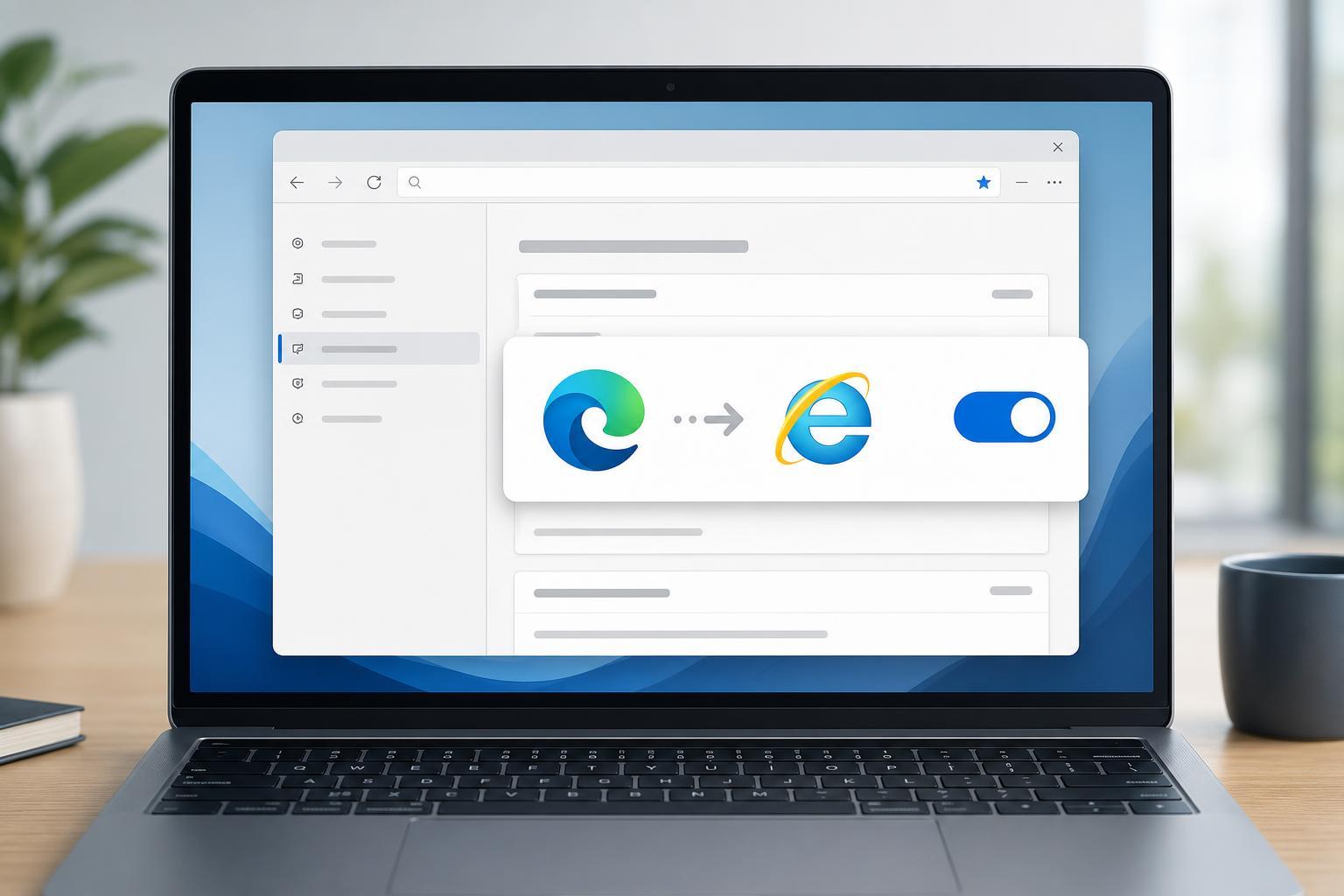
Turning Internet Explorer Mode On or Off in Microsoft Edge
Learn how to enable or disable Internet Explorer Mode in Microsoft Edge, when to use it, and how to manage the setting in Windows and Edge policies.
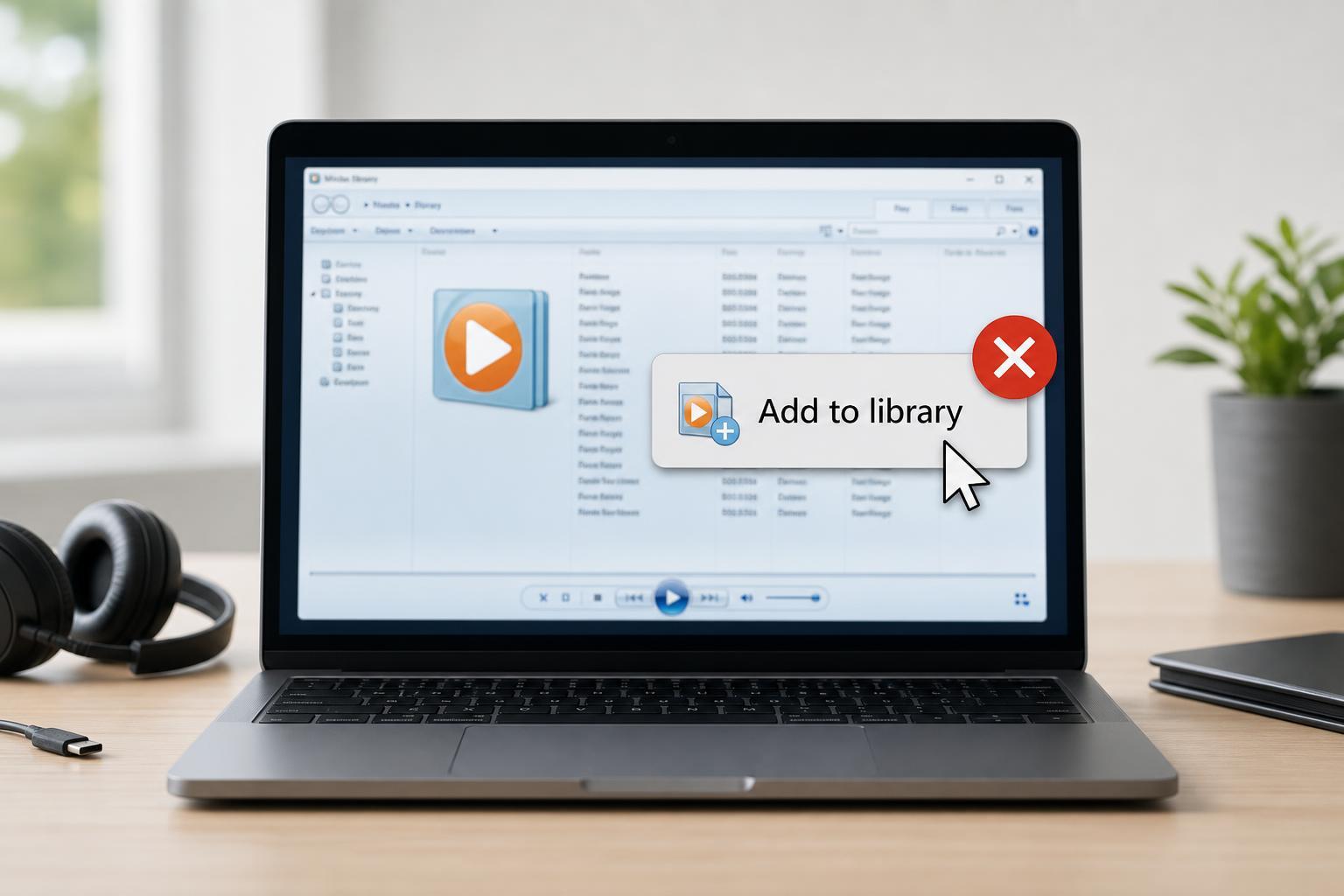
Fixing Windows Media Player When “Add to Library” Stops Working
Learn how to troubleshoot Windows Media Player when the Add to Library option is not working, including common causes, library resets, folder settings, and file permission checks.
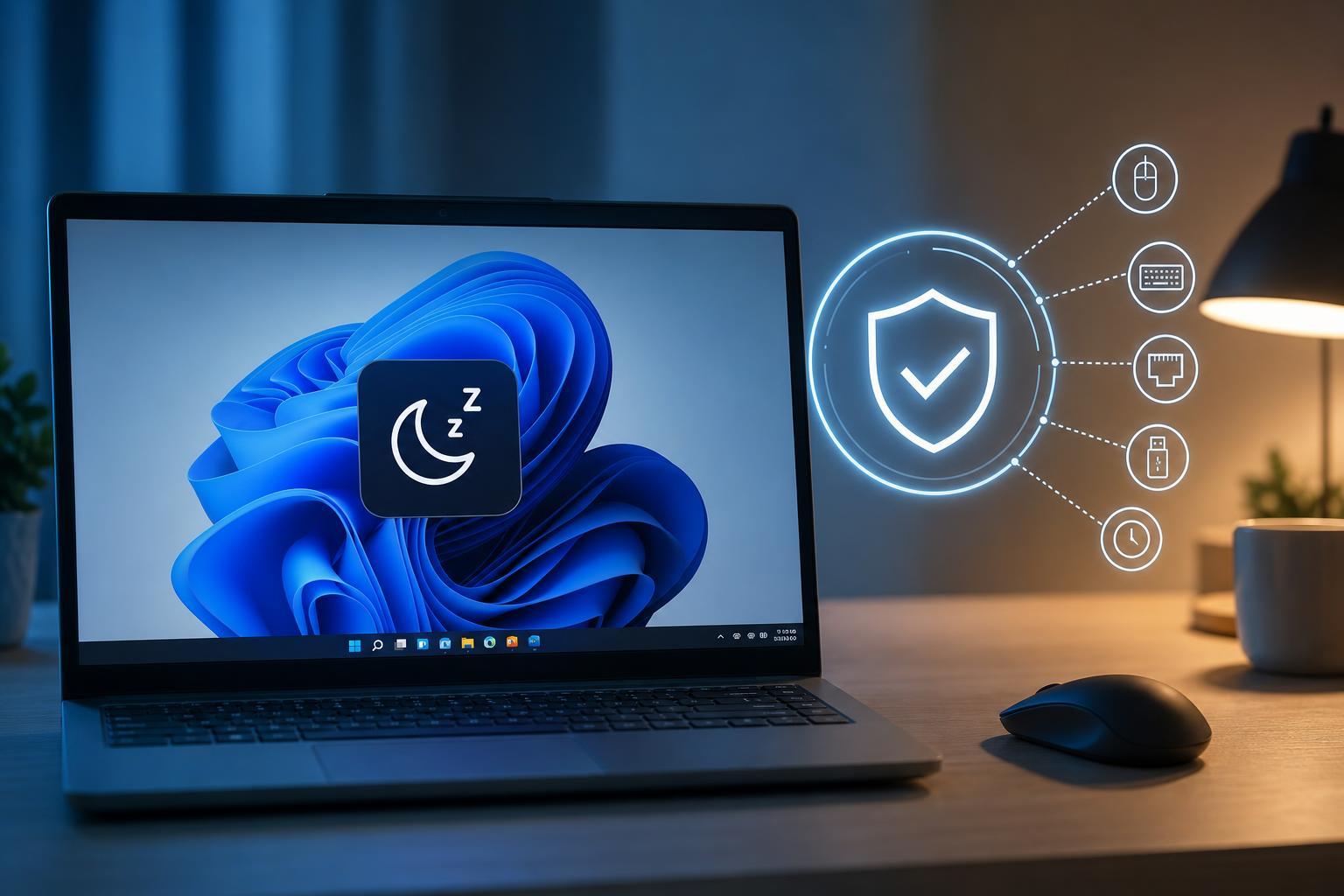
5 Reliable Ways to Stop a Windows PC from Randomly Waking Up from Sleep
Learn how to fix a Windows PC that wakes itself from sleep by checking wake timers, device settings, power options, scheduled tasks, and BIOS/UEFI settings.
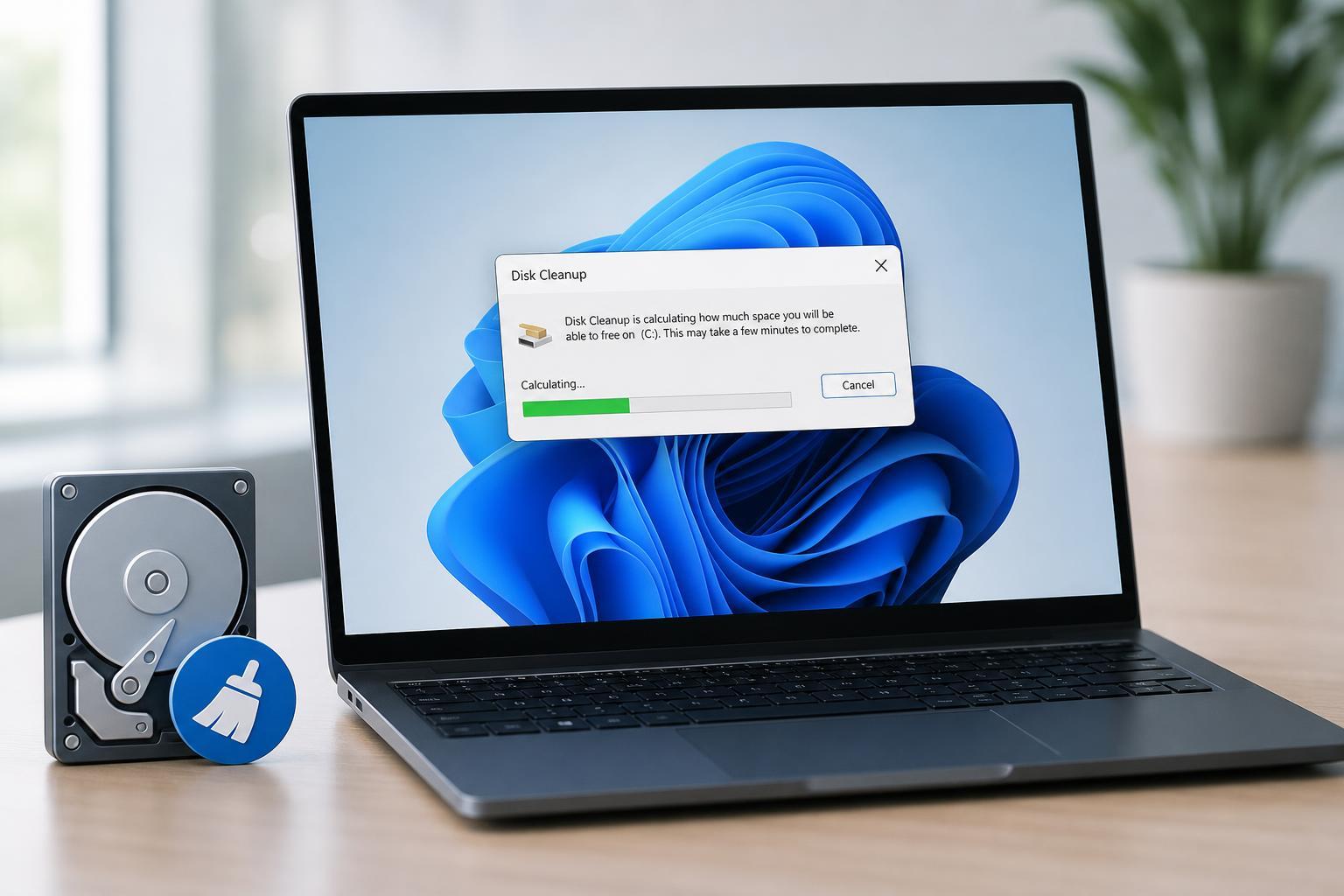
5 Ways to Fix Disk Cleanup Getting Stuck on Calculating in Windows 11
Learn why Disk Cleanup can freeze on the calculating screen in Windows 11 and how to fix it with practical steps, from simple cleanup checks to system repairs.
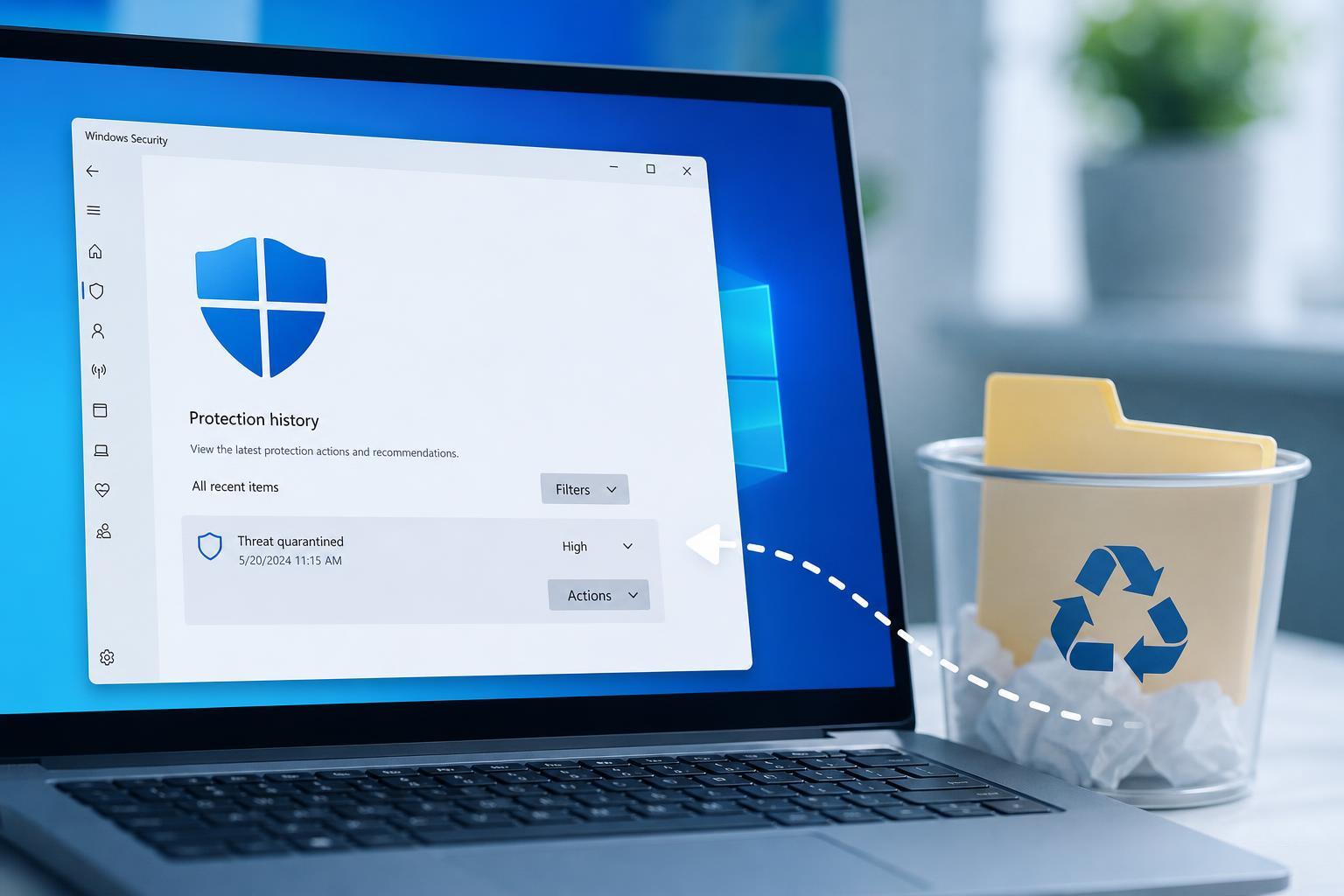
Restoring Files Quarantined or Removed by Windows Defender
Learn how to recover files that Windows Defender quarantined or removed, how to check Protection history, and what to do if the file was deleted or you need to restore it safely.
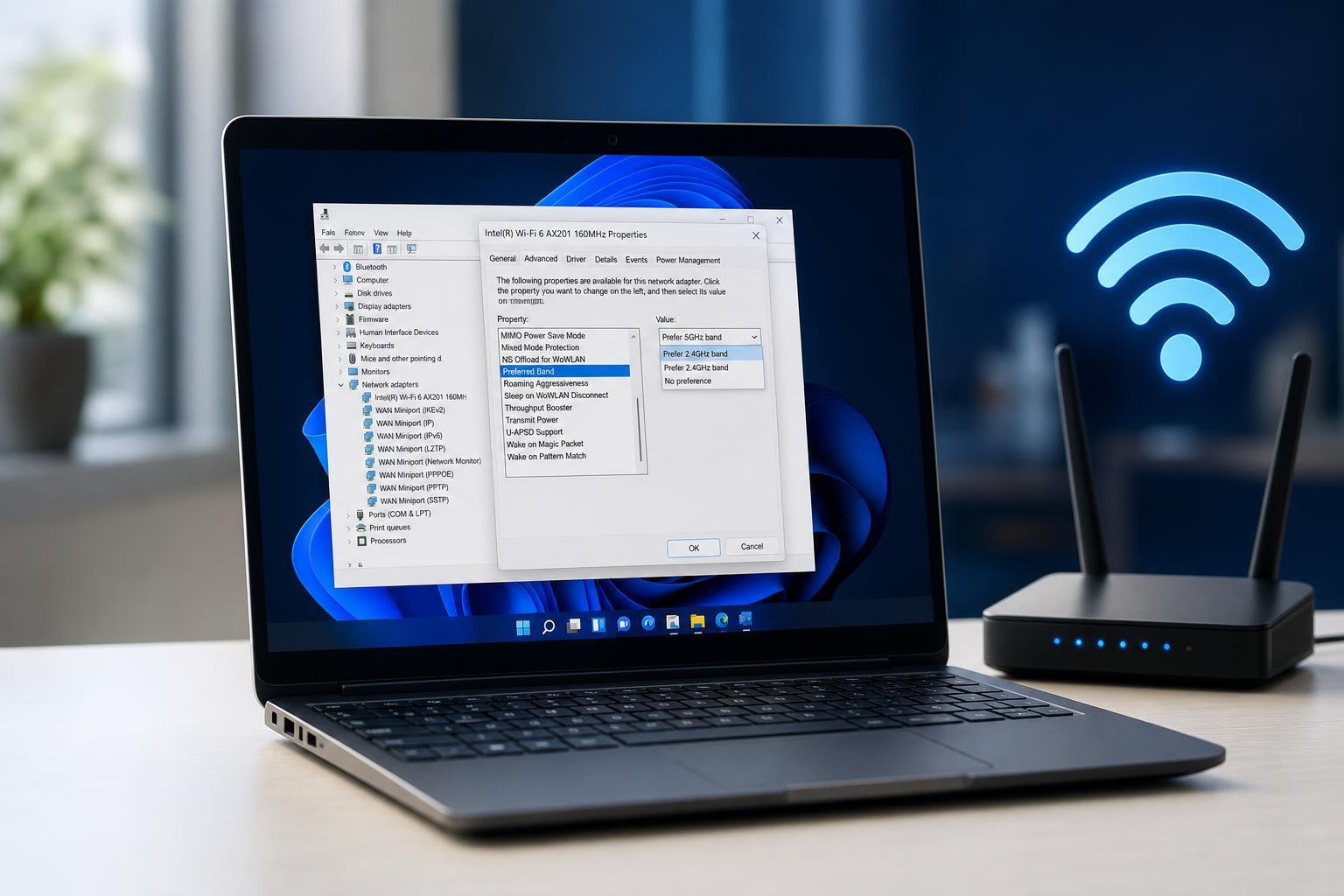
How to Set Preferred Band Settings to Improve Wi‑Fi on Windows 11
Learn how to change the preferred band setting in Windows 11 to encourage faster, more stable Wi‑Fi connections on 2.4 GHz, 5 GHz, or 6 GHz networks.
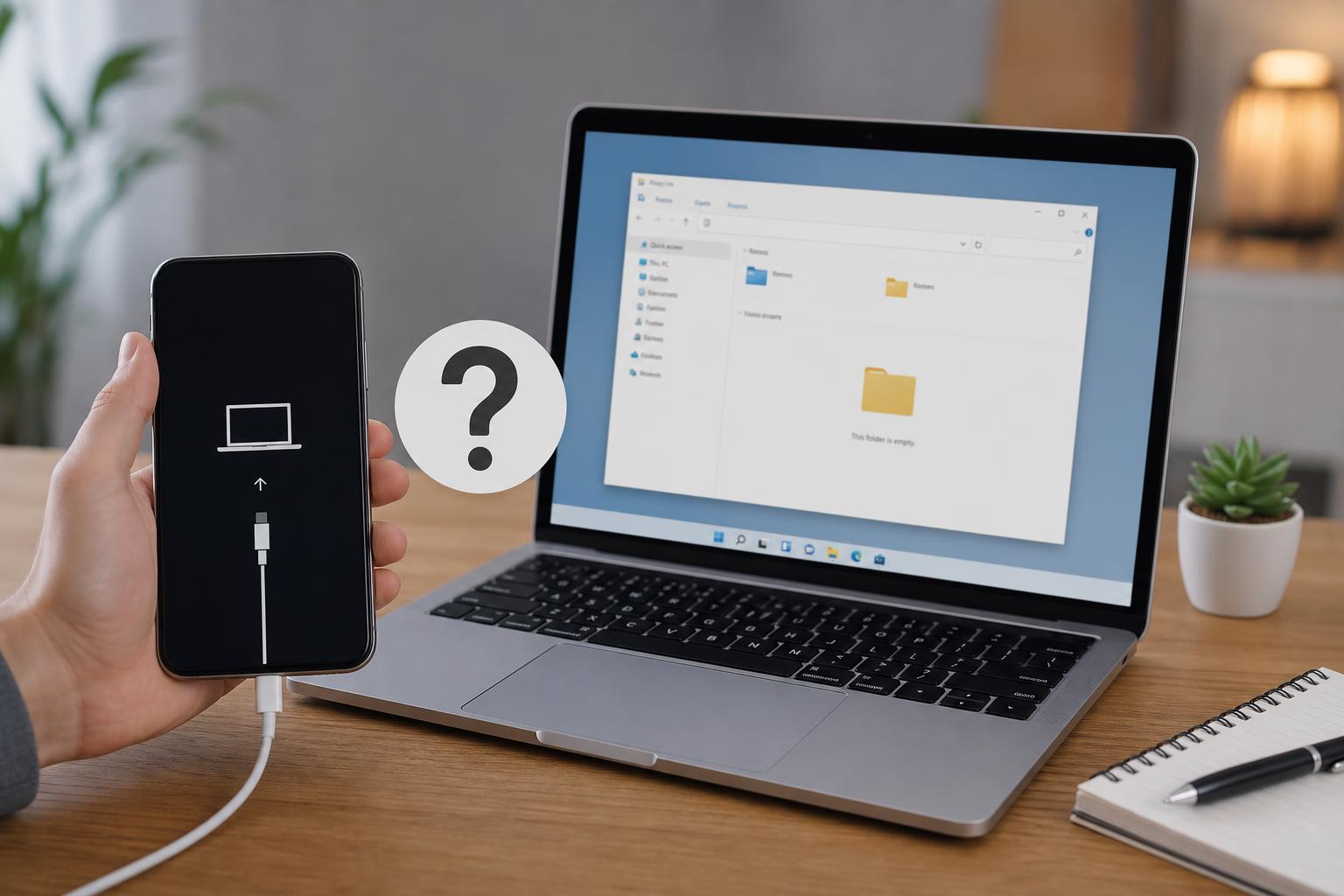
3 Ways to Fix iPhone Files Not Showing Up on a PC
Learn how to fix an iPhone that connects to a Windows PC but the files do not appear in File Explorer. This guide covers common causes and three practical solutions.
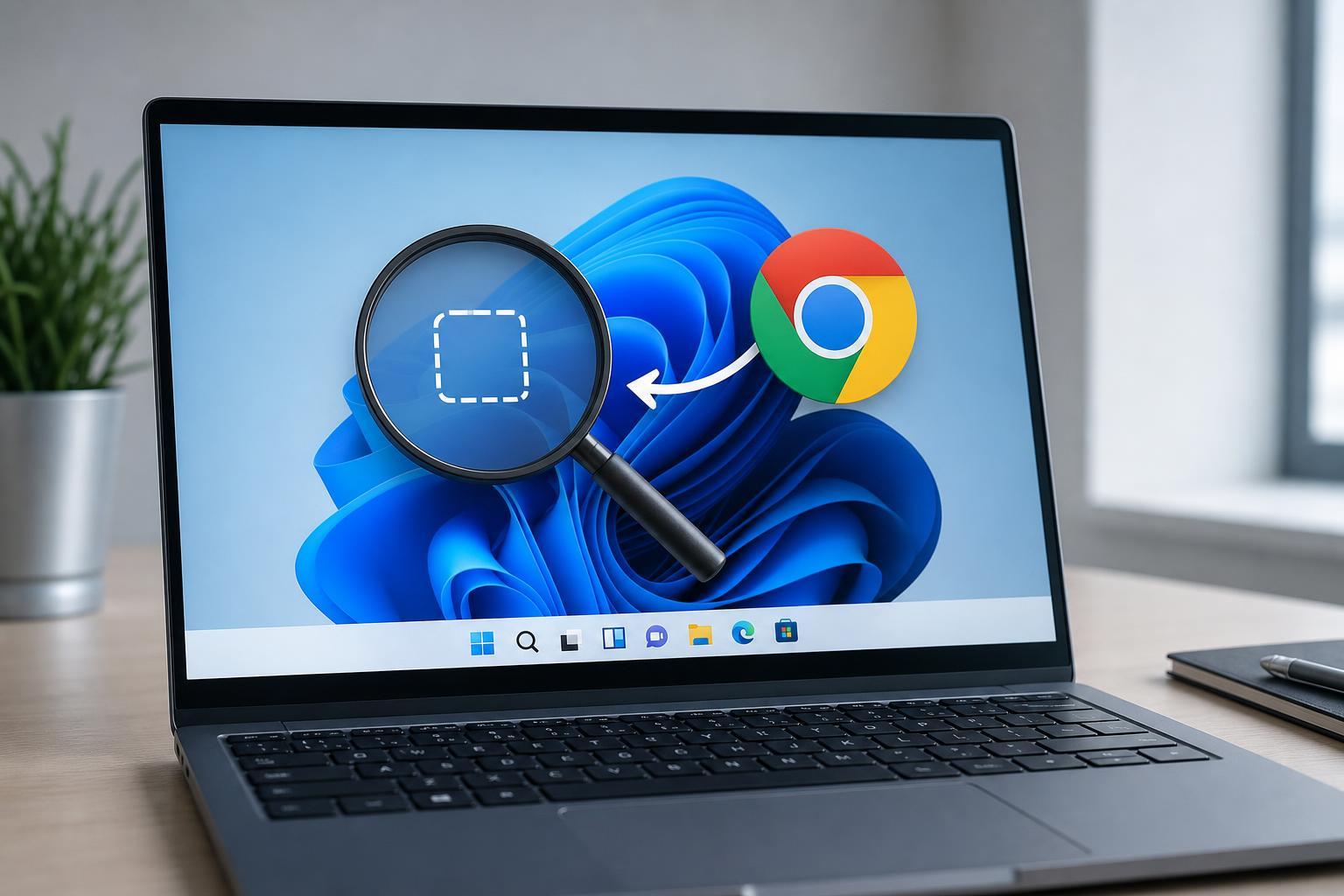
6 Ways to Bring Back a Missing Google Chrome Icon on Windows
Learn six practical ways to restore a missing Google Chrome icon on Windows, whether it disappeared from the desktop, Start menu, taskbar, or File Explorer.