Windows.
Windows guides, troubleshooting solutions, useful settings and practical PC tips.
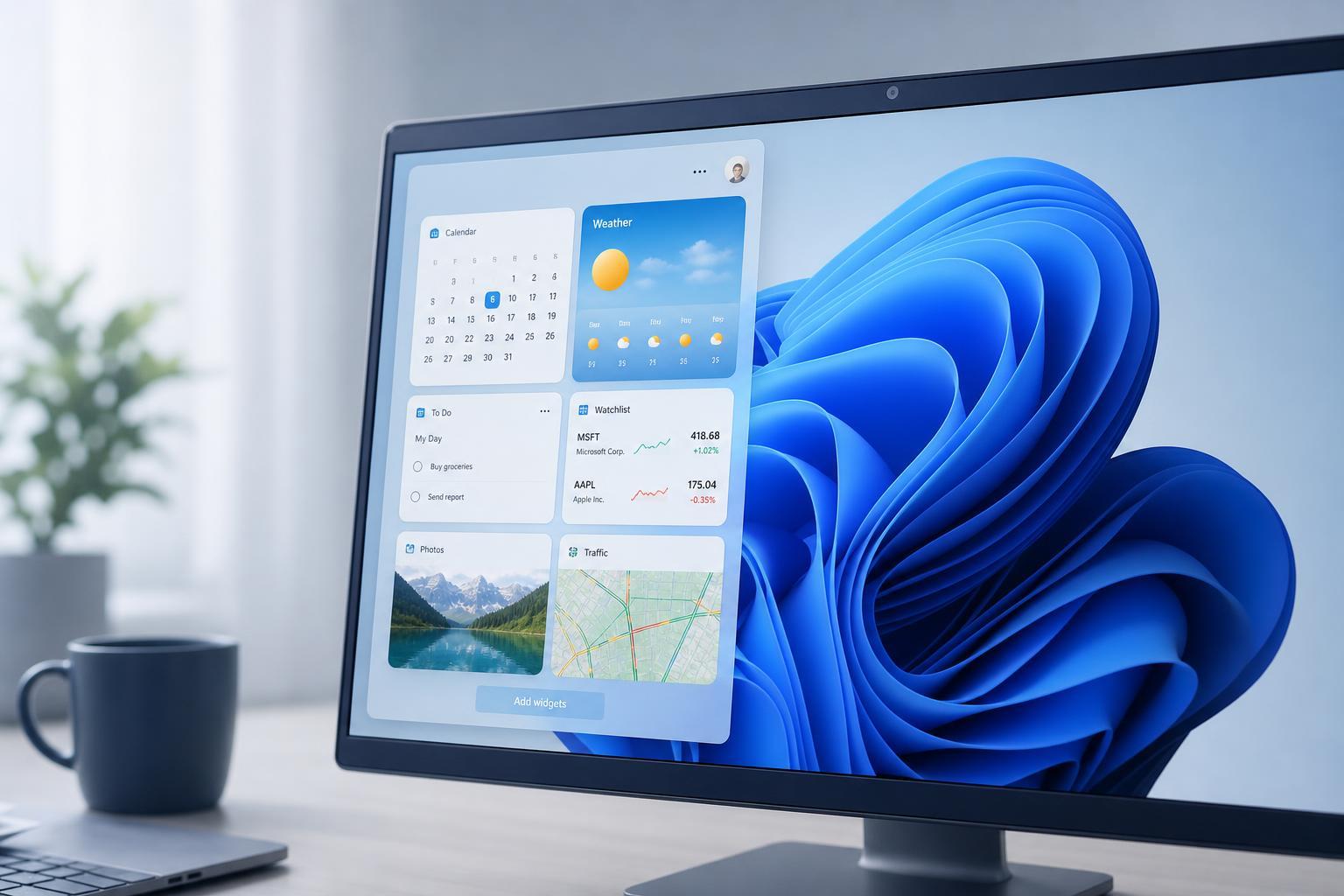
3 Useful Windows 11 Widgets Most People Don’t Use
Discover three Windows 11 widgets that are actually worth using, what each one shows, and how they can help you stay informed without opening extra apps.
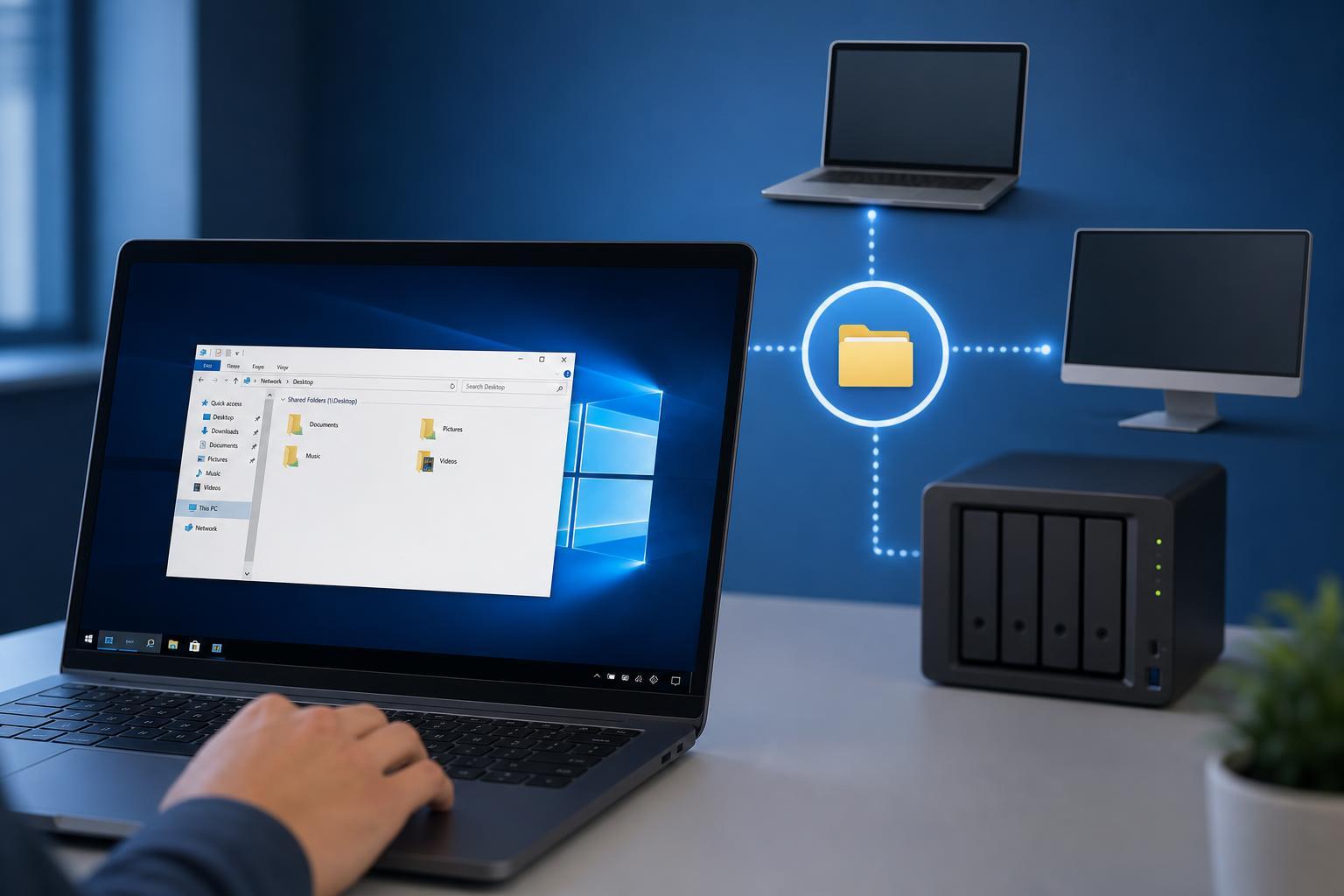
7 Best Ways to Fix Windows 10 File Sharing When It Stops Working
Learn seven practical ways to fix Windows 10 file sharing when shared folders, PCs, or network devices can’t see each other or connect properly.
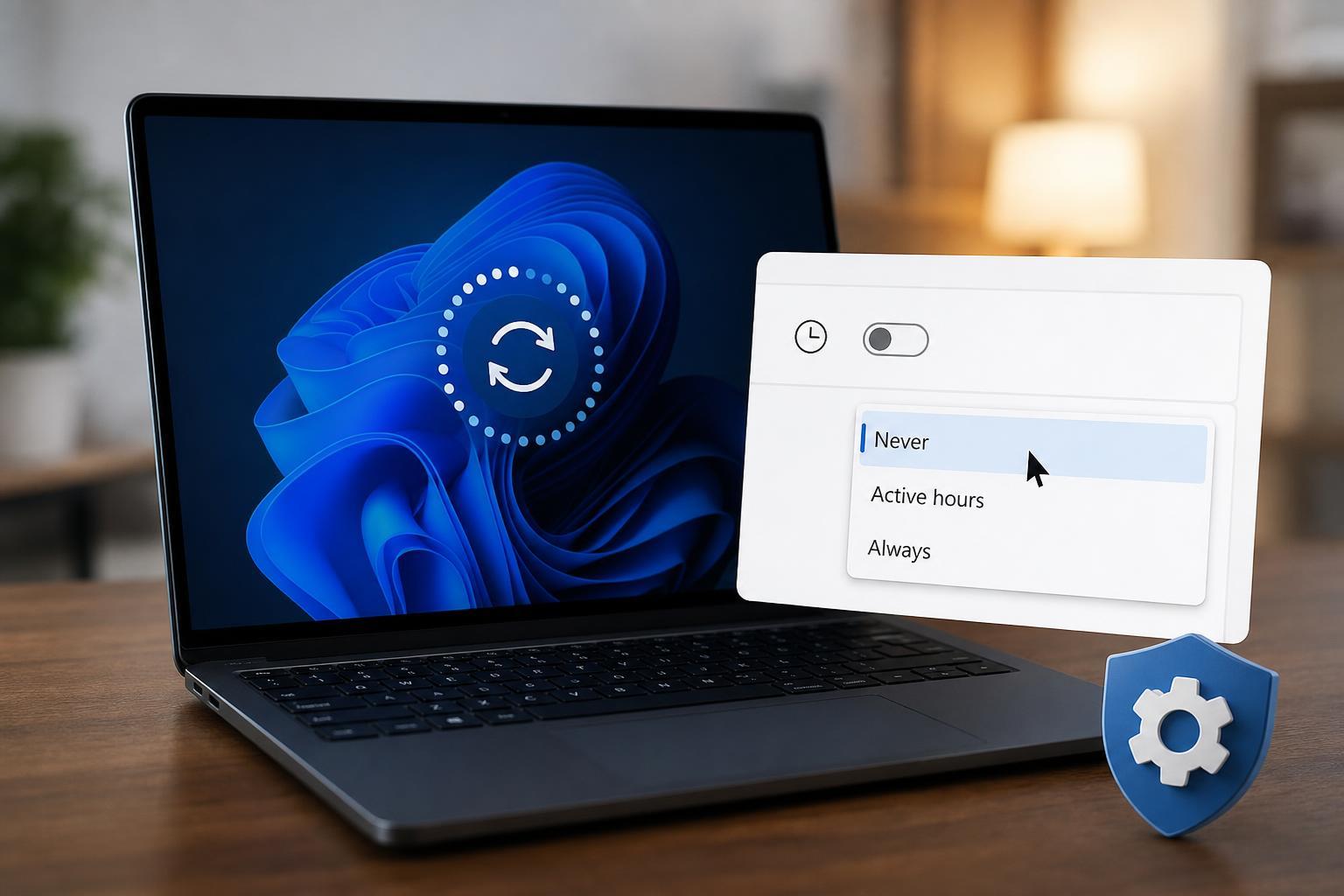
Stopping Windows from Restarting Automatically After Updates
Learn how to stop Windows from restarting on its own after updates by adjusting active hours, restart options, Group Policy, and update settings.
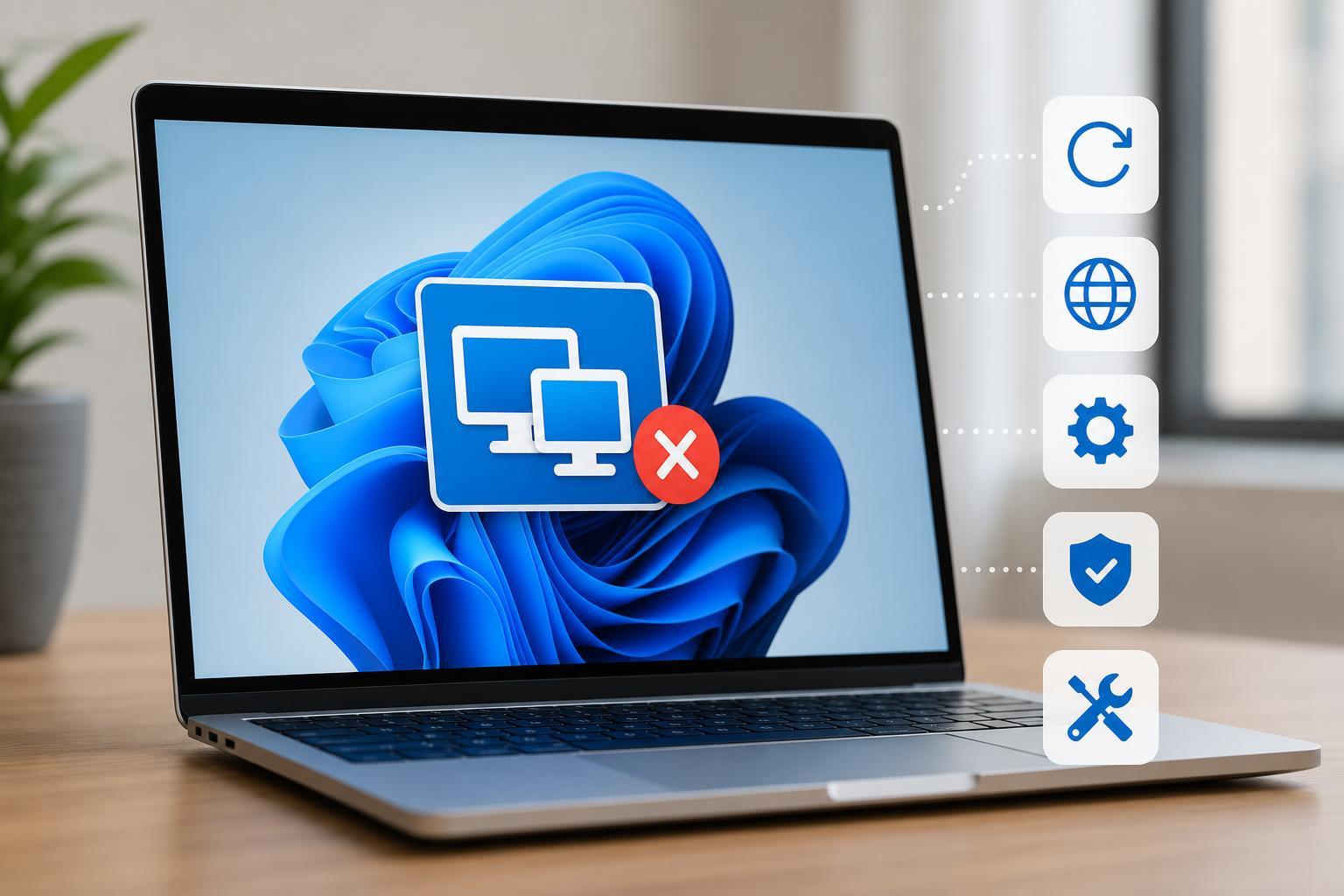
5 Fixes for Quick Assist Not Working in Windows 11
Learn how to fix Quick Assist on Windows 11 when it won’t open, connect, or let you start a remote support session with practical troubleshooting steps.
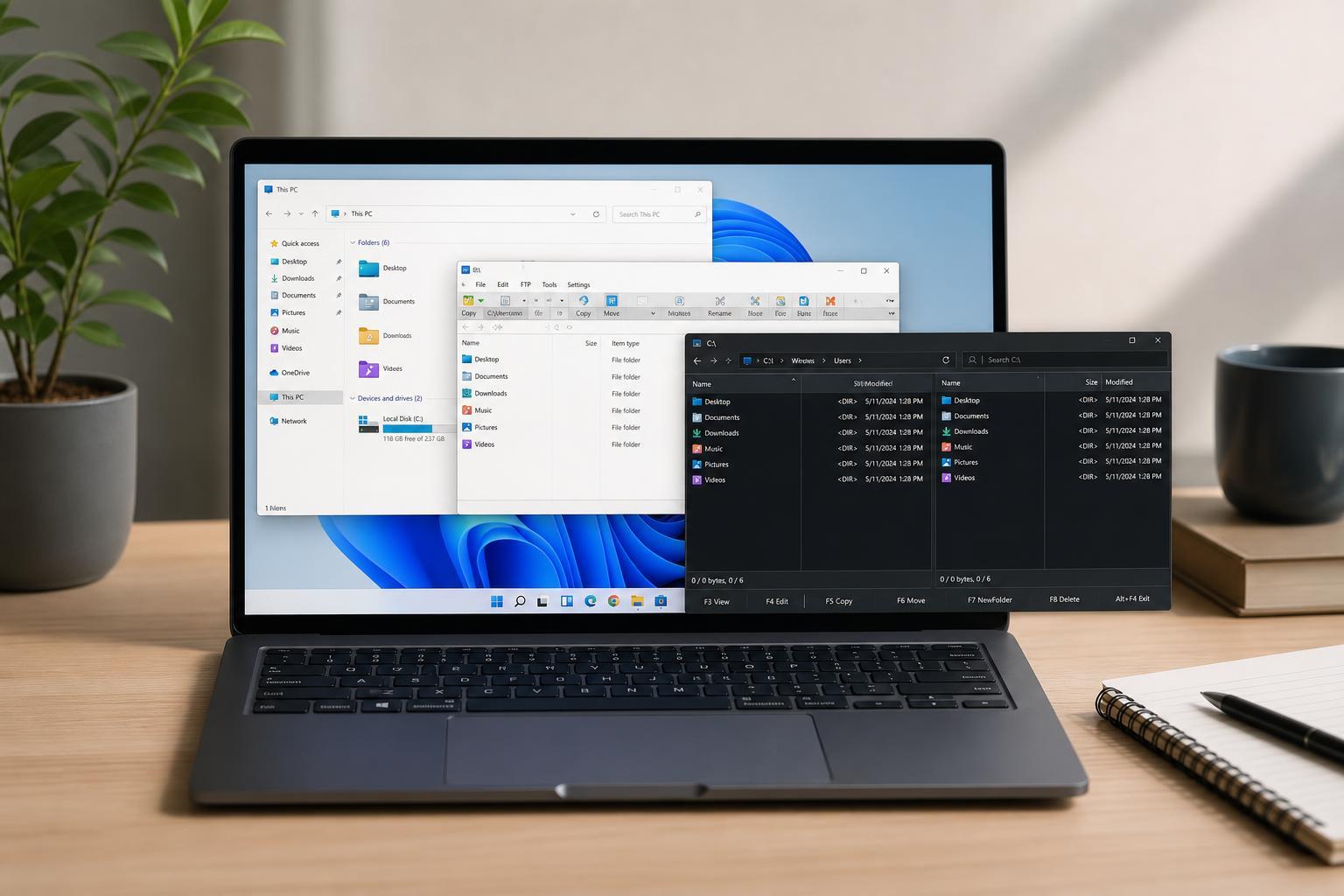
The Best File Explorer Alternatives for Windows
Discover the best File Explorer alternatives for Windows, including what each one does best, who it suits, and how to choose the right replacement for your workflow.
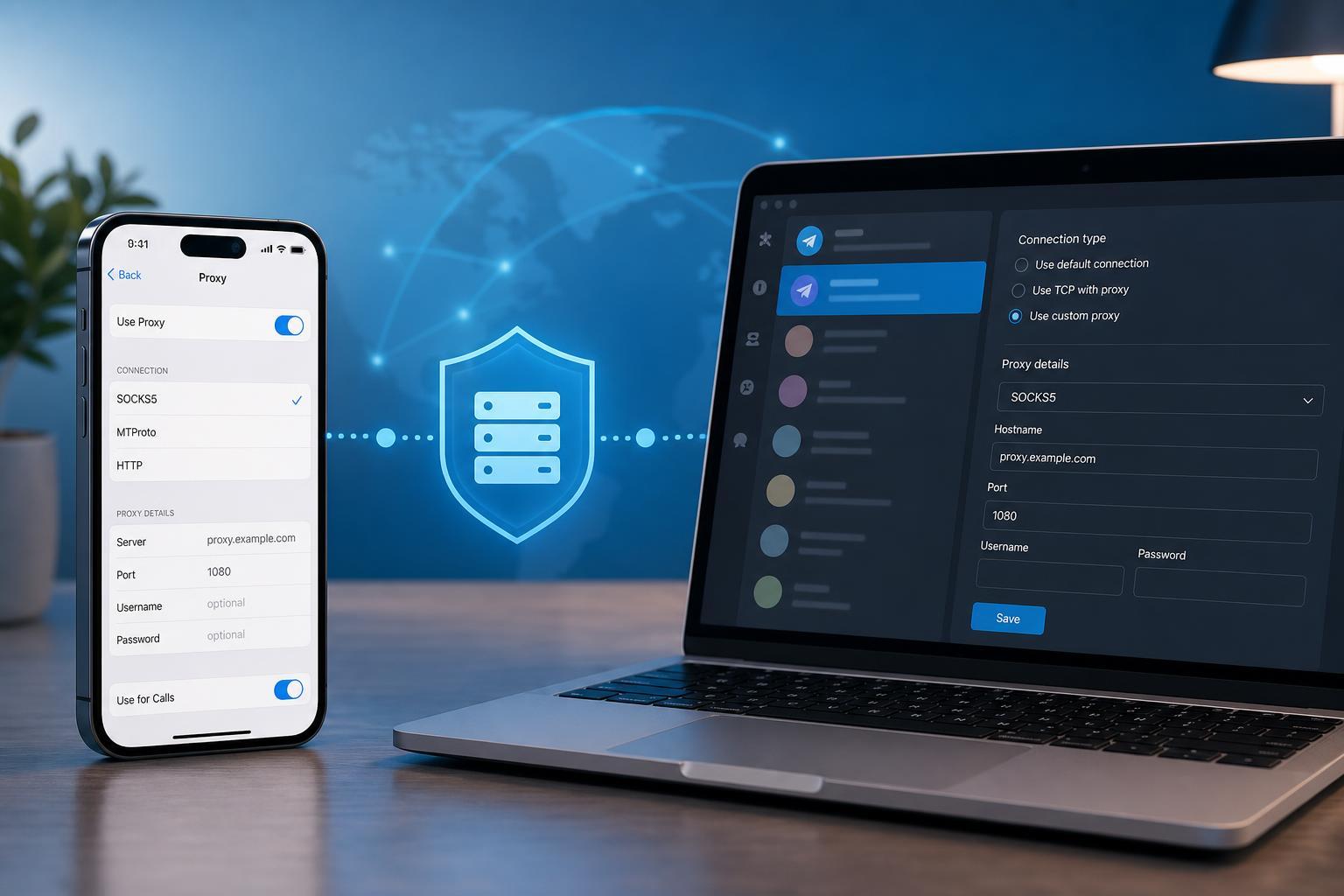
Setting Up a Proxy Connection in Telegram on Mobile and Desktop
Learn how to add and use a proxy connection in Telegram on iPhone, Android, Windows, macOS, and Linux, plus how to choose the right proxy type and troubleshoot common connection issues.
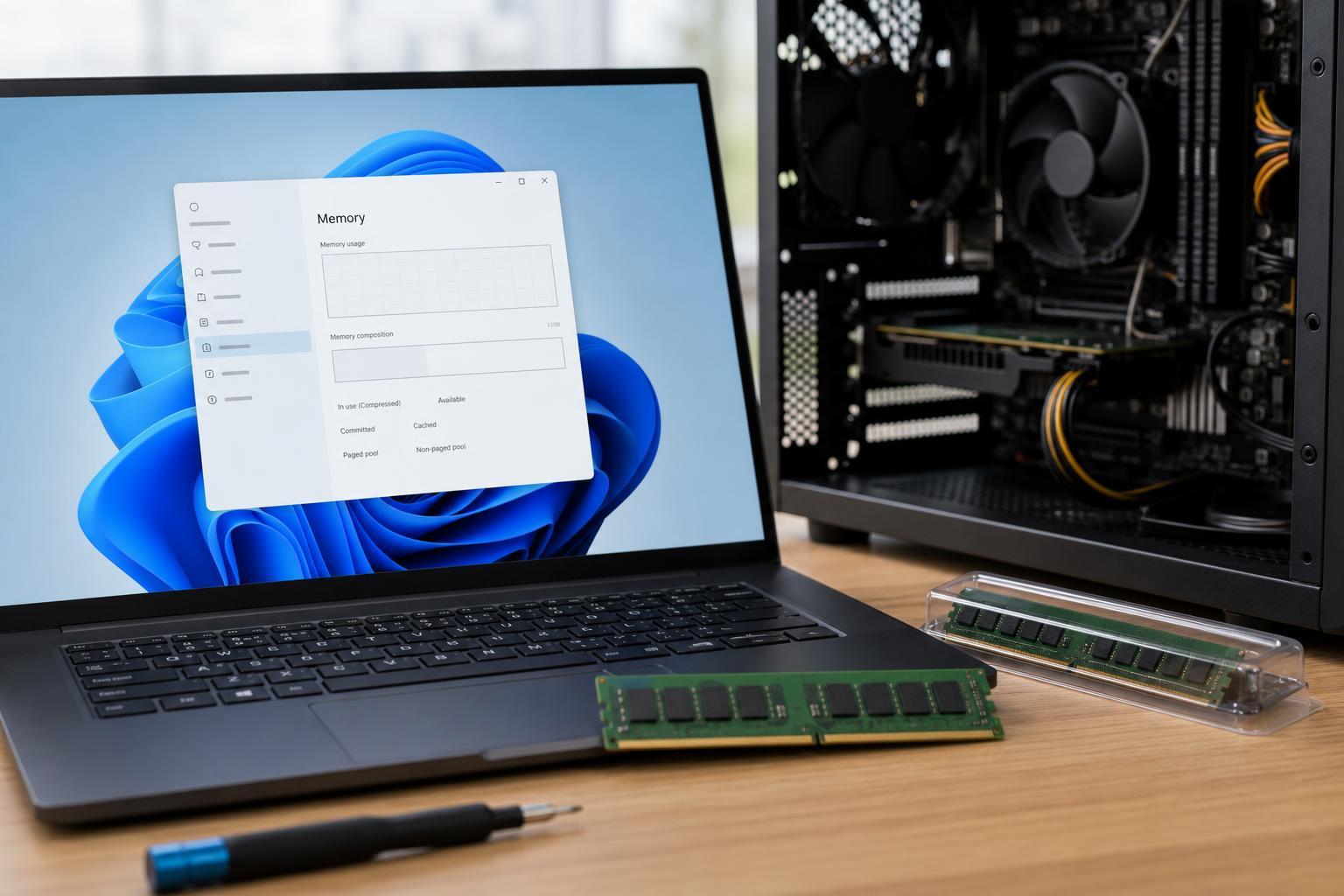
How to Fix RAM That Isn’t Showing Up or Working After an Upgrade in Windows 11
Learn why upgraded RAM may not appear in Windows 11 and how to troubleshoot compatibility, seating, BIOS, and configuration issues step by step.
Fixing Copy and Paste Problems in Google Chrome
Learn how to troubleshoot copy and paste not working in Chrome on Windows, including browser issues, extension conflicts, permissions, and system-level fixes.
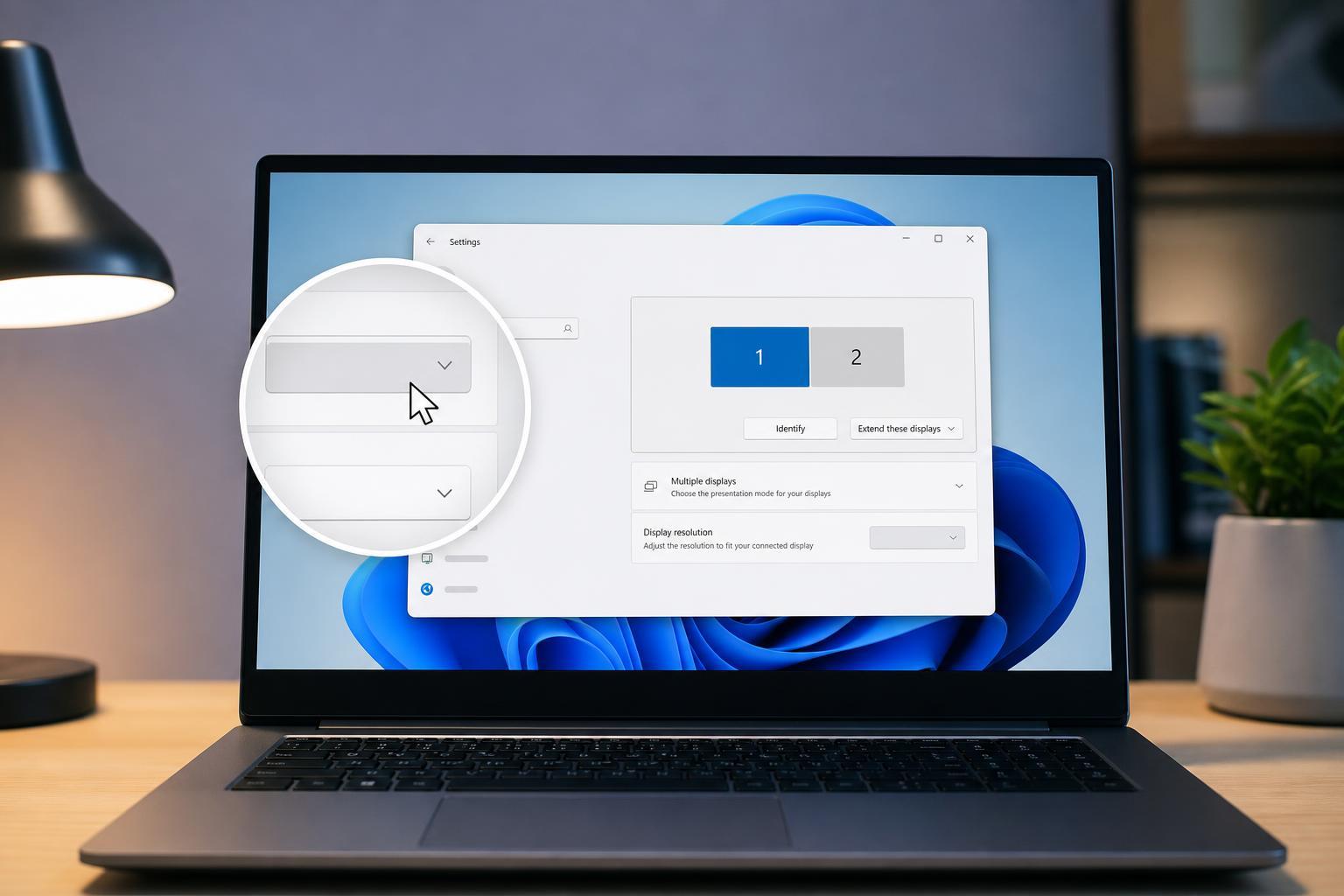
Fixing a Greyed-Out Display Resolution Option in Windows 11
Learn why the Display resolution setting may be greyed out in Windows 11 and how to fix it with practical troubleshooting steps for drivers, adapters, monitor limits, and display settings.
7 Effective Ways to Fix Hogwarts Legacy Crashing on Windows 11
Learn practical ways to troubleshoot Hogwarts Legacy crashing on Windows 11, from graphics driver fixes and file repair to settings changes and compatibility checks.
How to Fix the Windows Error “A Required Privilege Is Not Held by the Client”
Learn five practical fixes for the Windows error “A required privilege is not held by the client,” including permission checks, elevated access, sharing settings, and related system issues.
Fixing the Windows 10 “This Action Is Only Valid for Products That Are Currently Installed” Error
Learn how to fix the Windows 10 installer and repair error “This action is only valid for products that are currently installed” by checking for missing programs, reinstalling the same version, and removing broken installer entries safely.