Windows.
Windows guides, troubleshooting solutions, useful settings and practical PC tips.
How to Fix Outlook Search Problems in Windows 11
Learn six practical ways to fix Outlook search not working on Windows 11, from rebuilding the index to repairing Outlook and checking search settings.
3 Practical Ways to Fix Corrupt Drivers in Windows 11 and Windows 10
Learn three effective ways to fix corrupt drivers in Windows 11 and Windows 10, including built-in tools, reinstalling drivers, and updating them safely.
Is Tracking Prevention in Microsoft Edge Worth Turning On?
Learn what Tracking Prevention does in Microsoft Edge, how the three levels differ, and when to use Balanced, Strict, or Basic for better privacy without breaking websites.
Microsoft Teams Screen Sharing Not Working on Windows 11: 4 Fixes That Usually Solve It
Learn four practical fixes for Microsoft Teams screen sharing problems on Windows 11, including permission checks, app and driver updates, and settings that can block sharing.
Microsoft Word Dictation Not Working in Windows 11 or 10: 4 Fixes to Try
Learn four practical fixes for when Microsoft Word Dictation stops working on Windows 11 or Windows 10, including microphone permissions, Office updates, app settings, and troubleshooting your input device.
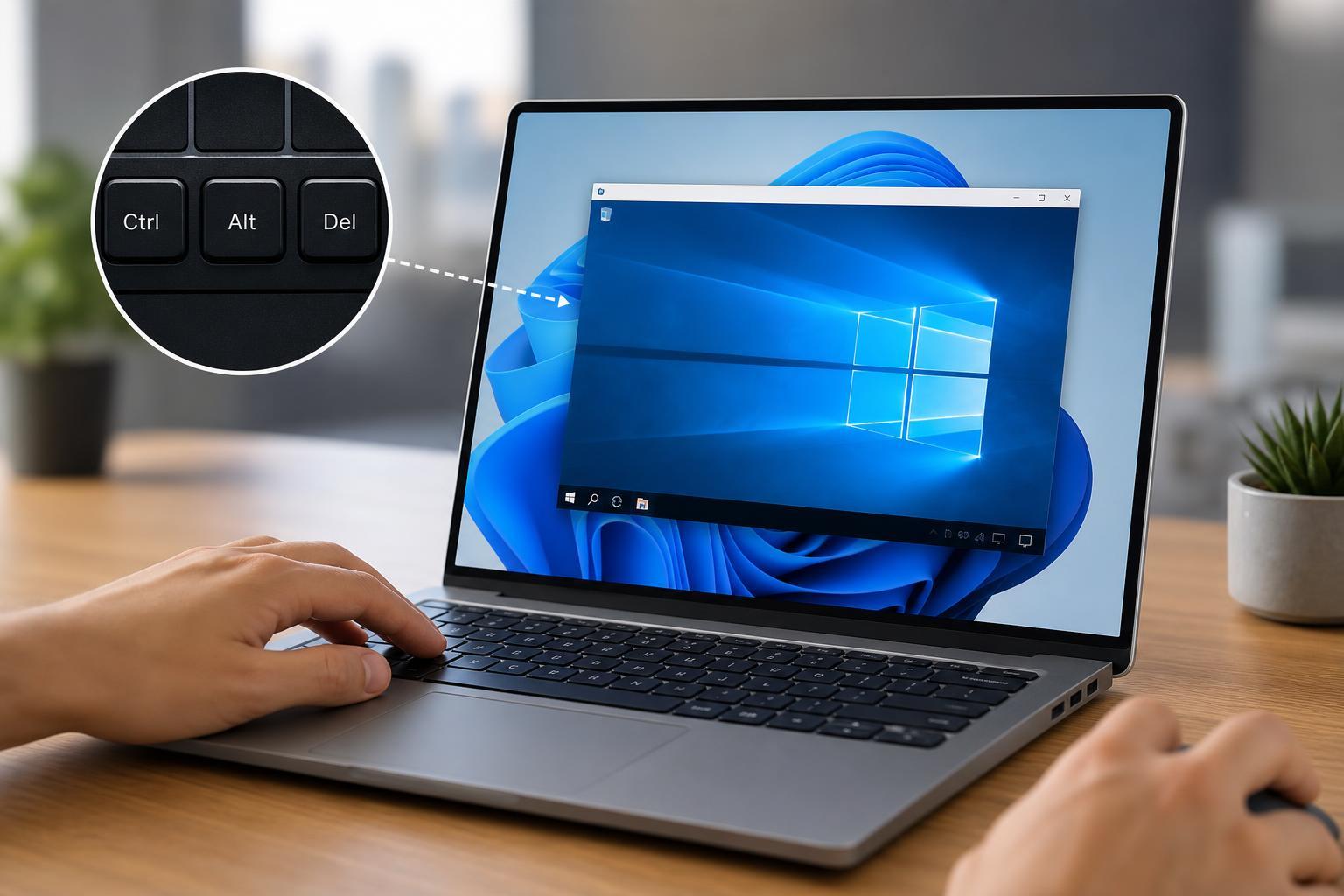
How to Send Ctrl + Alt + Del in Windows Remote Desktop
Learn how to use Ctrl + Alt + Del in a Remote Desktop session on Windows, including the correct shortcut, on-screen options, and what to do if the key combination is not working.
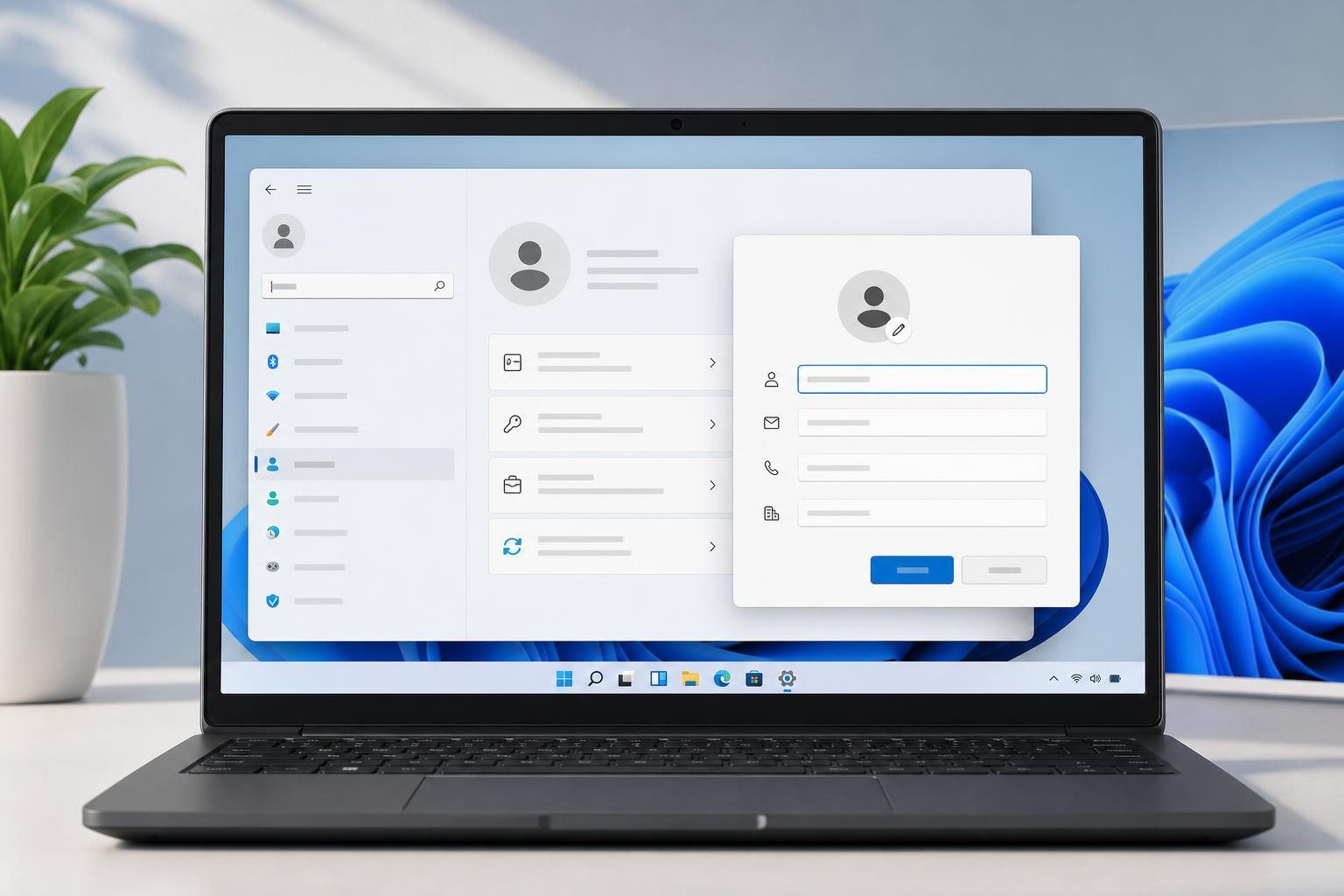
How to View and Update Owner Information in Windows 11
Learn how to check and change owner details in Windows 11, including the information shown in system properties, Microsoft account settings, and device ownership records.
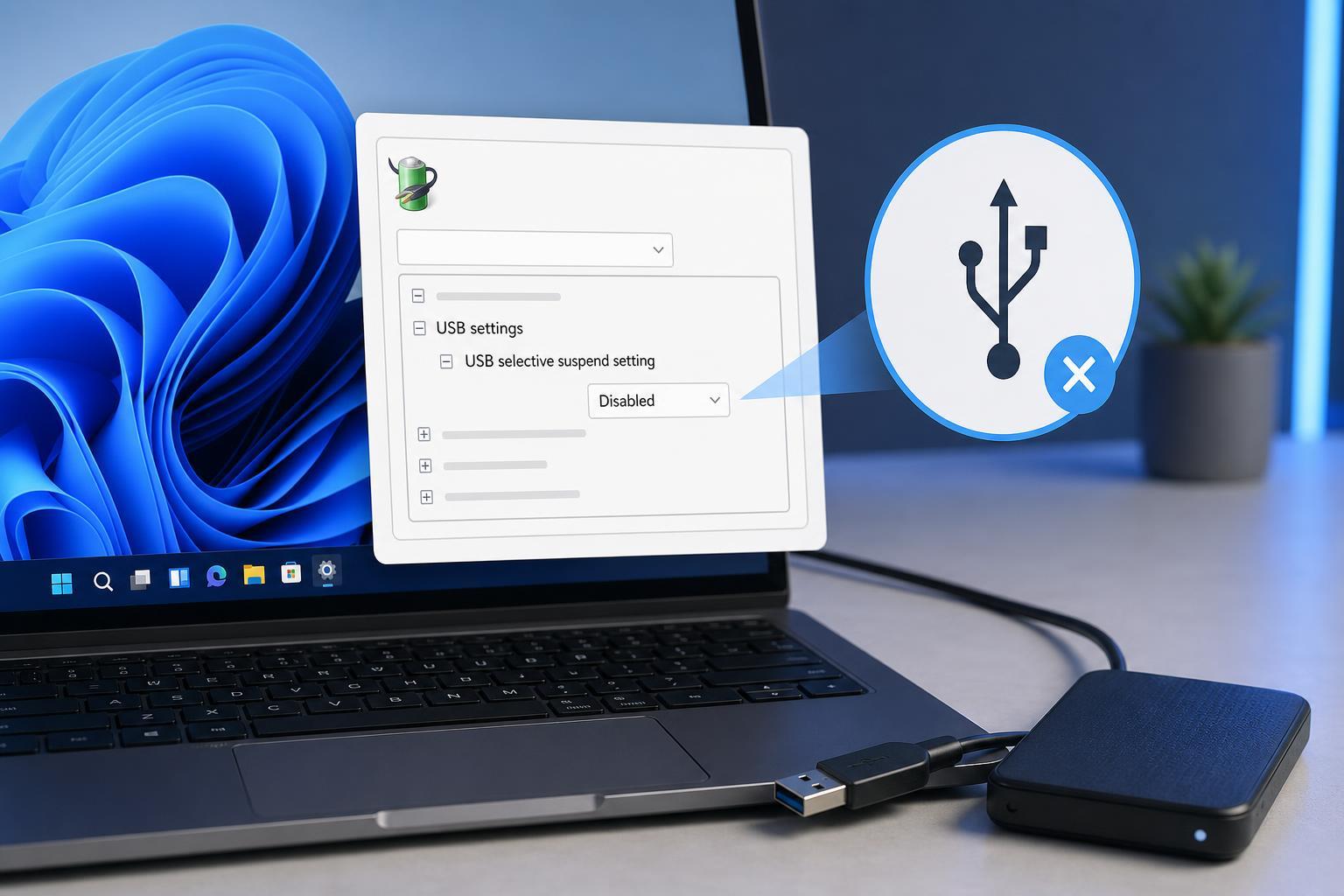
Turn Off USB Selective Suspend in Windows 11
Learn how to disable USB Selective Suspend in Windows 11, why it can affect USB devices, and which power settings to check if your peripherals keep disconnecting.
8 Ways to Fix Google Chrome Crashing When You Print
Learn the most effective ways to stop Google Chrome from crashing when you print, including browser, printer, driver, and extension fixes.
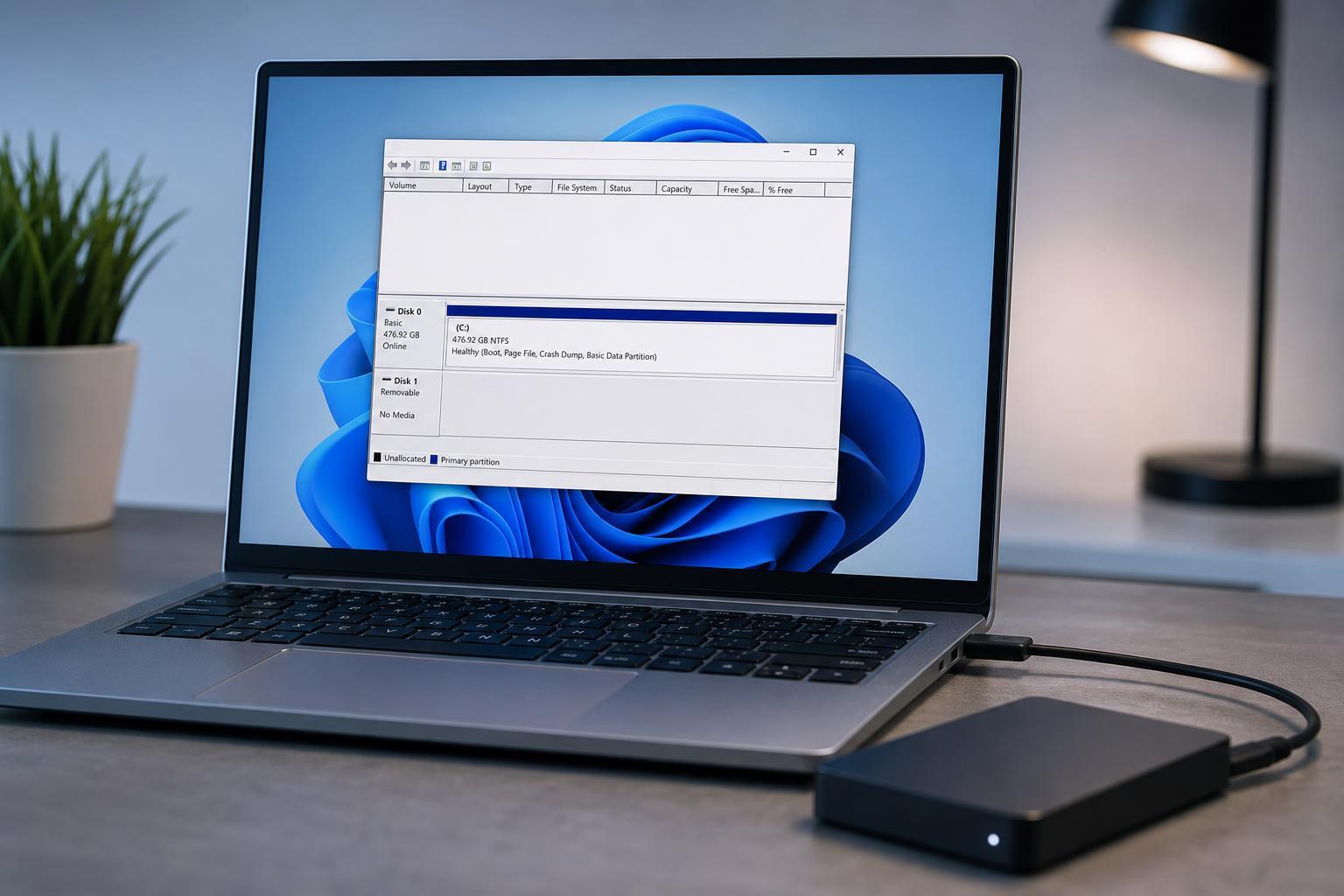
8 Fixes for an External Drive That Doesn’t Appear in Disk Management on Windows
Learn the most effective ways to troubleshoot an external drive that isn’t showing up in Disk Management on Windows, from cable and port checks to drive letter, driver, and hardware fixes.
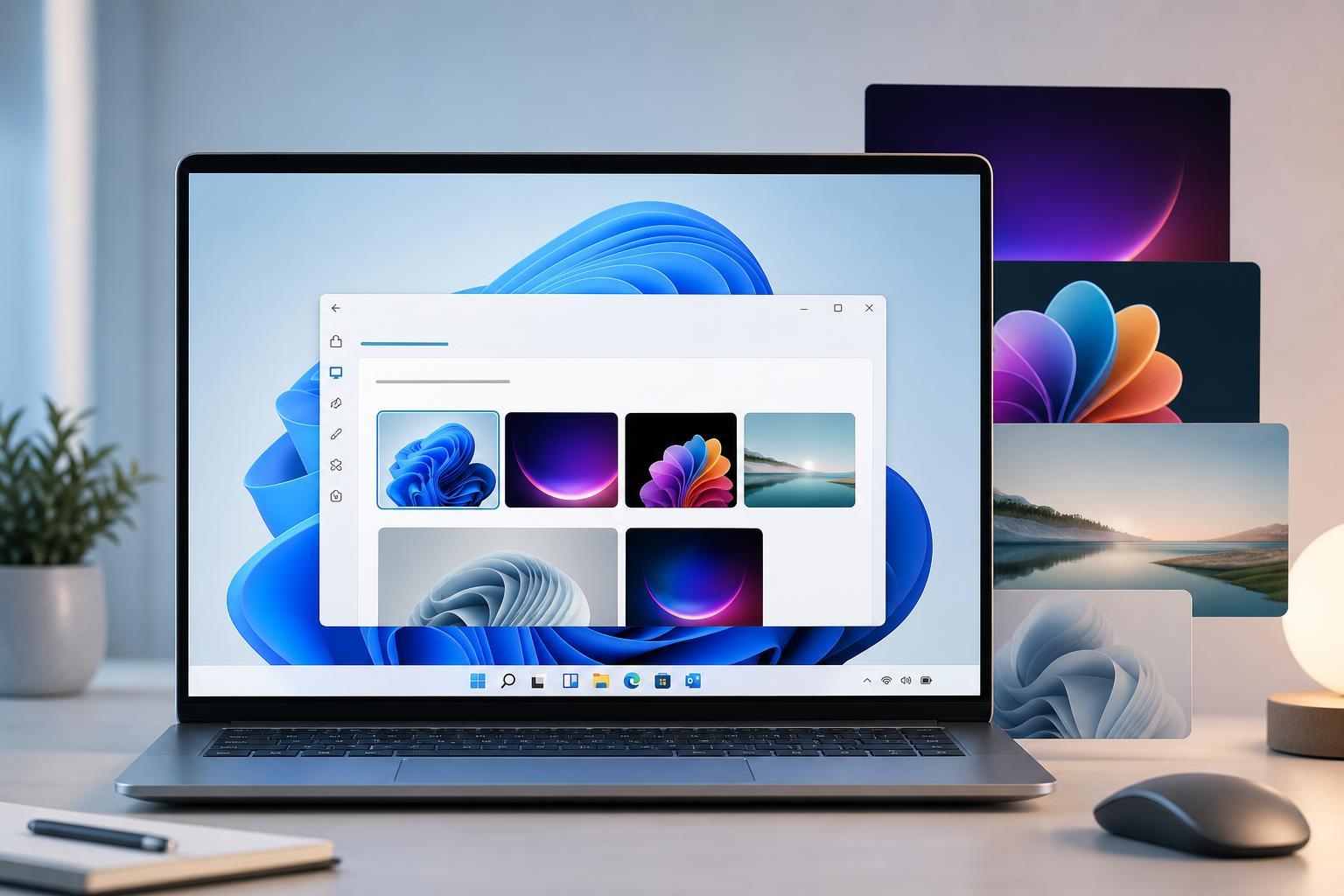
4 Easy Ways to Change Themes in Windows 11
Learn four simple ways to change themes in Windows 11, including using Settings, the Microsoft Store, high-contrast themes, and desktop personalization options.
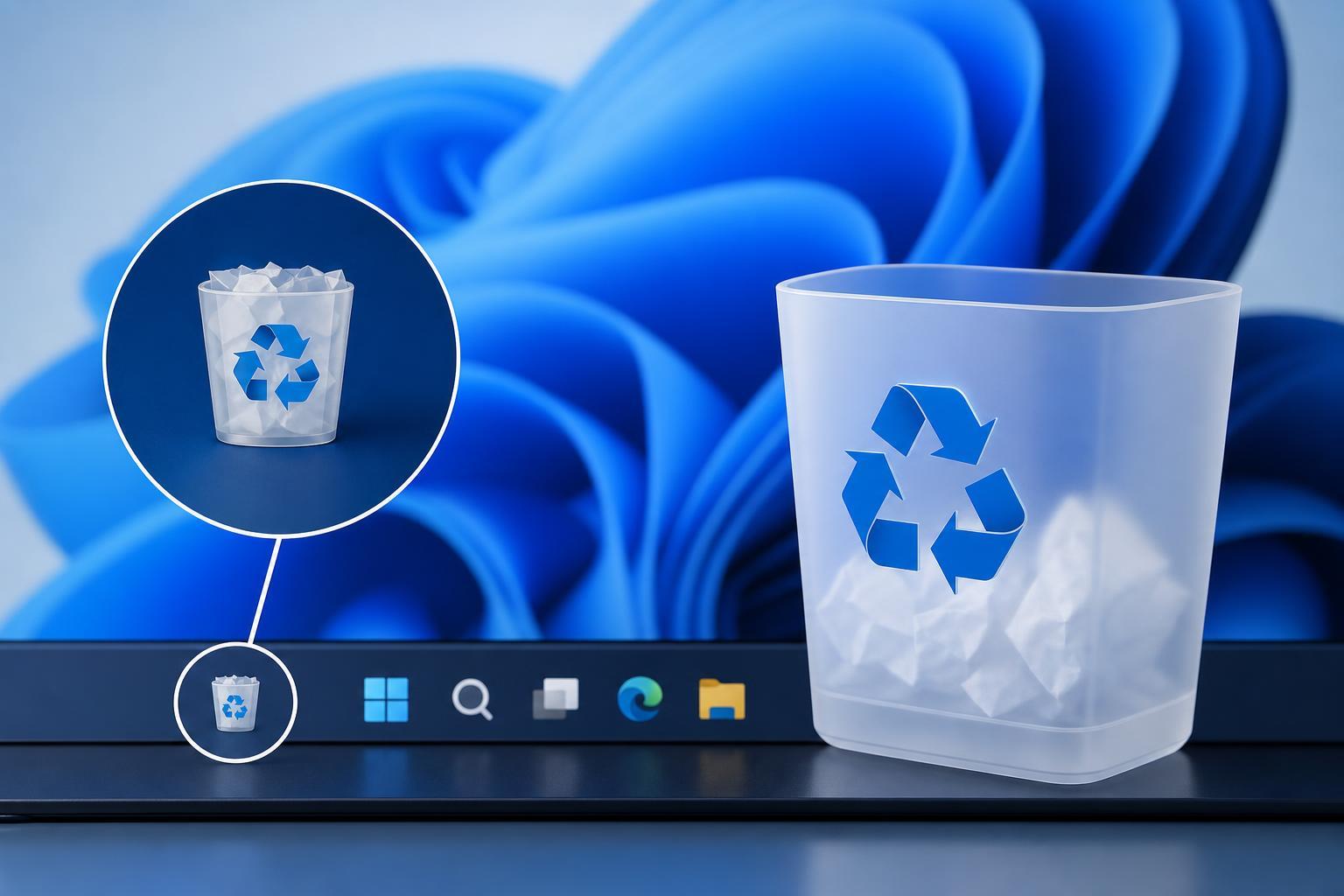
How to Find the Recycle Bin in Windows: 9 Simple Ways
Learn nine practical ways to locate the Recycle Bin in Windows, whether it is missing from the desktop, Start menu, File Explorer, or search results.