Windows.
Windows guides, troubleshooting solutions, useful settings and practical PC tips.
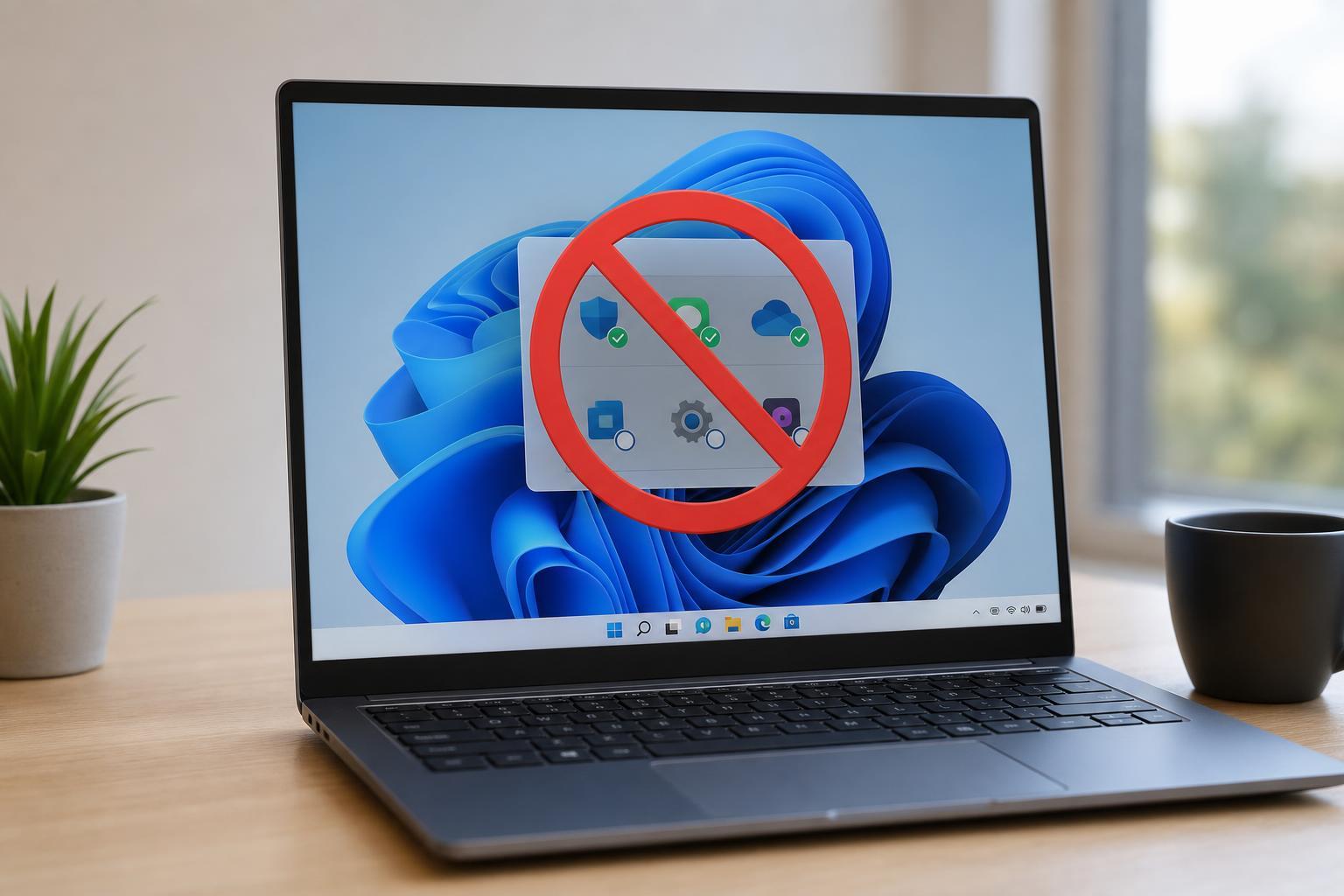
Startup Programs Not Launching on Windows 10 or 11? 5 Ways to Fix It
Learn five practical ways to fix startup programs that do not launch on Windows 10 or Windows 11, including settings checks, Task Manager startup items, and app permissions.
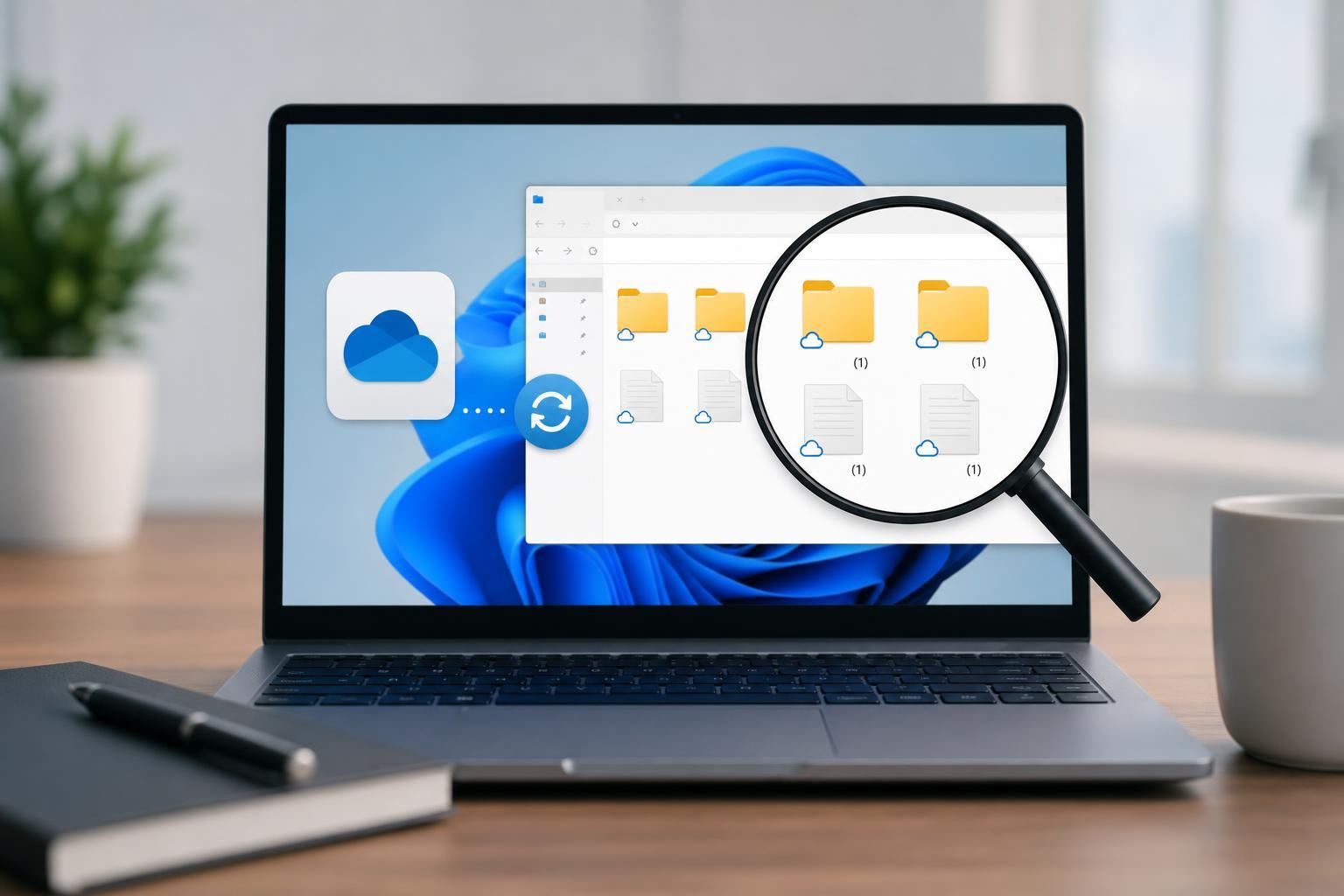
How to Fix OneDrive When It Creates Duplicate Files and Folders on Windows
Learn why OneDrive may create duplicate files and folders on Windows and how to fix the sync issue with practical steps that help prevent it from happening again.
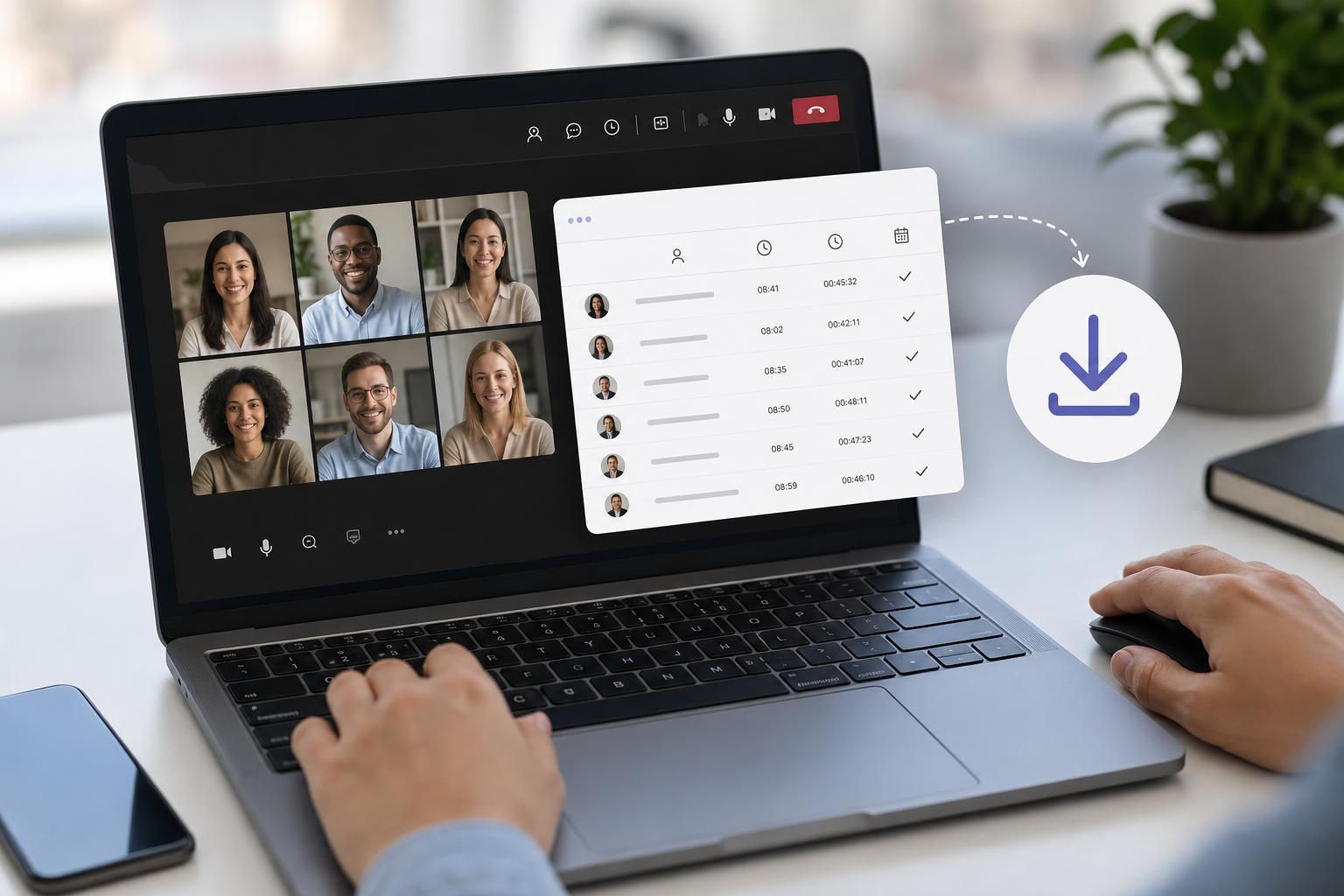
How to Download Attendance Reports in Microsoft Teams Meetings
Learn how to download a Microsoft Teams meeting attendance report, where to find it, who can access it, and what to do if the report is missing.
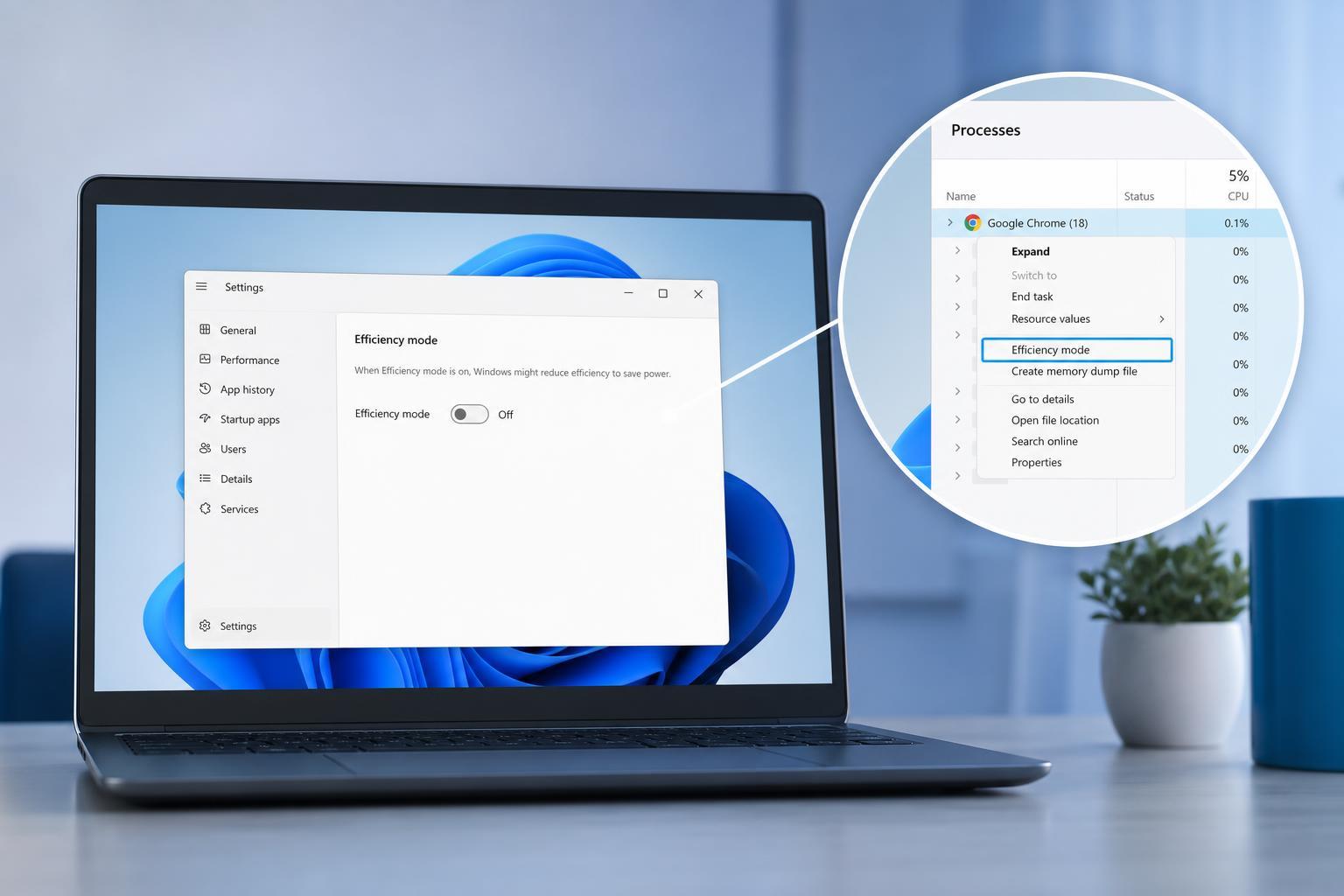
Disable Efficiency Mode for Google Chrome in Windows 11
Learn how to turn off Efficiency Mode for Google Chrome in Windows 11, when it is useful, and what to check if Chrome keeps being put back into the mode.
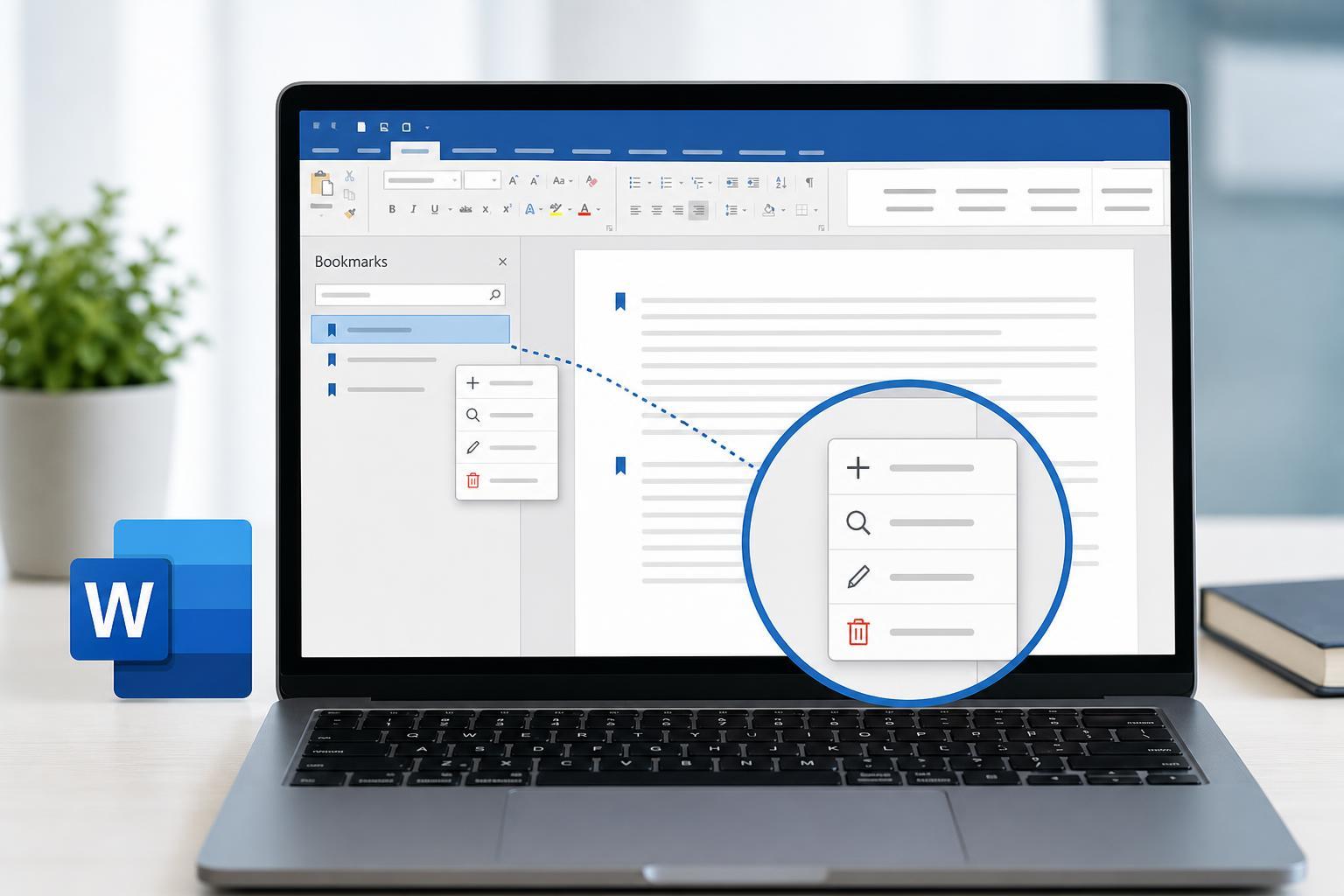
Managing Bookmarks in Microsoft Word: Create, Find, Update, and Delete Them
Learn how to create, organize, jump to, update, and remove bookmarks in Microsoft Word so you can navigate long documents and reference specific sections more easily.
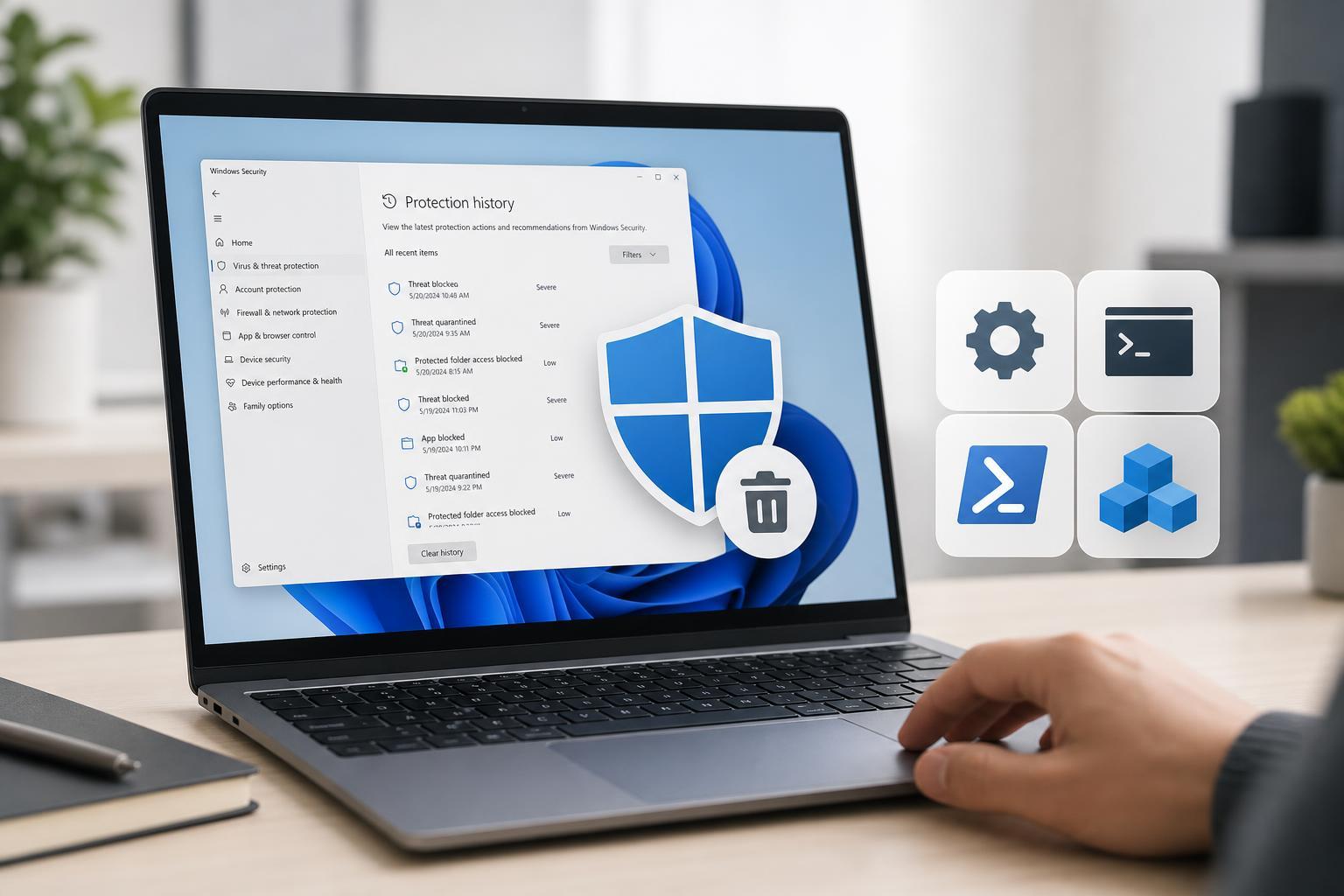
How to Clear Windows Defender Protection History in 4 Ways
Learn four practical ways to clear Windows Defender Protection history in Windows Security, including simple cleanup steps and when you may need to remove old threat records manually.
5 Practical Fixes for the nvlddmkm.sys Failed Error in Windows
Learn the most effective ways to fix the nvlddmkm.sys failed error in Windows, including driver, graphics, and system checks that can stop NVIDIA crashes and display problems.
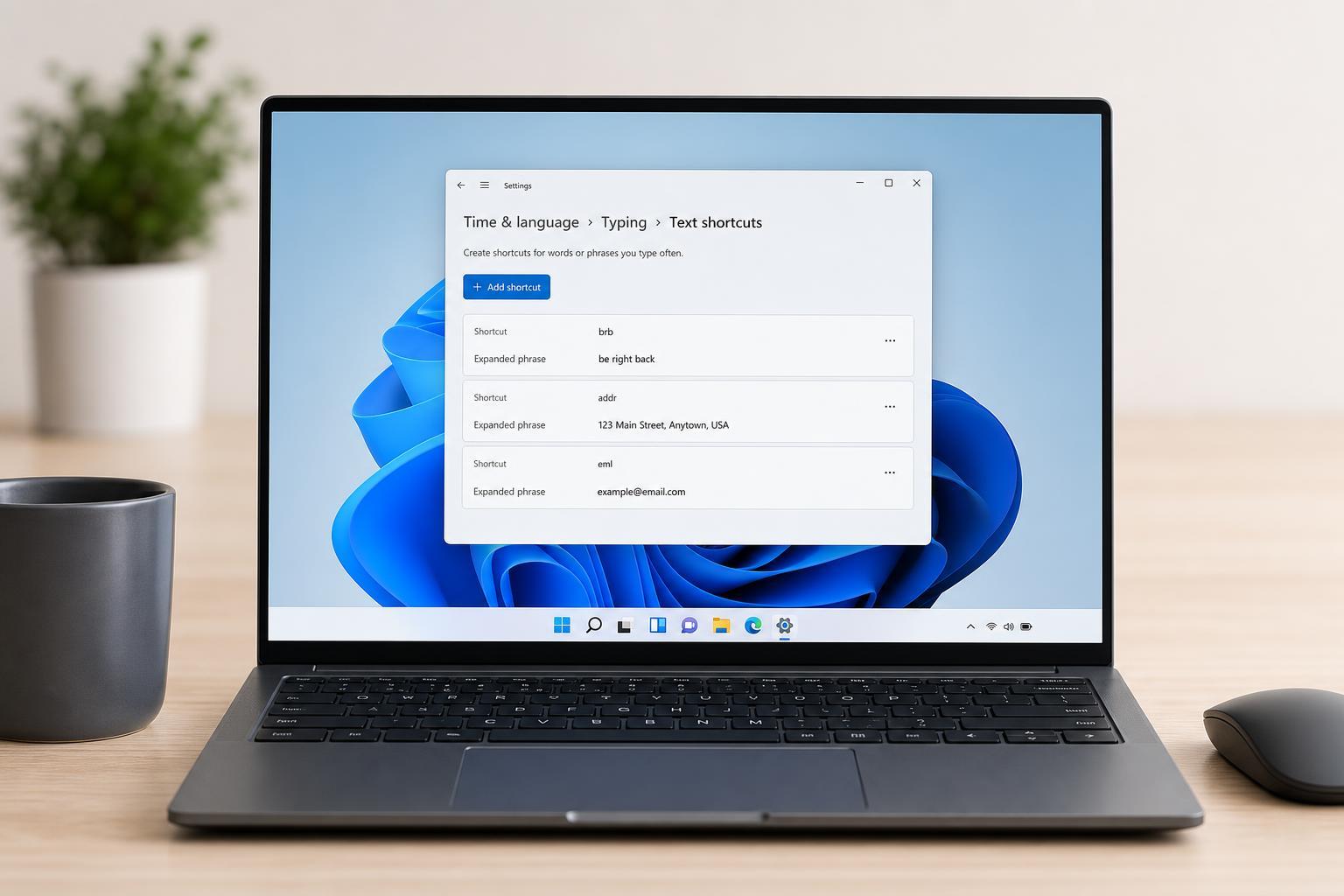
How to Set Up Text Replacement on Windows
Learn how to create text replacement shortcuts on Windows using built-in options and third-party tools, plus how to choose the best method for typing faster.
Fixing WhatsApp Desktop Sign-Outs on Windows
Learn why WhatsApp Desktop keeps logging you out on Windows and how to fix sync, update, permission, and device issues with practical troubleshooting steps.
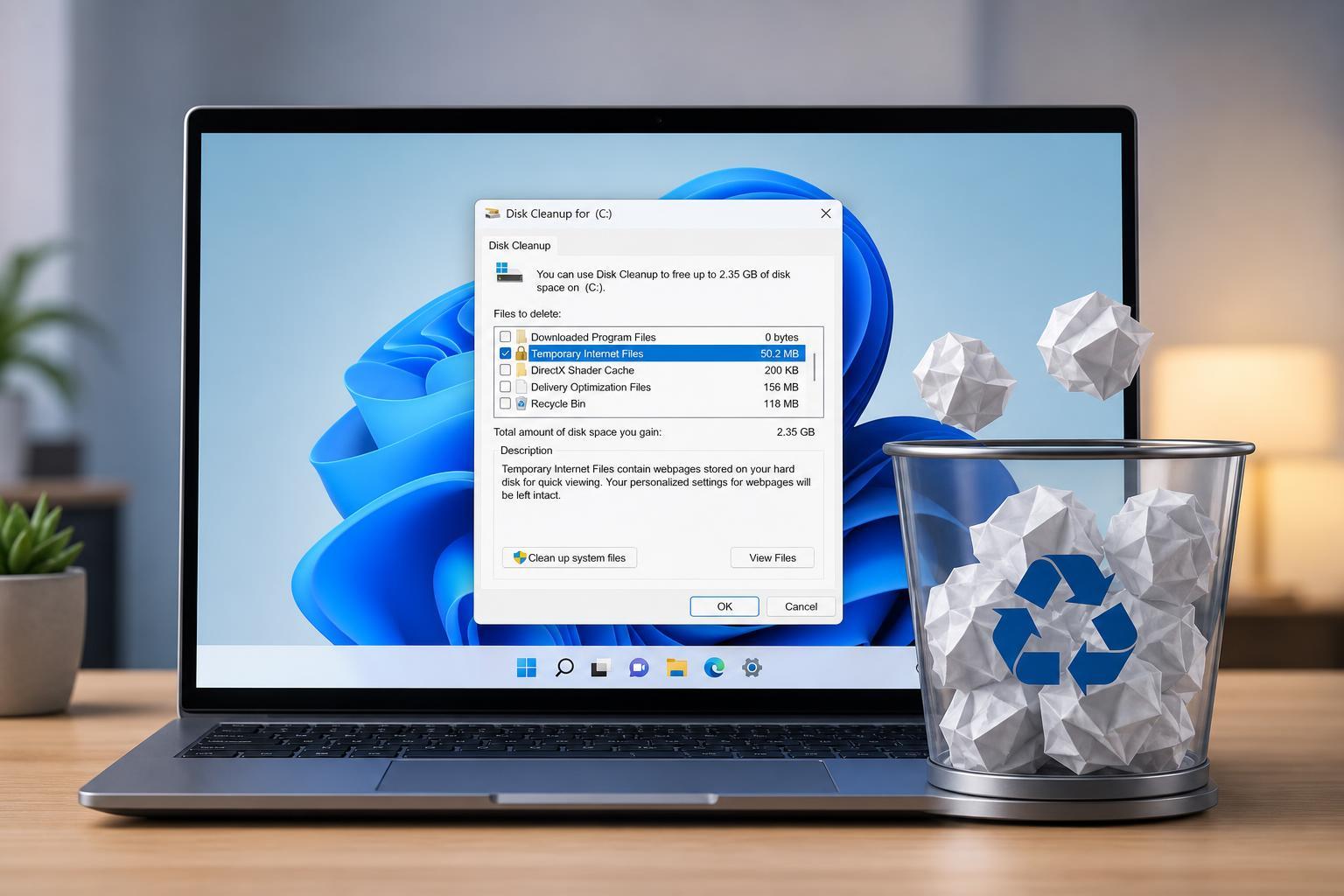
Clearing Cache Files in Windows 10 and Windows 11: A Practical Guide
Learn how to clear different types of cache files in Windows 10 and Windows 11, including temporary files, app caches, browser data, and update leftovers.
5 Ways to Fix the “Printer Driver Is Unavailable” Error in Windows 11
Learn five practical ways to fix the Windows 11 “Printer driver is unavailable” error, including driver updates, reinstalling the printer, and checking Windows settings.
5 Fixes for Google Chrome Closing by Itself on Desktop
Learn the most effective ways to fix Google Chrome when it keeps closing automatically on a Windows or desktop computer, including common causes, settings checks, and troubleshooting steps.