Apps & Software.
Practical guides for popular apps, software, tools and everyday programs.
Adding PDF and EPUB eBooks to Google Play Books
Learn how to upload PDF and EPUB files to Google Play Books, sync them across your devices, and fix common upload or reading issues.
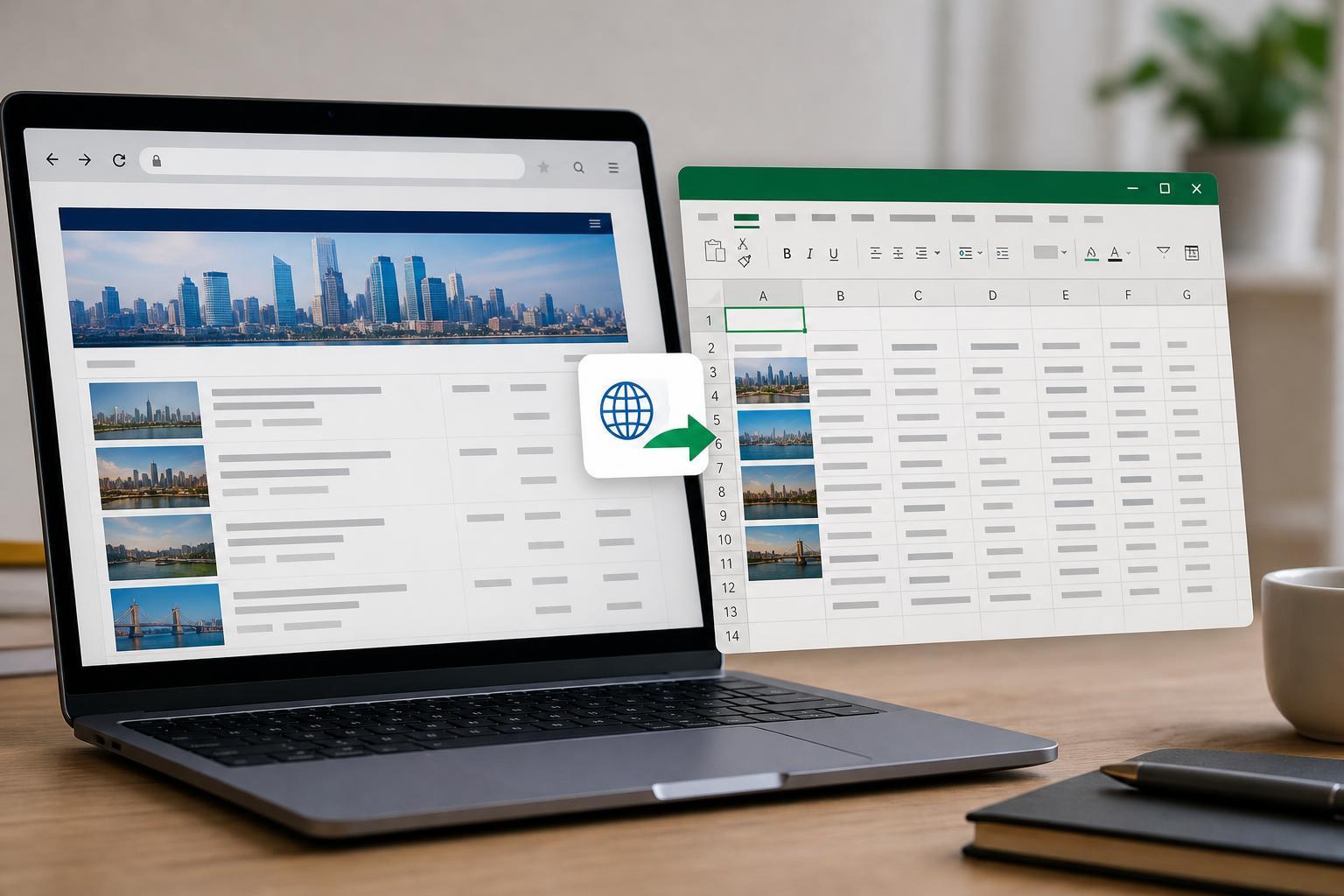
Importing Web Data into Microsoft Excel: A Practical Guide
Learn how to bring tables, lists, and other data from websites into Microsoft Excel using built-in import tools, refreshable queries, and best practices for cleaning and updating web data.

How to Reset or Change a Forgotten Discord Password: 4 Practical Methods
Learn four practical ways to reset or change your Discord password, including what to do if you still have access to your account, email, or phone number.
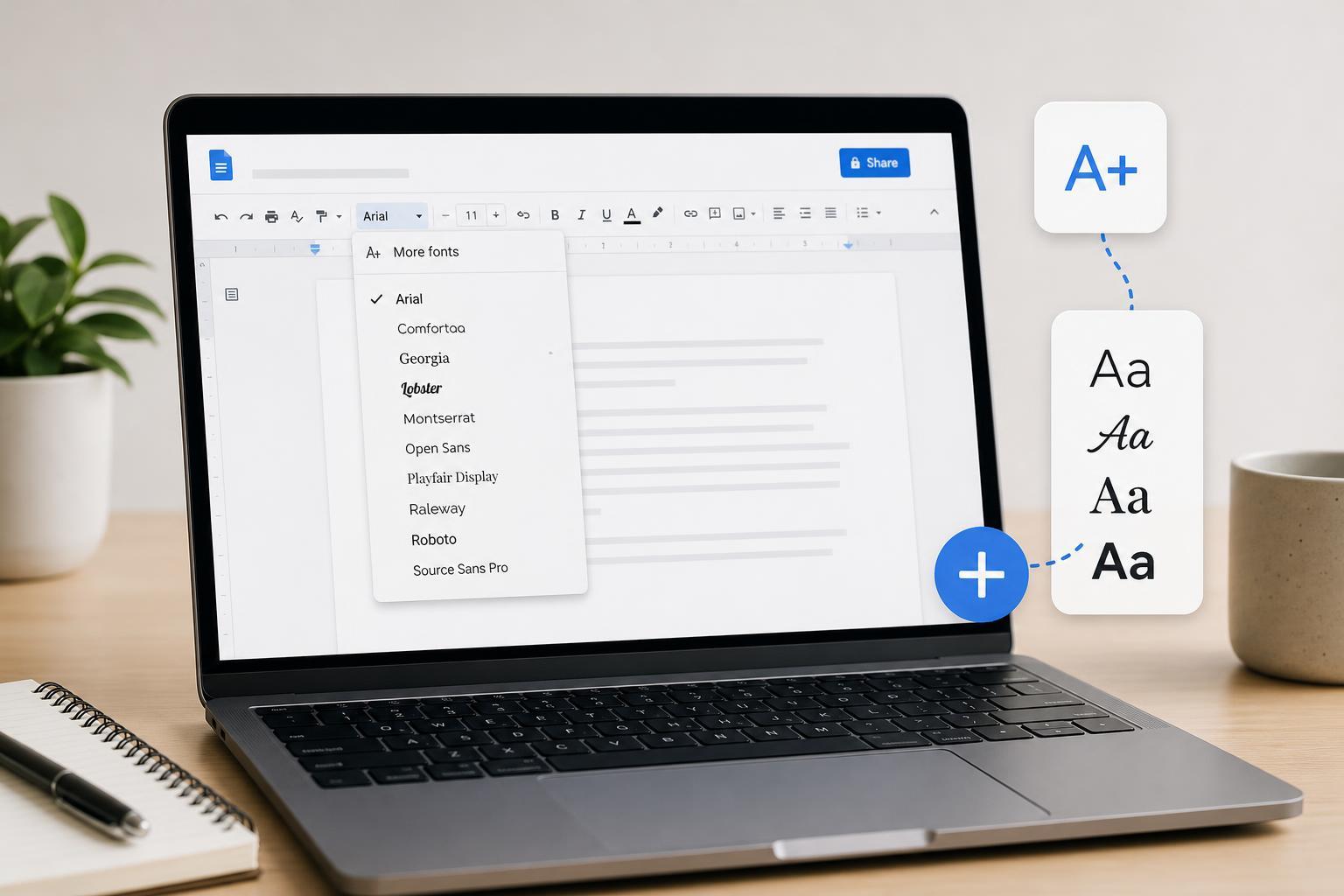
How to Add More Fonts in Google Docs: 2 Easy Methods
Learn two simple ways to add more fonts in Google Docs, including how to use the built-in font menu and how to get extra fonts through Google Fonts for documents with more style options.
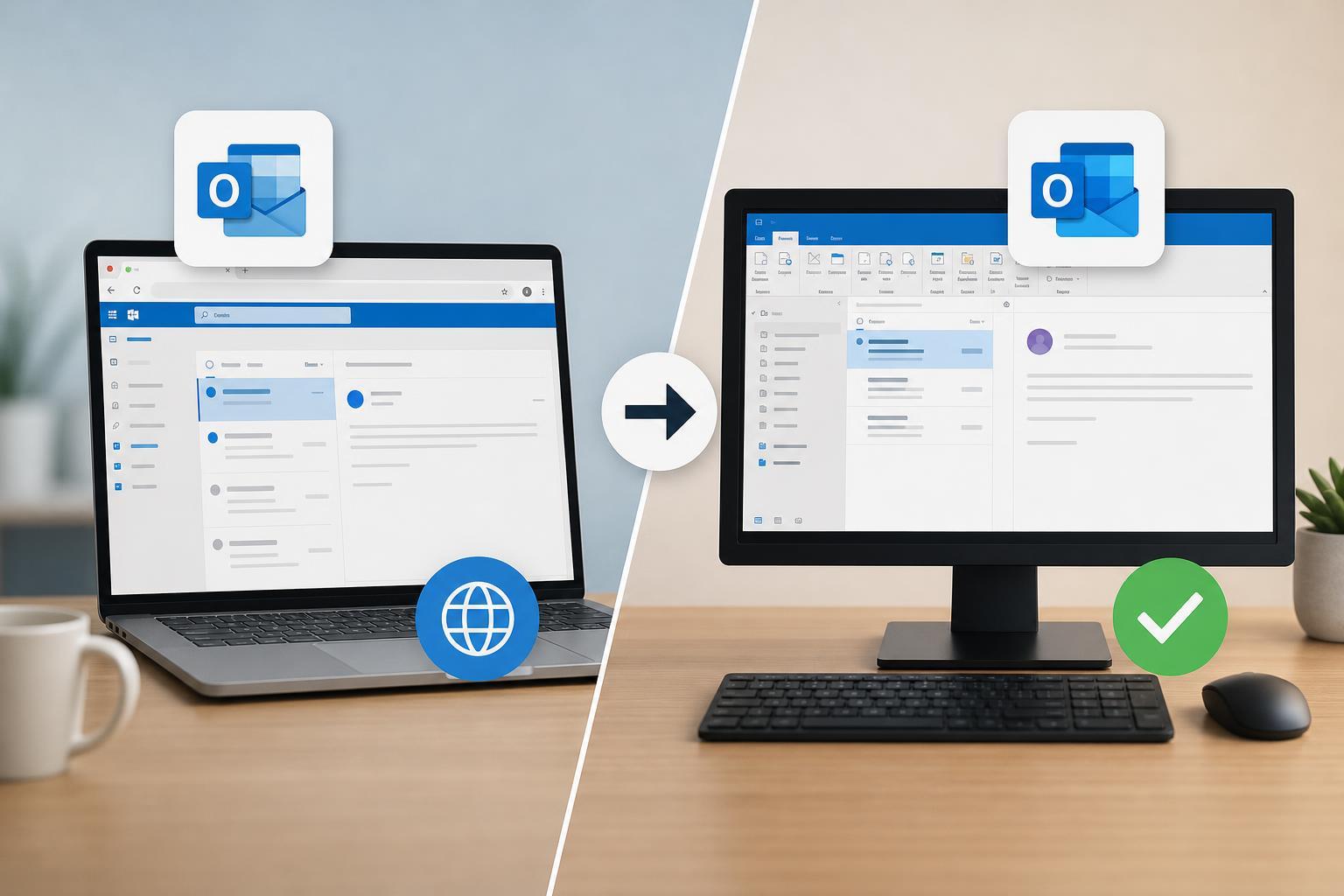
How to Fix Outlook Opening in a Browser Instead of the Desktop App
Learn why Outlook opens in your browser instead of the desktop app and how to fix account, link, and Windows settings so email opens in the app again.

What Firefox’s Ad Tracking Change Means and How to Respond
Learn what Firefox’s ad tracking change means, how it affects your privacy, and what settings or browser alternatives you can use to reduce tracking.
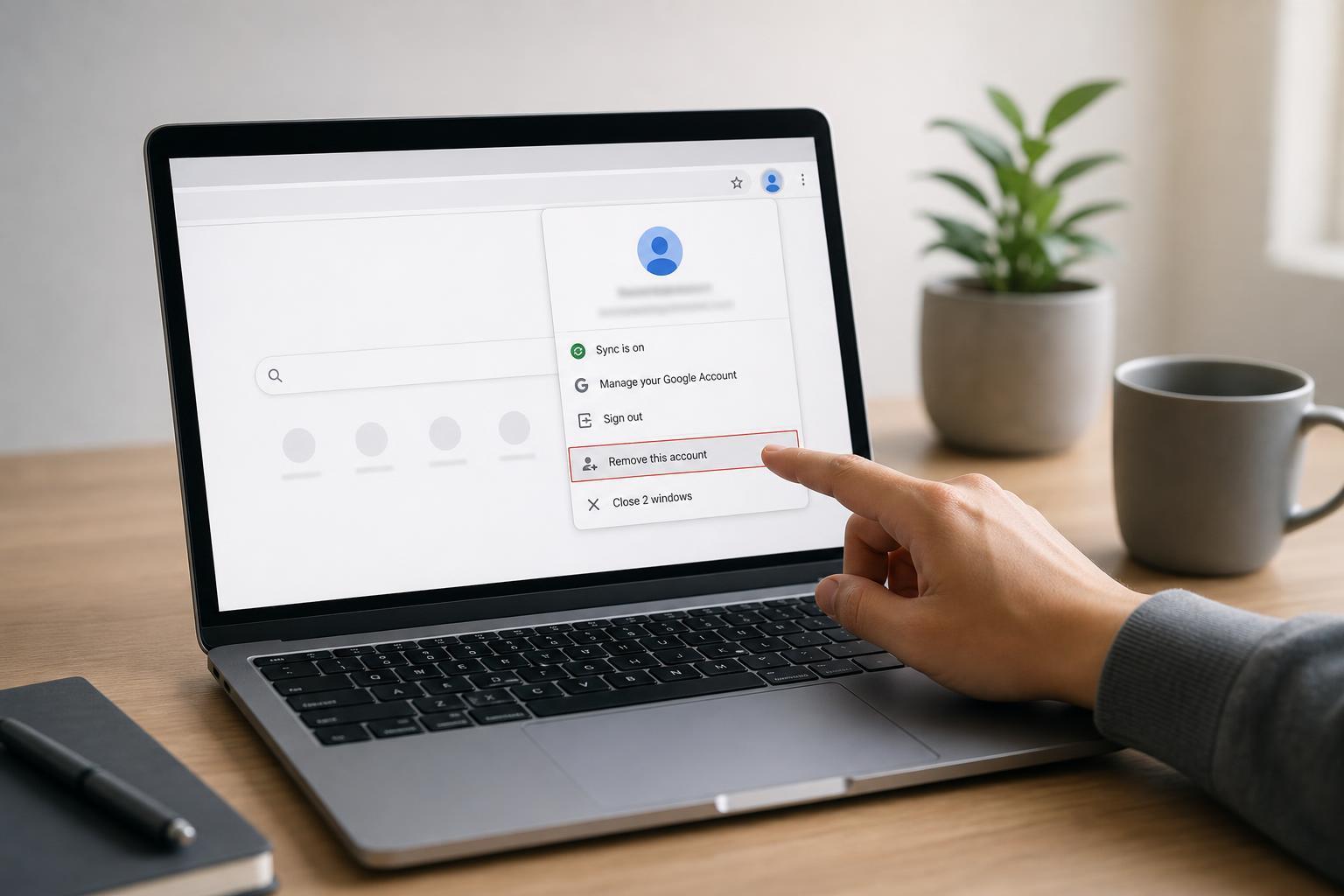
Removing a Google Account From Chrome: Step-by-Step Guide
Learn how to remove a Google account from Chrome on your computer or mobile device, including how to sign out, stop sync, and delete saved profiles safely.
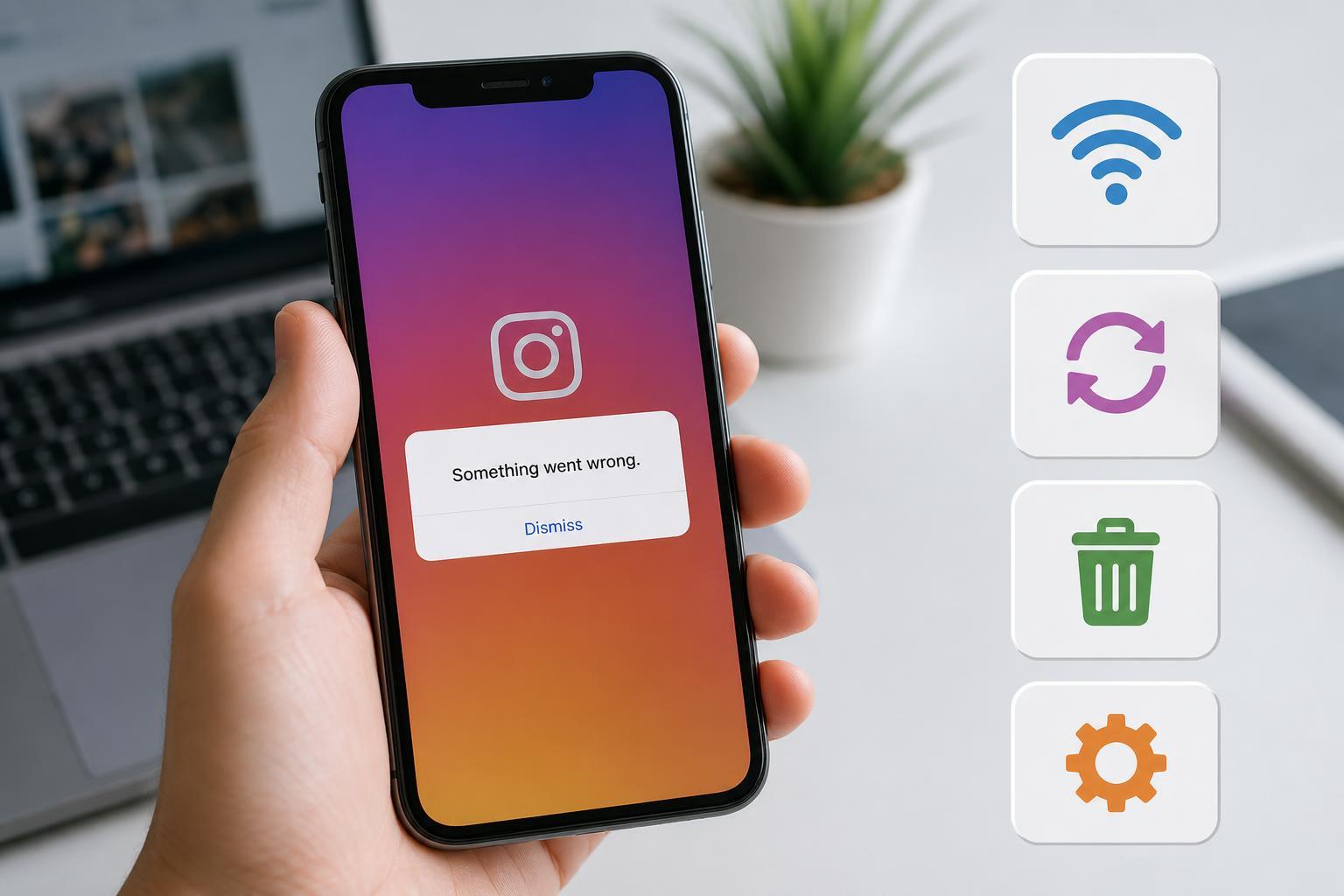
4 Reliable Ways to Fix the Instagram “Something Went Wrong” Error
Learn four practical ways to fix Instagram’s “Something Went Wrong” error on your phone, including network checks, app fixes, account troubleshooting, and when to wait for an outage to clear.
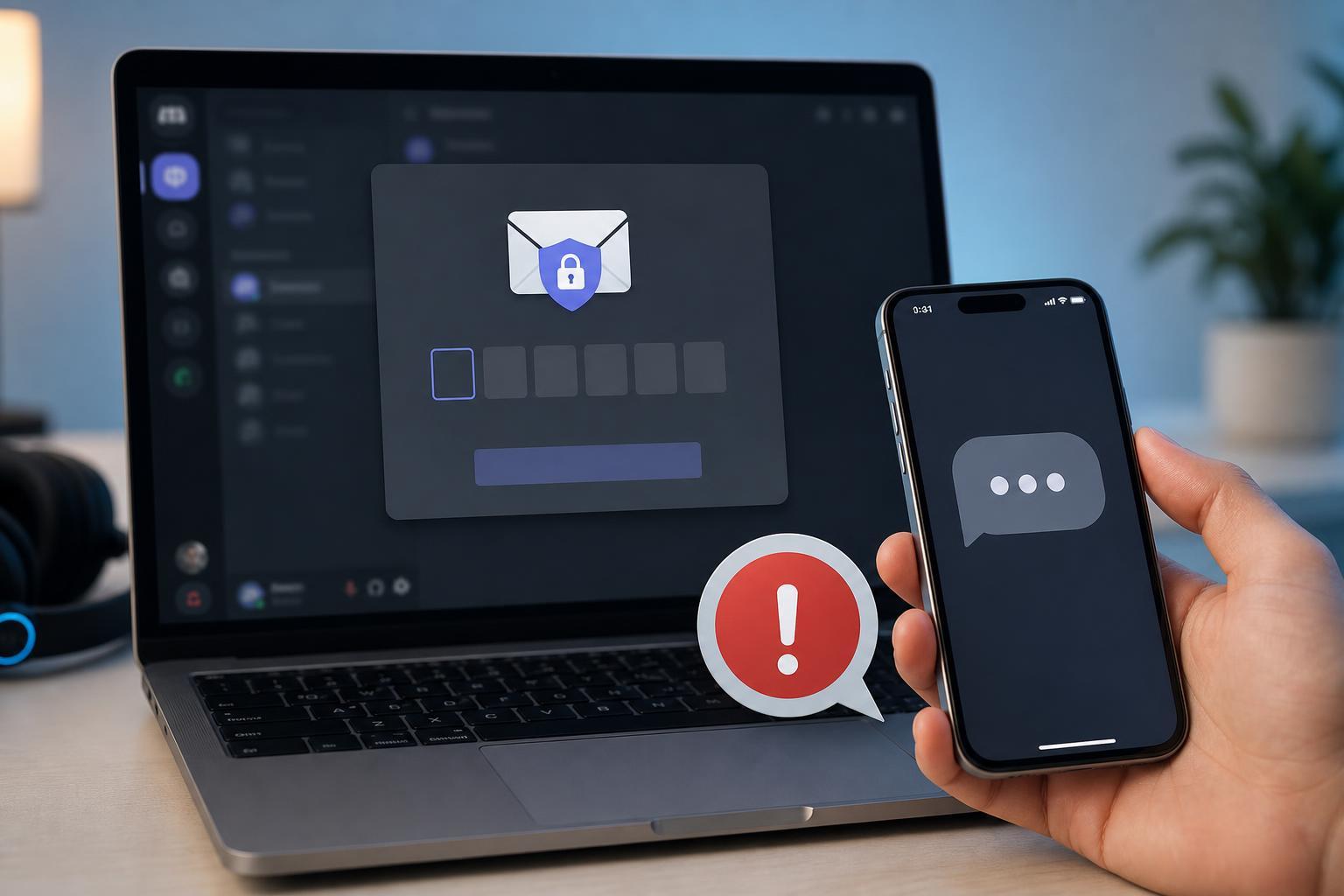
2 Simple Ways to Fix Discord When It Won’t Send a Security Code
Learn two practical ways to fix Discord when the security code email does not arrive, including checking your inbox and verifying Discord account and email settings.
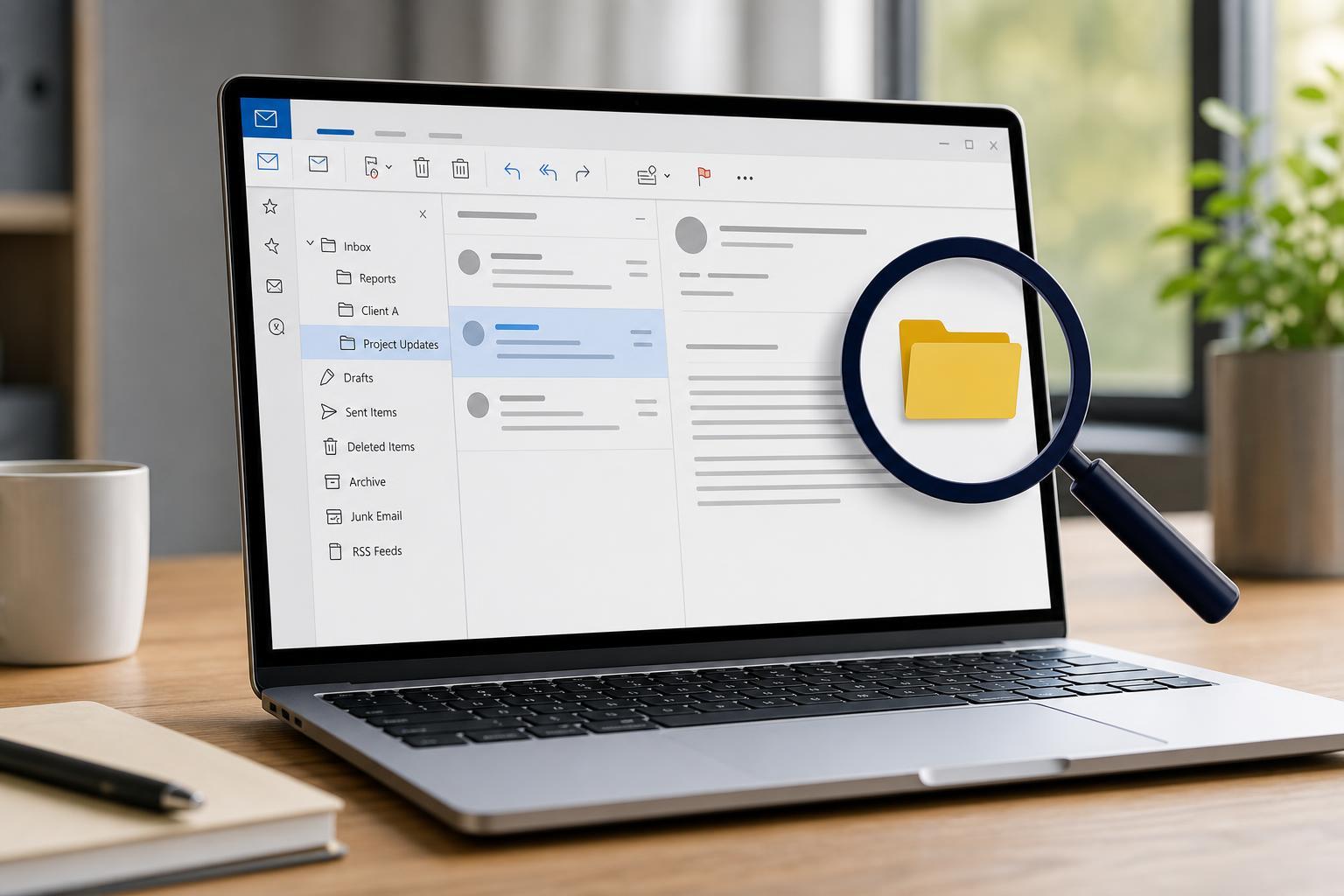
How to Locate the Folder an Email Is Stored in Outlook
Learn how to find which Outlook folder contains a specific email using search, message properties, and mailbox navigation in Outlook for Windows and Outlook on the web.

4 Ways to Fix GIFs Not Sending in WhatsApp Web
Learn why GIFs may fail to send in WhatsApp Web and how to fix the problem with simple, practical steps that help you get animated images working again.
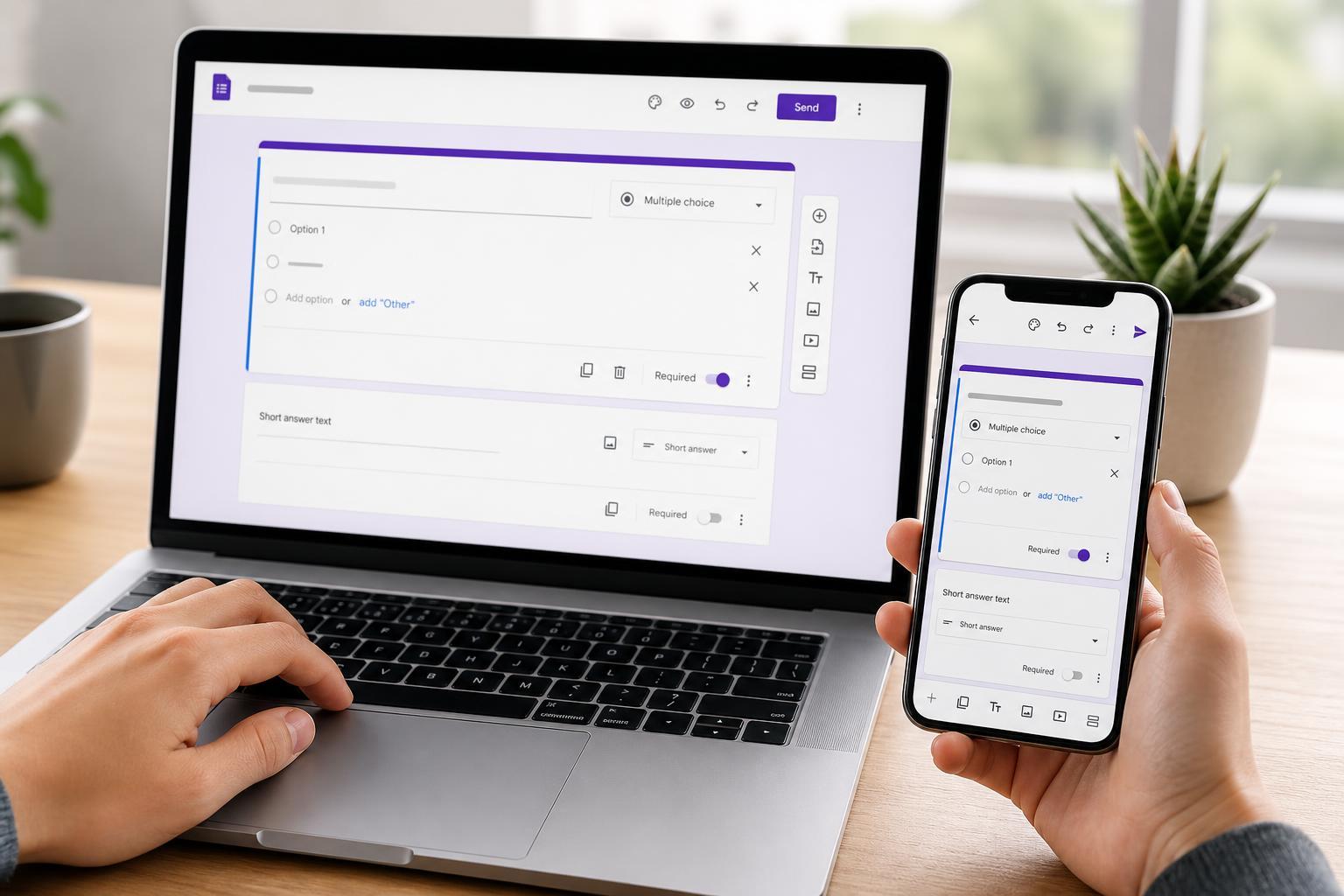
How to Edit Google Forms on Mobile and Desktop
Learn how to edit Google Forms from a computer, phone, or tablet, including what you can change on mobile and when desktop is the better option.