Windows.
Windows guides, troubleshooting solutions, useful settings and practical PC tips.
4 Ways to Fix File Explorer Getting Stuck on “Working on It” in Windows
Learn four practical fixes for when Windows File Explorer freezes on “Working on It,” including common causes, step-by-step solutions, and when to try deeper troubleshooting.
4 Ways to Fix a Windows 11 Activation Key That Isn’t Working
Learn the most effective fixes when a Windows 11 product key will not activate, including key checks, licensing issues, version mismatches, and activation troubleshooting.
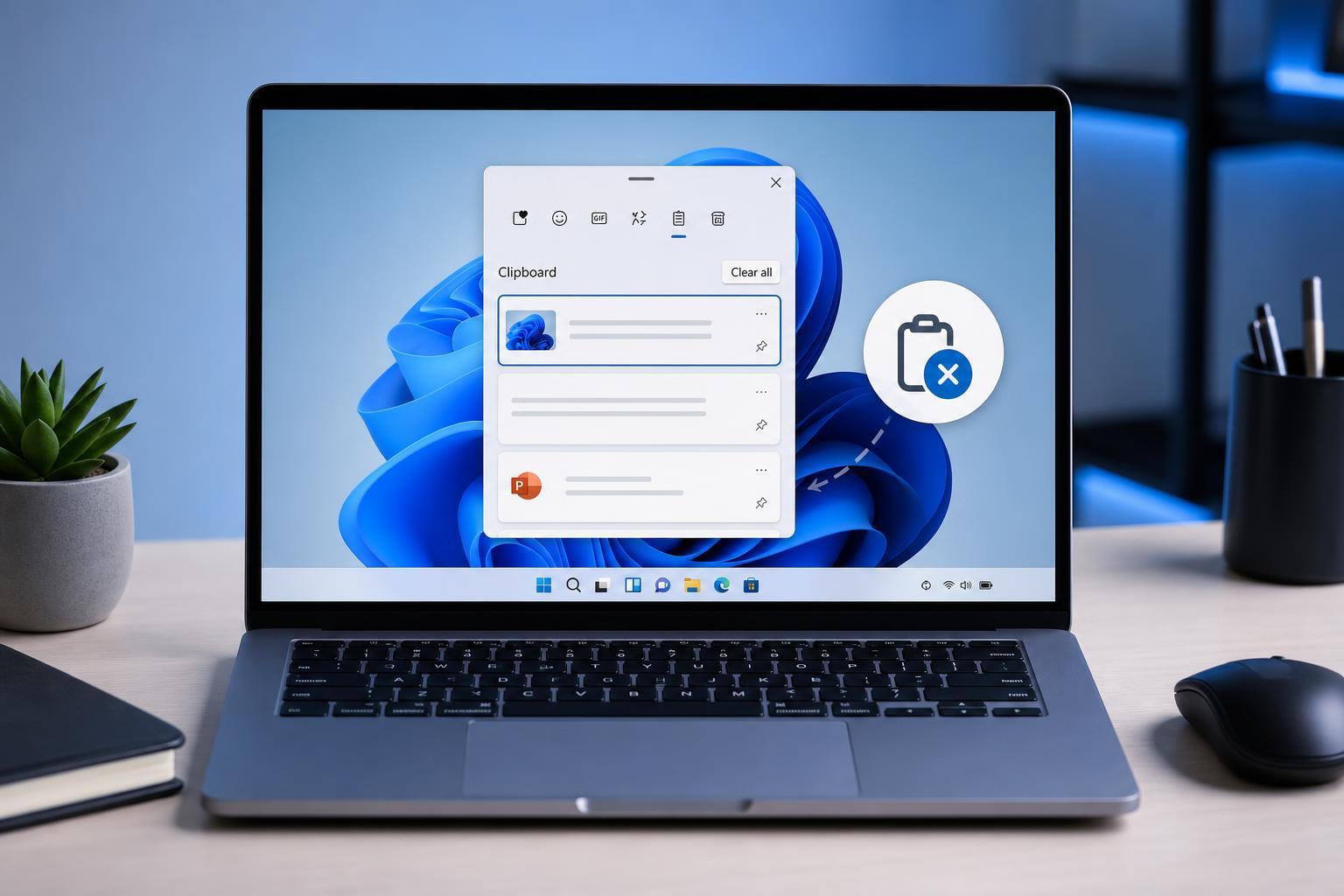
3 Easy Ways to Clear Clipboard History in Windows 11
Learn three simple ways to clear clipboard history in Windows 11, including removing individual items, clearing everything from Settings, and turning clipboard history off.
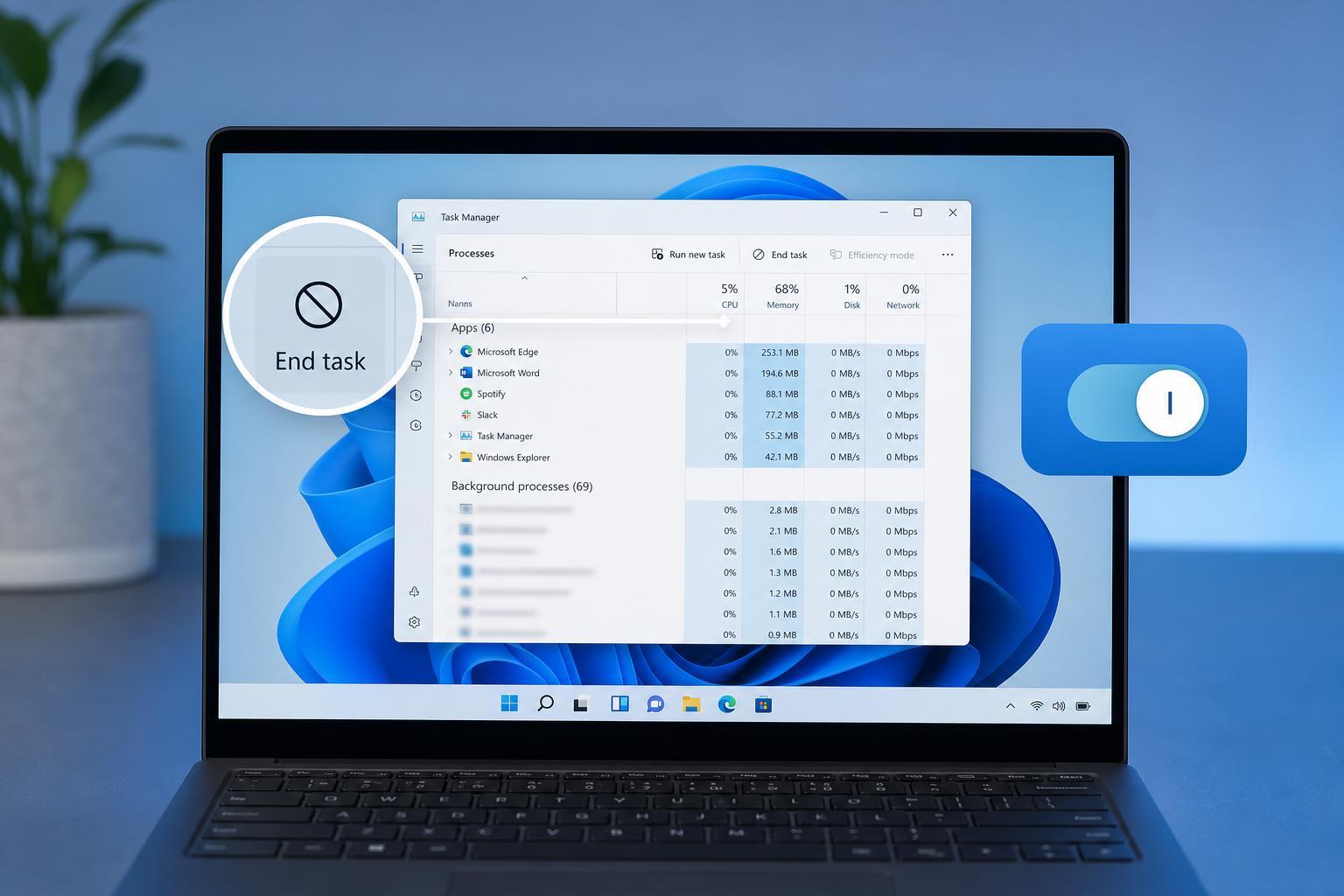
3 Easy Ways to Turn Off Background Apps in Windows 11
Learn three practical ways to disable background apps in Windows 11, including Settings, app permissions, and power-saving options to reduce CPU, battery, and data use.
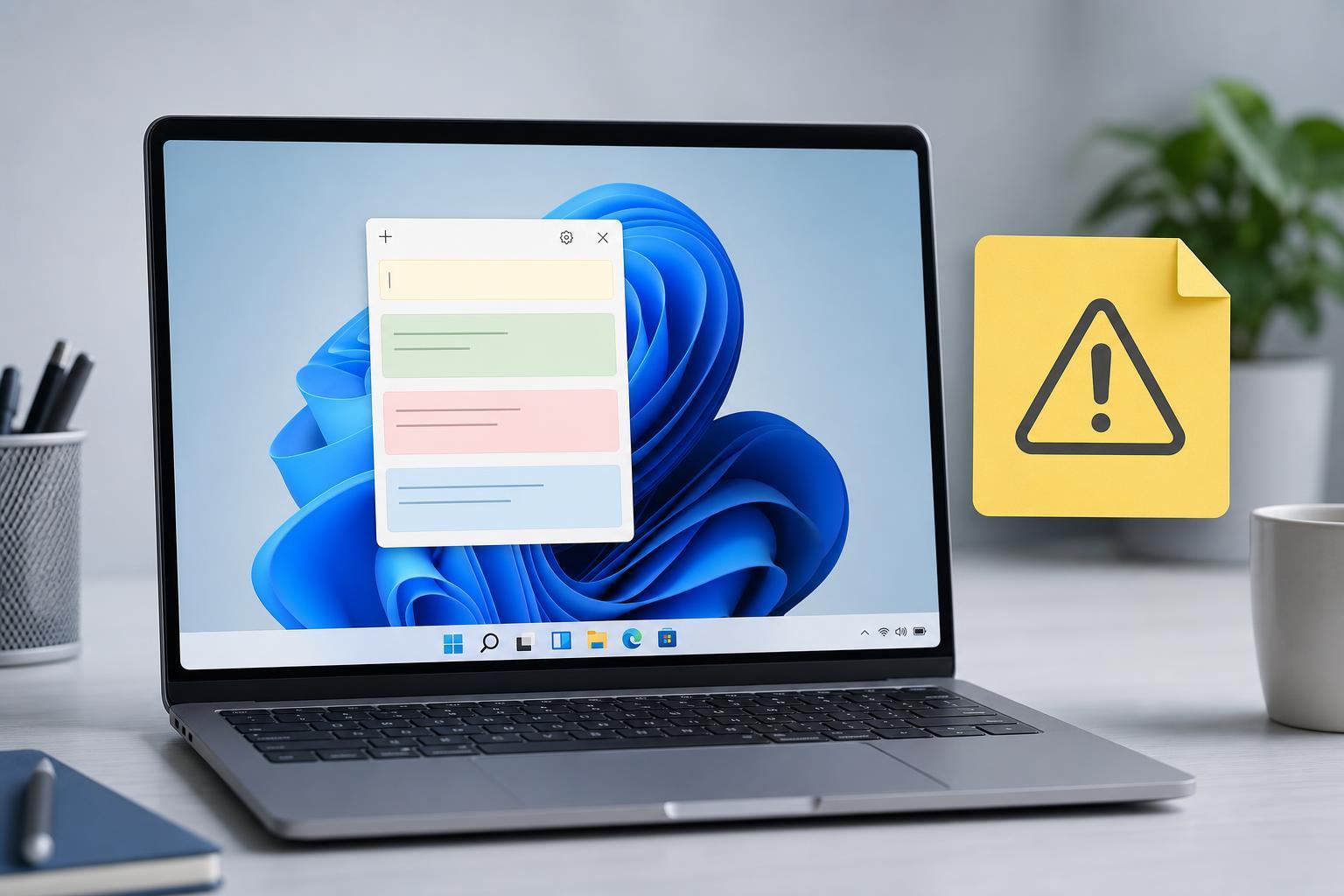
3 Ways to Fix Sticky Notes Not Working in Windows 11
Learn three practical ways to fix Sticky Notes when it stops opening, syncing, or responding in Windows 11, including reset, repair, and reinstall steps.
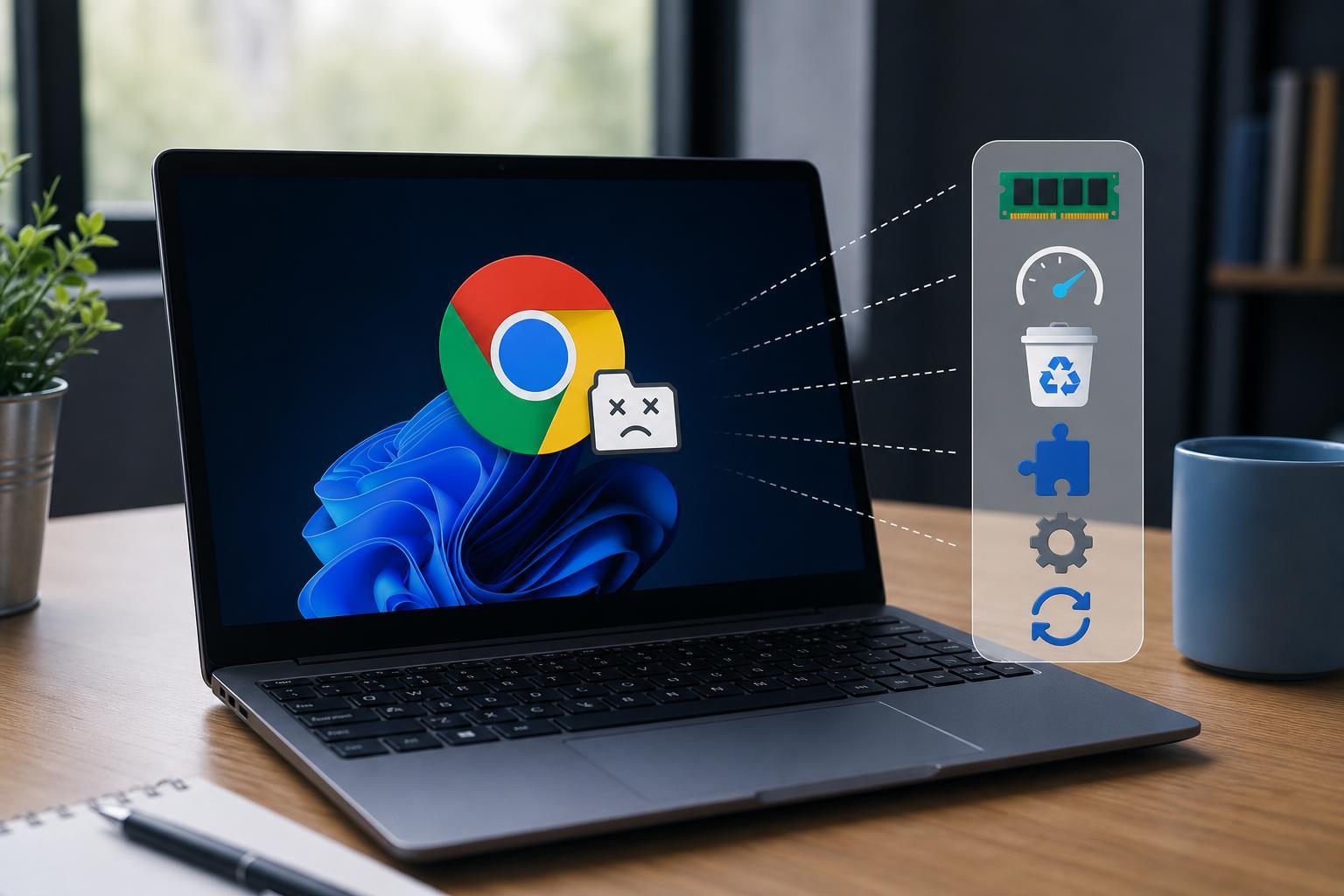
6 Ways to Fix Chrome’s “Out of Memory” Error on Windows
Learn the most effective ways to fix Google Chrome error code Out of Memory on Windows, including memory-hungry tabs, extensions, hardware acceleration, and browser settings.
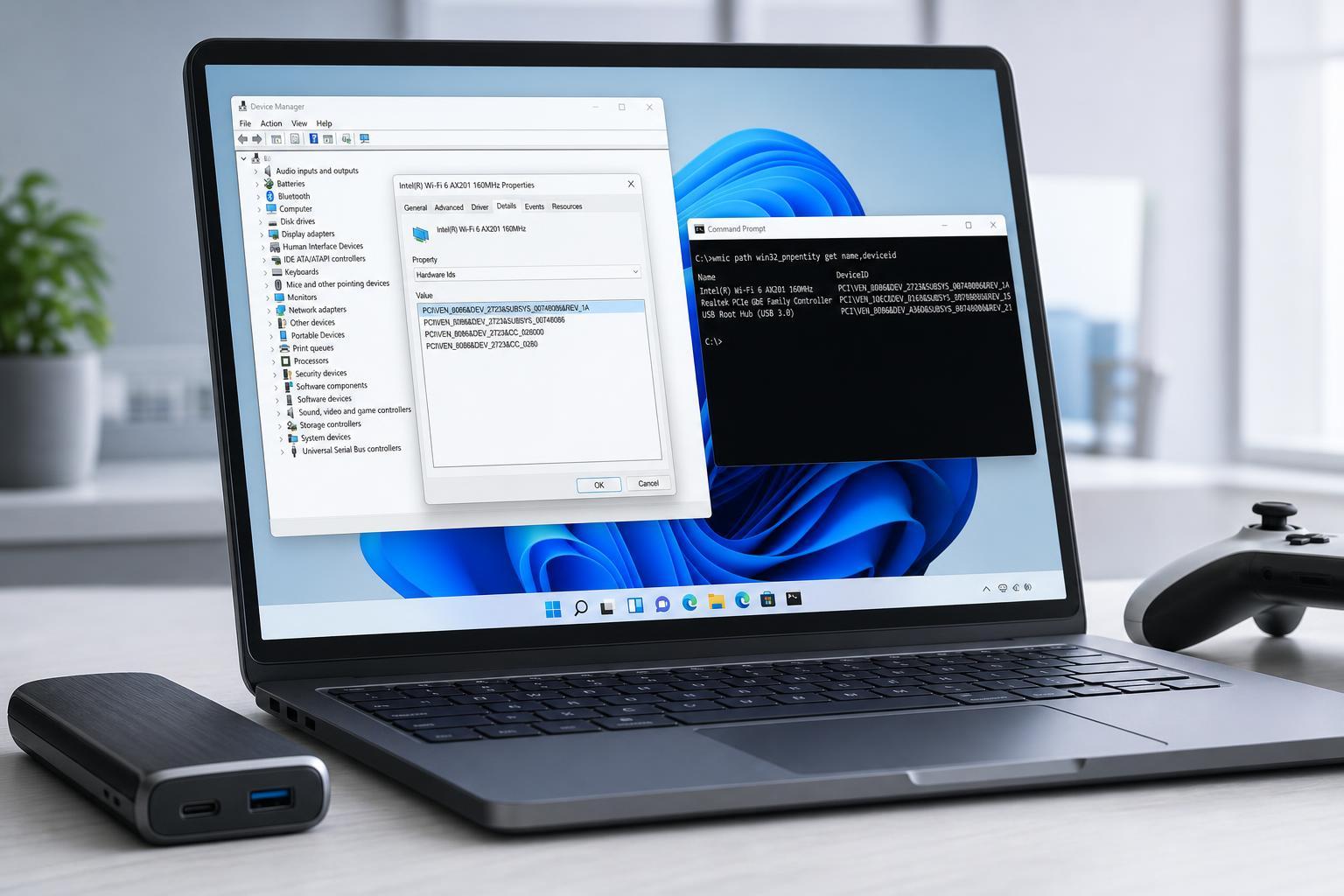
4 Fast Ways to Find a Device’s Hardware ID in Windows 11
Learn four quick ways to check a device’s hardware ID in Windows 11 using Device Manager, Properties, PowerShell, and Device Instance Path details.

5 Ways to Fix Wireless Display When It Stops Working in Windows 11
Learn five practical fixes for Wireless Display not working on Windows 11, including optional feature checks, driver updates, casting settings, and common connection issues.
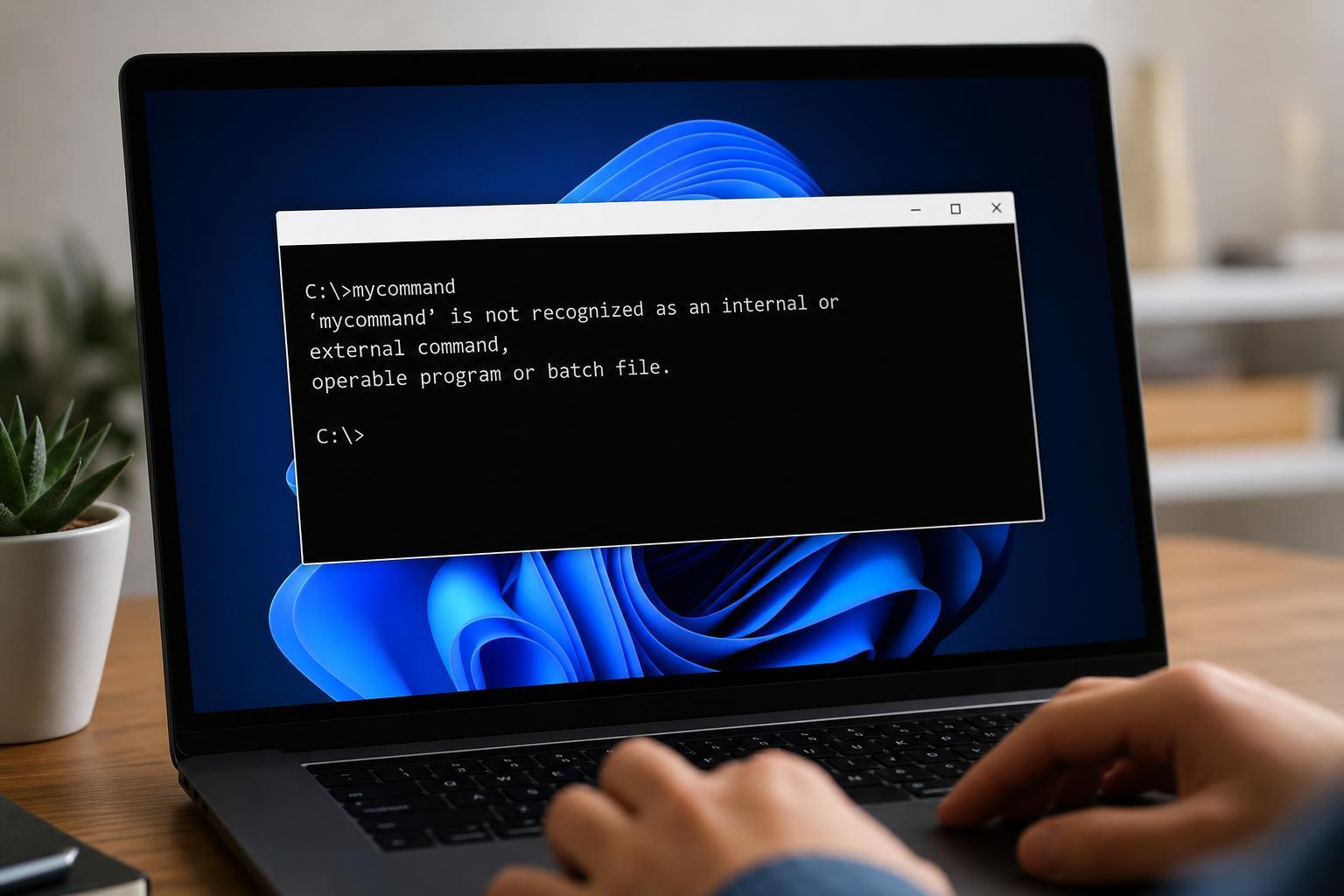
How to Fix the ‘Not Recognized as an Internal or External Command’ Error in Windows
Learn three practical ways to fix the Windows ‘not recognized as an internal or external command’ error, including PATH issues, incorrect command names, and program installation problems.
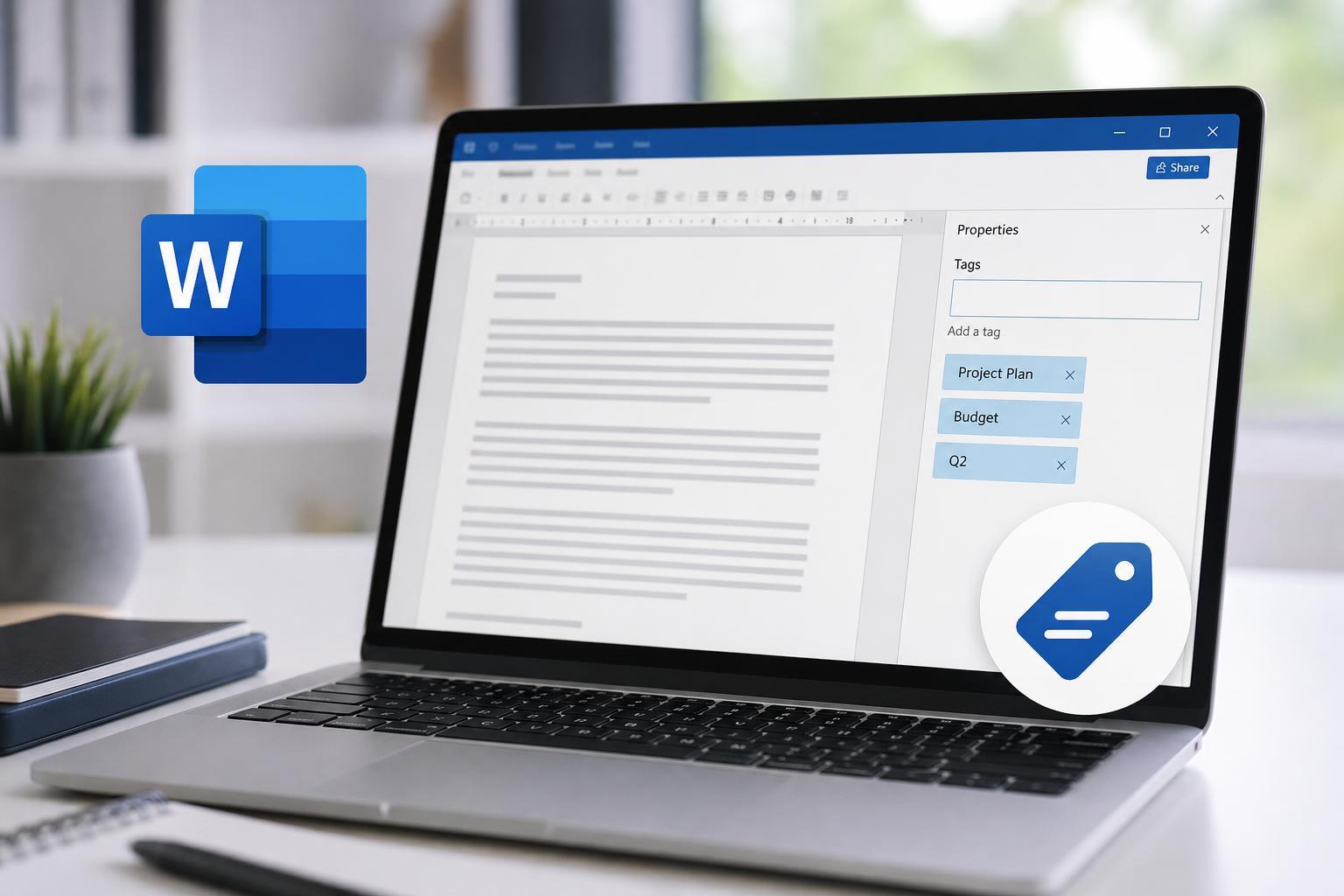
3 Simple Ways to Add Document Tags in Microsoft Word
Learn three practical ways to add tags in Microsoft Word, including document properties, file organization tags, and metadata you can use to find and sort files more easily.
How to Fix the “Excel Couldn’t Start Last Time” Error on Windows
Learn four practical fixes for the “Excel couldn’t start last time” error on Windows, including add-ins, Safe Mode, repair options, and startup troubleshooting.
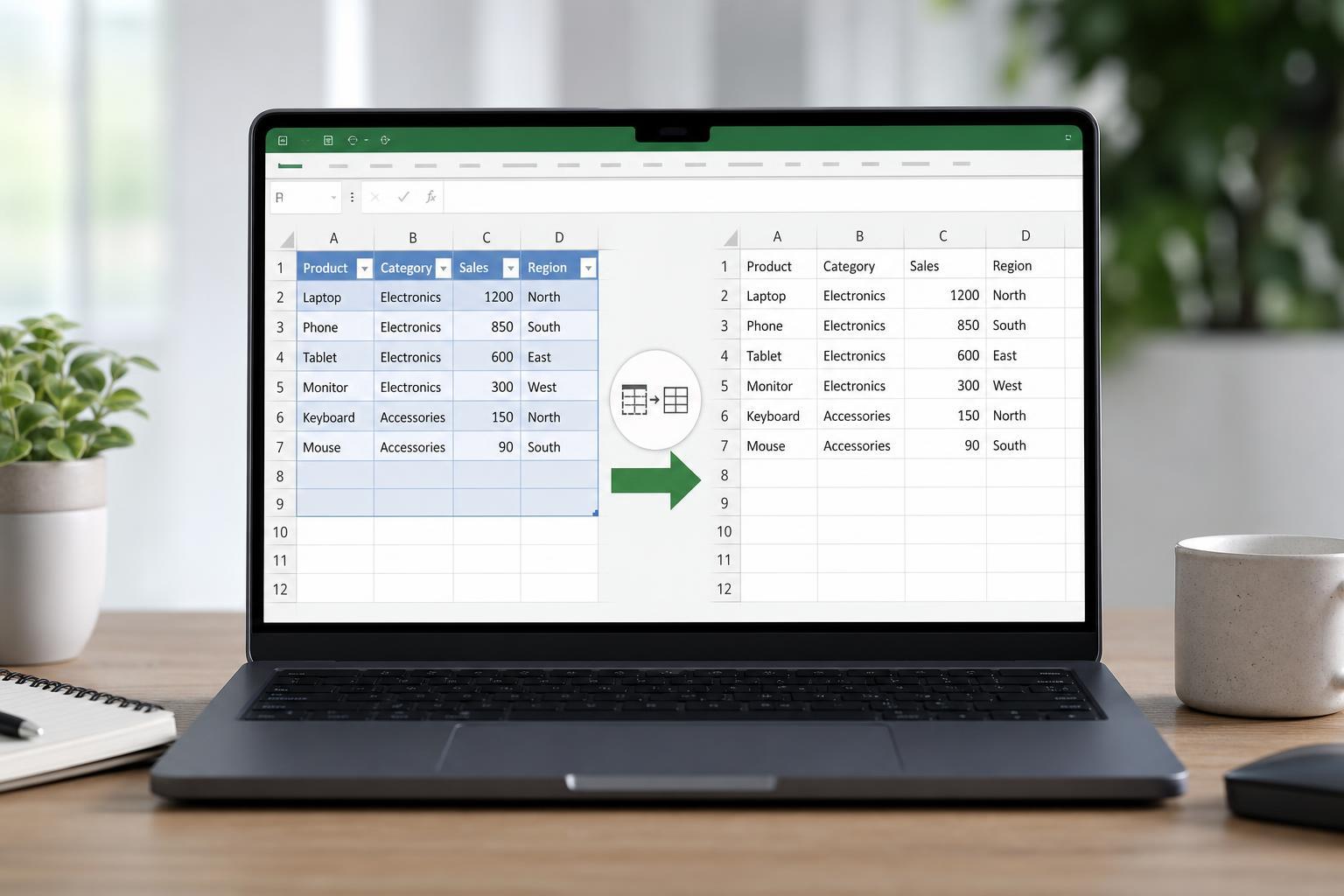
How to Remove an Excel Table and Keep the Data
Learn how to remove table formatting in Excel, convert a table back to a normal range, and keep your data and formulas intact.