Windows.
Windows guides, troubleshooting solutions, useful settings and practical PC tips.
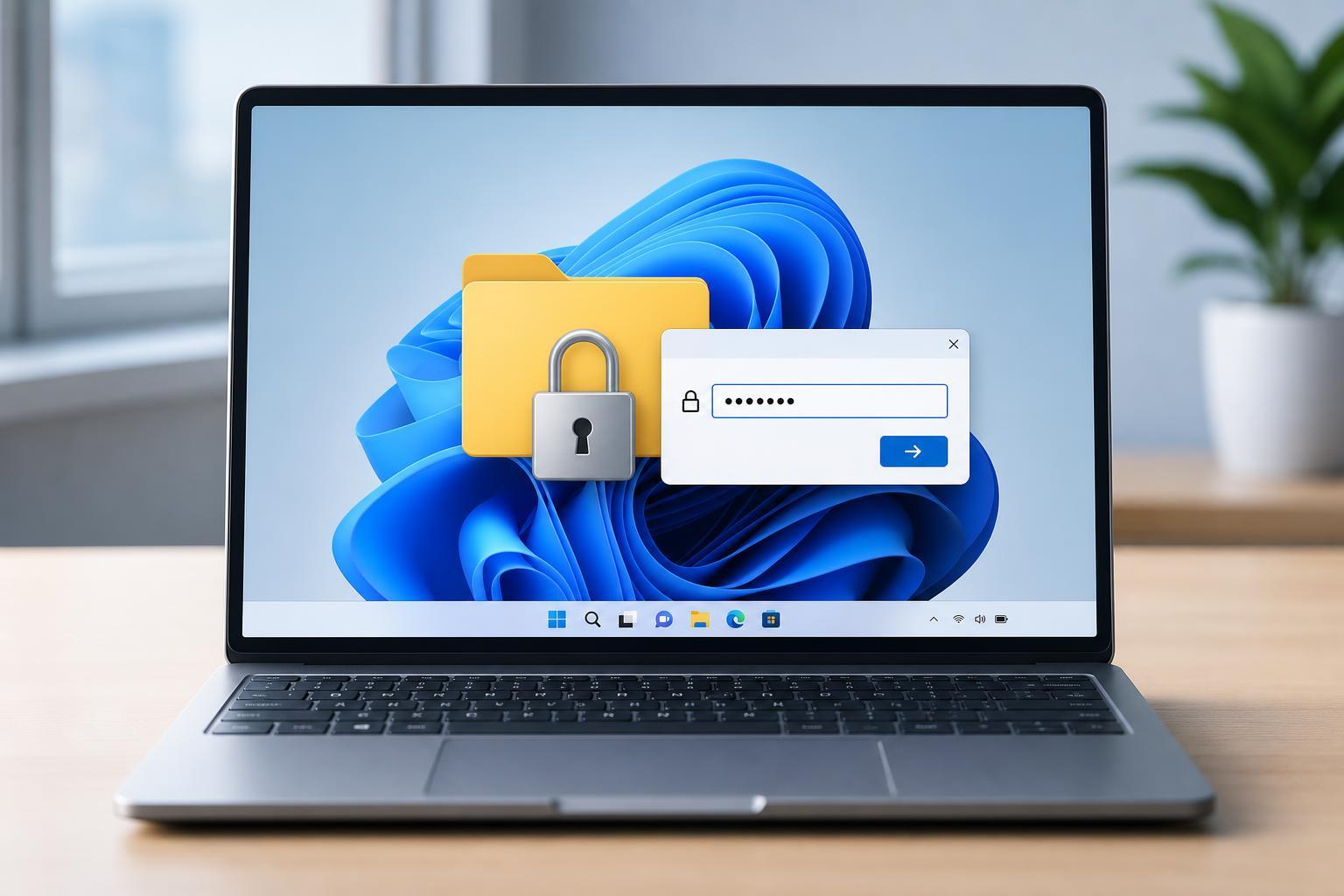
How to Lock a Folder with a Password on Windows 11
Learn practical ways to password protect a folder on Windows 11, including built-in options, ZIP files, encryption, and safer methods for keeping files private.
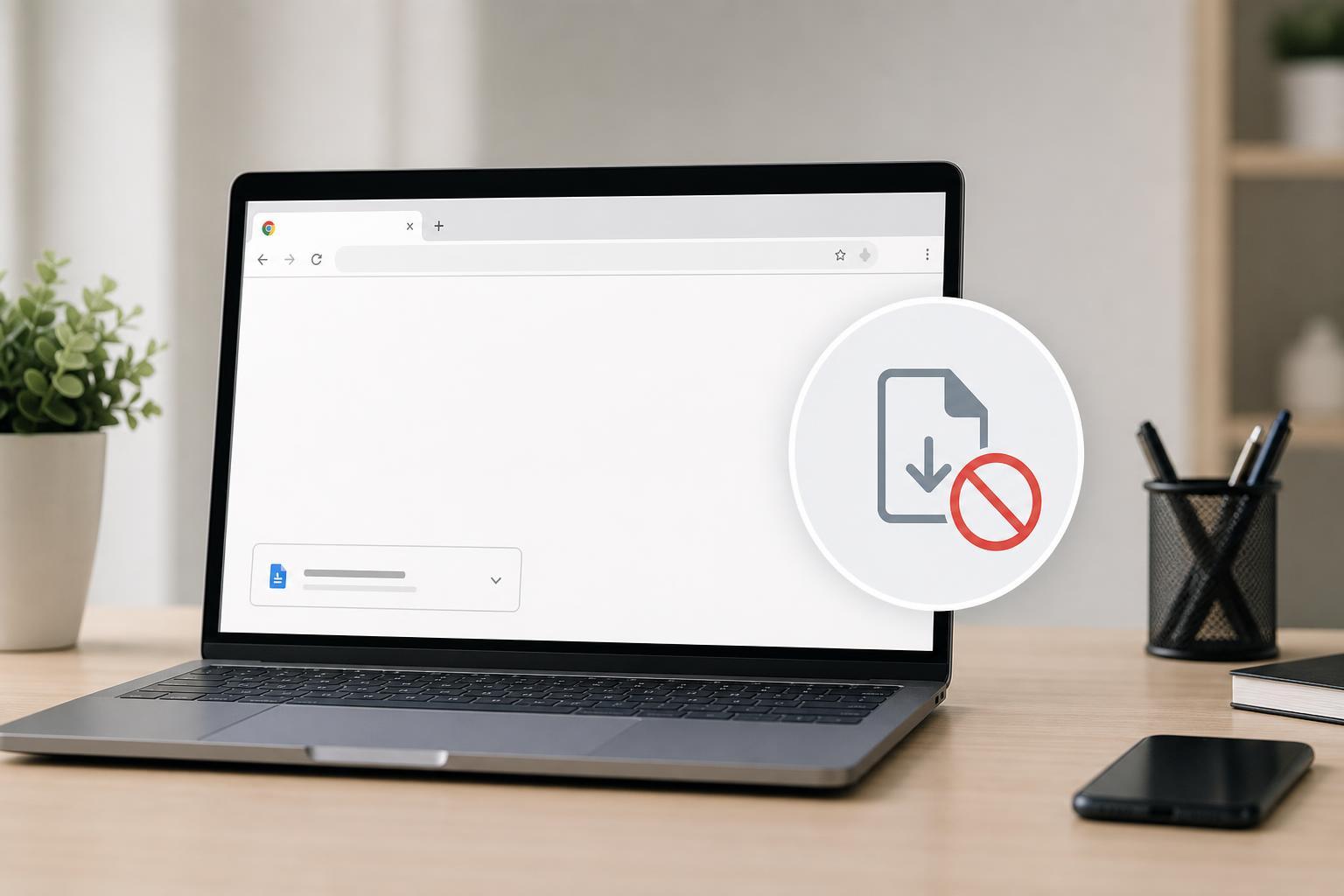
How to Stop Downloads From Opening Automatically in Google Chrome
Learn two practical ways to prevent downloaded files from opening automatically in Google Chrome and control what happens after a download finishes.
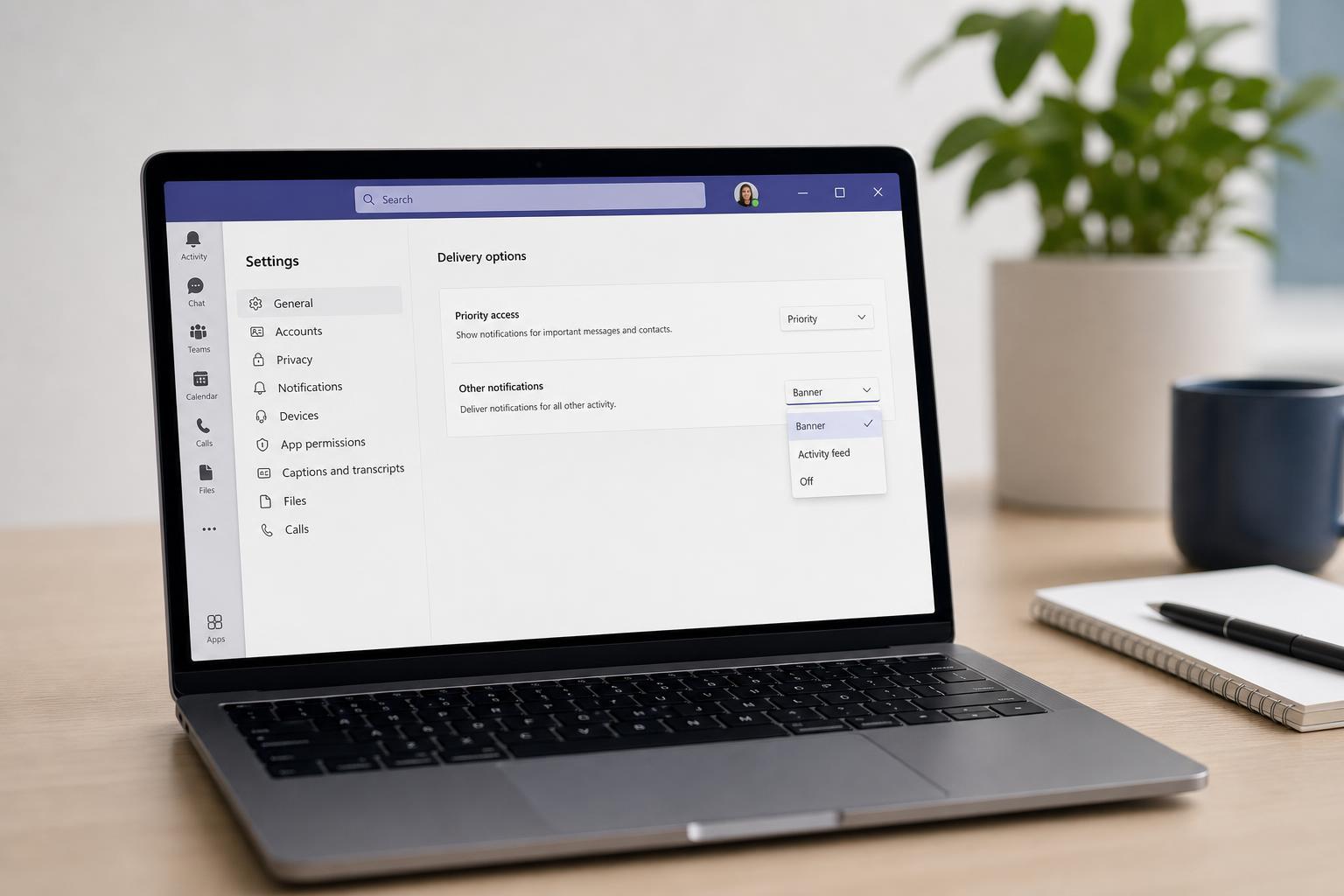
How to Change Delivery Options in Microsoft Teams
Learn how to adjust delivery options in Microsoft Teams so messages are handled the way you want, including read receipts, notification behavior, and related chat and meeting settings.
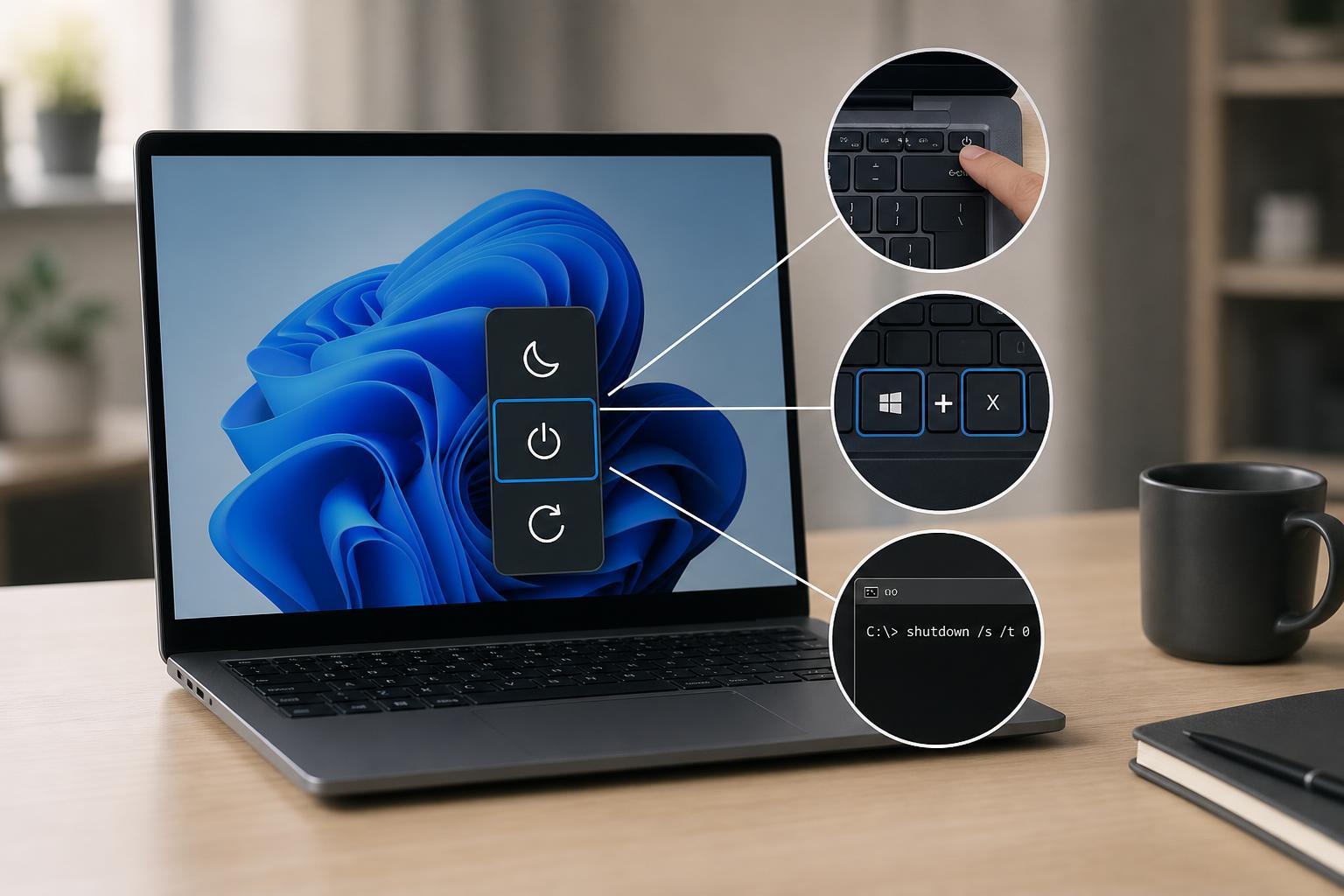
Ways to Shut Down Windows Without Using the Start Menu
Learn practical ways to shut down Windows when the Start menu is unavailable, including keyboard shortcuts, the Alt+F4 method, Command Prompt, and other quick options.
How to Fix a Volume Bar That Keeps Appearing in Windows
Learn why the Windows volume bar keeps popping up and how to fix it, including stuck keys, keyboard and audio driver issues, app conflicts, and system settings.
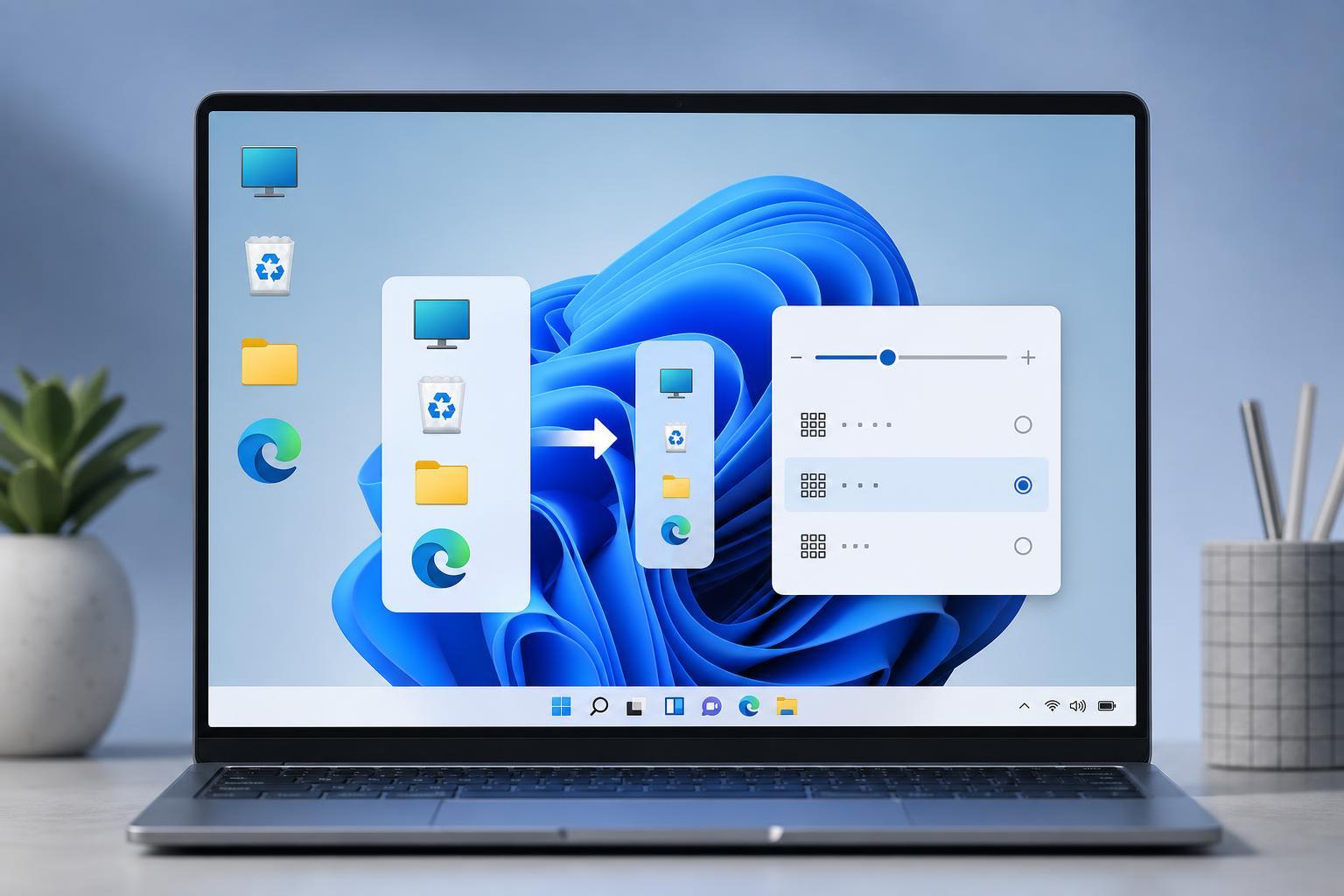
Ways to Make Desktop Icons Smaller in Windows 11
Learn how to shrink desktop icons in Windows 11 using built-in shortcuts, the right-click menu, and display scaling settings if the icons still look too large.
8 Fixes for Wi-Fi Not Connecting After Sleep in Windows 10
Learn how to fix Windows 10 when Wi-Fi stops connecting after sleep, with practical steps for power settings, drivers, adapters, and network resets.
Fixing “Printer Not Activated” (Error Code 30) on Windows 11
Learn how to fix Printer Not Activated (Error Code 30) on Windows 11 with practical steps for drivers, printer settings, permissions, and app-specific printing issues.
4 Ways to Fix Driver Installation Problems in Windows 11
Learn four practical ways to fix driver installation problems in Windows 11, including permission issues, Device Manager errors, Windows Update conflicts, and manual driver installation.
6 Easy Ways to Open Windows Tools in Windows 11
Learn six practical ways to access Windows Tools in Windows 11, including Start menu search, Run commands, File Explorer, and other quick methods.
37 Useful Discord Keyboard Shortcuts for Windows and Mac
Learn 37 Discord keyboard shortcuts for Windows and Mac to move around servers, manage chats, control audio, and use Discord faster on desktop.
Mouse Without Borders Not Working? 8 Fixes That Usually Solve It
Learn how to fix Mouse Without Borders when it stops connecting, sharing the keyboard and mouse, or switching between PCs. This guide covers the most common causes and practical solutions.