Windows.
Windows guides, troubleshooting solutions, useful settings and practical PC tips.
Fixing a Bluetooth Headset Mic That Isn’t Working in Windows
Learn how to troubleshoot a Bluetooth headset microphone that works for audio but not voice input on a Windows PC, including the most common settings, device, and driver fixes.

14 Must-Know Microsoft Excel Functions for Better Data Analysis
Learn 14 essential Excel functions for data analysis, including lookup, logical, text, and summary formulas that help you clean, compare, and analyze data more efficiently.
5 Practical Ways to Turn Off Airplane Mode in Windows
Learn how to fix Windows when Airplane Mode is stuck on, with practical steps for checking hotkeys, network settings, drivers, services, and hardware-related causes.
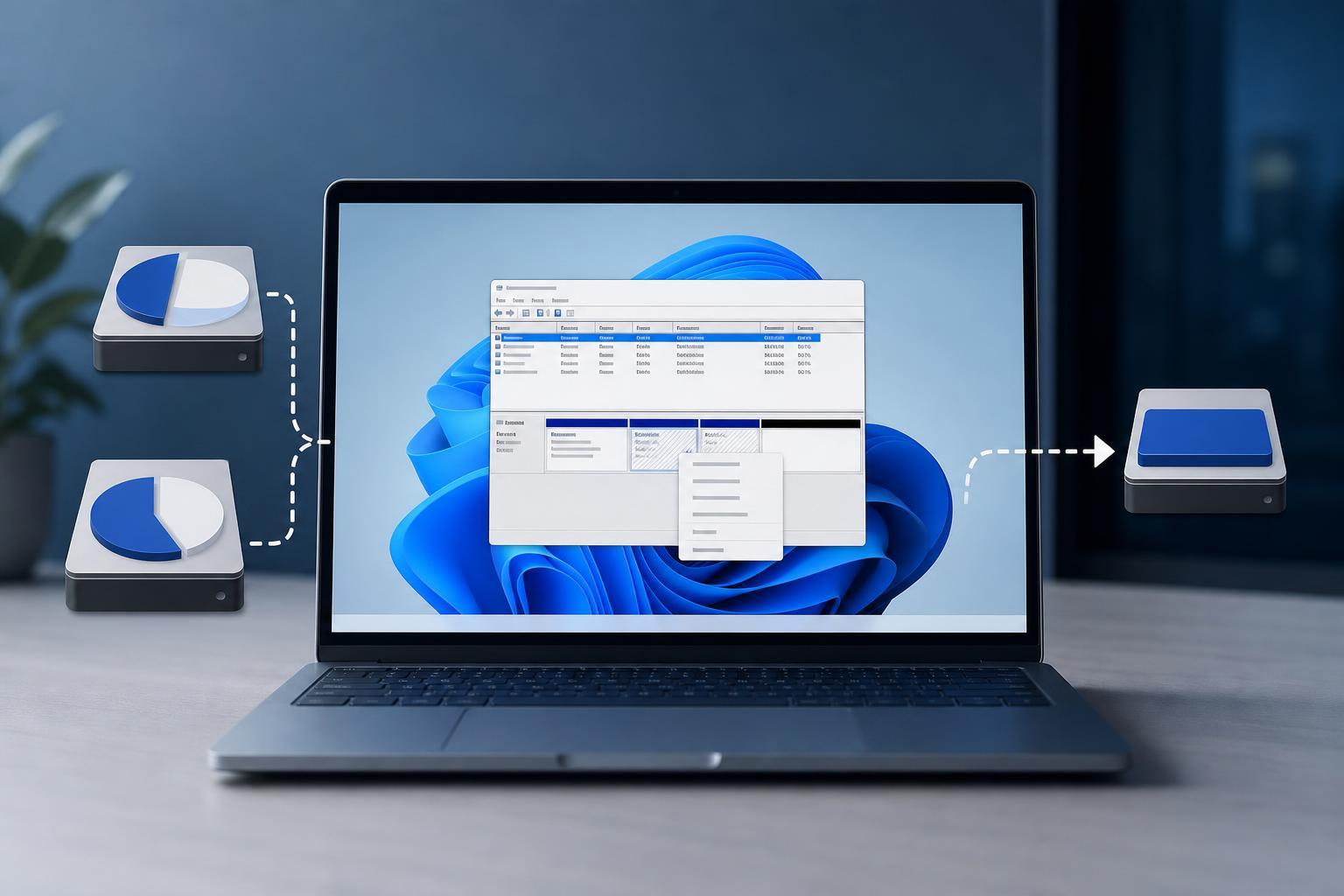
Create and Merge Disk Partitions in Windows 11
Learn how to create a new partition or merge partitions in Windows 11 using Disk Management and other built-in tools, plus what to back up first and what to do if Windows won’t let you extend a volume.
4 Practical Ways to Repair Corrupt Files in Windows 11
Learn four effective ways to fix corrupt files on Windows 11, including built-in repair tools, disk checks, system image repair, and replacement options when files cannot be recovered.
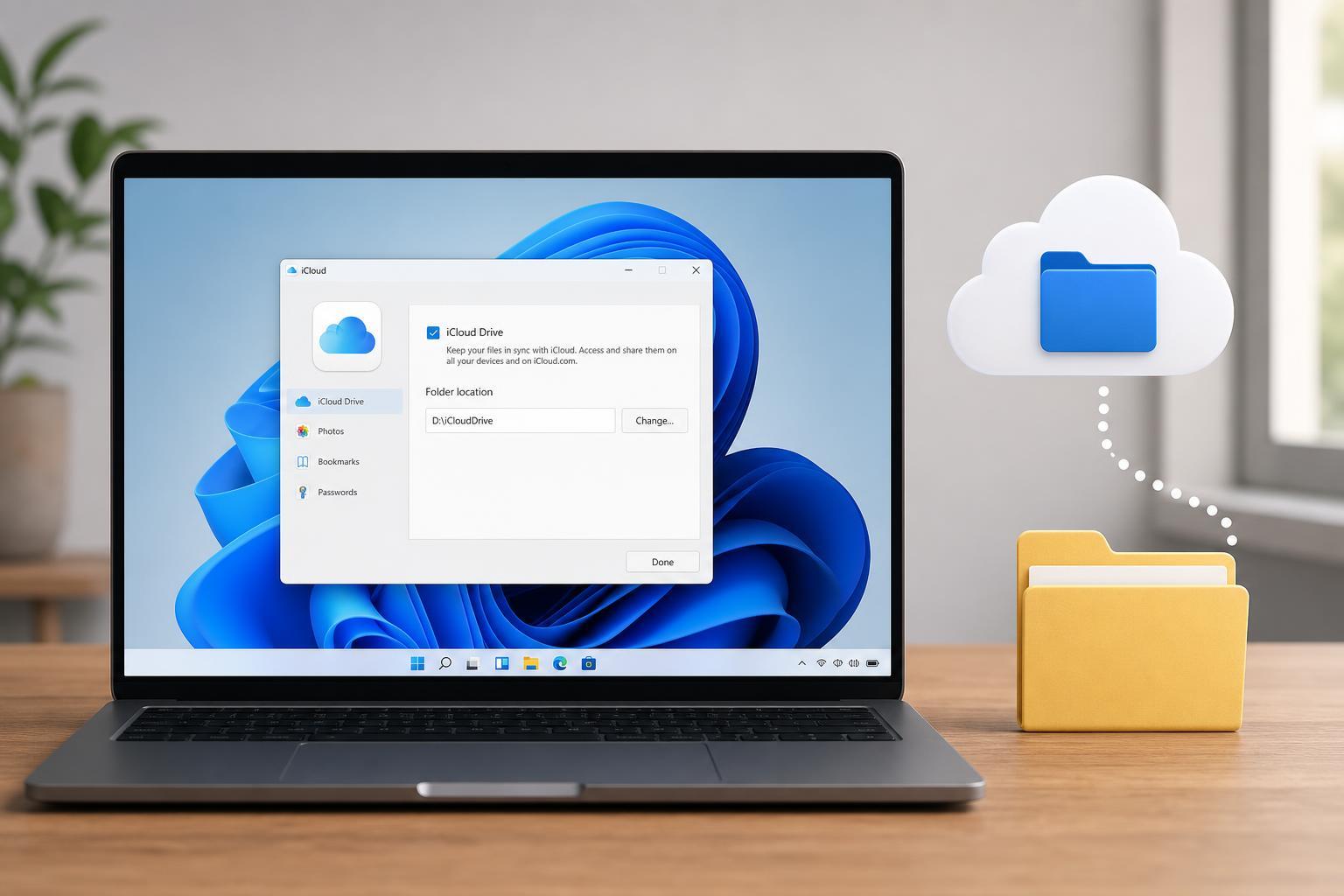
Changing the iCloud Drive Folder Location in Windows
Learn whether you can move the iCloud Drive folder on Windows, what Apple supports, and the practical workarounds if you need iCloud files stored somewhere else.
Why Microsoft Is Phasing Out ReFS in Windows: 5 Likely Reasons
Learn why Microsoft is removing ReFS from Windows, what ReFS was designed for, and how this change may affect storage planning, backups, and system use.
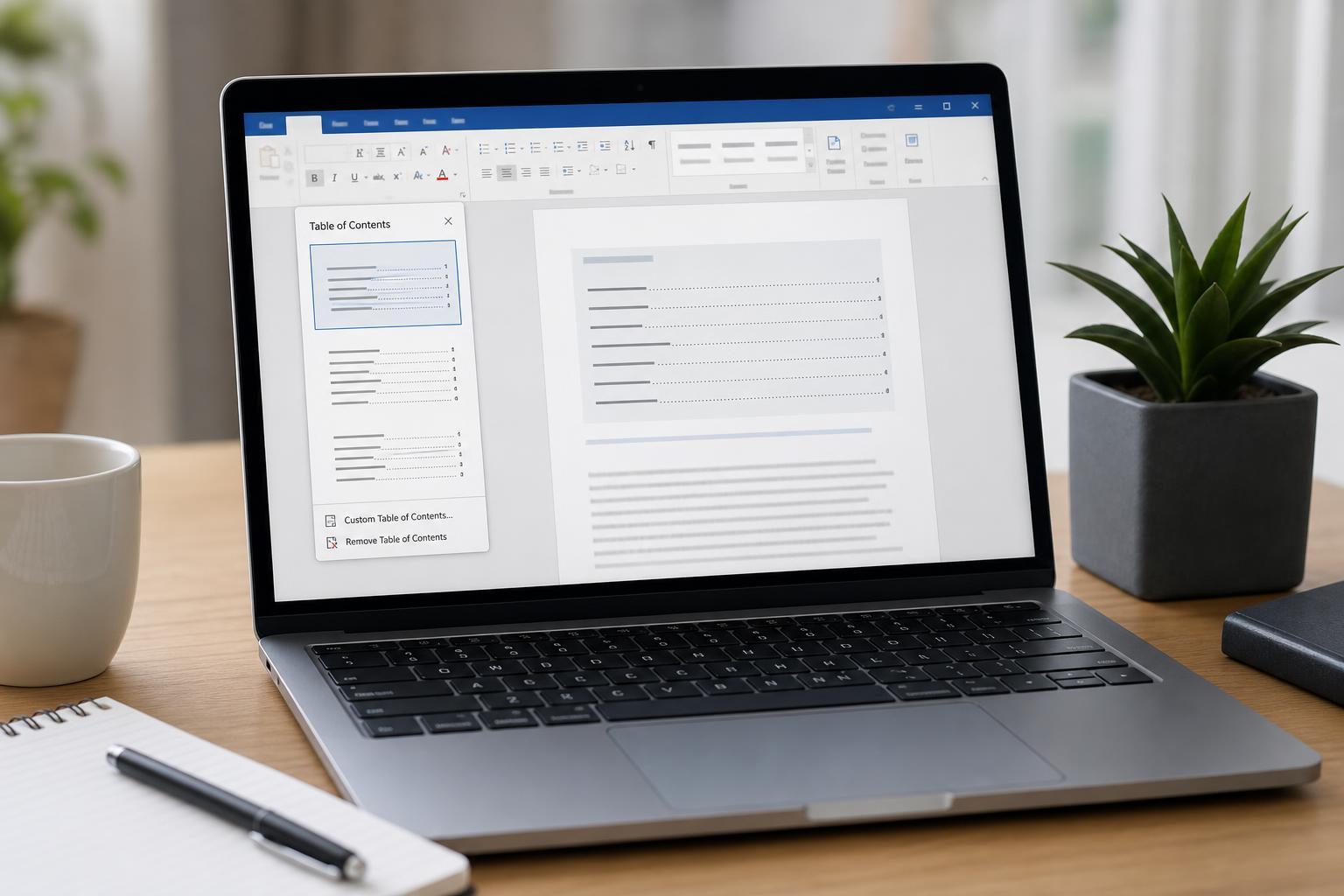
Adding a Table of Contents in Microsoft Word
Learn how to insert a table of contents in Microsoft Word using heading styles, built-in TOC options, and update tools for accurate navigation.
The 8 Best Email Clients for Windows 11
Explore eight strong email clients for Windows 11, including what each one does best, who should use it, and the features that matter most when choosing a desktop mail app.
How to Resume Windows Updates and Fix the “Can’t Unpause” Problem
Learn how to unpause Windows Updates in Windows 10 and 11, what the pause feature does, and practical fixes if the Unpause option is missing, greyed out, or won’t work.
4 Ways to Fix Microsoft GameInput Service Crashes on Windows
Learn four practical ways to stop Microsoft GameInput service crashes from affecting your Windows PC, including repair steps, service settings, driver fixes, and cleanup options.
How to Fix the “Path Too Long” Error When Extracting ZIP Files in Windows 10 and 11
Learn six practical fixes for the Windows “Path too long” error when extracting a ZIP file, including enabling long paths, shortening file locations, and using alternate tools.