Apps & Software.
Practical guides for popular apps, software, tools and everyday programs.

How to Change Your Netflix Profile Picture to a Custom Image
Learn how Netflix profile pictures work, what you can change in your account, and the best options if you want a more personalized Netflix profile image.
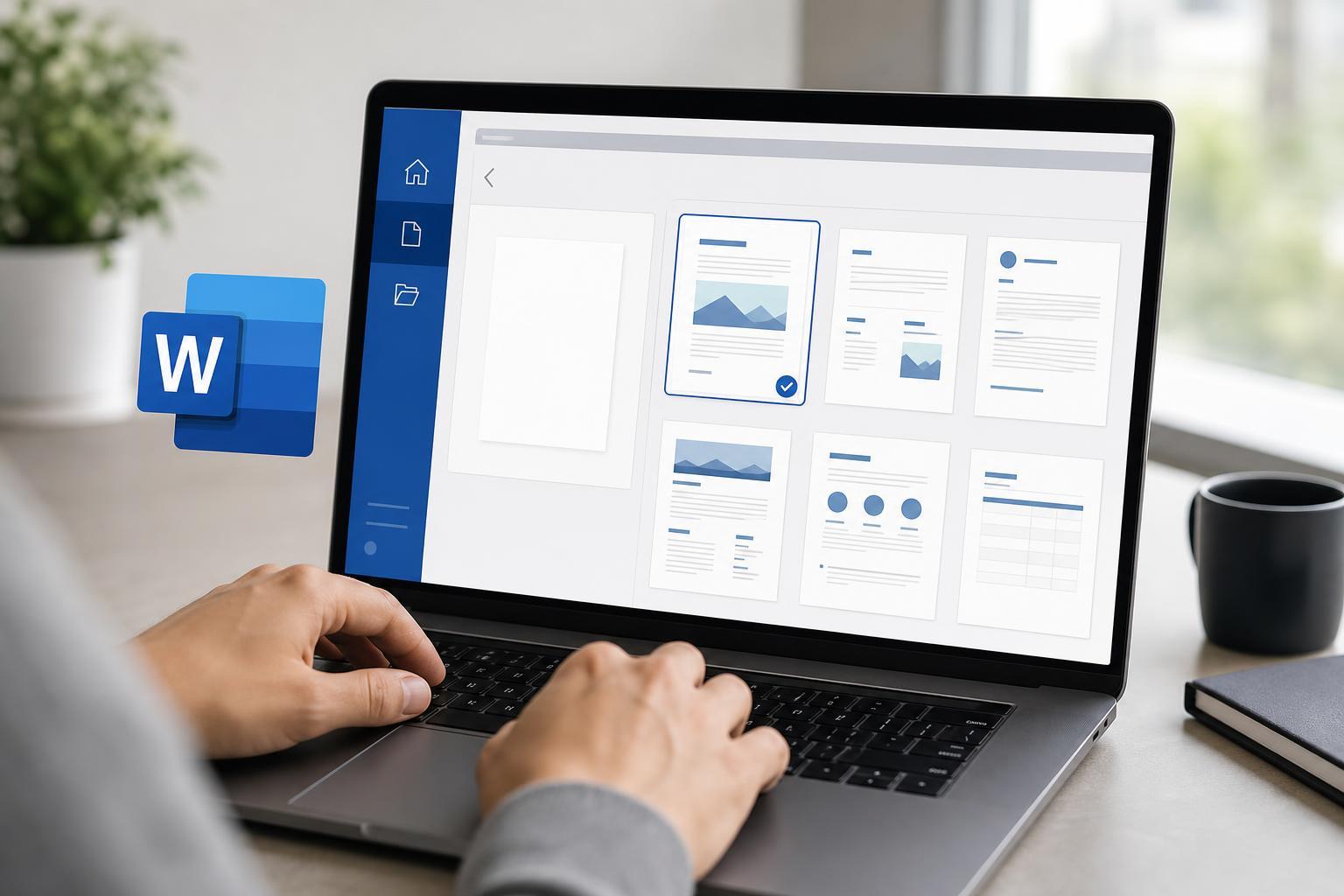
How to Change Word’s Default Template
Learn how to change the default template in Microsoft Word so new documents open with your preferred styles, fonts, margins, and formatting.
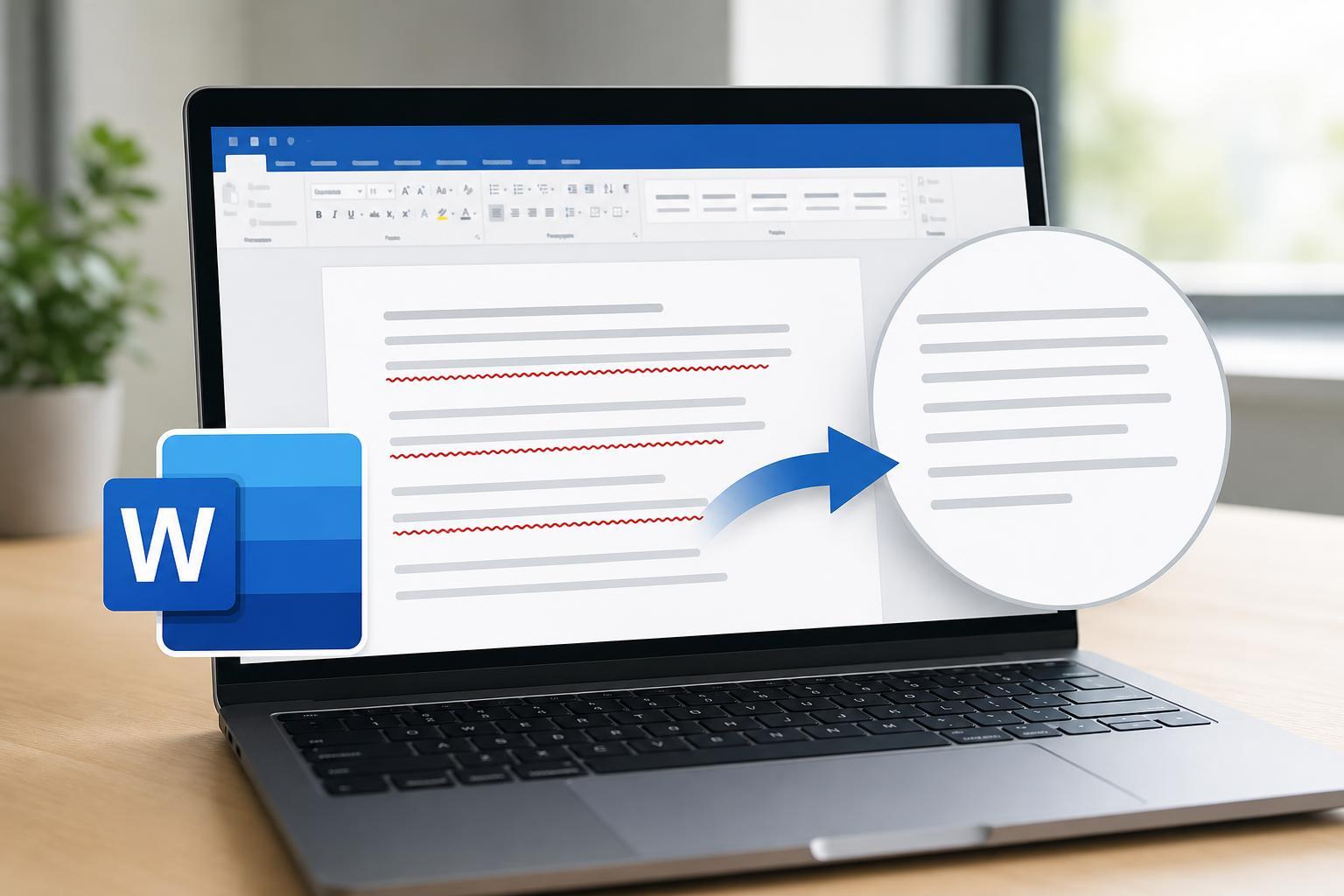
How to Get Rid of Red Underlined Text in Microsoft Word
Learn why Microsoft Word shows red underlines and how to remove them by fixing spelling, language, and proofing settings, or by turning off the underline if needed.
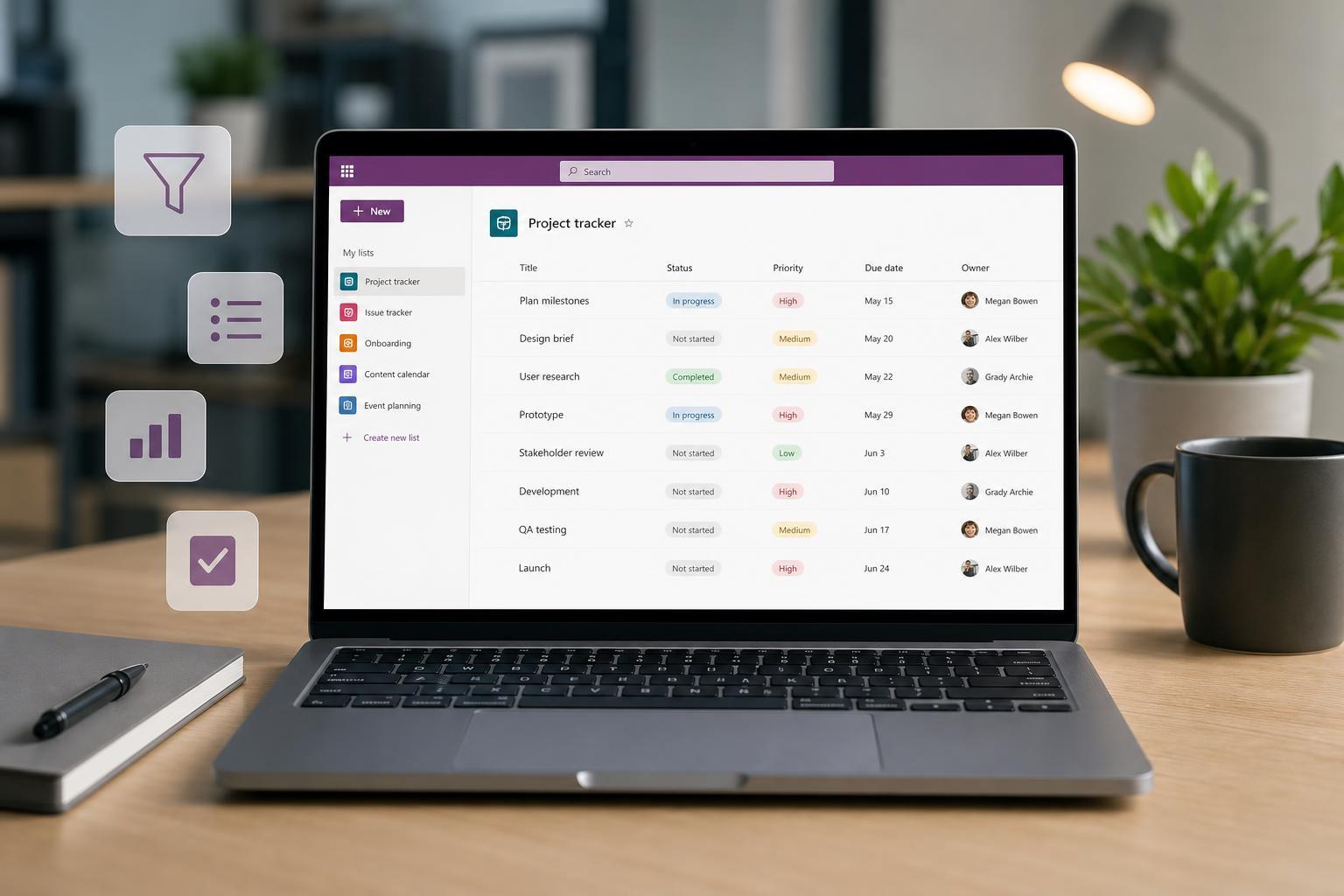
10 Practical Microsoft Lists Tips to Work Faster and Smarter
Learn 10 useful Microsoft Lists tips and tricks to organize information, automate routine work, customize views, and use Lists more efficiently for personal or team tracking.
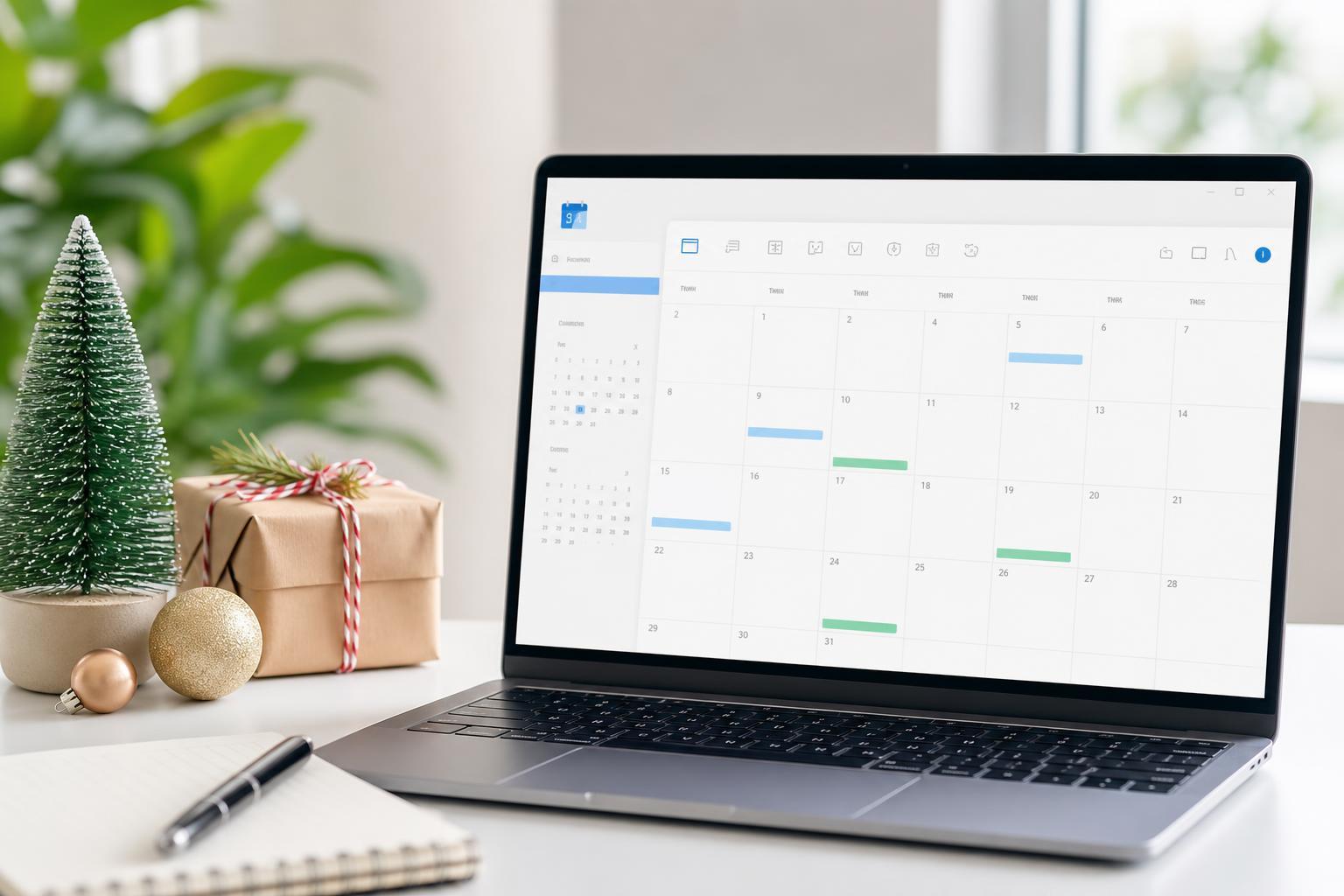
Add Holidays to Your Outlook Calendar
Learn how to add holiday calendars to Outlook on Windows and the web, plus what to do if holidays do not appear or you need to remove them later.
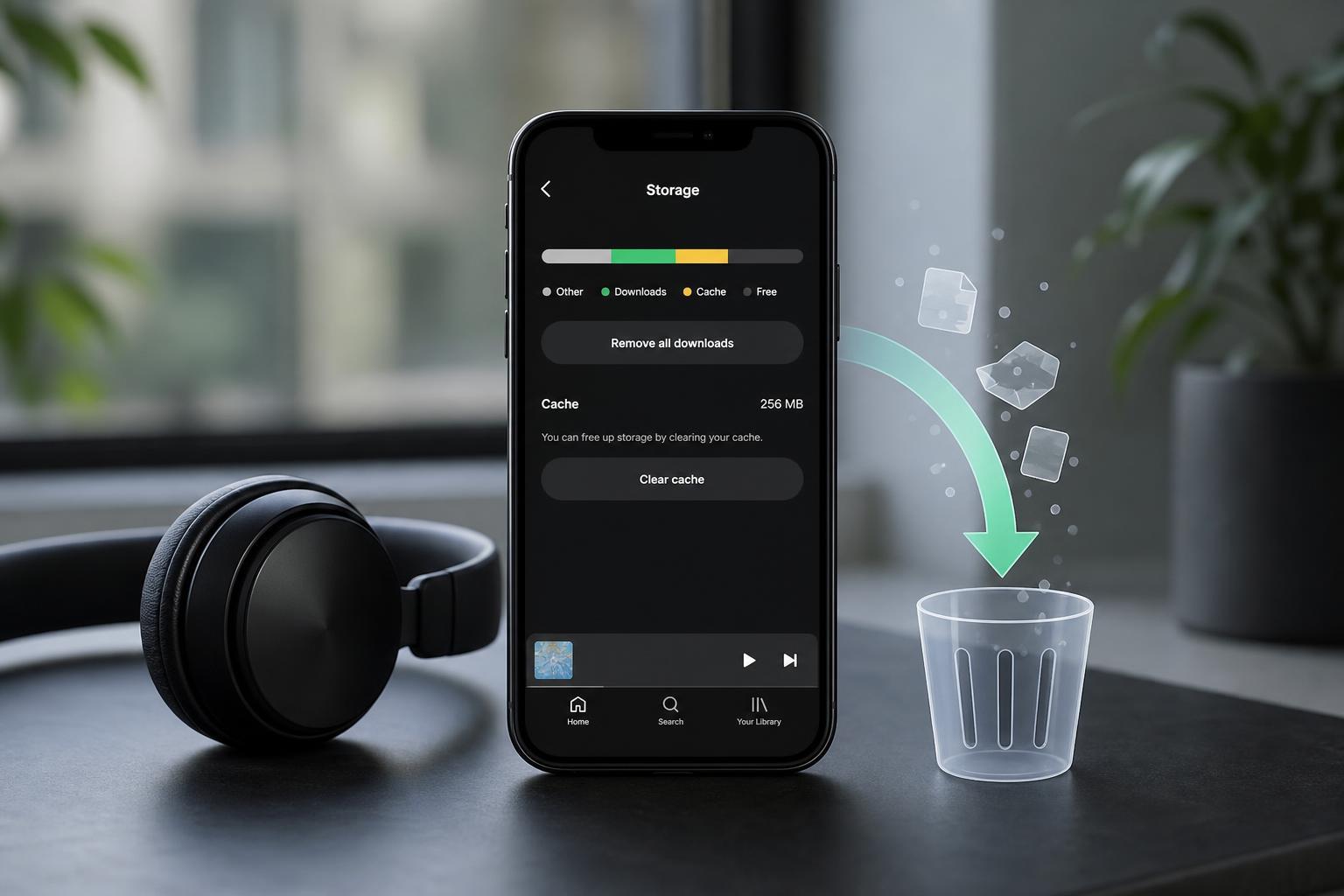
How to Clear Spotify Cache and What Happens After You Do
Learn how to clear Spotify cache on desktop and mobile, what the cache stores, and what changes after you remove it without deleting your playlists or account.
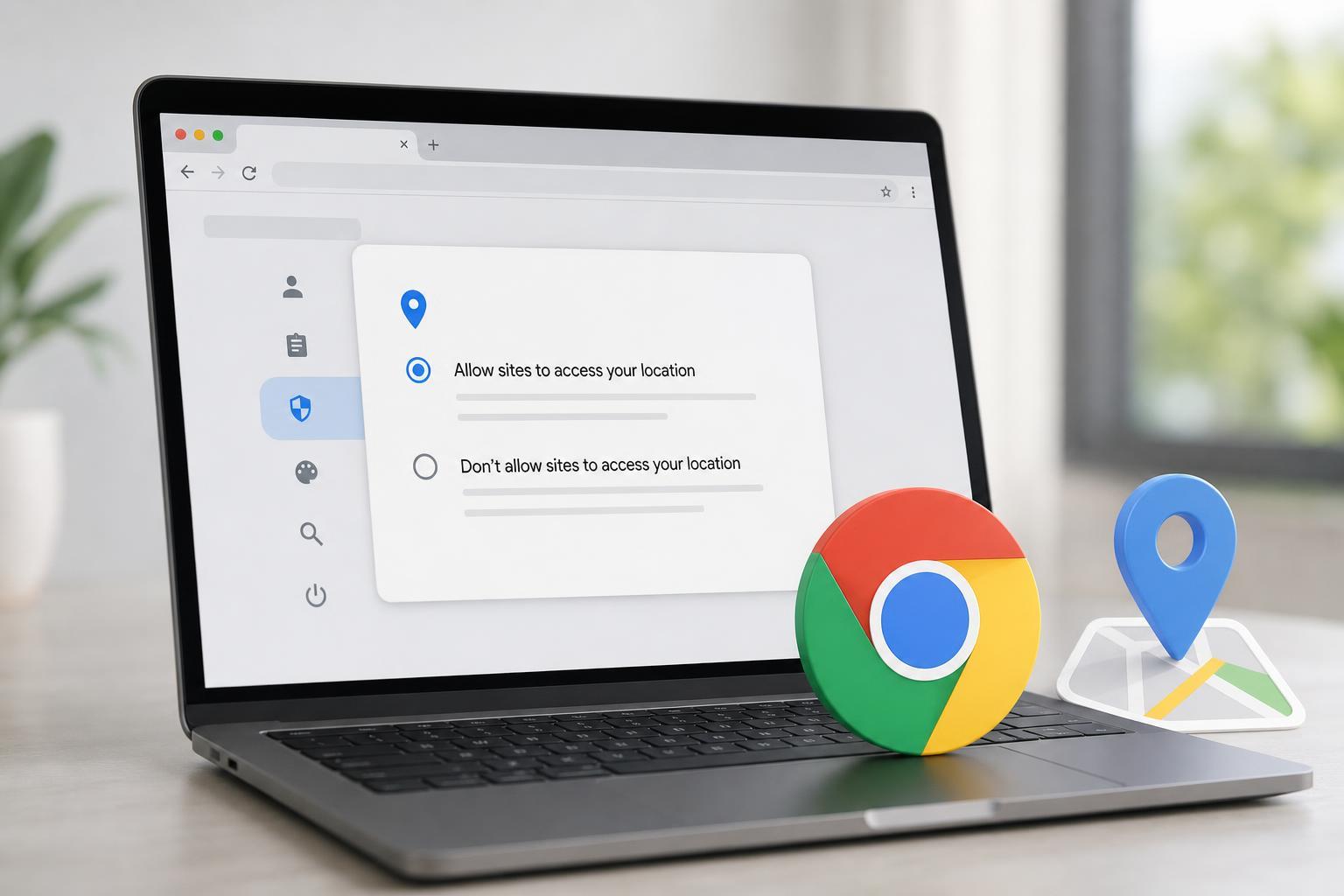
How to Turn Location Access On or Off for Google Chrome
Learn how to enable or disable location permission for Google Chrome on Windows, Mac, Android, and iPhone, plus how to manage site-specific location access.
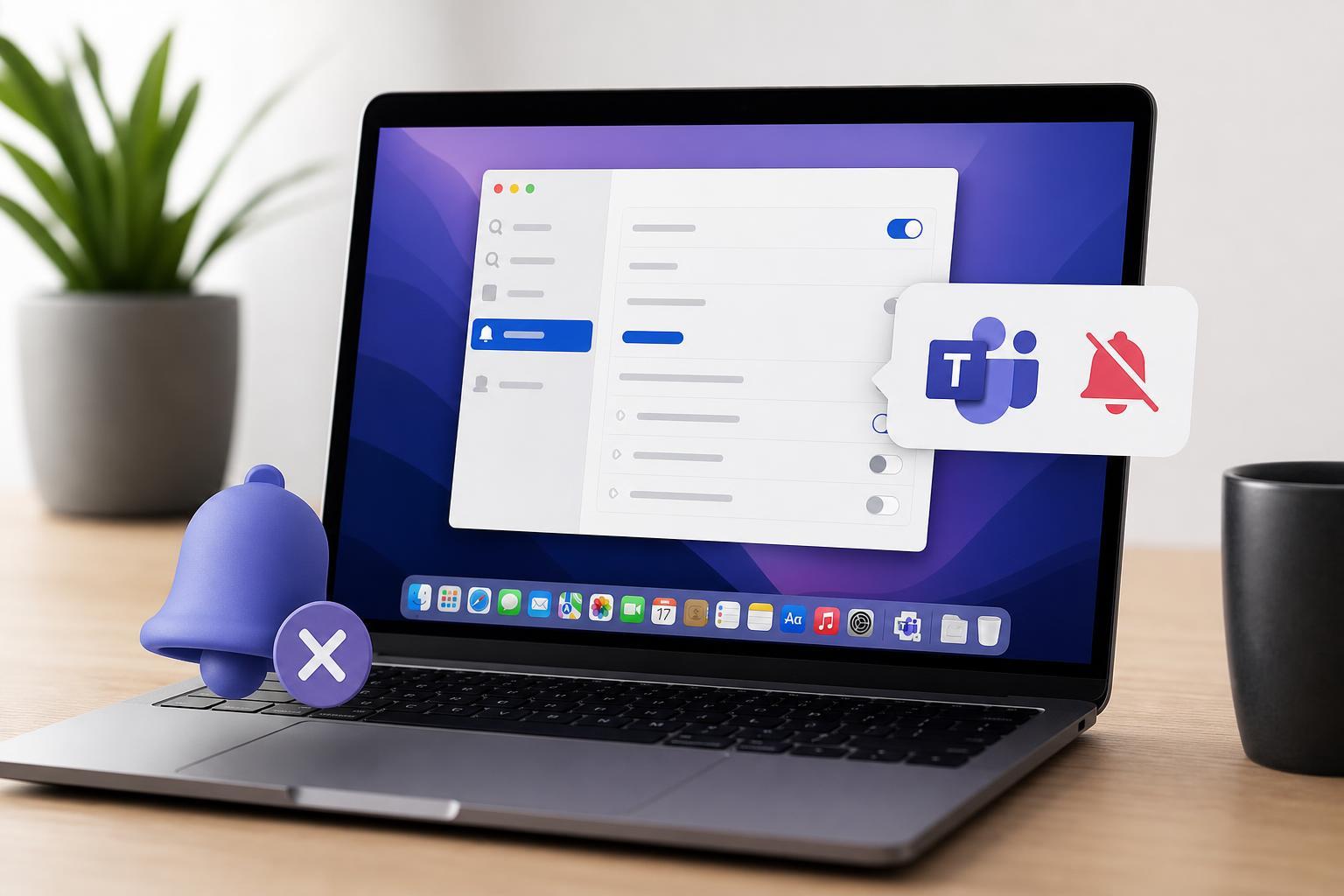
4 Ways to Fix Microsoft Teams Notifications Not Working on a Mac
Learn the most useful fixes for Microsoft Teams notifications not showing up on Mac, including Teams settings, macOS notification permissions, Focus mode, and app updates.

How to React to Messages in Telegram
Learn how to use message reactions in Telegram on mobile and desktop, how to choose from the available emojis, and what to do if reactions are missing or not working.
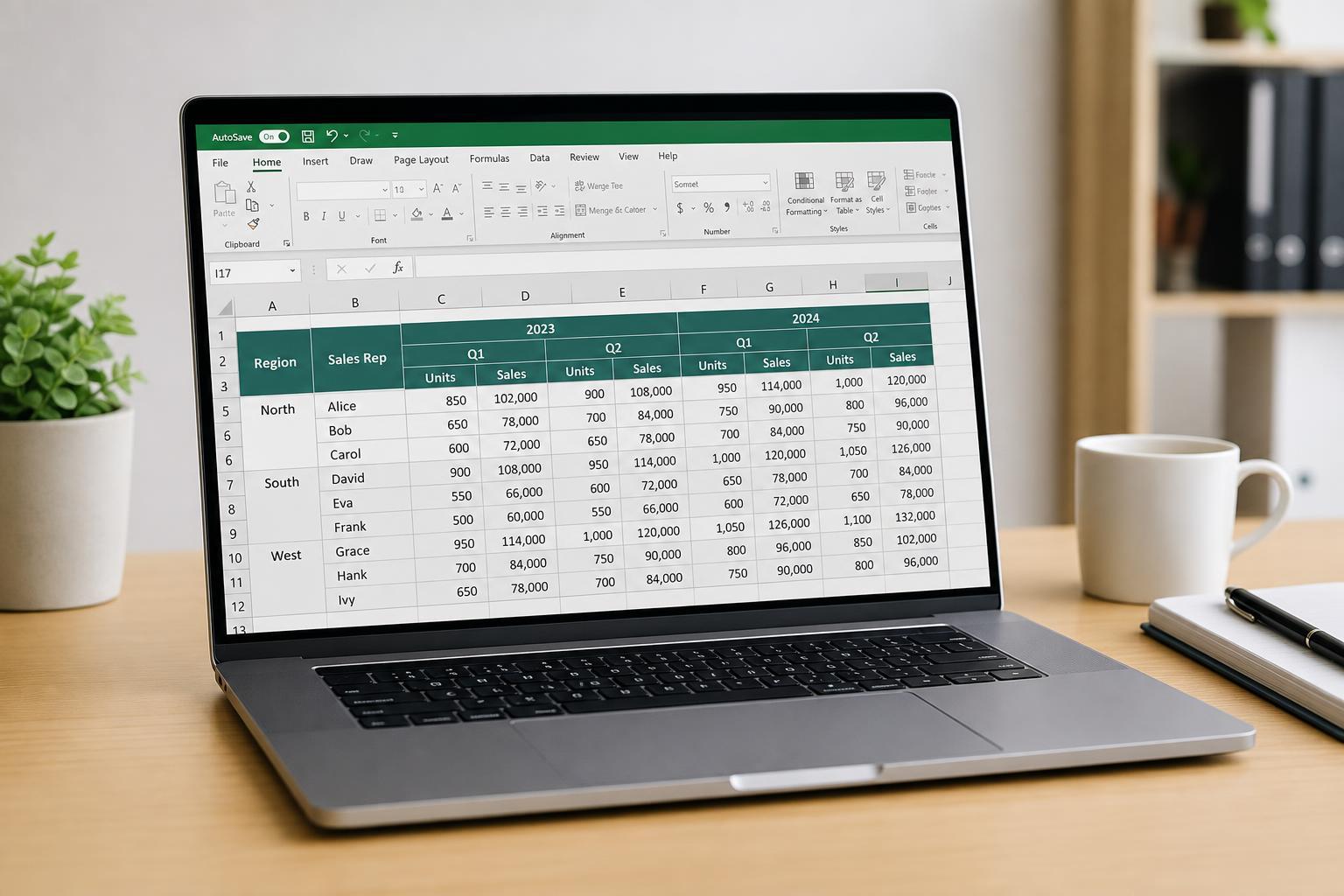
Making Excel Tables with Multiple Header Rows Easier to Work With
Learn practical ways to improve Excel tables that use multiple header rows, including formatting, freezing panes, filtering, and layout changes that make them easier to read and use.
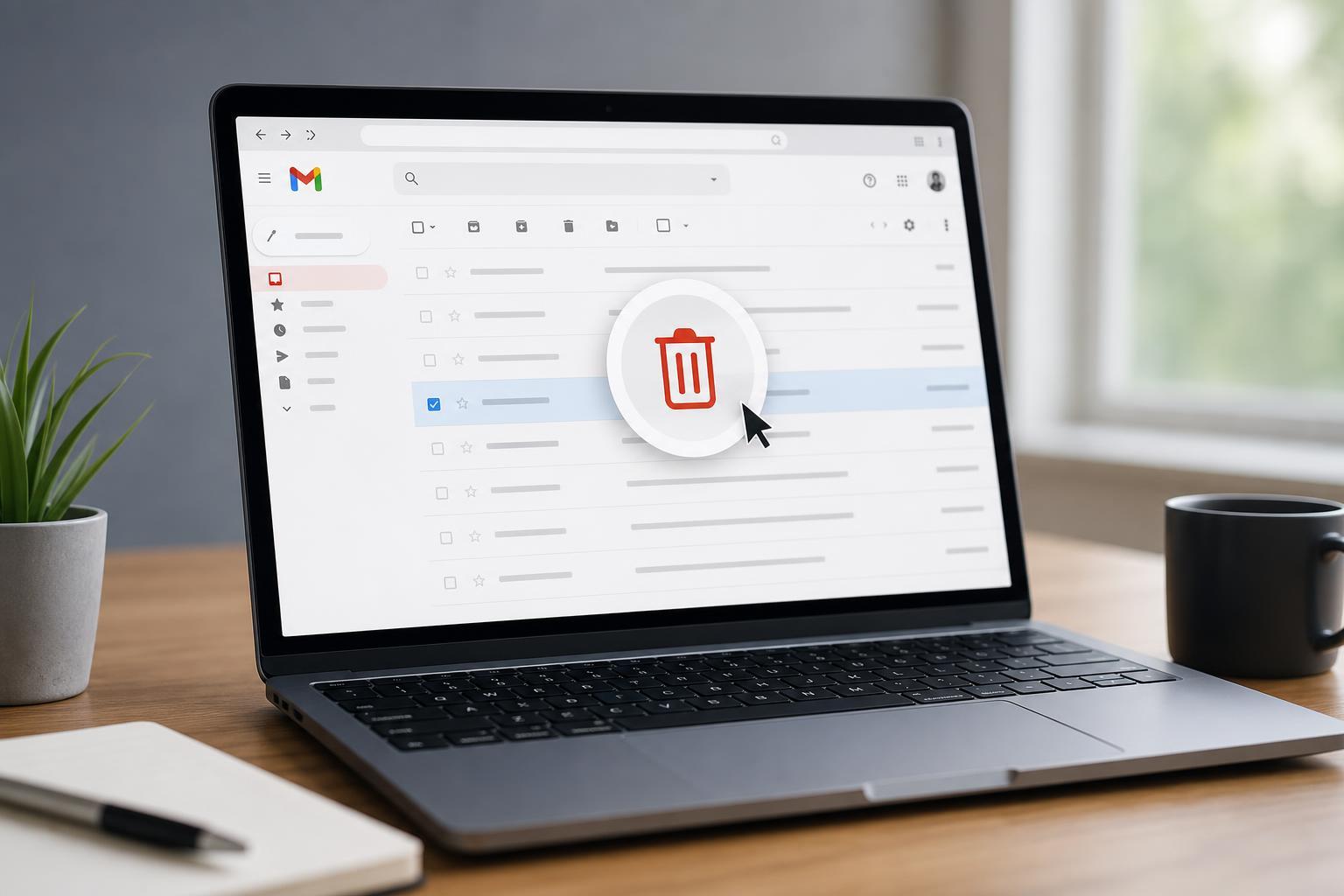
How to Automatically Delete Emails in Gmail
Learn how to set up Gmail filters to auto-delete unwanted emails, manage existing messages, and avoid accidentally removing important mail.
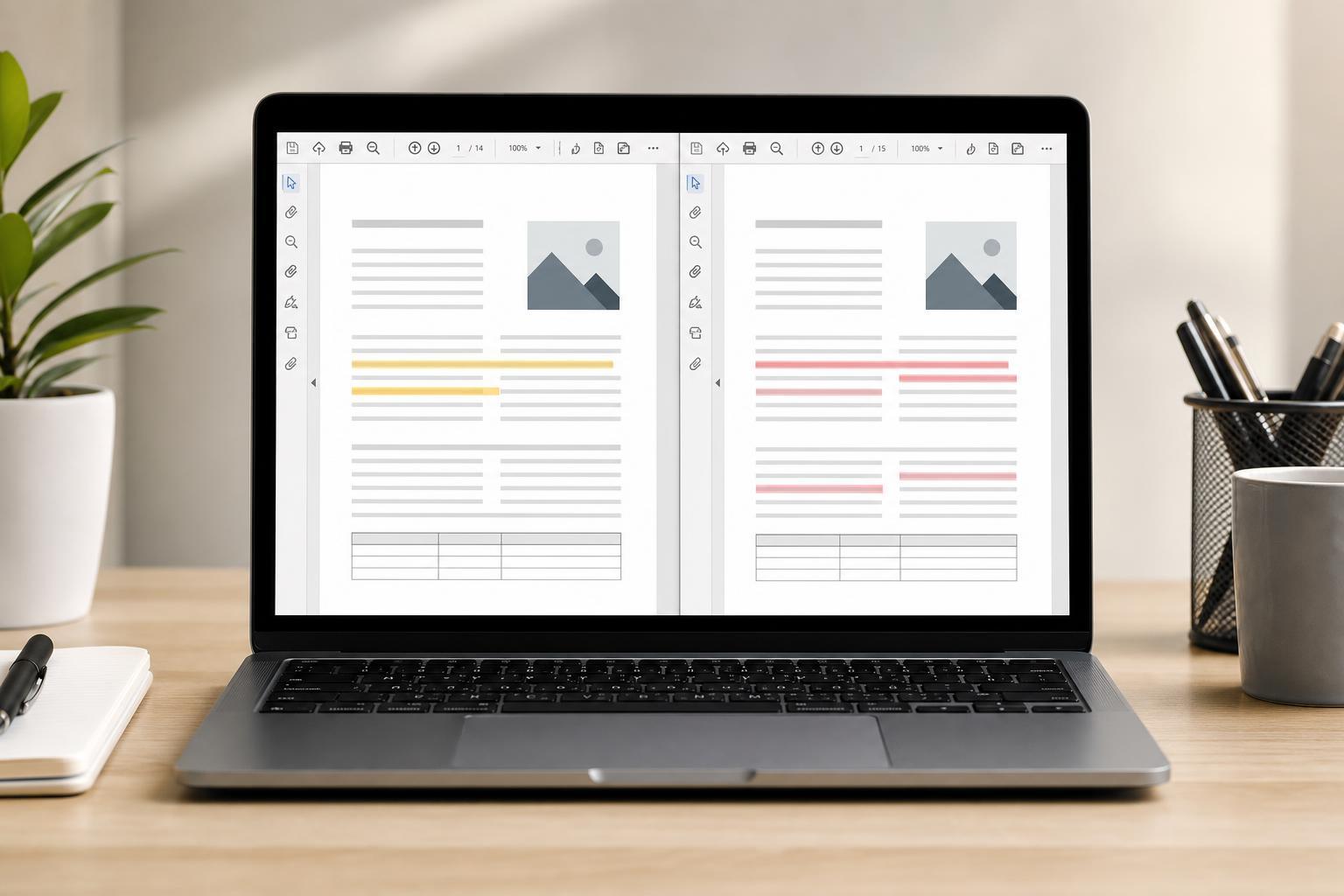
How to View Two PDF Files Side by Side and Compare Them
Learn practical ways to open two PDF files side by side, compare their contents, and spot changes quickly on Windows, macOS, and in common PDF apps.