Apps & Software.
Practical guides for popular apps, software, tools and everyday programs.

6 Practical Ways to Fix WhatsApp Media Download Errors on Your Phone
Learn why WhatsApp media fails to download on your phone and how to fix it with simple checks for storage, permissions, network issues, date and time, and app settings.
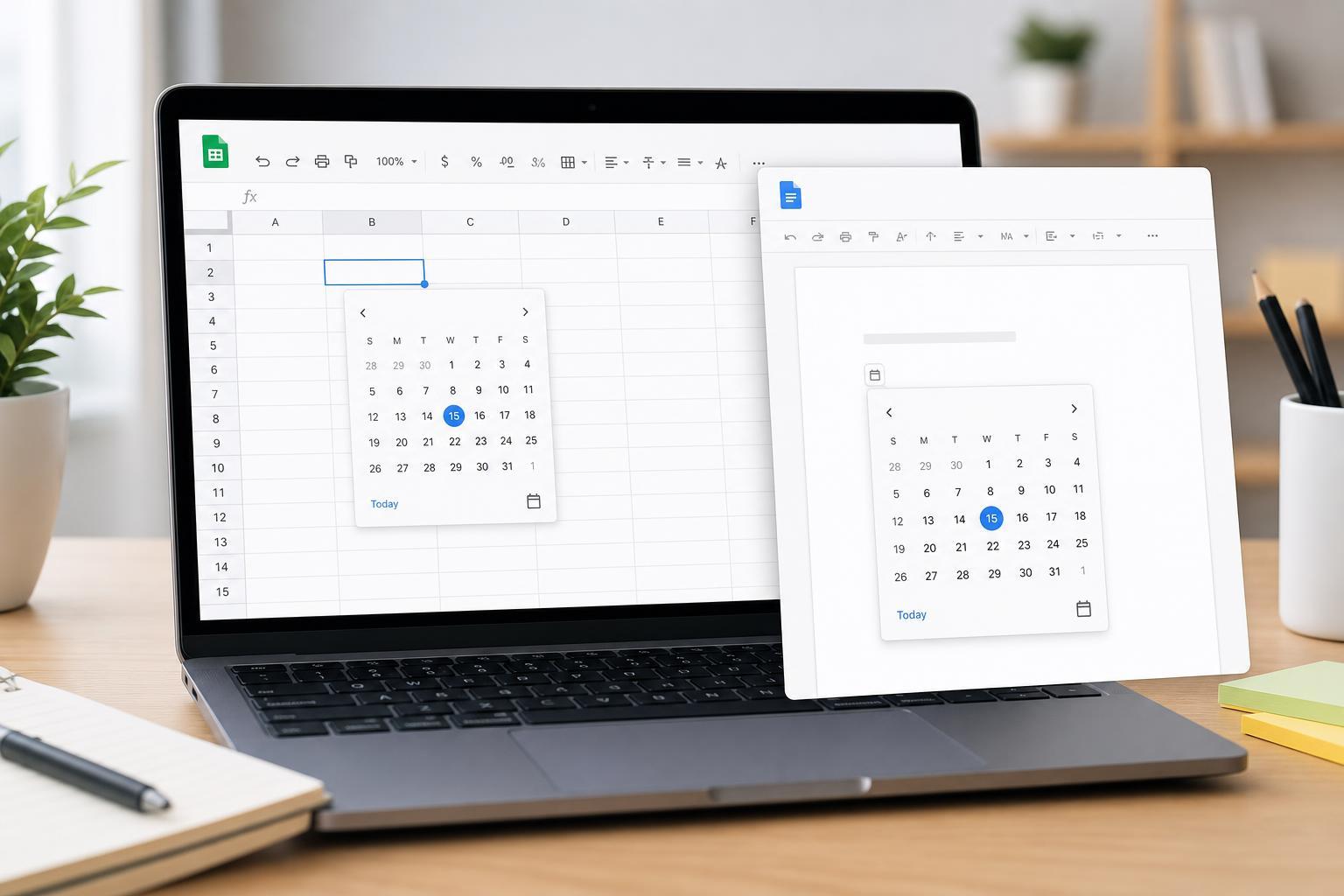
Add a Date Picker in Google Sheets and Google Docs
Learn how to insert and use a date picker in Google Sheets, plus the best ways to enter dates in Google Docs when you need a calendar-style workflow.
Microsoft Teams Error Code 42b: What It Means and How to Fix It
Learn what can trigger Microsoft Teams error code 42b and follow practical fixes to get Teams signing in and working again on Windows and other devices.
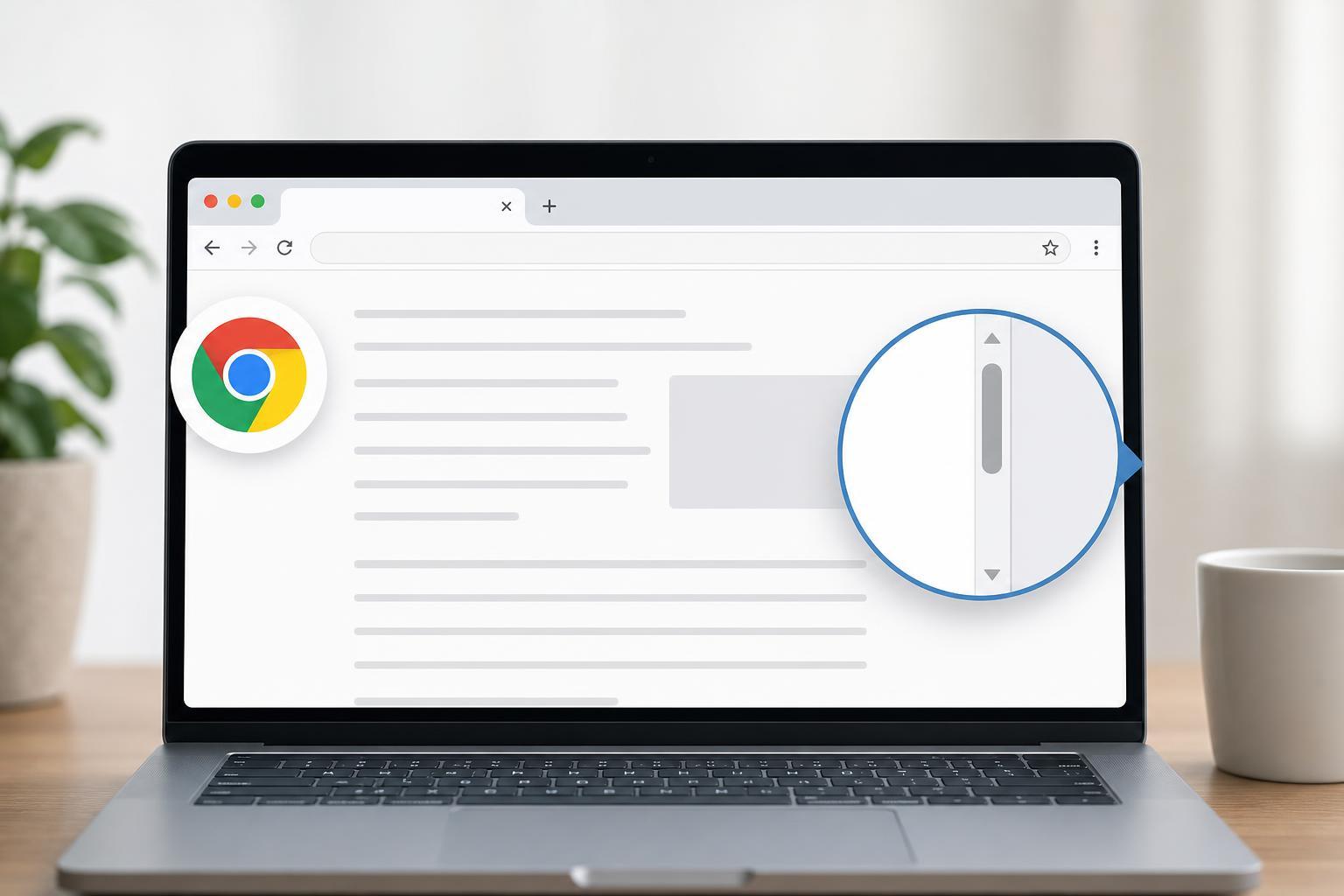
How to Restore the Missing Scroll Bar in Google Chrome
Learn why the scroll bar may disappear in Chrome and how to bring it back on Windows, macOS, and ChromeOS using browser, system, and accessibility settings.

3 Proven Ways to Fix Apple Music When Songs Won’t Download
Learn three practical ways to fix Apple Music when songs won’t download on iPhone, iPad, Mac, or Windows, plus the most common causes and checks to try first.
How to Resolve the “Page Is Already Linked to an Instagram Account” Error
Learn why Facebook shows the “Page is already linked to Instagram account” error and how to fix it by checking existing connections, permissions, and account settings.
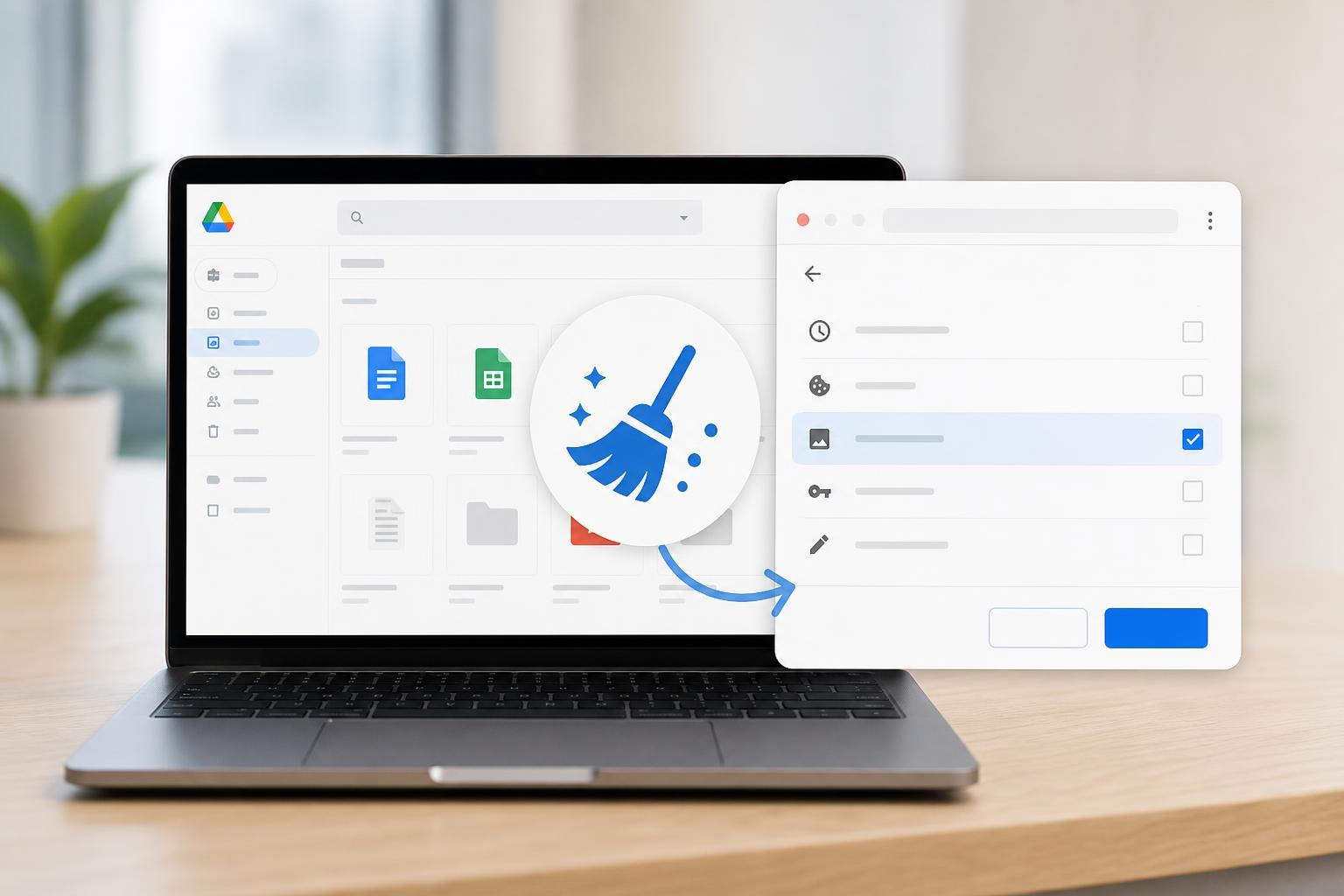
Clearing the Cache in Google Drive and Google Docs: A Step-by-Step Guide
Learn how to clear cached data for Google Drive and Google Docs in your browser or app to fix sync issues, loading problems, and stale file content.

How to Remove an Image Background in GIMP and Make It Transparent
Learn how to make an image background transparent in GIMP using the right layer settings, selection tools, and export steps for a clean PNG result.
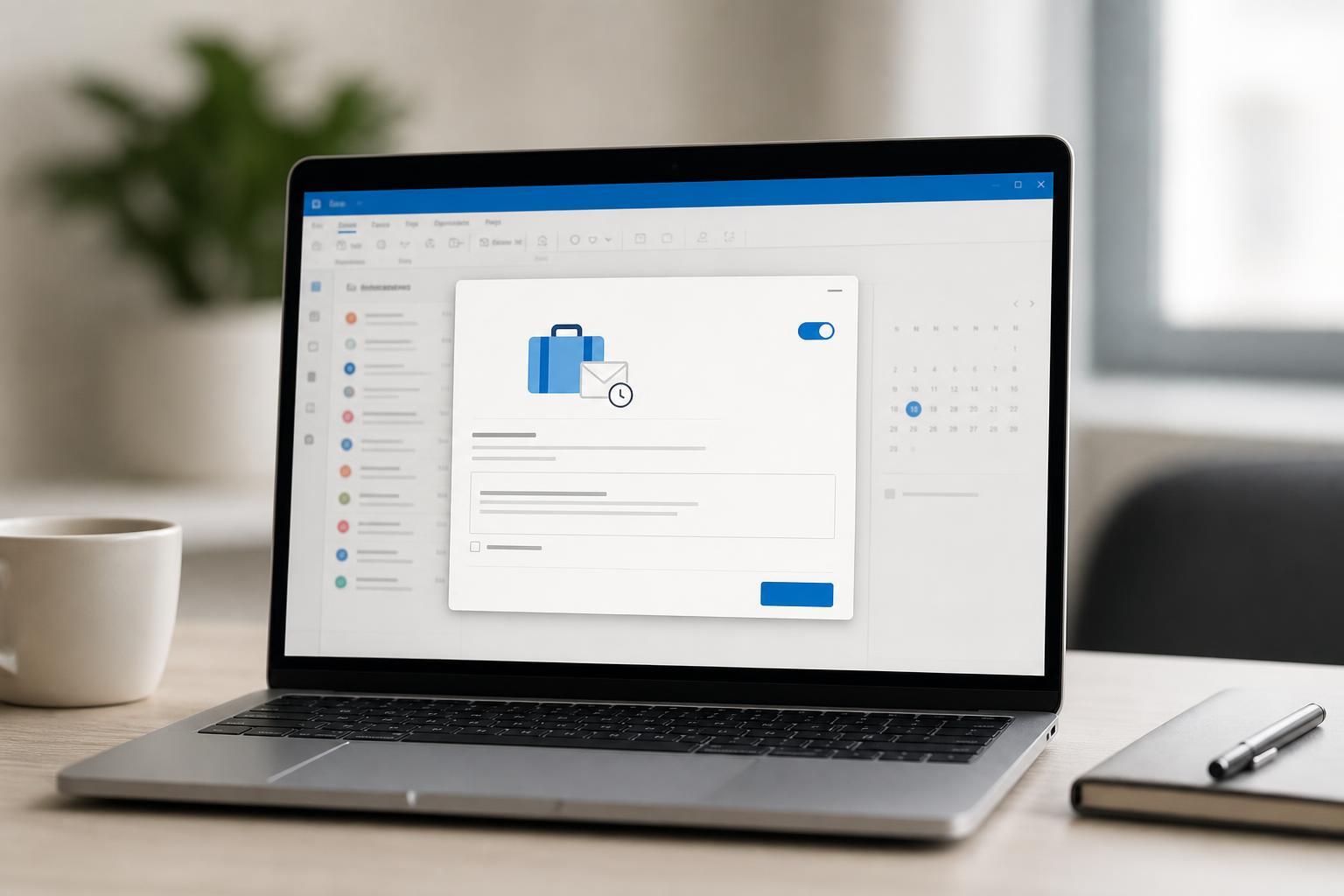
How to Set Up an Out-of-Office Message in Outlook
Learn how to create an out-of-office reply in Outlook for Microsoft 365, Outlook desktop, and Outlook on the web, plus how to set dates, rules, and exceptions.
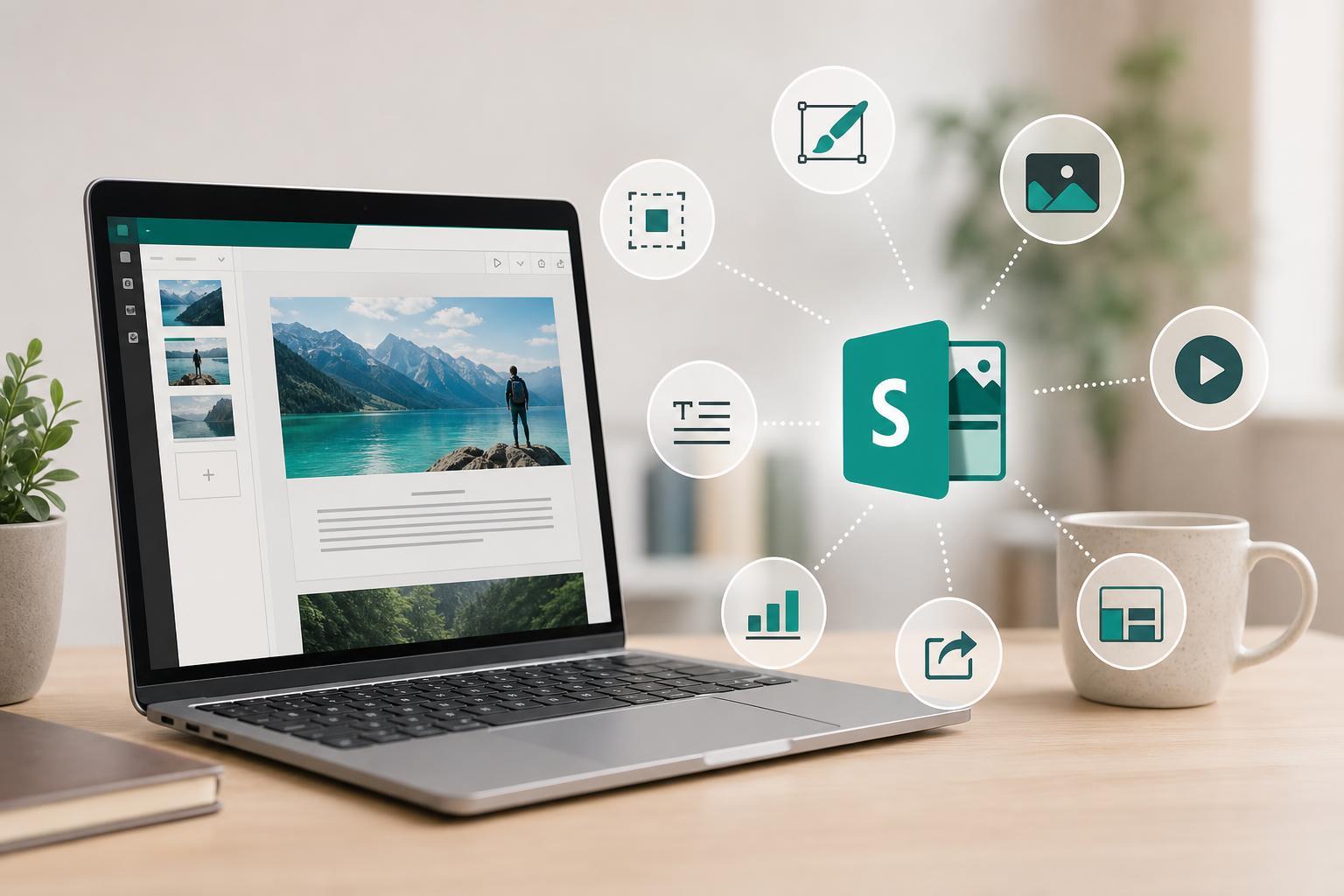
8 Practical Ways to Get More Out of Microsoft Sway
Learn eight useful ways to use Microsoft Sway for presentations, reports, newsletters, portfolios, and more, with practical tips for choosing the right format.
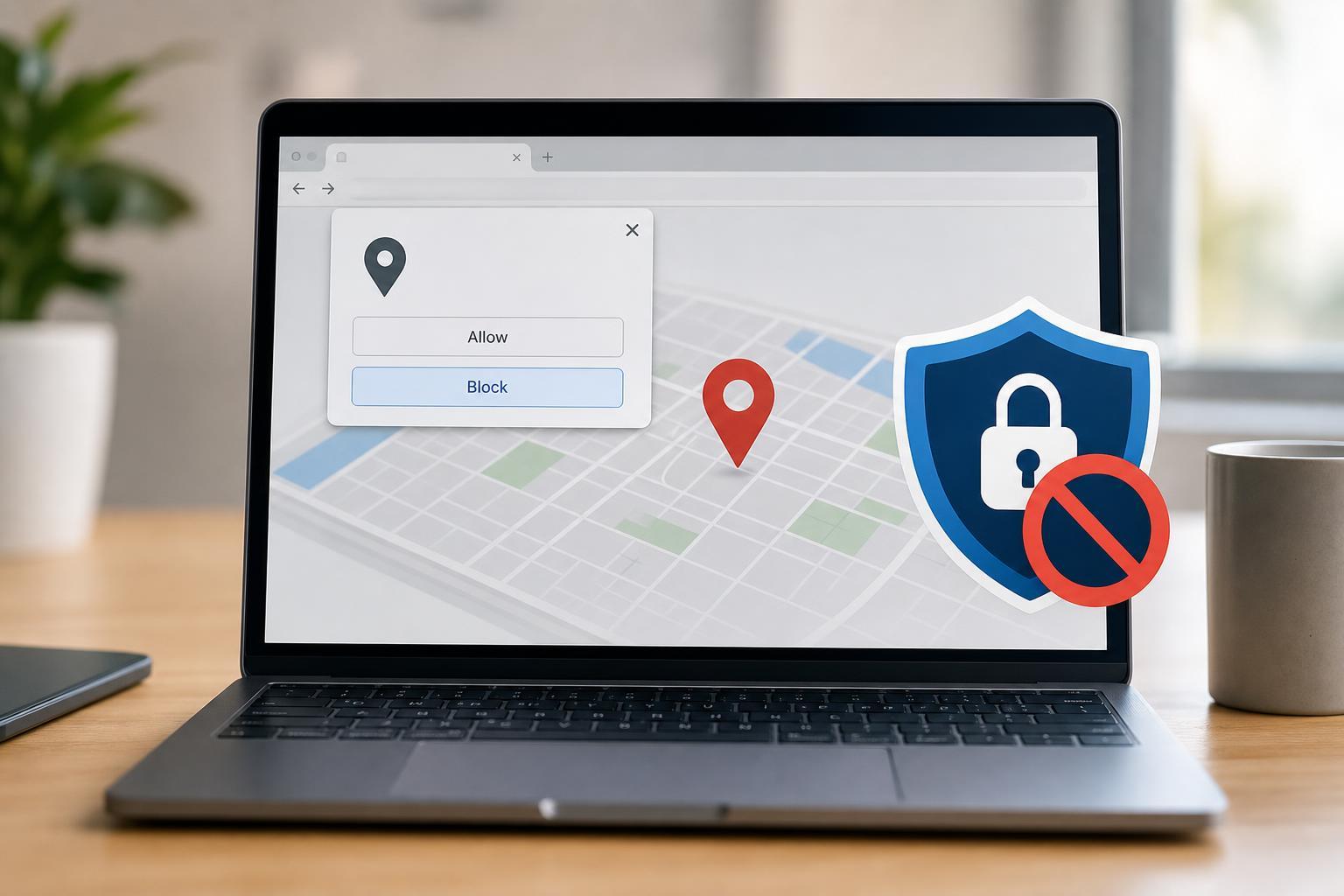
How to Stop Web Browsers from Asking for Your Current Location
Learn how to prevent Chrome, Edge, Firefox, and other browsers from asking for your location, and how to manage or reset site permissions when needed.
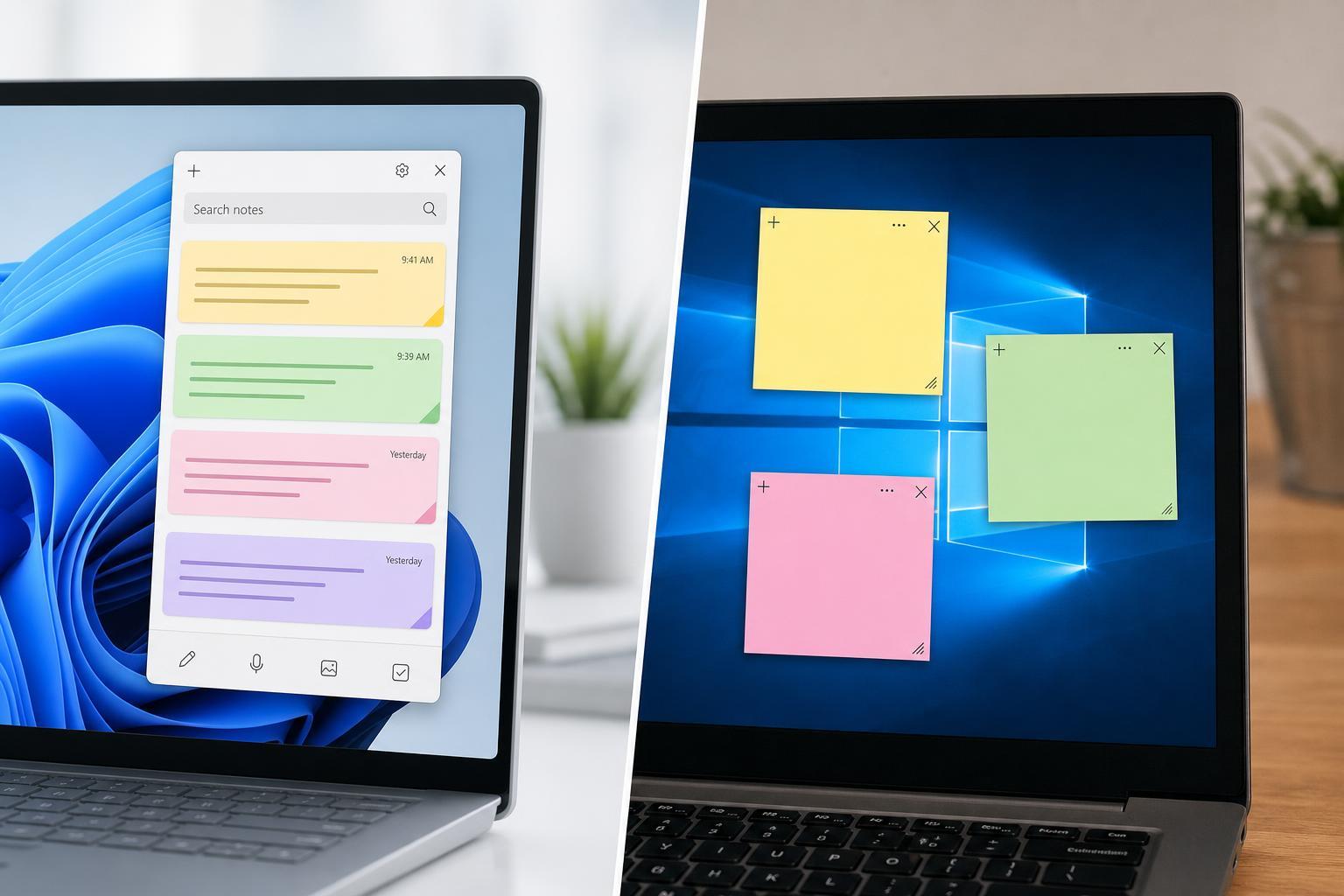
New Sticky Notes vs. Classic Sticky Notes: What’s Different?
Learn the differences between the new Sticky Notes app and the classic version in Windows, including features, syncing, access, and which one is better for your workflow.