Apps & Software.
Practical guides for popular apps, software, tools and everyday programs.

5 Essential iPad Apps Every Video Game Streamer Should Use
Discover five useful iPad apps that can help video game streamers plan broadcasts, manage chat, control scenes, monitor performance, and stay organized while live.

How to Reduce Spotify’s Mobile Data Usage
Learn how to make Spotify use less mobile data on iPhone and Android by lowering streaming quality, enabling data saver options, and controlling downloads, autoplay, and offline listening.

6 Fixes for Epic Games Error Code II-E1003
Learn what Epic Games error code II-E1003 means and how to fix it with practical steps, from checking your connection to repairing the launcher and clearing cache files.
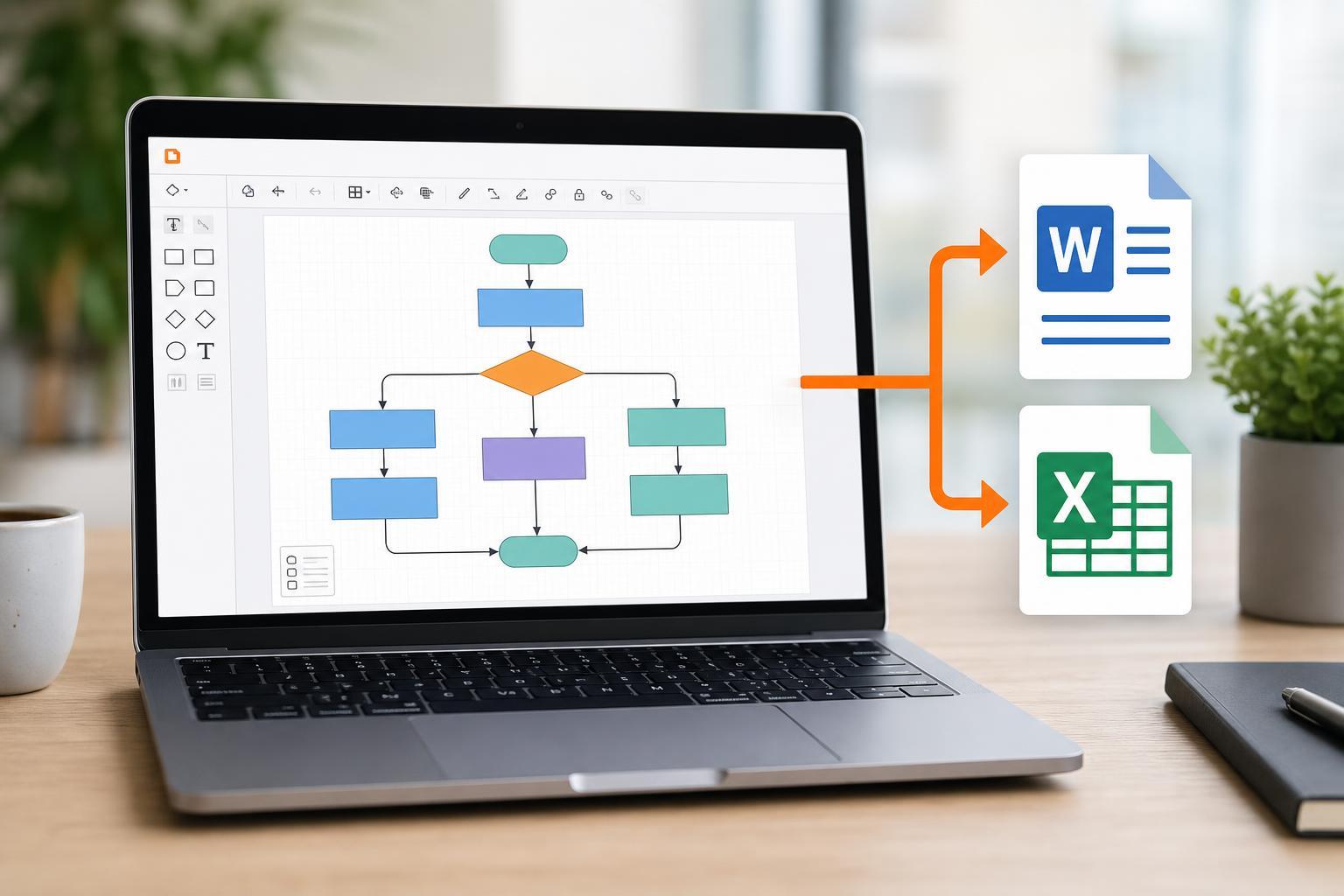
Exporting Lucidchart Diagrams to Microsoft Word and Excel: A Practical Guide
Learn how to export Lucidchart diagrams into Microsoft Word and Excel, including the best file formats to use, how to preserve quality, and what to do when you need editable diagrams or embedded images.
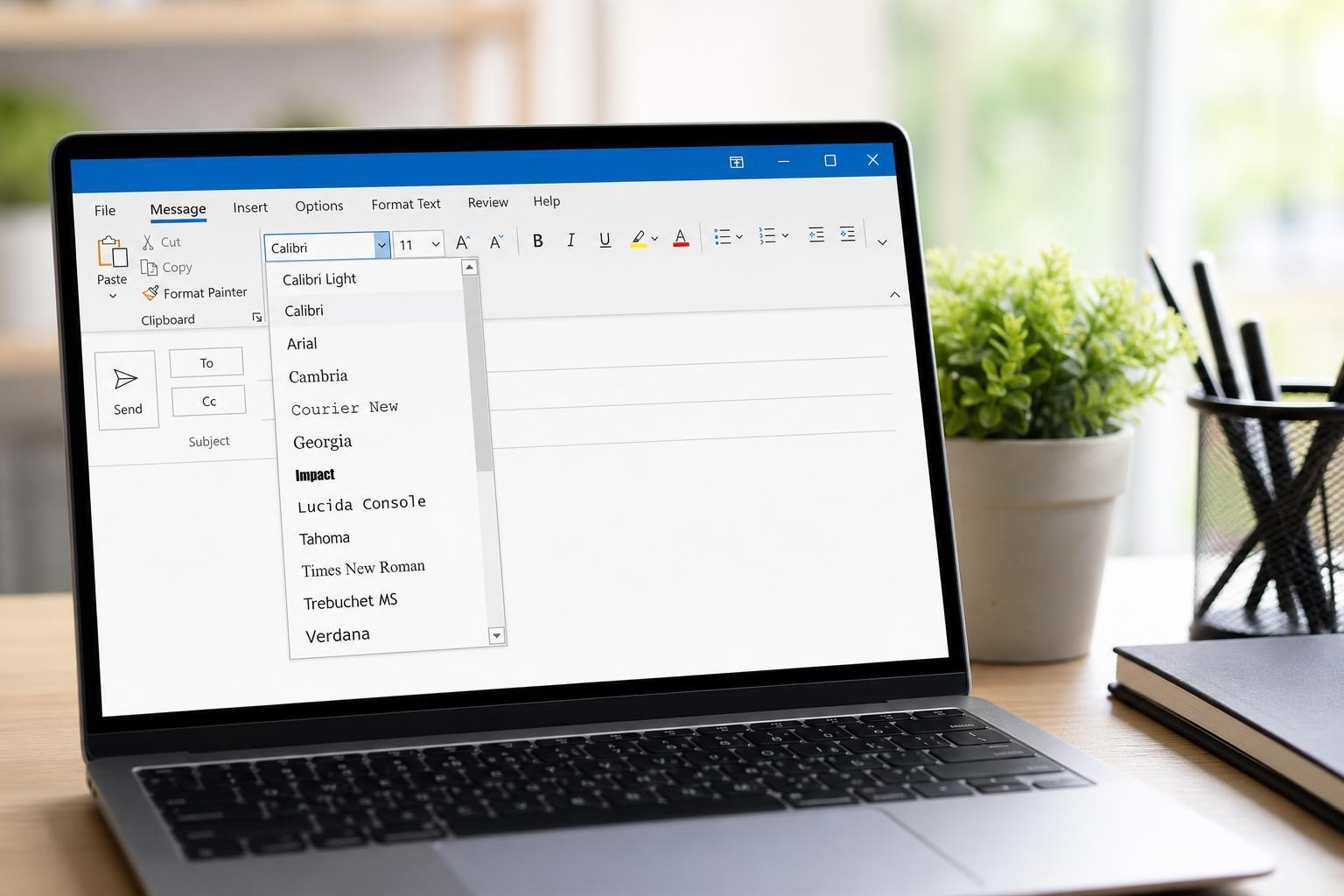
How to Change the Font Style in Microsoft Outlook
Learn how to change the default font style in Microsoft Outlook for new emails, replies, and forwarded messages on desktop and web versions.
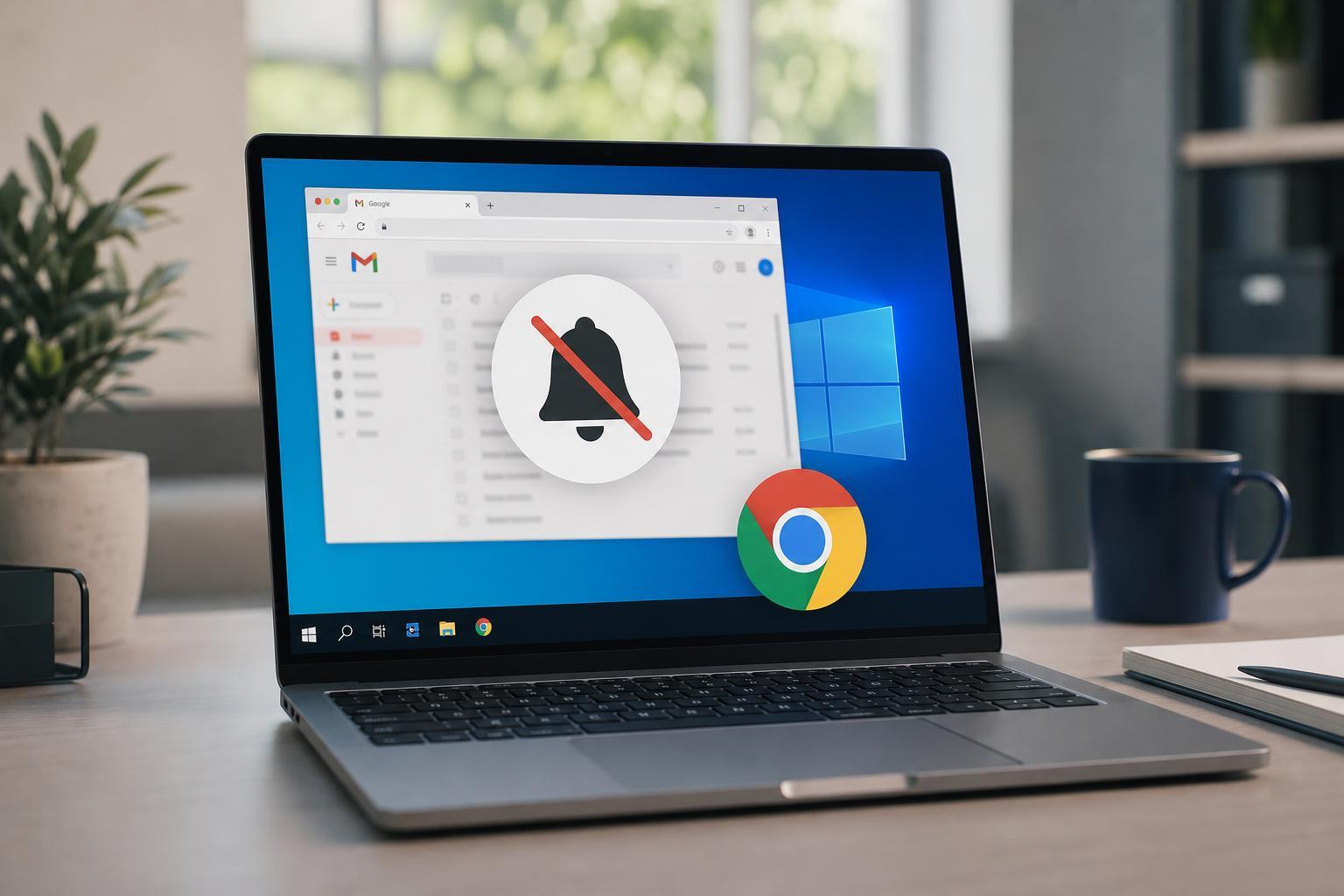
7 Ways to Fix Gmail Notifications Not Working in Chrome on Windows 10
Learn how to troubleshoot Gmail notifications in Chrome on Windows 10, including browser permissions, Windows notification settings, site settings, and sync issues.

How to Share a PowerPoint Presentation in Microsoft Teams
Learn how to present a PowerPoint in Microsoft Teams using PowerPoint Live, screen sharing, or uploaded files, plus tips for avoiding common presentation issues.
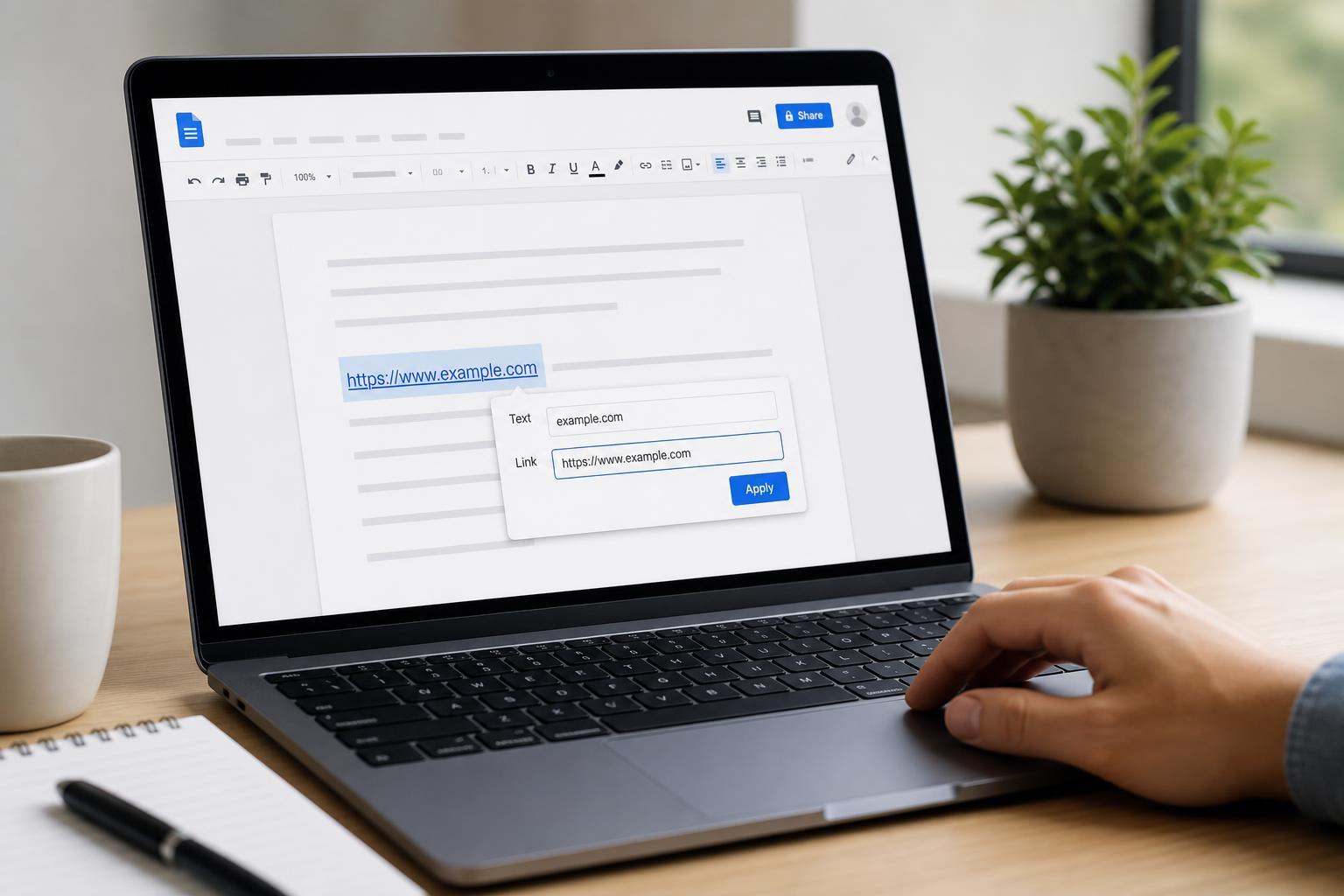
How to Add Hyperlinks in Google Docs: A Step-by-Step Guide
Learn how to insert, edit, remove, and format hyperlinks in Google Docs, including links to websites, headings, files, and email addresses.
3 Ways to Fix Gmail Login Failed in the Mail App on Mac
Learn three practical fixes for Gmail login failed errors in the Mac Mail app, including account reauthentication, Google security settings, and Mail app troubleshooting steps.

3 Easy Ways to Add a Contact in Microsoft Outlook
Learn three simple ways to add a contact in Microsoft Outlook, whether you are using Outlook on Windows, the web, or an email message.
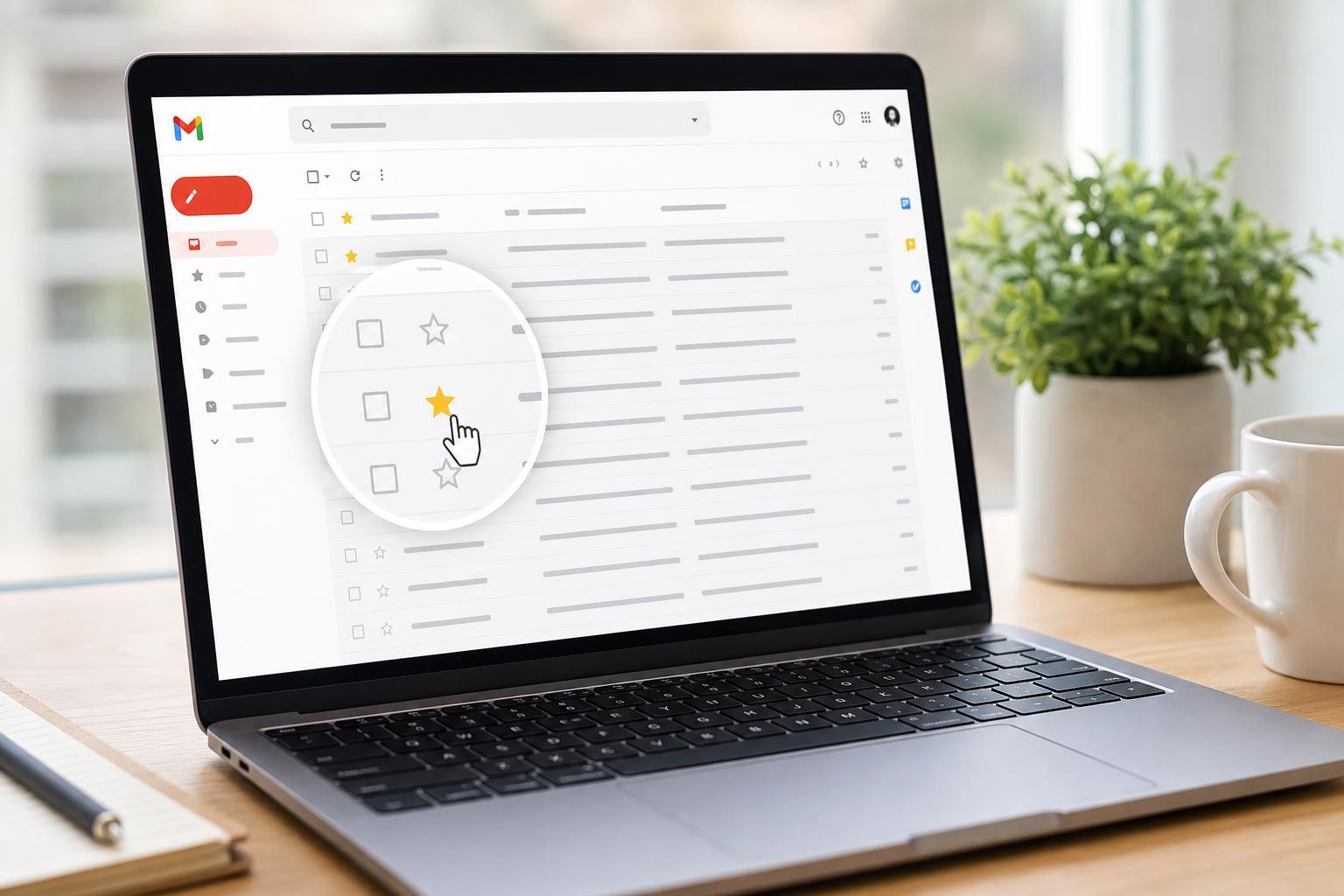
Using Stars to Organize Emails in Gmail
Learn how to star messages in Gmail, switch between star types, search for starred mail, and use stars to keep important emails easy to find.
Removing Old Calendar Items in Outlook
Learn how to delete old calendar items in Outlook, including single events, recurring appointments, and large batches of outdated entries without removing the wrong items.