Blocking someone on Discord is one of the quickest ways to cut down on unwanted contact, but it does not make that person disappear completely. The block changes what they can send you, what you see from them, and how much you can interact in shared servers.
If you are trying to figure out whether blocking is the right option, it helps to know exactly what Discord does behind the scenes and what the other person may still be able to notice.
What Discord Blocking Changes
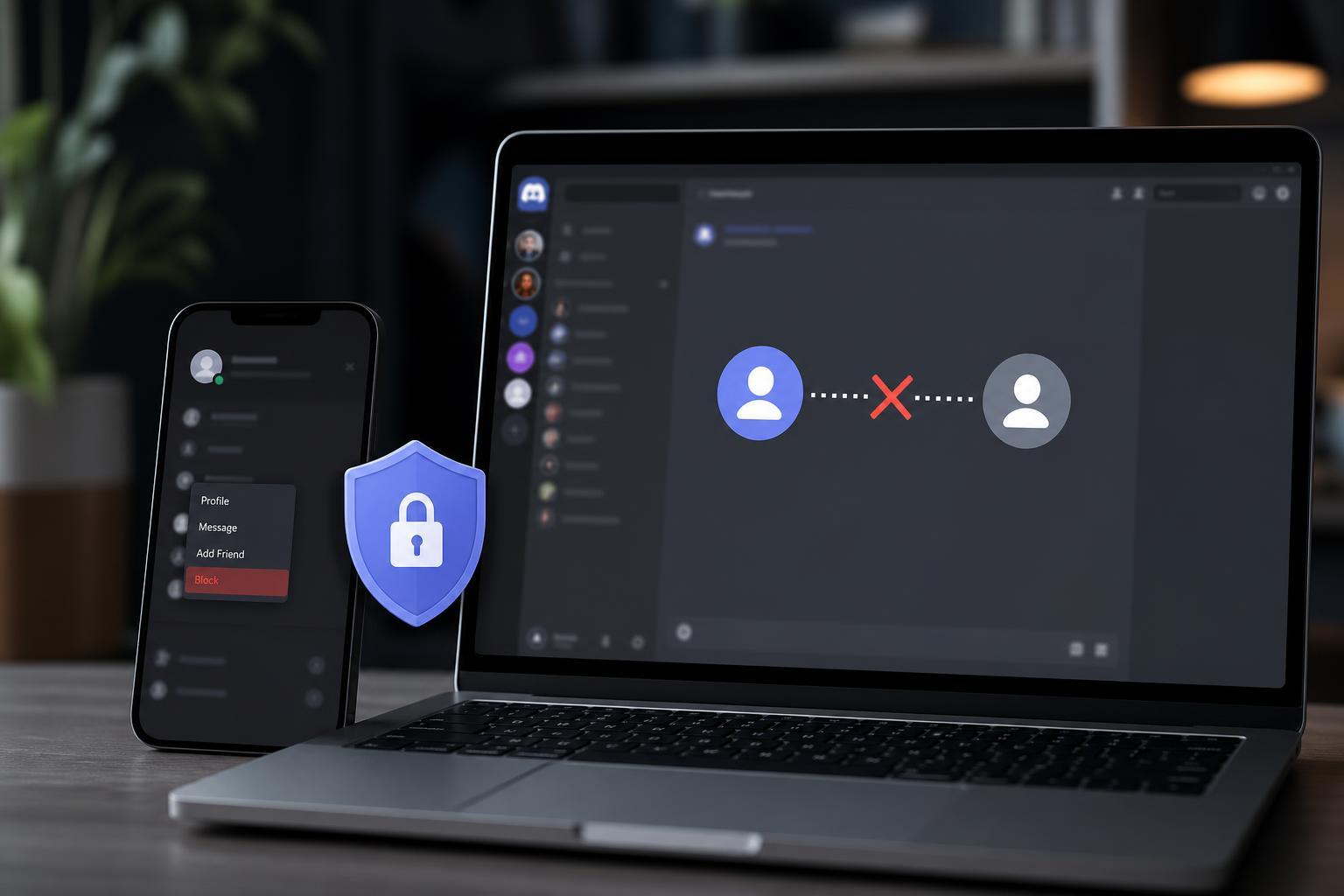
When you block someone on Discord, you stop receiving their direct messages and friend-related interaction in the normal way. Their messages will be hidden from you in many places, and they will no longer be able to contact you through DMs as if nothing happened.
- They can no longer send you direct messages in the usual way.
- Their messages in shared servers are hidden from view unless you choose to reveal them.
- They are removed from your friends list if they were already your friend.
- Discord will not notify them with a dramatic alert that says they were blocked.
What the Other Person Can Still See
Blocking is not a perfect invisibility switch. In shared servers, the blocked person can still see your messages unless server-specific privacy or moderation settings also limit that. They may also still notice your profile, username, or activity in places where Discord allows public visibility.
- Your messages in shared servers may still be visible to them.
- They can still see your username and profile information that is publicly available.
- They may be able to tell they can no longer DM you successfully.
- If you are both in the same server, they can still interact with the server itself unless other moderation actions are taken.
What Happens to Direct Messages
After you block someone, existing DM conversations usually remain in your inbox unless you close or remove them. The chat history does not automatically disappear, but future messages from that person will not come through normally.
If you later unblock them, the old conversation may still be there, but blocking does not guarantee a clean reset of the chat thread. If you want to remove a conversation entirely, you may need to leave or delete the DM thread separately where Discord allows it.
Does Blocking Hide Your Messages From Them?
Not in the way many people expect. If you and the blocked user share a server, your messages in that server are generally still visible to them. Blocking is focused on stopping direct contact, not erasing public or shared-server activity.
In private messages, they usually cannot continue a normal conversation with you once blocked. If they try, Discord will prevent the interaction rather than allowing a back-and-forth chat.
Can They Tell That You Blocked Them?
Discord does not usually send a direct block notification, but the person may be able to infer it. For example, they may notice failed message delivery, missing friend status, or limited DM access.
- Their messages may stop reaching you in DMs.
- They may no longer be able to add you or contact you normally.
- Your friend connection may disappear if you were friends before blocking.
- They may still see your profile in shared spaces and guess that they were blocked.
Blocking vs Muting vs Removing a Friend
These actions are often confused, but they do different things. Muting only hides notifications from someone or a channel. Removing a friend disconnects the friend link but does not necessarily stop all possible contact. Blocking is the stronger option because it stops direct messages and reduces interaction.
- Muting: hides alerts, but the person can still contact you.
- Removing a friend: ends the friend relationship, but does not fully prevent messages or visibility.
- Blocking: stops direct messaging and reduces unwanted contact more effectively than either of the above.
What to Do If Blocking Does Not Feel Like Enough
If the person is bothering you in a shared server, blocking may only solve part of the problem. You may also need to leave the server, change your privacy settings, or ask a moderator to take action.
- Open Discord user settings and review who can message you or add you as a friend.
- Check whether you share servers with the person and decide whether you want to stay in those spaces.
- If the behavior is harassment or spam, report the account or the server message.
- Ask server moderators for help if the problem is happening in a community server.
- Use blocking together with other privacy settings if you want stronger separation.
When Blocking Is the Right Choice
Blocking makes sense when you want to stop one person from reaching you directly without starting a bigger moderation process. It is especially useful for spam, unwanted messages, or conversations you simply do not want to continue.
- Unwanted private messages
- Repeated contact from someone you do not want to hear from
- Spam accounts or suspicious behavior
- A clean break from a friend or contact without more discussion
If the issue is harassment, threats, or targeted abuse, blocking should be part of the response, not the only one. Keep evidence and use Discord’s reporting tools where appropriate.