On Snapchat, "block" and "remove" are easy to confuse because both change how someone can interact with you. But they do very different things, and the right choice depends on whether you just want less contact or no contact at all.
If you are trying to clean up your friends list, avoid awkward interactions, or stop someone from messaging you, understanding the difference between block and remove will help you choose the option that fits the situation.
What Happens When You Remove Someone on Snapchat?
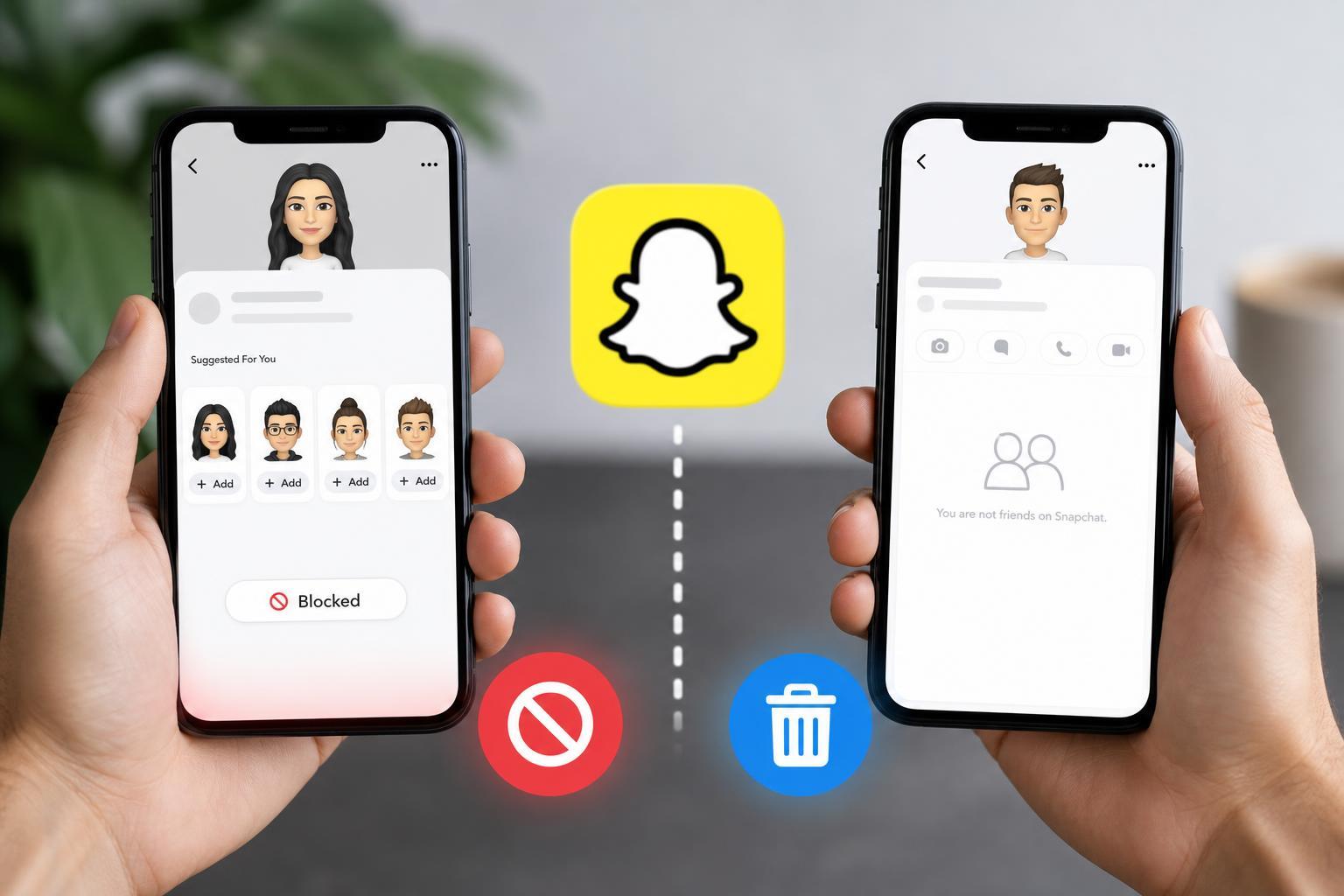
Removing someone deletes them from your friends list, but it does not fully cut off access the way blocking does. In many cases, the person can still find your account, view public content you share, and send you a friend request again unless you also change your privacy settings.
Removing is usually the softer option. It is useful when you no longer want someone on your friends list, but you do not necessarily want to make it obvious or prevent every form of contact.
- They are no longer on your friends list.
- They may still be able to message you if your privacy settings allow it.
- They can often search for your profile and send a new friend request.
- They will not automatically be notified that you removed them, although they may notice later.
What Happens When You Block Someone on Snapchat?
Blocking is much stronger than removing. It prevents the other person from finding your account, contacting you, or viewing your Snapchat activity through that account. It is the right choice if you want to stop interaction completely.
When you block someone, Snapchat removes the relationship between your accounts more aggressively than a simple removal. That means they cannot easily re-add you, message you, or see your profile through the blocked account.
- They are removed from your friends list.
- They cannot search for your account or easily find you.
- They cannot send you Snaps or chats from that account.
- They cannot re-add you while blocked.
- It is a stronger privacy and safety measure than removing.
Block vs. Remove at a Glance
- Remove: they leave your friends list, but may still be able to find or contact you depending on your privacy settings.
- Block: they cannot interact with your account from that profile and cannot easily find you again.
- Remove: better for acquaintances, old contacts, or people you no longer want on your list.
- Block: better for spam, harassment, unwanted messages, or any situation where you want a hard cutoff.
Which One Should You Use?
- Use Remove if you simply want to clean up your friends list and do not mind if the person can still find you later.
- Use Block if you do not want the person to message you, search for you, or re-add you.
- Use Block if the contact is unwanted, suspicious, or makes you uncomfortable.
- Use Remove first only if you are unsure and want a less severe option, but remember you may need to adjust privacy settings too.
What They Can Still See
The visibility of your Snapchat activity depends not only on whether someone is blocked or removed, but also on your privacy settings and whether you post to public areas like Spotlight or Public Stories. Removing someone does not automatically hide everything from them.
- Removed users may still see public content you post.
- Blocked users cannot interact with your account from that blocked profile.
- Your story settings, contact settings, and friend permissions also affect what others can see.
- If privacy is important, review your Snapchat settings after removing or blocking someone.
Can a Removed Person Add You Back?
Yes, in many cases they can. That is one of the biggest reasons people choose block instead of remove. If someone was only removed, they may still be able to search for your username and send a new friend request, depending on your settings.
If you do not want that to happen, blocking is the more reliable option.
Can Someone Tell If You Removed or Blocked Them?
Snapchat does not usually send a direct notification when you remove or block someone. However, they may figure it out if your profile disappears, their messages stop going through, or they can no longer find your account.
How to Decide Faster
A simple way to think about it: if you would be fine with the person finding you again later, remove may be enough. If you want them gone from your Snapchat experience, block them.
Bottom Line
On Snapchat, remove and block are not interchangeable. Removing takes someone off your friends list, but blocking prevents much more interaction and is the stronger privacy option. If you only want to tidy your list, remove is fine. If you want to stop someone from contacting or finding you, block is the safer choice.