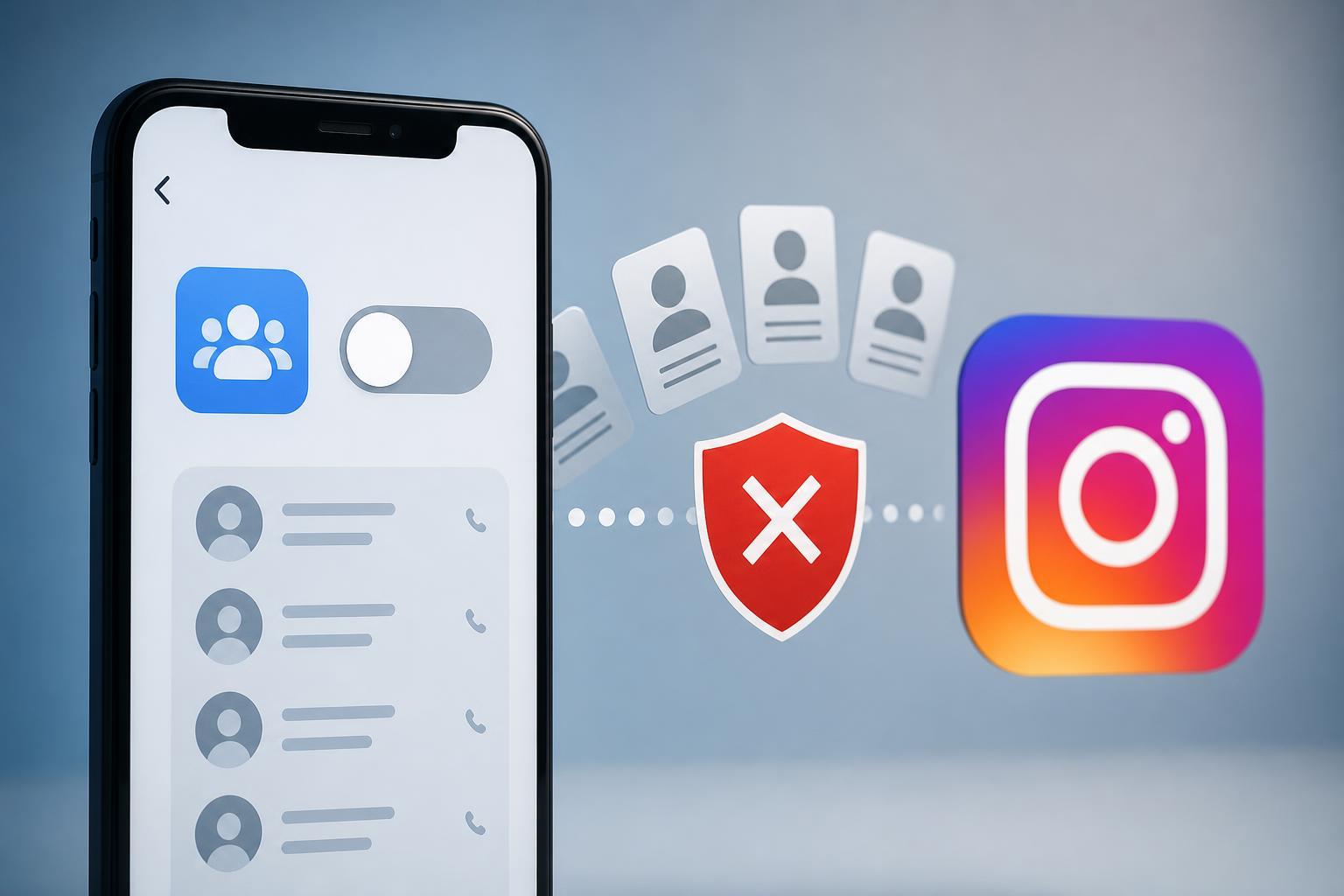
If Instagram has been suggesting people you know, or you no longer want it using your phone’s address book, you can stop contact syncing and remove the contacts it already uploaded. The exact steps depend on whether you use the Instagram app on iPhone or Android, but the process is straightforward once you know where to look.
Turn Off Contact Syncing in Instagram
- Open the Instagram app and go to your profile.
- Tap the menu icon in the top-right corner.
- Choose Accounts Center.
- Open Your information and permissions.
- Select Upload contacts or Contacts uploading.
- Turn off contact syncing for your account.
Remove Contacts That Instagram Already Uploaded
Turning off syncing usually stops new uploads, but it does not always remove contacts that were already sent to Instagram. If you want to clear that data as well, look for the option to manage or delete uploaded contacts in the same area of Accounts Center.
- Open Instagram and return to Accounts Center.
- Go back to Your information and permissions.
- Open Upload contacts or Contacts uploading.
- Look for a delete, remove all, or manage contacts option.
- Confirm the deletion if Instagram asks you to.
Stop Your Phone From Re-Syncing Contacts
If Instagram keeps finding contacts again after you turn syncing off, your phone may still be allowing the app to access your address book. It is a good idea to remove contacts permission at the device level too.
- Open your phone’s Settings app.
- Find the list of installed apps and select Instagram.
- Open Permissions.
- Turn off Contacts access.
What Happens After You Unsync Contacts
- Instagram will stop using new phone contacts for syncing if the setting is disabled.
- People already uploaded may still influence suggestions until you delete them.
- Mutual friend suggestions may become less personalized.
- Your own contacts can still find you if they already have your phone number or account details.
If You Do Not See the Contacts Option
Some accounts, app versions, and devices place the setting in different menus. If you cannot find it, check the app update status first, then look under Accounts Center, privacy-related menus, or data and permissions sections. On some versions, Instagram may also group contact-related options under profile discovery or suggestions.
Related Settings Worth Checking
- Phone number added to your profile, which can also affect discoverability
- Facebook account linking inside Accounts Center
- People discovery or suggested accounts settings
- Permissions for contacts, phone, and account discovery on your device
If your goal is privacy rather than just stopping contact sync, it is worth reviewing those settings too. Contact syncing is only one part of how Instagram suggests accounts and matches people you may know.