Mac.
Mac guides covering macOS settings, features, apps and common troubleshooting.
Fixing Apple Mail When It Gets Stuck Downloading Messages
Learn practical ways to fix Apple Mail when it stops downloading new messages on Mac or iPhone, including account checks, sync settings, network issues, and server-related problems.
4 Ways to Fix Dictation Not Working on Mac
Learn four practical fixes for when Dictation stops working on a Mac, including microphone checks, Siri and Dictation settings, language options, and troubleshooting steps.
2 Ways to Get Google Chrome Opening Again on Mac
Learn two practical ways to fix Google Chrome when it won’t open on a Mac, including common causes, step-by-step fixes, and when to check for deeper issues.
4 Ways to Reload Webpages in Safari on iPhone, iPad, and Mac
Learn four easy ways to refresh a webpage in Safari on iPhone, iPad, and Mac, including menu options, gestures, keyboard shortcuts, and when a hard reload helps.
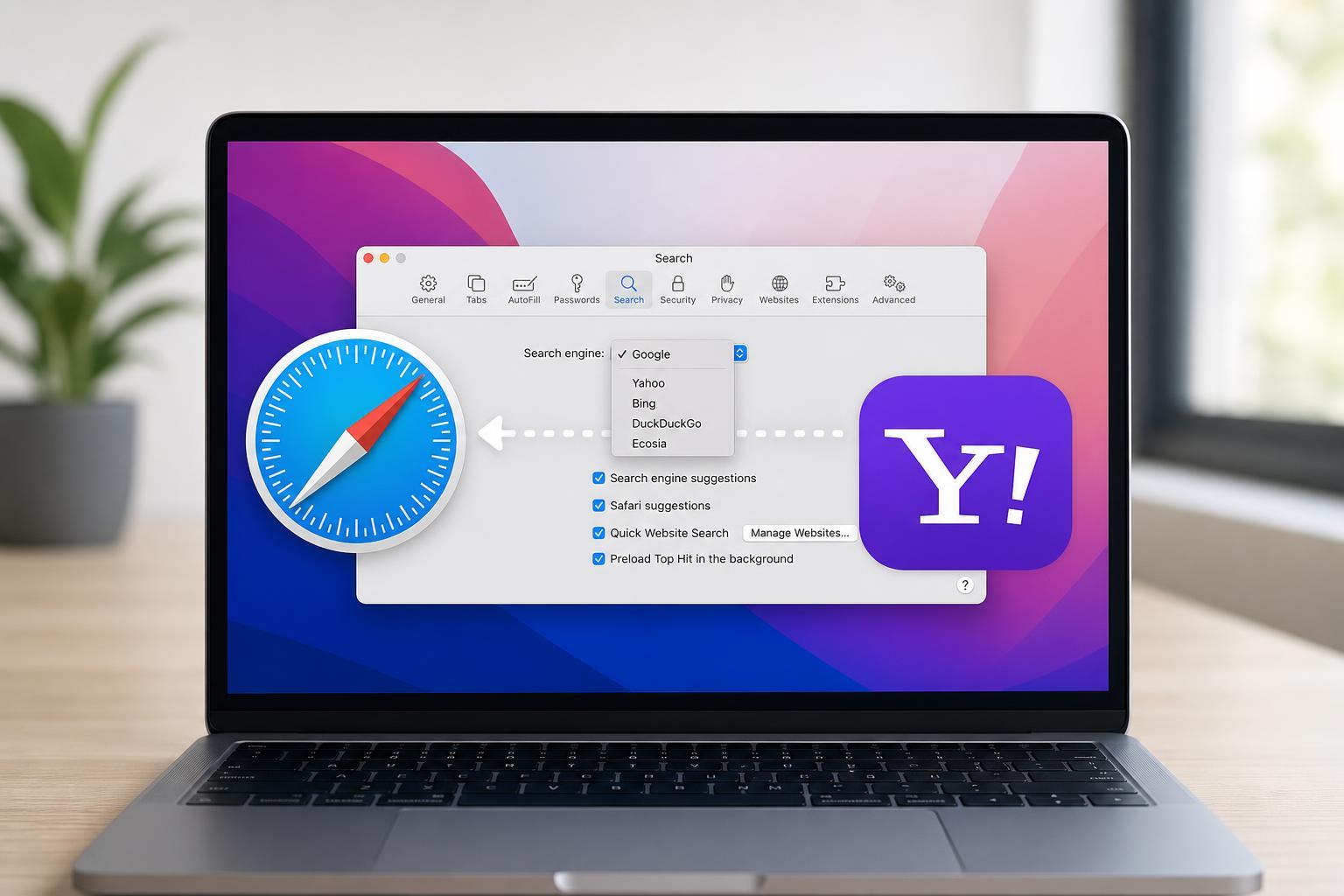
How to Stop Safari’s Search Engine from Switching to Yahoo
Learn the most effective ways to fix Safari when its search engine keeps changing to Yahoo on Mac or iPhone, including browser settings, extensions, and malware checks.
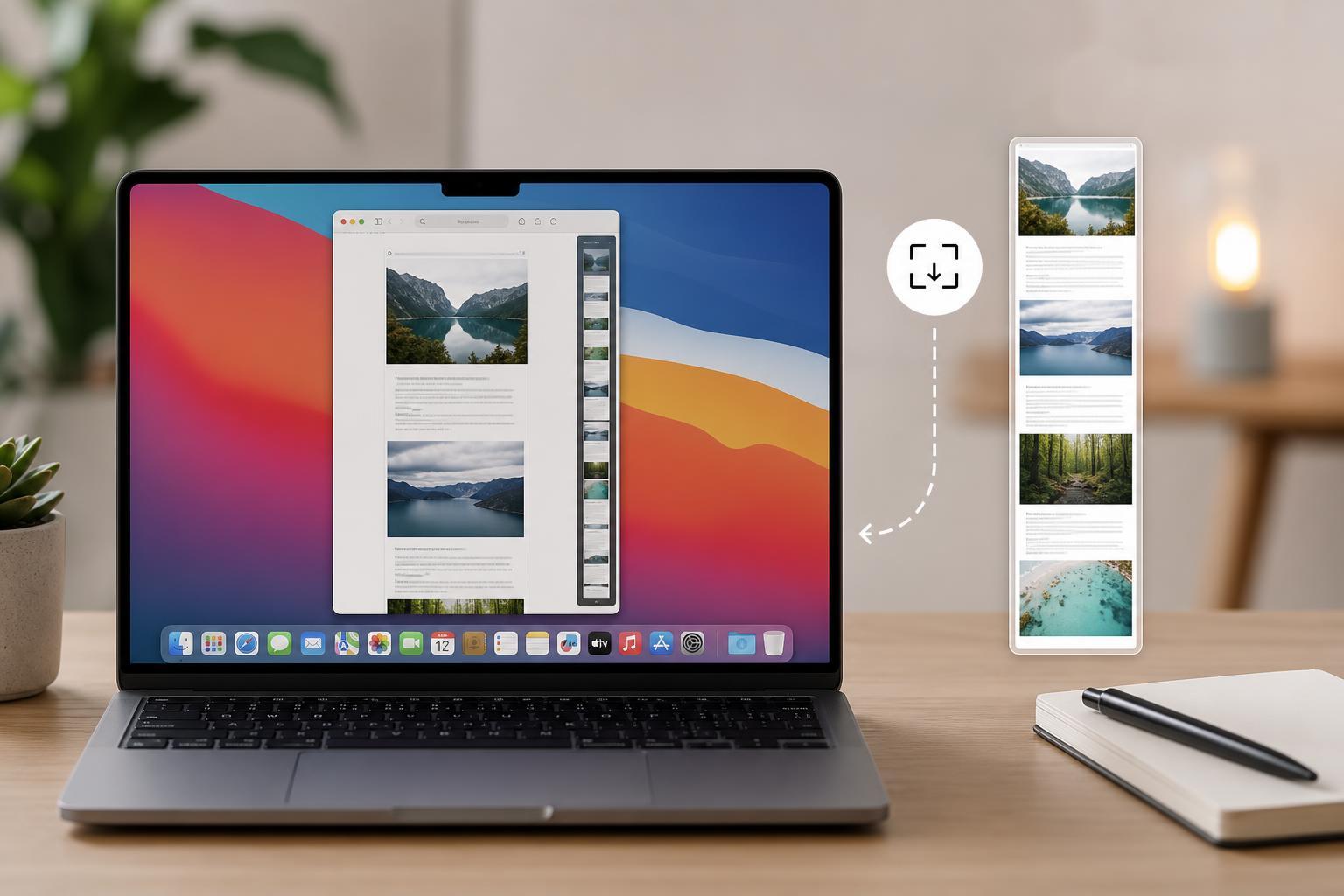
The Best Ways to Take Scrolling Screenshots on macOS
Learn the easiest ways to capture full-page and scrolling screenshots on a Mac, including built-in options, browser tools, and reliable third-party apps.
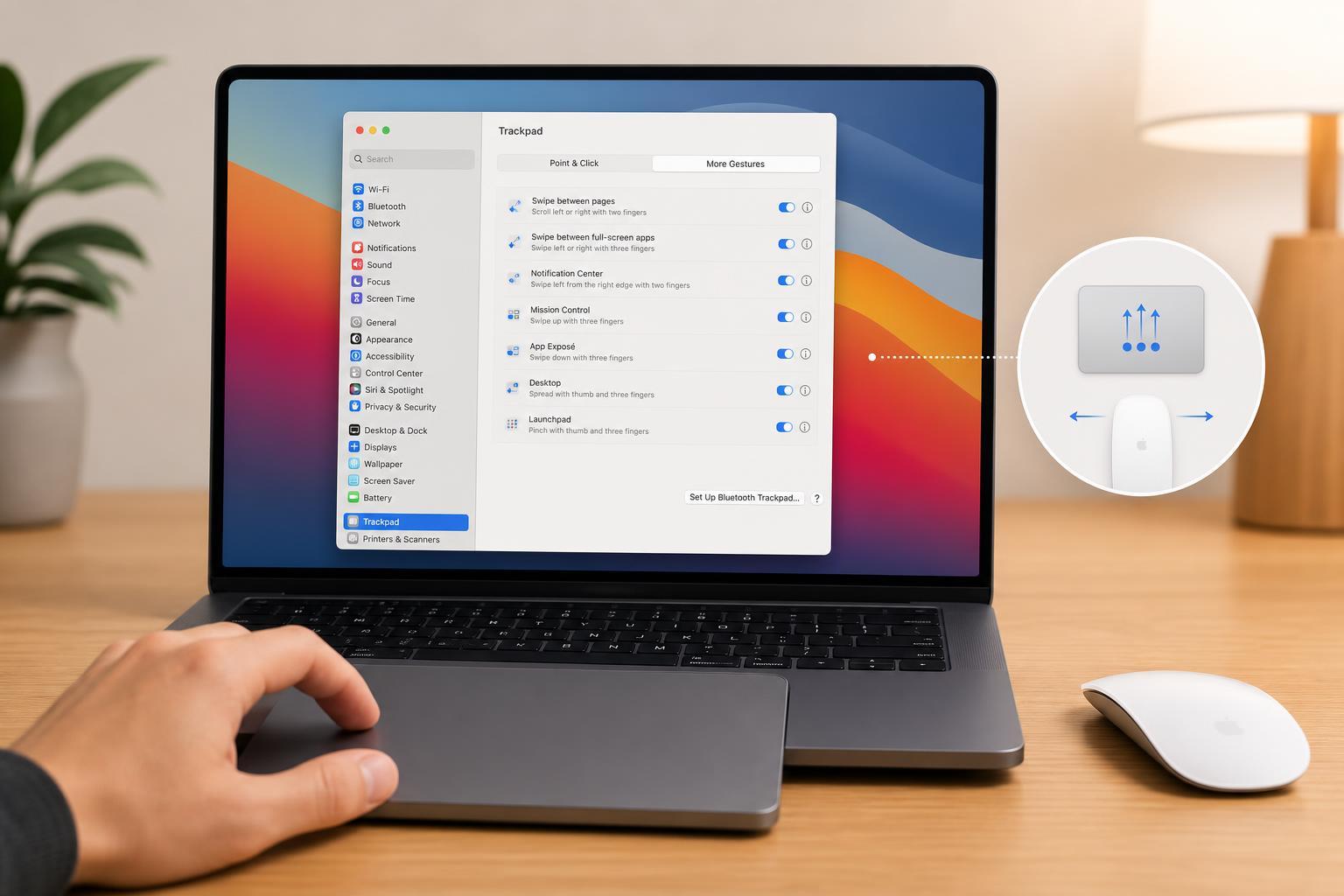
Customize Trackpad and Magic Mouse Gestures on a Mac
Learn how to change, add, and fine-tune gestures for Apple’s trackpad or Magic Mouse on a Mac, including where to find the settings and how to choose the gestures you use most.
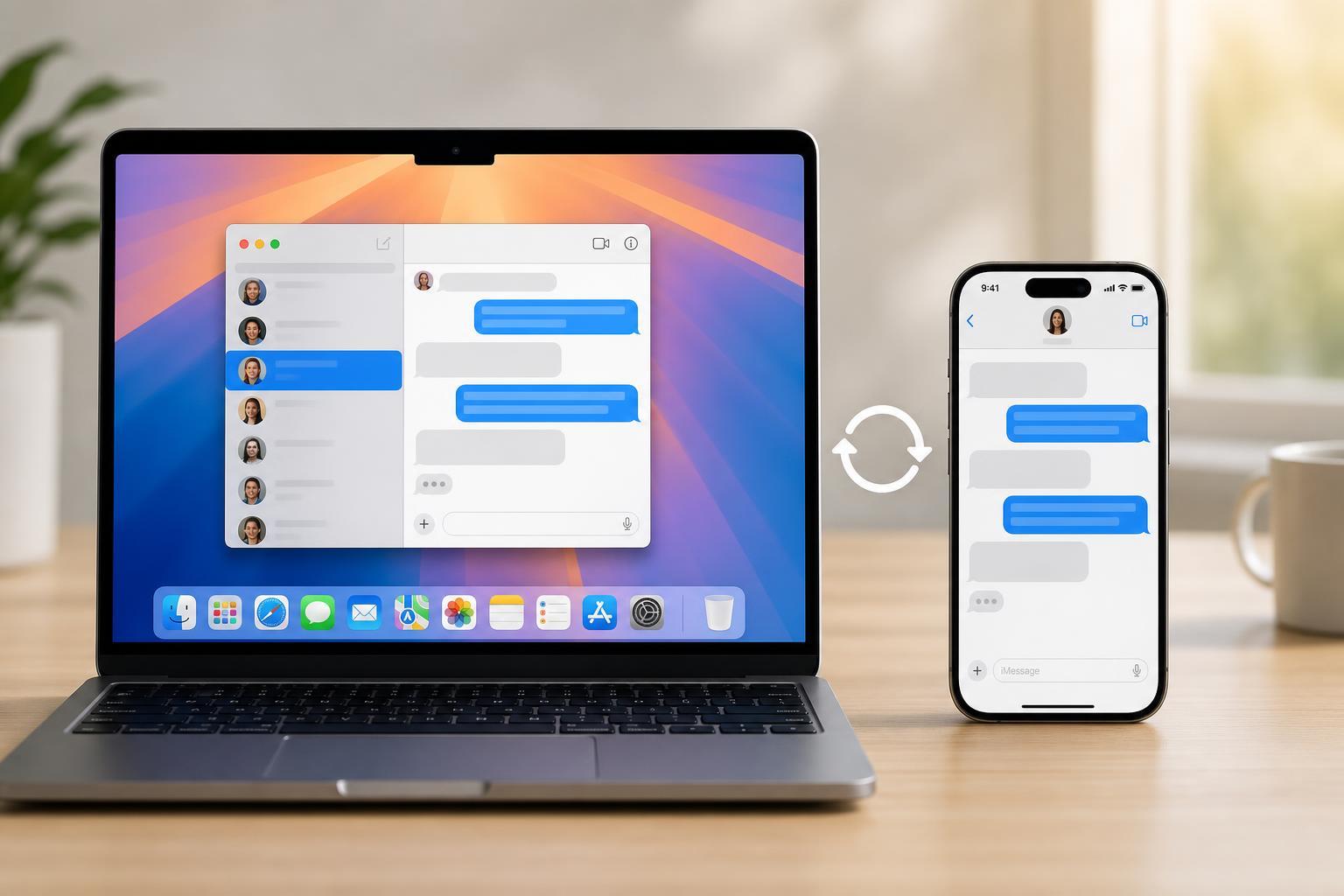
Sync iPhone Messages to Mac: A Step-by-Step Setup Guide
Learn how to sync Messages from your iPhone to your Mac, enable Text Message Forwarding, and troubleshoot common problems so your conversations stay up to date on both devices.
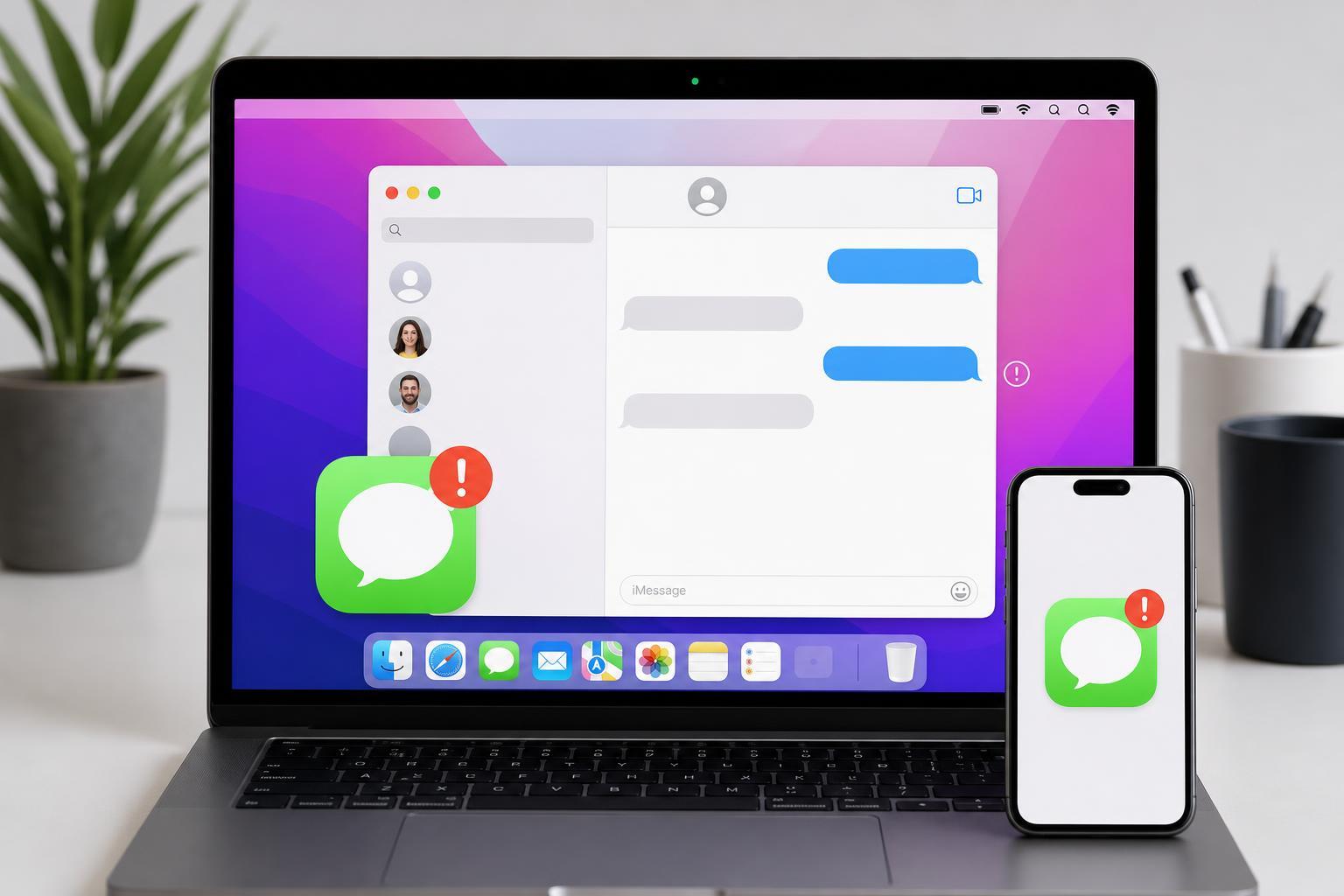
9 Fixes for iMessage Problems on Mac
Learn the most effective ways to fix iMessage when it stops working on a Mac, including sign-in issues, sync problems, network checks, and Messages app settings.
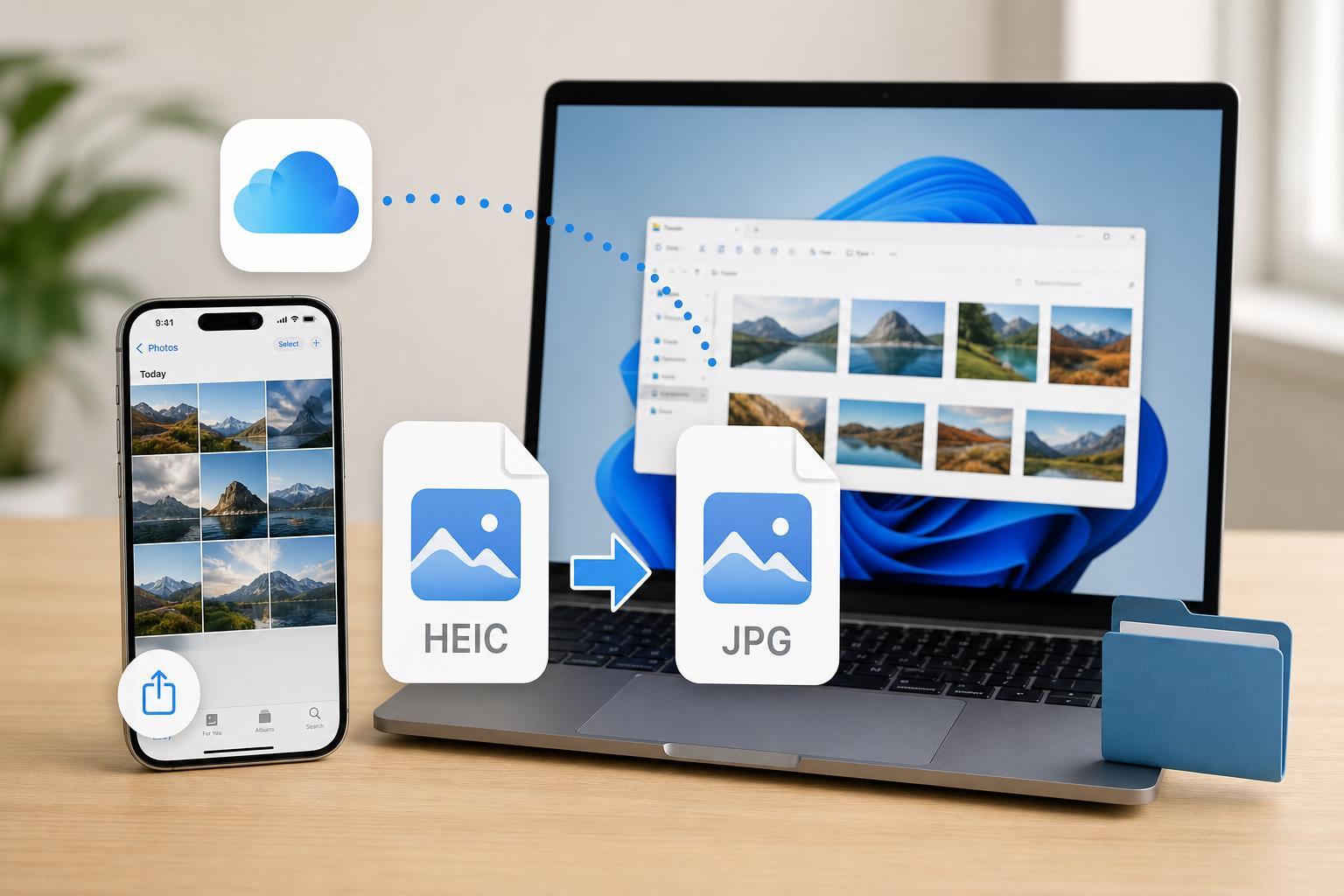
How to Save iCloud HEIC Photos as JPG on Windows and Mac
Learn how to download HEIC photos from iCloud as JPG on Windows and Mac, including the easiest methods, format settings, and what to do if your files still download in HEIC.
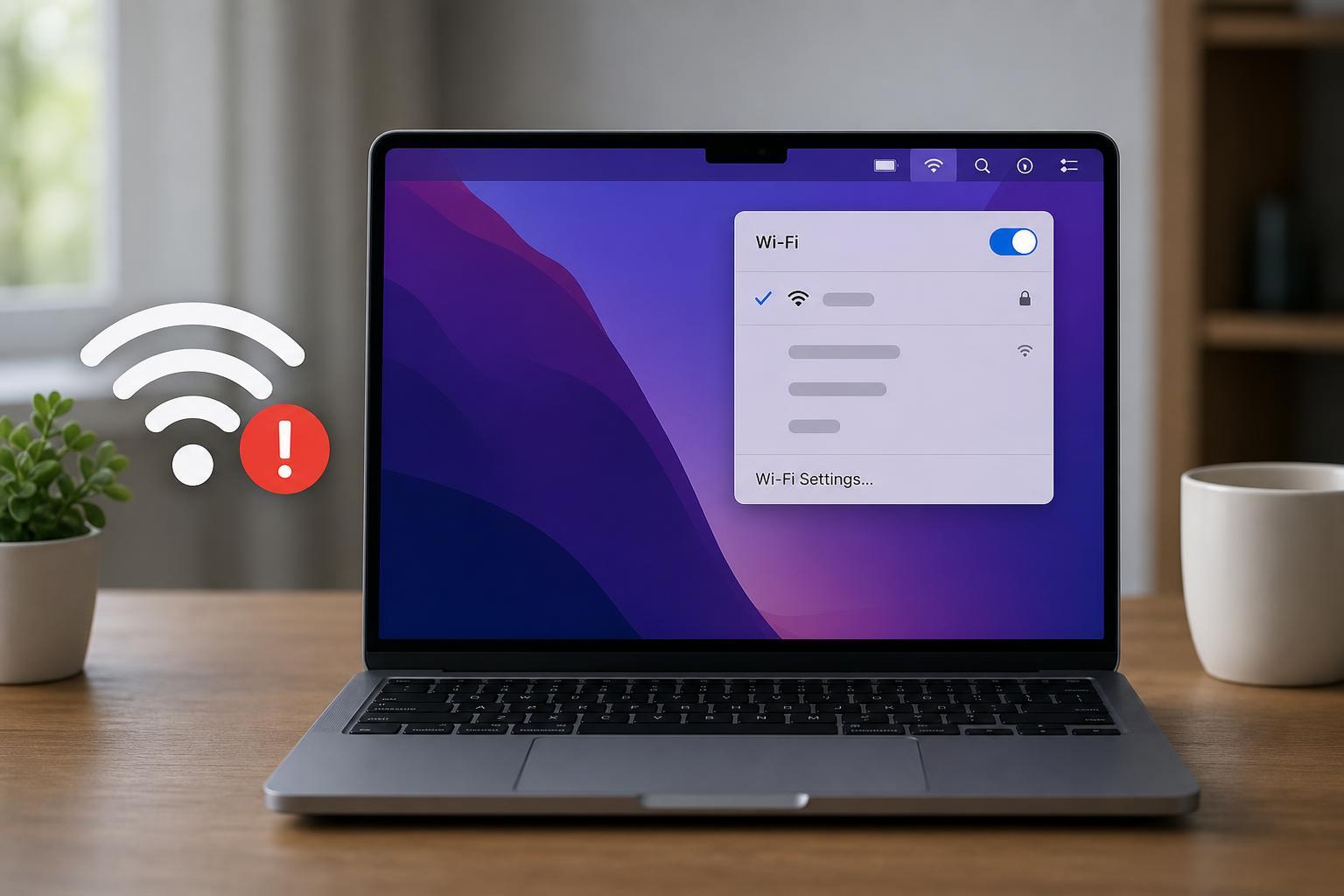
5 Reliable Ways to Fix a Mac That Says Wi‑Fi Is Connected but Won’t Load the Internet
Learn the most effective ways to fix a Mac that shows Wi‑Fi as connected but cannot open websites, check email, or access online services.

How to Connect Nintendo Joy-Cons to Windows, Mac, and Android
Learn how to pair Nintendo Joy-Cons with Windows PCs, Macs, and Android devices, plus what to expect from features like button mapping, calibration, and Bluetooth connection limits.