The Nothing Phone (2a) has a clean, distinctive design, and the right wallpaper helps the interface feel even more polished. If you want a background that matches the phone’s modern look, 4K wallpapers are a good choice because they stay sharp on the display and work well with home screens, lock screens, and always-on styling.
This article highlights seven wallpaper styles that suit the Nothing Phone (2a) especially well, along with a few practical tips for choosing, downloading, and applying them without losing image quality.
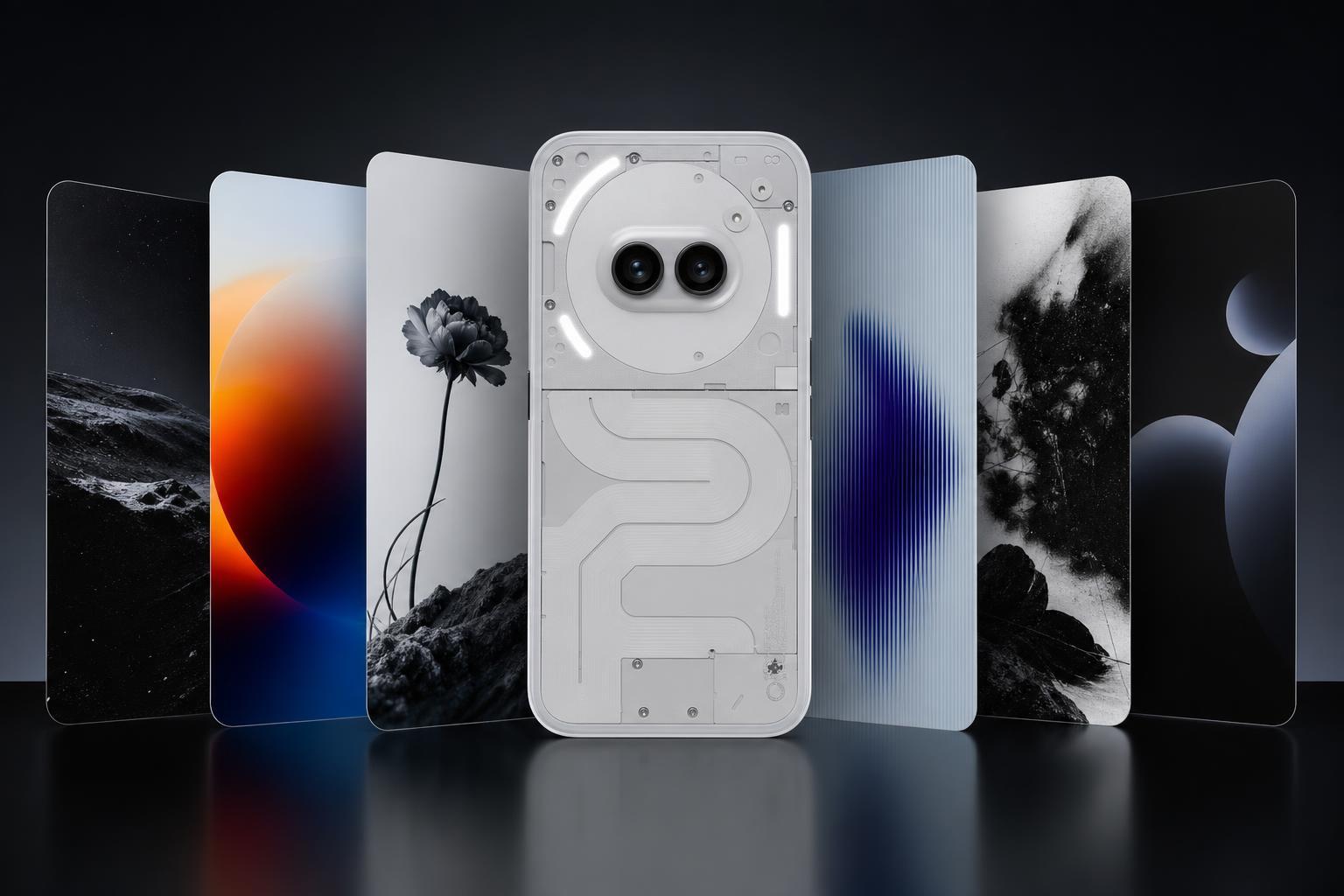
Why 4K Wallpapers Work So Well on the Nothing Phone (2a)
Even if your phone does not display every wallpaper at full 4K resolution pixel-for-pixel, starting with a high-resolution image usually gives the best result. It is especially useful if you like to reposition the wallpaper, use a custom launcher, or switch between home screen and lock screen layouts.
7 High-Quality Nothing Phone (2a) Wallpaper Styles
- Minimal geometric wallpaper: Clean shapes and balanced contrast work well with Nothing’s understated interface and make app icons easier to read.
- Abstract neon wallpaper: Bright lines and glowing accents add personality without clashing with the phone’s modern design.
- Dark gradient wallpaper: A darker background can make icons and widgets stand out while helping the screen feel calmer and less busy.
- Transparent-tech style wallpaper: Patterns inspired by circuitry, glass, or layered panels match the Nothing aesthetic particularly well.
- Red and white accent wallpaper: A limited color palette creates a premium look and ties in nicely with the brand’s design language.
- Soft nature-inspired wallpaper: Subtle skies, clouds, or blurred landscapes give the phone a more relaxed appearance without distracting from widgets.
- High-contrast black wallpaper: Ideal if you want a clean lock screen, better icon visibility, and a wallpaper that pairs well with dark mode.
How to Download Wallpapers Safely
- Choose a trusted source that offers direct image files or a clear download button.
- Check the resolution before downloading. For the best results, look for 4K or at least a large image with a matching aspect ratio.
- Avoid heavily compressed previews, since those often look worse once set as a wallpaper.
- Save the file to your phone’s Downloads folder or cloud storage so it is easy to find later.
- If the wallpaper comes in a ZIP file, extract it before trying to set the image.
How to Set the Wallpaper on a Nothing Phone (2a)
- Open the image in your Gallery or Photos app.
- Tap the menu or three-dot button and choose Set as wallpaper.
- Select whether you want it on the Home screen, Lock screen, or both.
- Adjust the crop or position if needed so the main part of the image sits where you want it.
- Confirm the change and check how it looks with your icons and widgets.
How to Choose the Best Wallpaper for the Nothing Phone Look
- Pick simple compositions if you use many widgets or a dense home screen.
- Use darker wallpapers if you want icons and text to stand out more clearly.
- Choose bright or colorful designs if you want the phone to feel more personal and lively.
- Match the wallpaper to your theme so the colors do not clash with app icons or widgets.
- Test the wallpaper on both the lock screen and home screen before settling on it.
If the Wallpaper Looks Blurry or Cropped
If a wallpaper does not look right after you set it, the issue is usually one of three things: the image is too small, the crop is too aggressive, or the original file was compressed too heavily. Re-downloading a higher-resolution version usually solves the problem.
- Use the original 4K file instead of a compressed preview.
- Try a different crop position before confirming the wallpaper.
- Choose a wallpaper with more empty space if your home screen icons cover important parts of the image.
Final Pick
For most Nothing Phone (2a) users, the best wallpaper is one that feels consistent with the phone’s design: simple, sharp, and not too distracting. If you want a safe starting point, try a dark gradient or minimal geometric wallpaper first, then move to a bolder abstract or neon look if you want more color.