iPhone & iPad.
Helpful iPhone and iPad guides, settings, features and troubleshooting solutions.
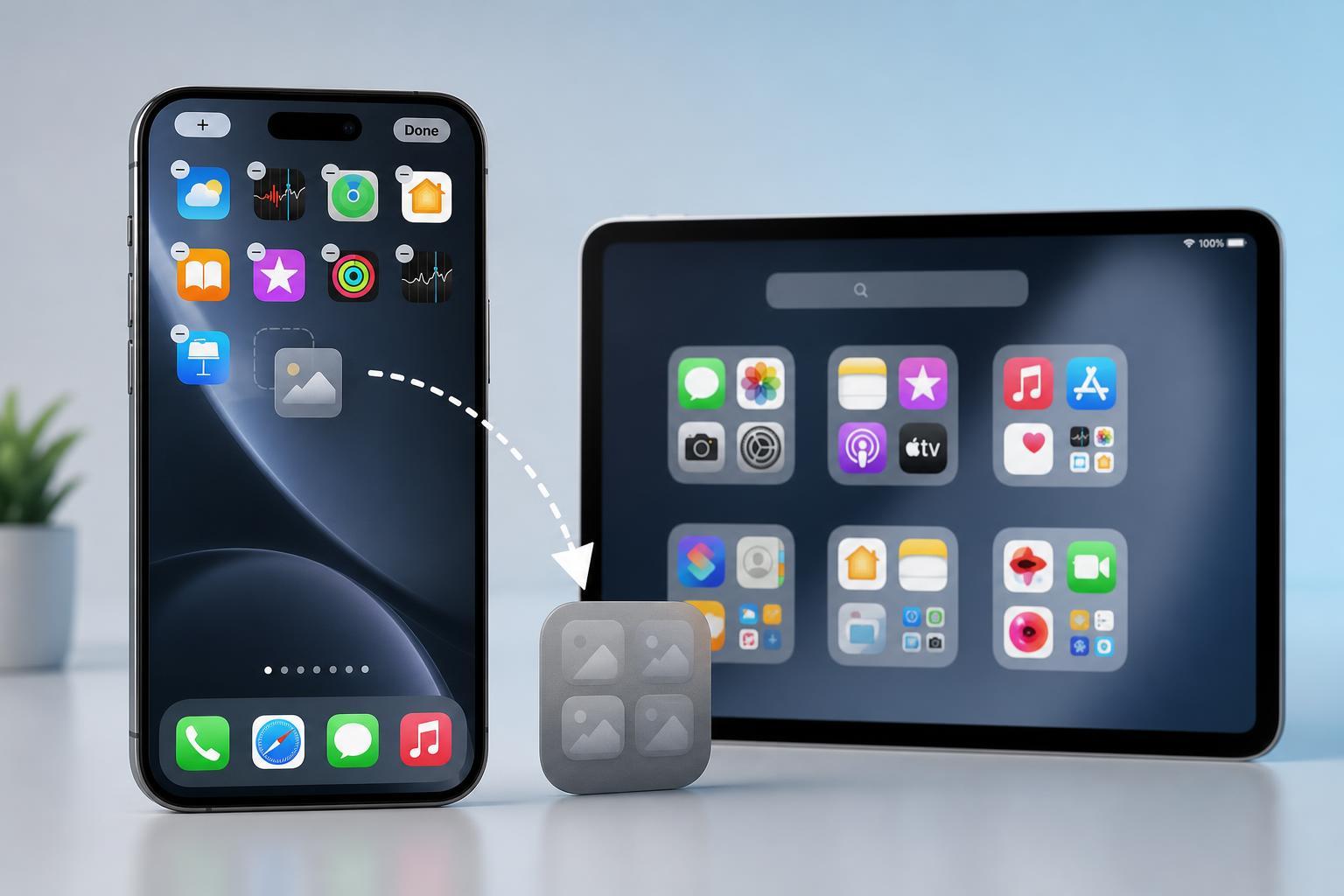
How to Offload Apps You Don’t Use on iPhone or iPad
Learn how to offload unused apps on iPhone or iPad to free storage without deleting documents and data, plus how to turn on automatic offloading and reinstall apps later.
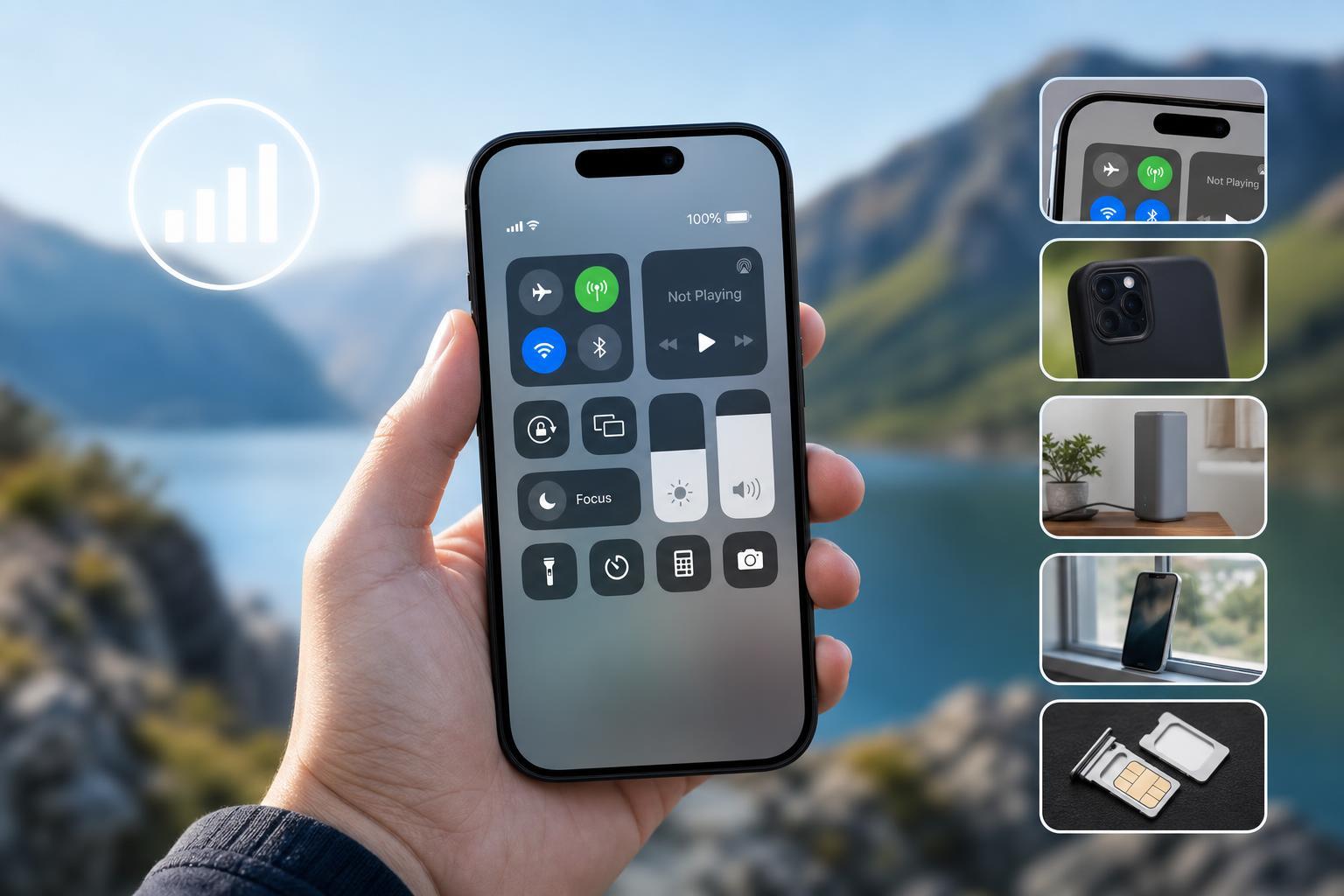
5 Practical Ways to Improve Cellular Signal on iPhone
Learn five effective ways to get better cellular signal on an iPhone, plus how to tell whether the problem is your location, carrier, settings, or the phone itself.
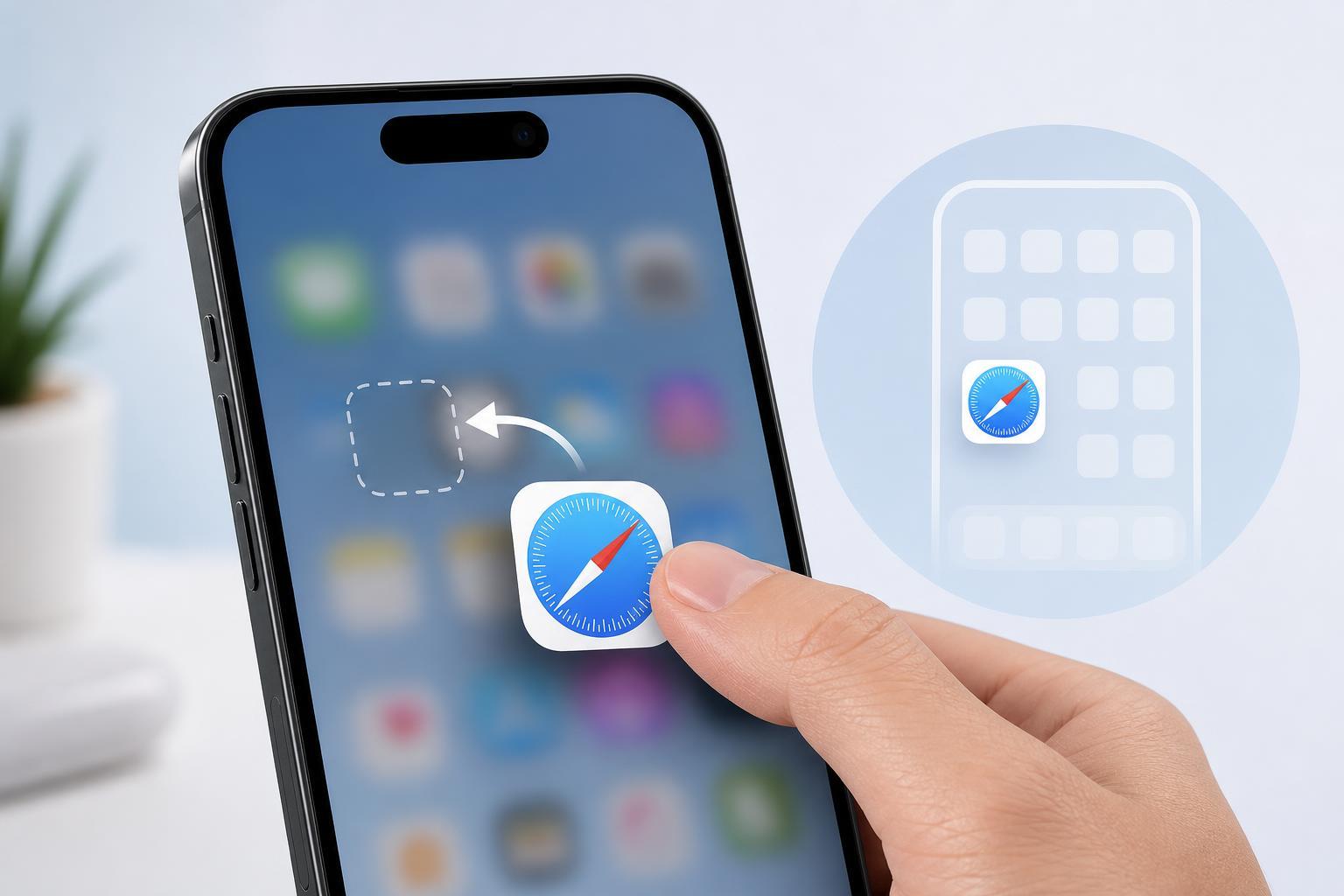
How to Restore the Safari App Icon on an iPhone Home Screen
Learn how to bring the Safari icon back to your iPhone Home Screen, including checking the App Library, hidden pages, Screen Time restrictions, and Home Screen settings.
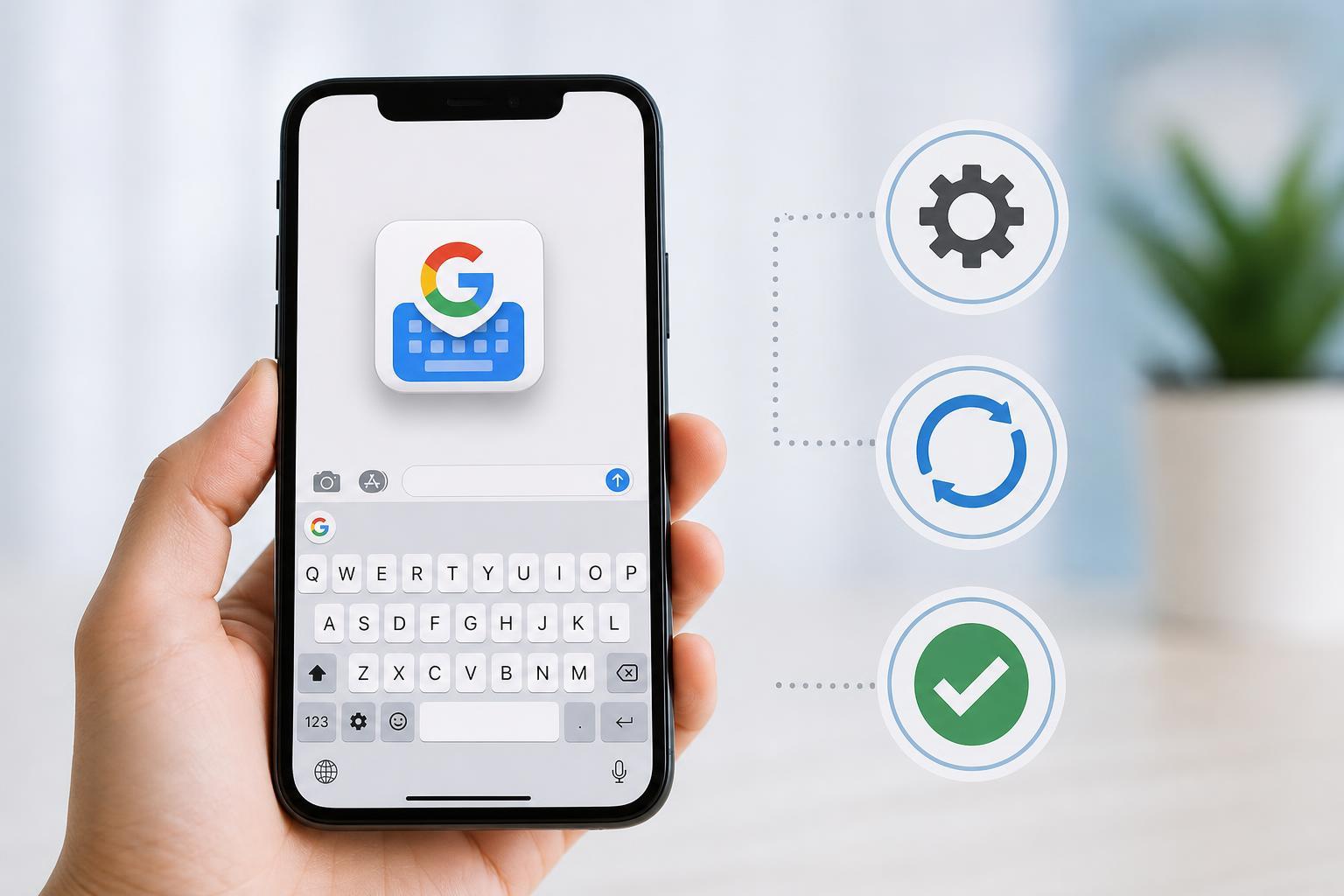
3 Simple Ways to Fix Gboard on iPhone When It Stops Working
Learn three practical ways to fix Gboard not working on iPhone, including keyboard settings, app permissions, and reinstalling the keyboard when needed.
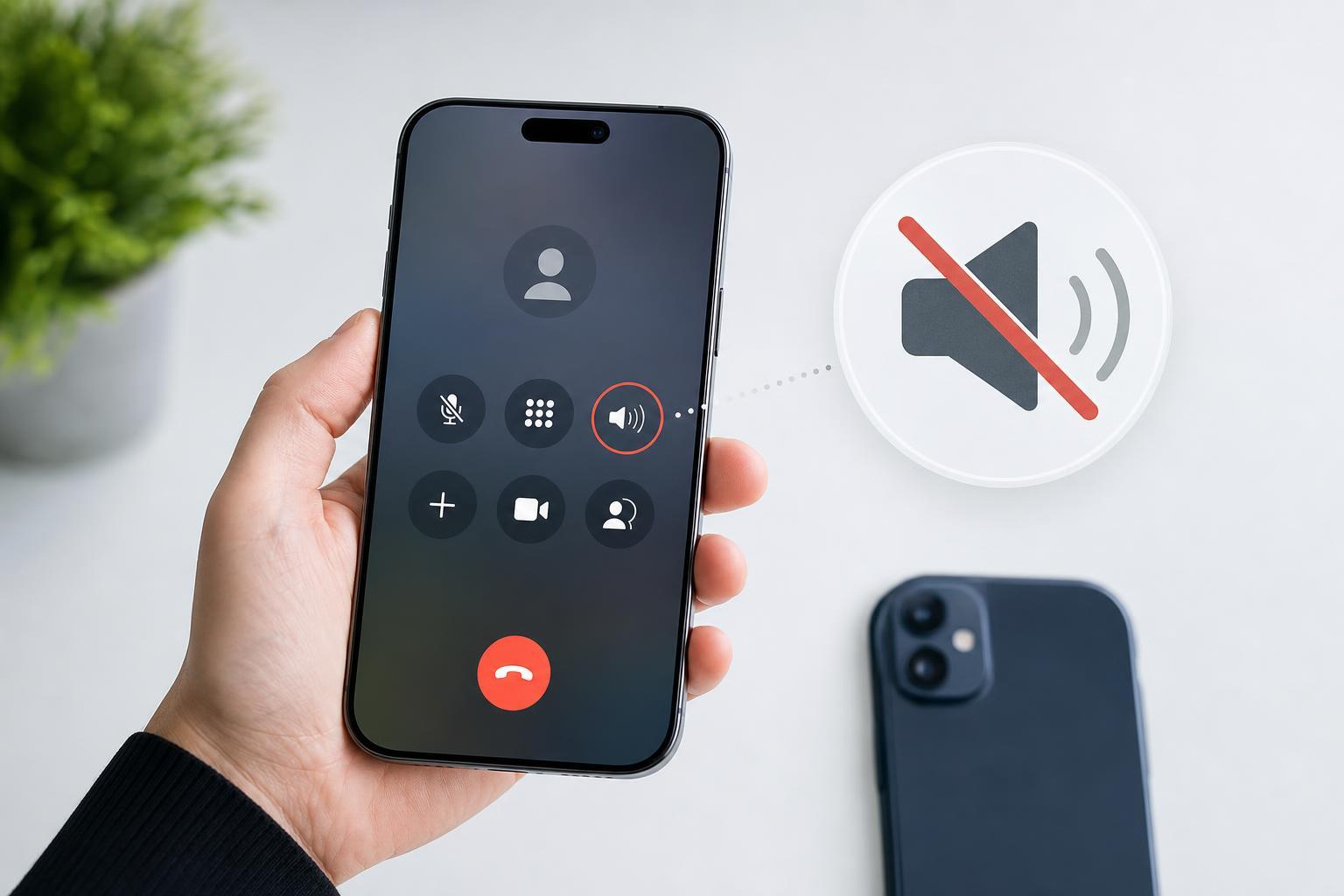
iPhone Speaker Not Working During Calls: 3 Fixes That Usually Solve It
Learn three practical fixes for an iPhone speaker that does not work during calls, including checking call audio routing, cleaning the speaker, and adjusting sound settings.
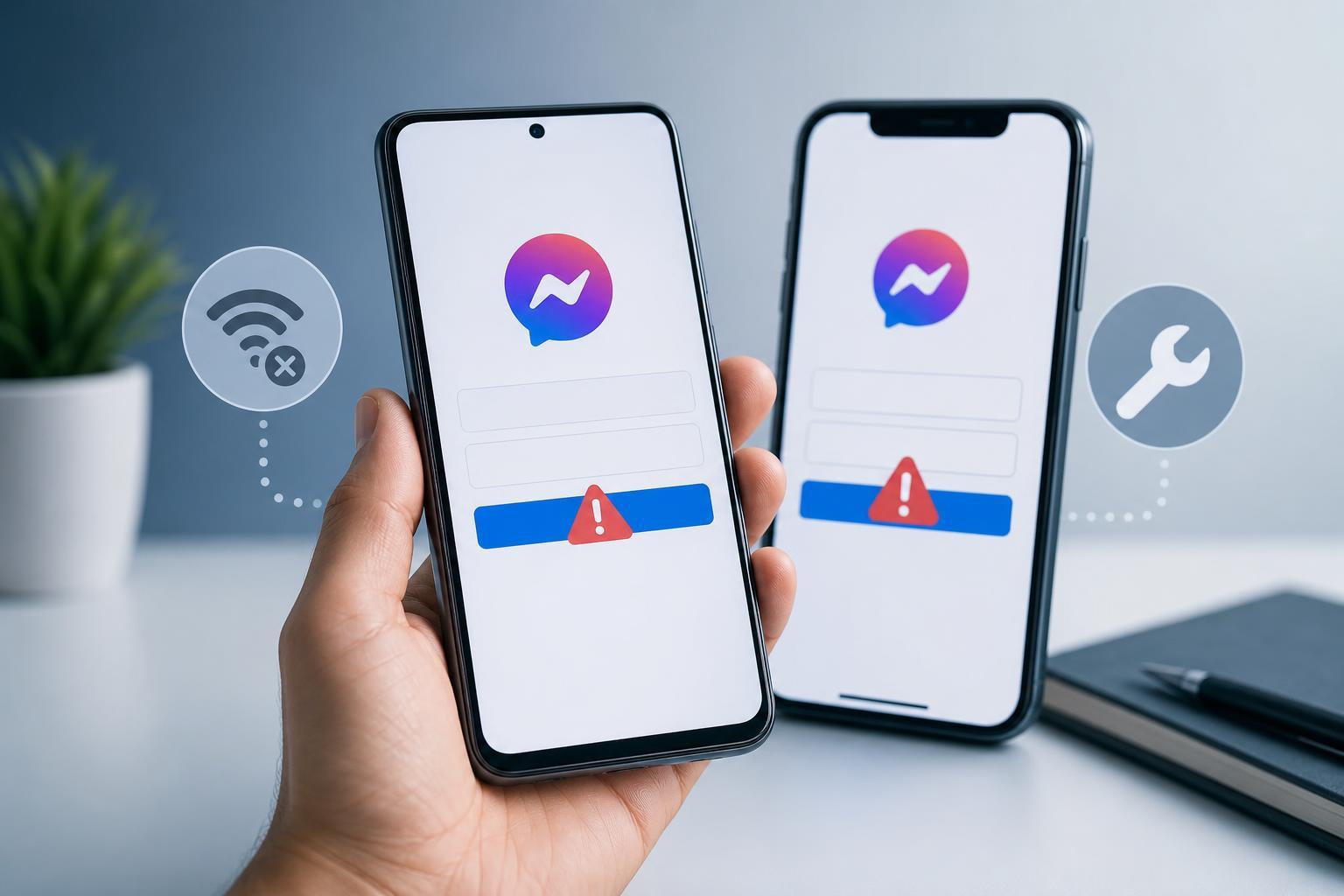
How to Fix Facebook Messenger Login Problems on Android and iPhone
Learn two practical ways to fix Facebook Messenger sign-in problems on Android and iPhone, including account access checks and app troubleshooting steps.
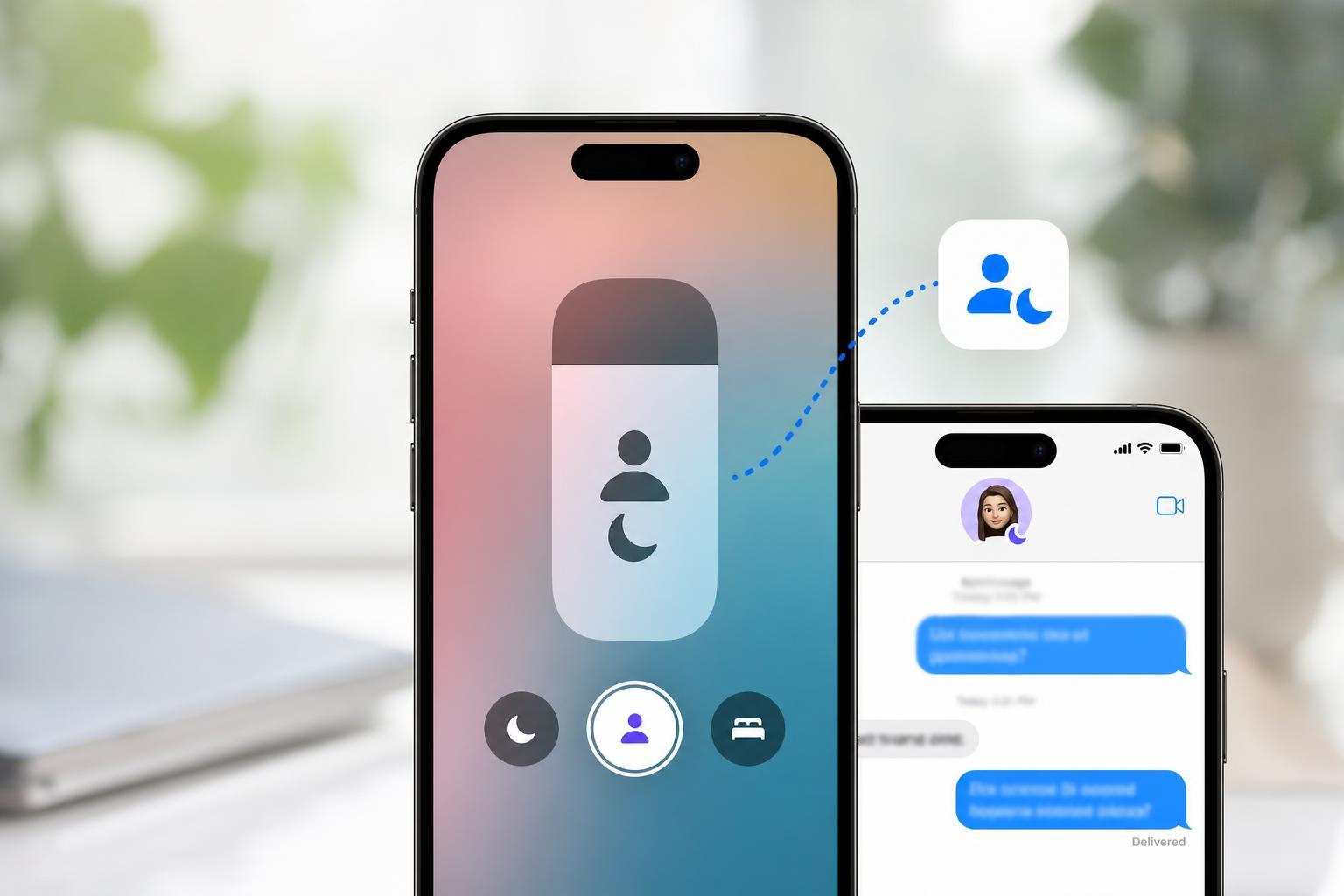
Share Focus Status on iPhone: What It Means and How to Turn It On
Learn what Share Focus Status does on iPhone, how it works with Focus modes, and how to enable or disable it in Messages and other apps.
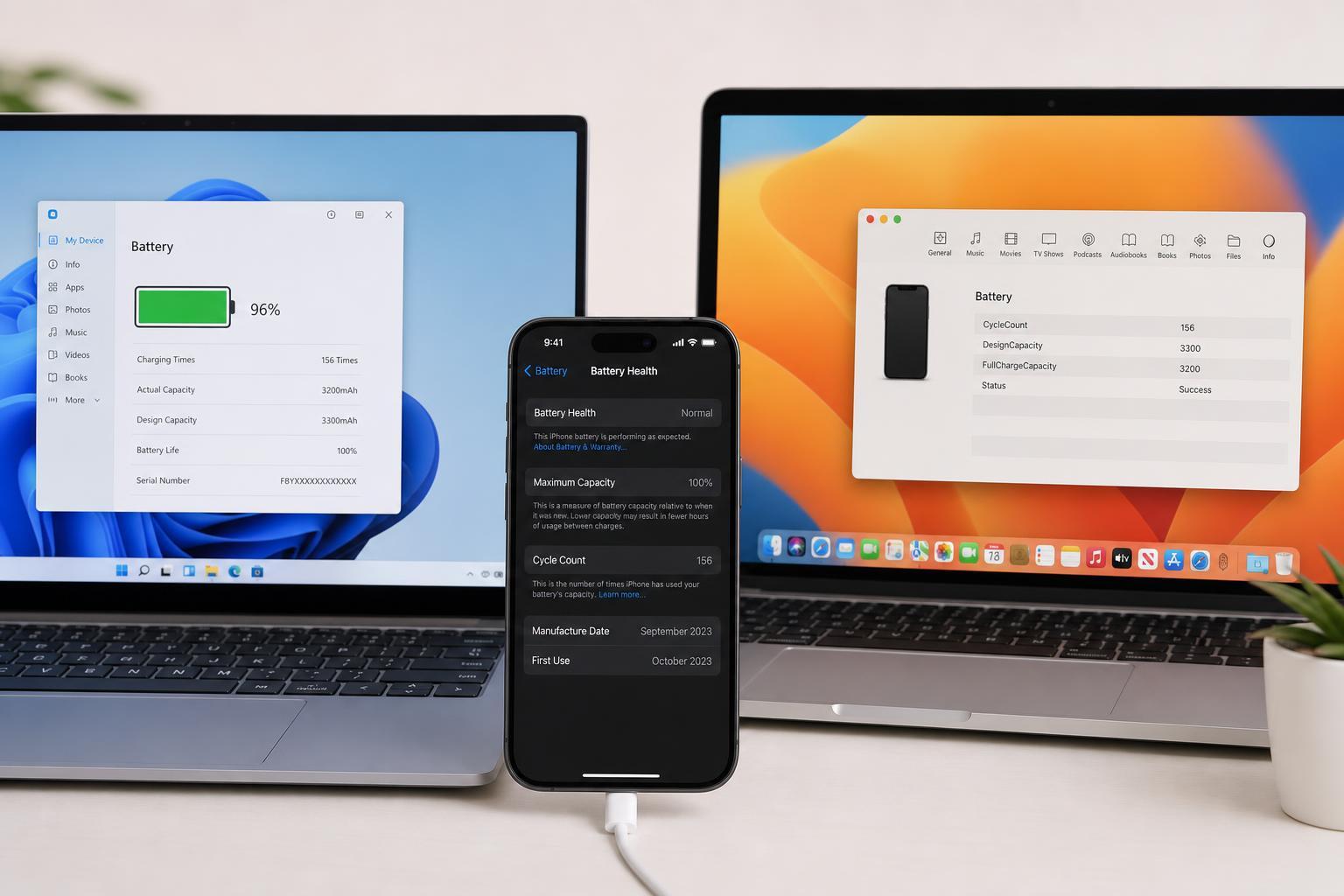
3 Easy Ways to Check iPhone Battery Cycle Count on Windows and Mac
Learn three practical ways to check your iPhone battery cycle count using Windows or Mac, including built-in tools, device reports, and third-party apps.
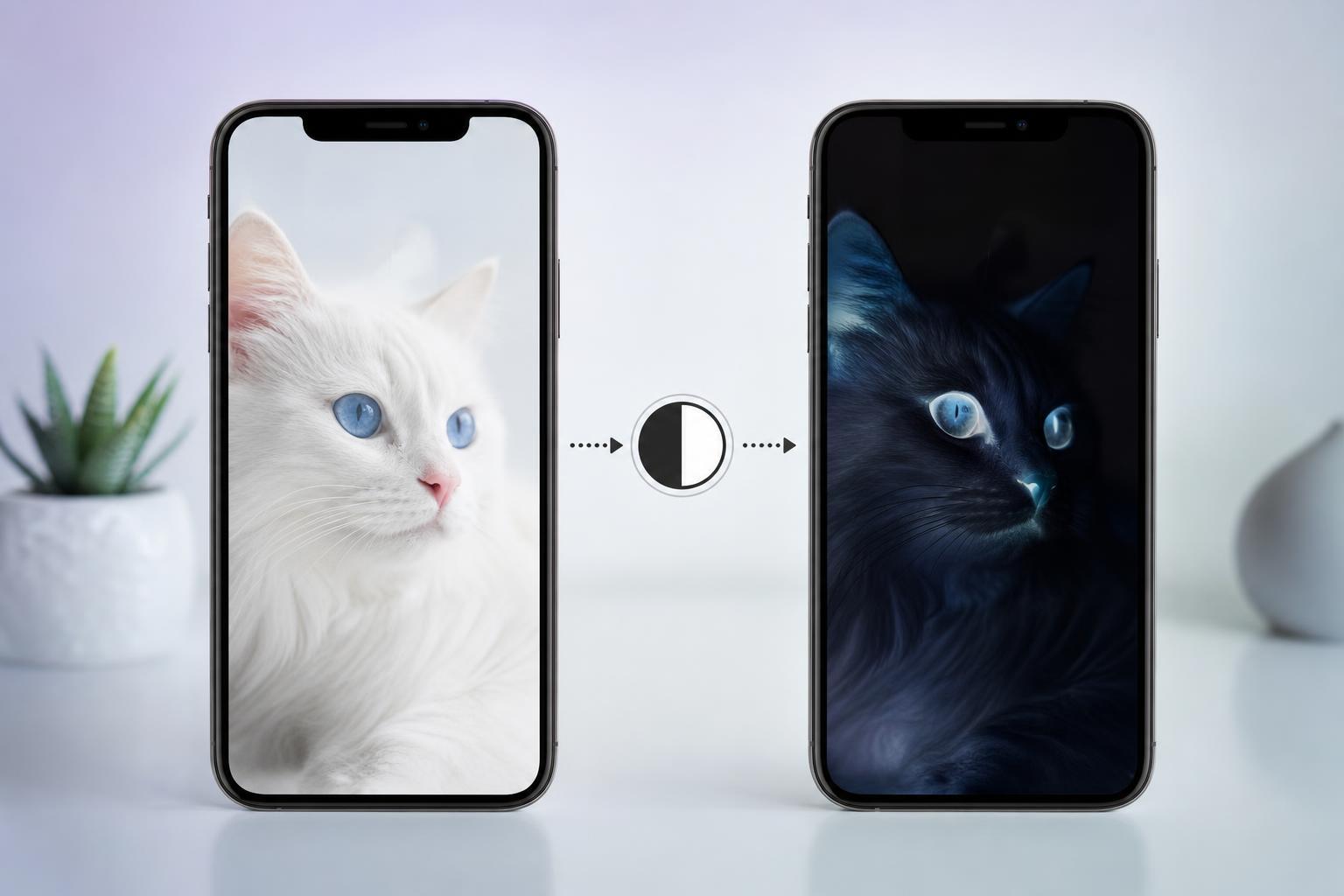
9 Ways to Reverse Screen and Picture Colors on iPhone
Learn nine ways to invert colors on an iPhone, including Smart Invert, Classic Invert, accessibility shortcuts, and app-specific options for photos, screenshots, and videos.
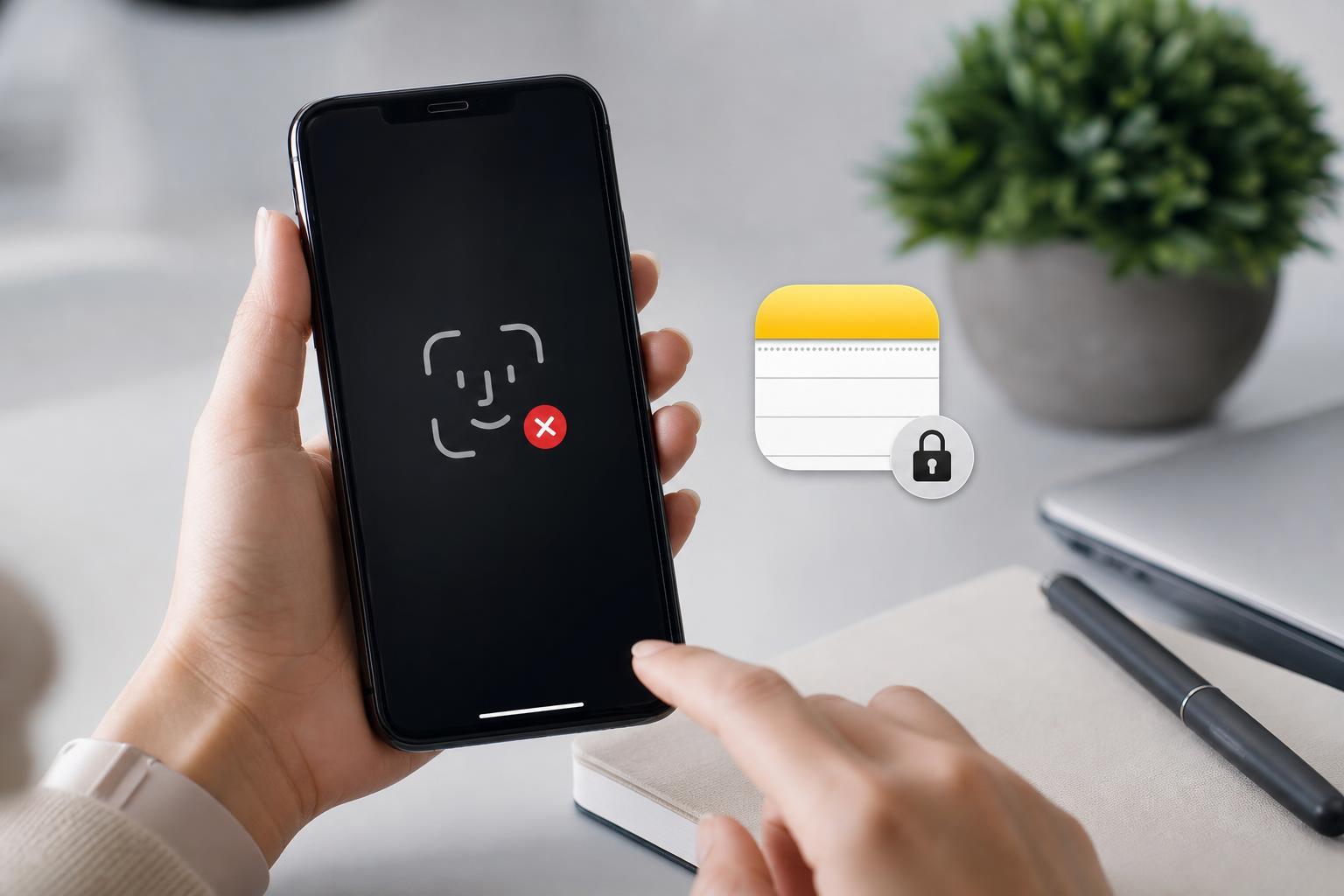
3 Ways to Fix Face ID Not Working for Notes on iPhone
Learn three practical fixes for when Face ID is not unlocking Notes on iPhone, including Notes settings, Face ID permissions, and app or system issues.
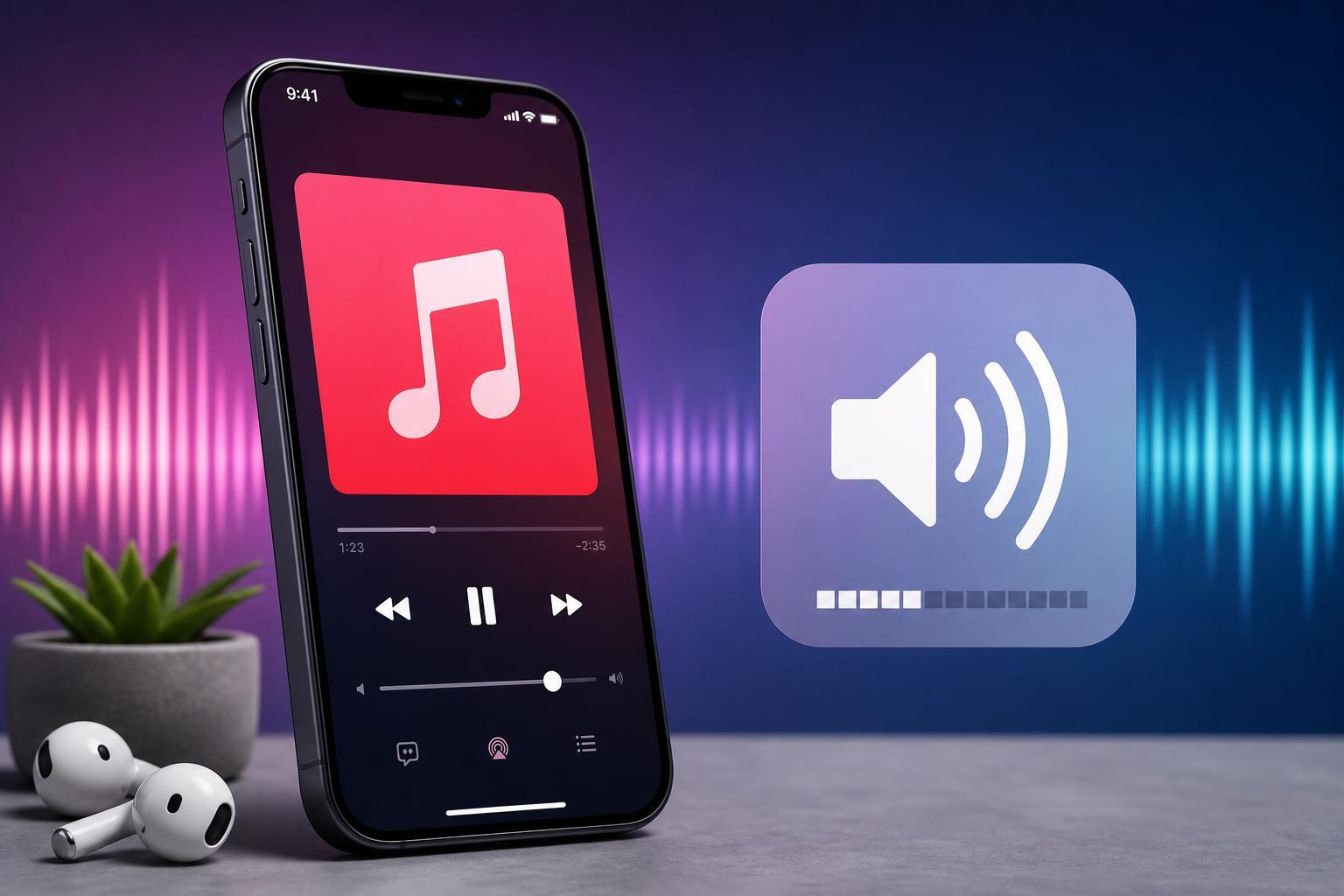
4 Ways to Increase Apple Music Volume on iPhone
Learn four practical ways to make Apple Music louder on iPhone, including volume controls, EQ settings, Sound Check, and device or headphone checks.
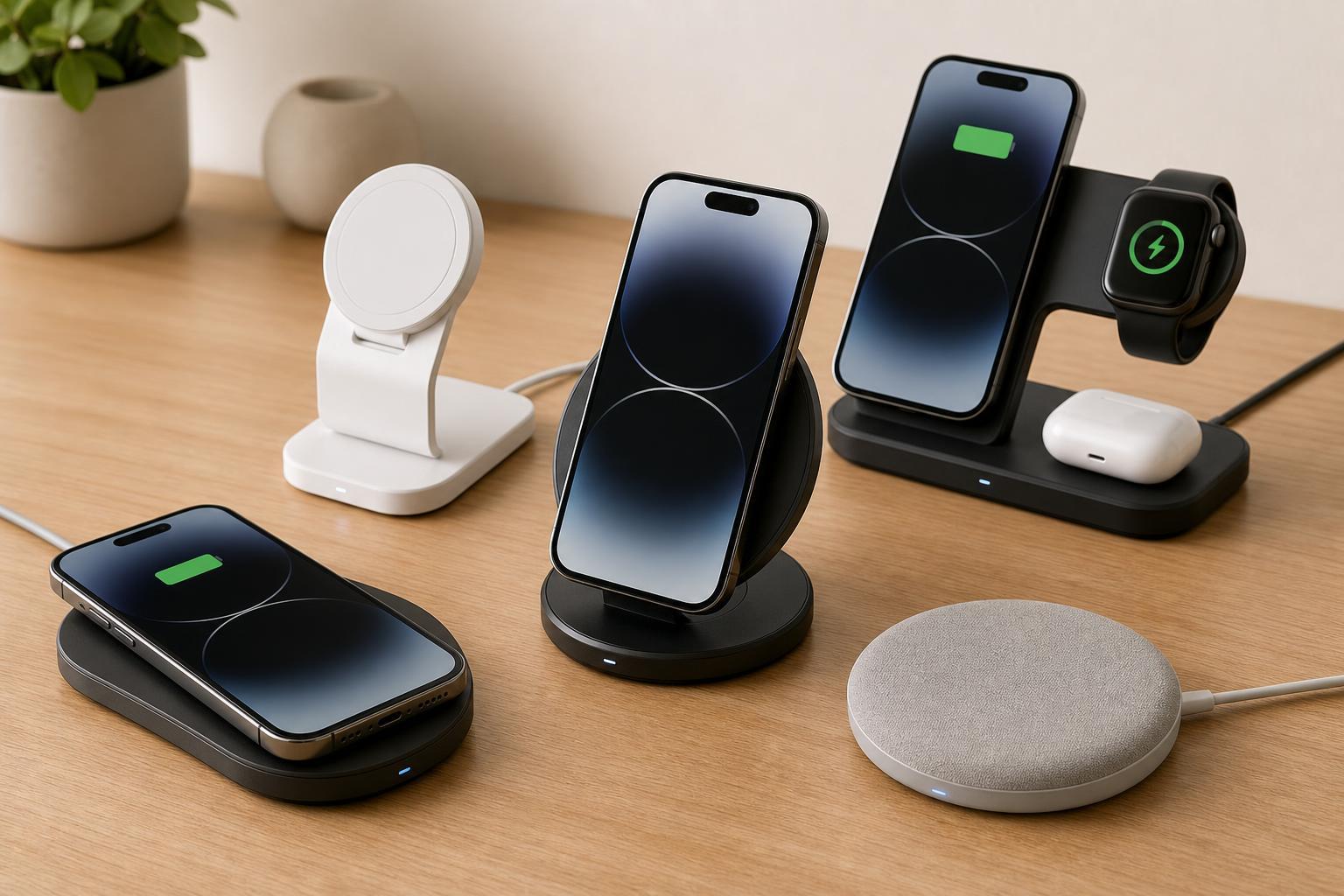
The 5 Best Wireless Chargers for the Apple iPhone 15 Series
Discover the best wireless chargers for the iPhone 15 series, including the features, charging speeds, and compatibility details that matter when choosing the right MagSafe or Qi charger.