Sending a text anonymously is possible, but the method you choose matters. Some options hide your phone number from the recipient, while others only hide it from casual view or rely on a separate number entirely.
This guide explains the best apps and services for anonymous texting, how they differ, and the privacy tradeoffs to keep in mind before you send a message.
What Anonymous Texting Really Means
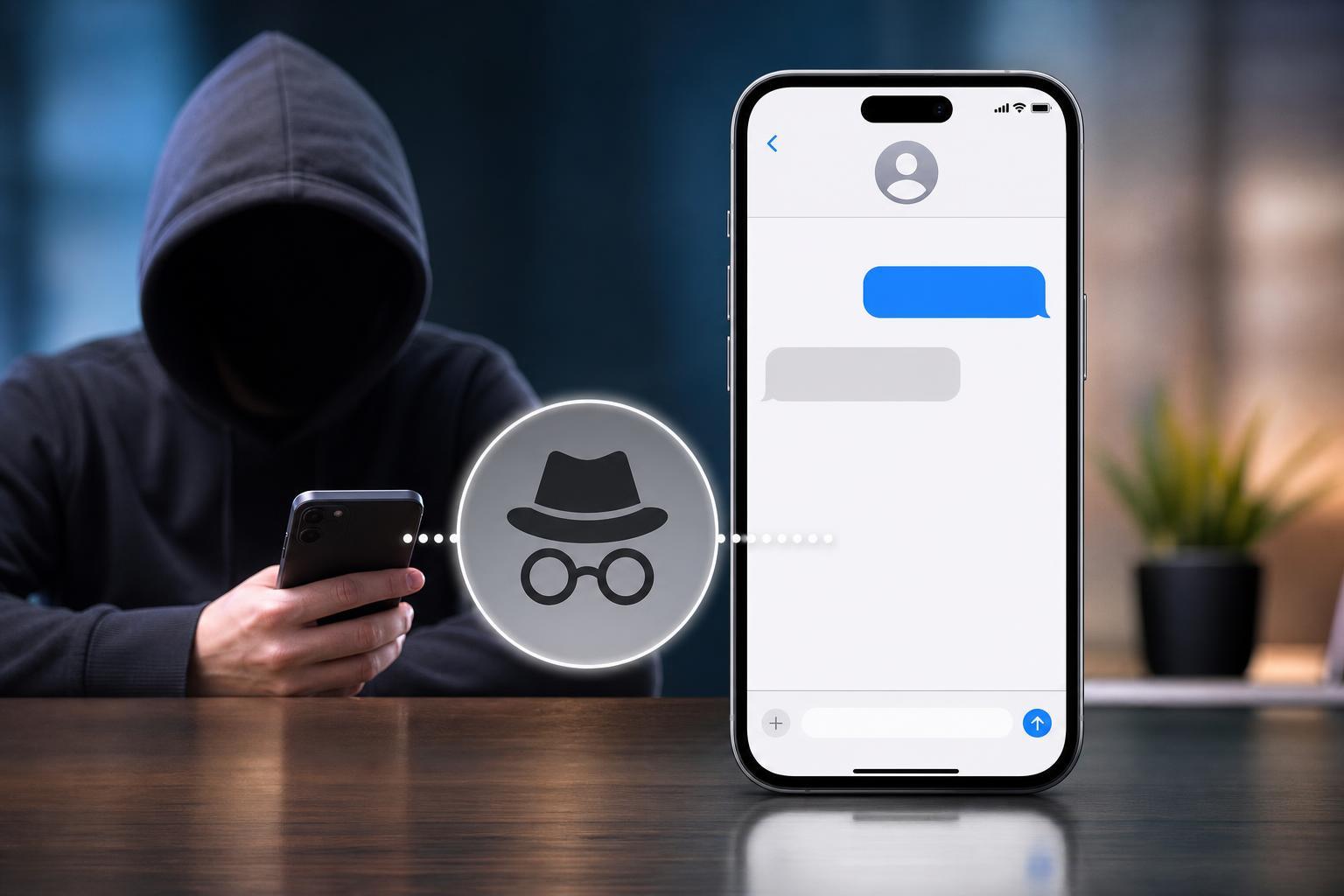
Before choosing an app, it helps to understand what “anonymous” can mean in practice. In most cases, it means the recipient does not see your real phone number. It does not always mean the message cannot be traced by the service provider, your carrier, or law enforcement if required.
Best Apps and Services for Anonymous Texting
The right option depends on whether you want a one-time anonymous message, a temporary number, or a more private texting setup for ongoing use.
- Google Voice: Gives you a separate number for calls and texts. It is useful if you want a long-term secondary number, but it is not truly untraceable because it is linked to your Google account.
- TextNow: Offers a free or low-cost second number in many regions. Good for ongoing use, though availability and features can vary by country.
- Burner: Designed for temporary disposable numbers. Useful when you want to separate a short-term conversation from your real number.
- Hushed: Another temporary-number app that can be used for private communication without sharing your personal line.
- Sideline: A second-number app aimed more at business or side-use, but it can also keep your personal number private.
- Pinger/Textfree: Lets you send texts from a separate number in supported regions, which can work well for casual privacy needs.
How to Choose the Right Option
- Choose Google Voice if you want a stable second number and already use Google services.
- Choose Burner or Hushed if you want a temporary number that is easy to discard later.
- Choose TextNow or Textfree if you want a lower-cost option for regular texting.
- Choose Sideline if you want a second number that feels more like a dedicated line.
- Avoid using your main number with caller ID blocking alone if your goal is privacy from the recipient.
Ways to Text Anonymously Without a Special App
There are a few other ways to send a text without revealing your personal number, but each has limitations.
- Use a web-based texting service that assigns you a number for the message.
- Send the message from a secondary SIM or eSIM number if your phone supports it.
- Use a VoIP number from a calling and messaging app instead of your mobile number.
- In some cases, use email-to-text gateways, though these often reveal the sending email or are carrier-dependent.
How to Text Someone Anonymously Step by Step
- Pick a service that provides a separate number or disposable texting line.
- Create the account using information you are comfortable sharing with the provider.
- Verify the number or payment method if the service requires it.
- Open the app or web dashboard and send your message from the assigned number, not your personal SIM number.
- Keep the message short and appropriate, especially if the service shows branding, reply limits, or temporary-number warnings.
- When you are done, delete the number or cancel the service if you no longer need it.
Privacy Limits You Should Know
Anonymous texting is rarely fully anonymous. Most services can keep logs, and some require account verification, payment details, or device data. The recipient may also be able to learn more depending on the app’s behavior, message content, or whether the service attaches a shared label to outbound messages.
- The service provider may have records of message activity.
- Your payment method may be tied to the account.
- Some apps expose their own name or number type to the recipient.
- Screenshots or message forwarding can still identify you through what you write.
- Terms of service may restrict certain uses of anonymous messaging.
Common Problems When Anonymous Texting
If a message does not go through, the issue is often one of these:
- The service does not support the recipient’s country or carrier.
- The number has been flagged or recycled.
- The app requires verification before texting is enabled.
- The service blocks certain message types, links, or short codes.
- The recipient has blocked the number or the number has been reported.
When Anonymous Texting Is a Bad Idea
Anonymous texting should not be used to harass, threaten, impersonate someone, or evade contact restrictions. If you only need to protect your personal number for legitimate privacy reasons, a secondary number is usually the cleanest option.
Choosing the Best Method for Your Situation
If you want the simplest answer, use a second-number app rather than trying to hide your main number. For a one-time message, a disposable number service is usually the most practical choice. For ongoing privacy, a dedicated secondary line is usually better than constantly switching apps.
The best method is the one that balances privacy, reliability, and legitimacy for your situation. If you need a message to be private, but also need it to be delivered reliably, a well-known secondary-number service is usually the safest starting point.